Power Query Advanced Editor If Statement Power Query Advanced Editor Using IF AND Conditional Column YouTube Gifs Query Insertion 4 Telegraph Power Editor Power Query Advanced Editor Keyboard Shortcuts XXL BI Applied Steps Power Query Microsoft Learn How to write Power Query if statements including nested if if or and if and which are easier to write than their Excel counterparts Power Query Variables 3 Ways Power Query Variables enable you to
In Power Query s Advanced Editor using multiple criteria with IF statements helps make data changes more detailed It lets you set up conditions based The Power Query if statement syntax is different to Excel In Excel the IF function has the following syntax IF logical test value if true value if false
Applied Steps Power Query Microsoft Learn Quick Tour PowerQuery M Microsoft Learn Use Advanced Power Query Editor To Use SQL Stateme Microsoft Power Nested If Function Python Advanced Editor In Power Query MyExcelOnline Query Overview In Power BI Desktop Power BI Microsoft Learn Power Query If Date Is Null Templates Sample Printables Power Query Advanced Editor Functions Printable Forms Free Online How To Sort Rows In Power Bi Table Relationships Was Changed
Power Query Advanced Editor If Statement
 Power Query Advanced Editor If Statement
https://i.ytimg.com/vi/xteLJ4IDyUM/maxresdefault.jpg
Example 3 Using the IF Statement in the Advanced Editor to Create a New Column The Advanced Editor in Power Query is a feature that provides direct
Pre-crafted templates provide a time-saving service for developing a varied range of documents and files. These pre-designed formats and layouts can be made use of for various personal and professional jobs, consisting of resumes, invites, flyers, newsletters, reports, presentations, and more, enhancing the material development process.
Power Query Advanced Editor If Statement
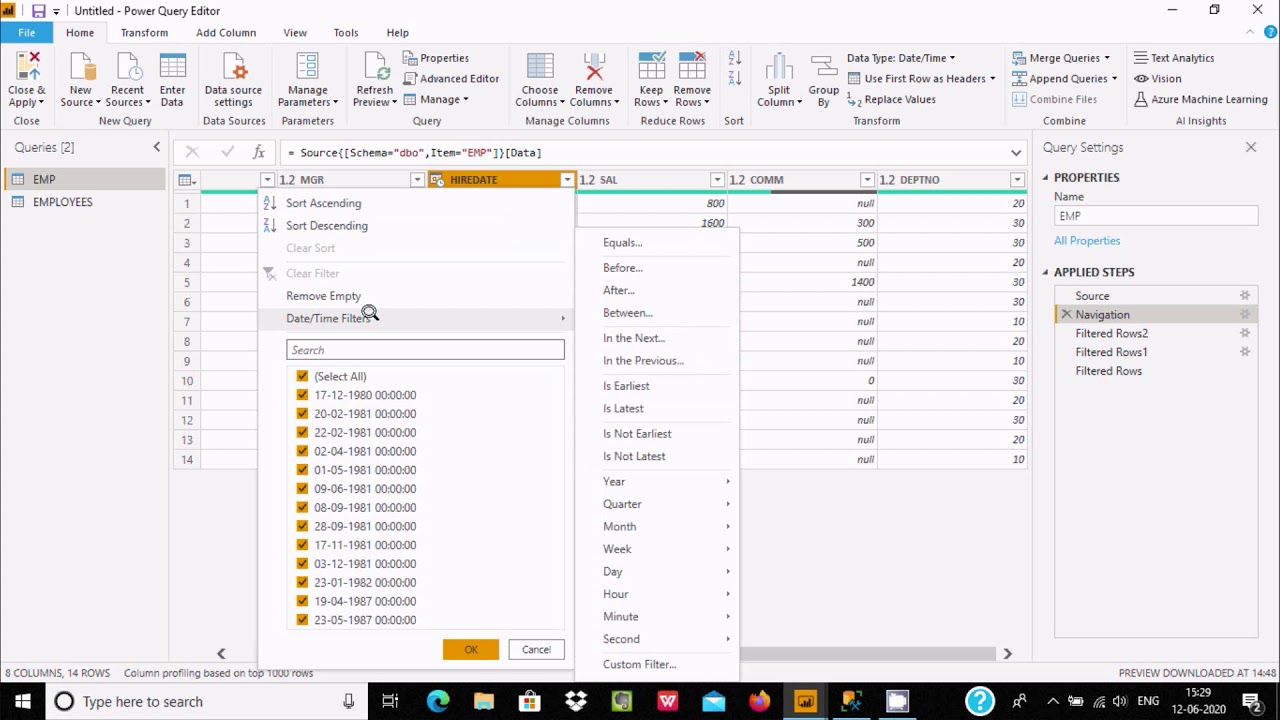
Power Bi Delete Filtered Rows Printable Online
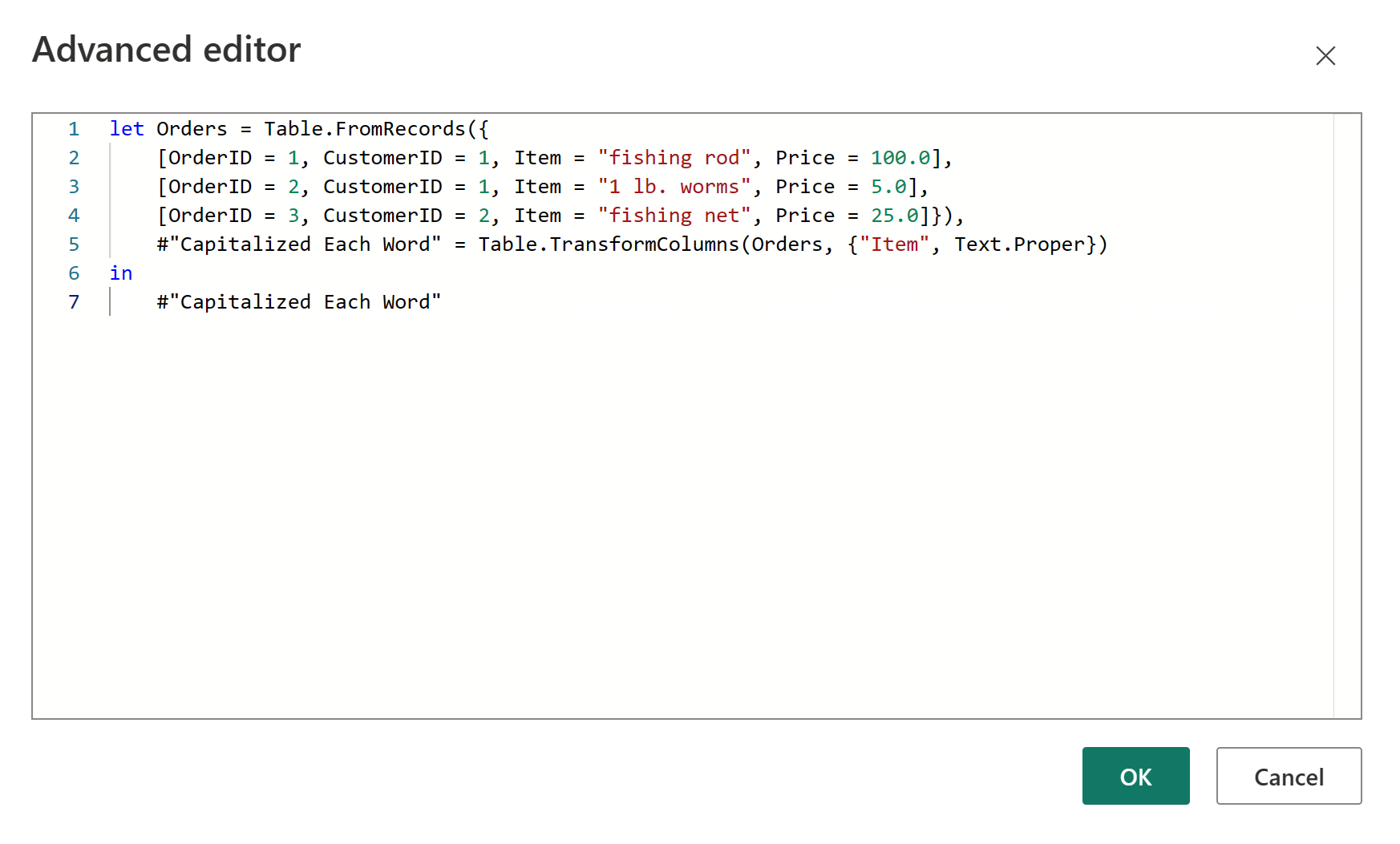
Quick Tour PowerQuery M Microsoft Learn

Use Advanced Power Query Editor To Use SQL Stateme Microsoft Power
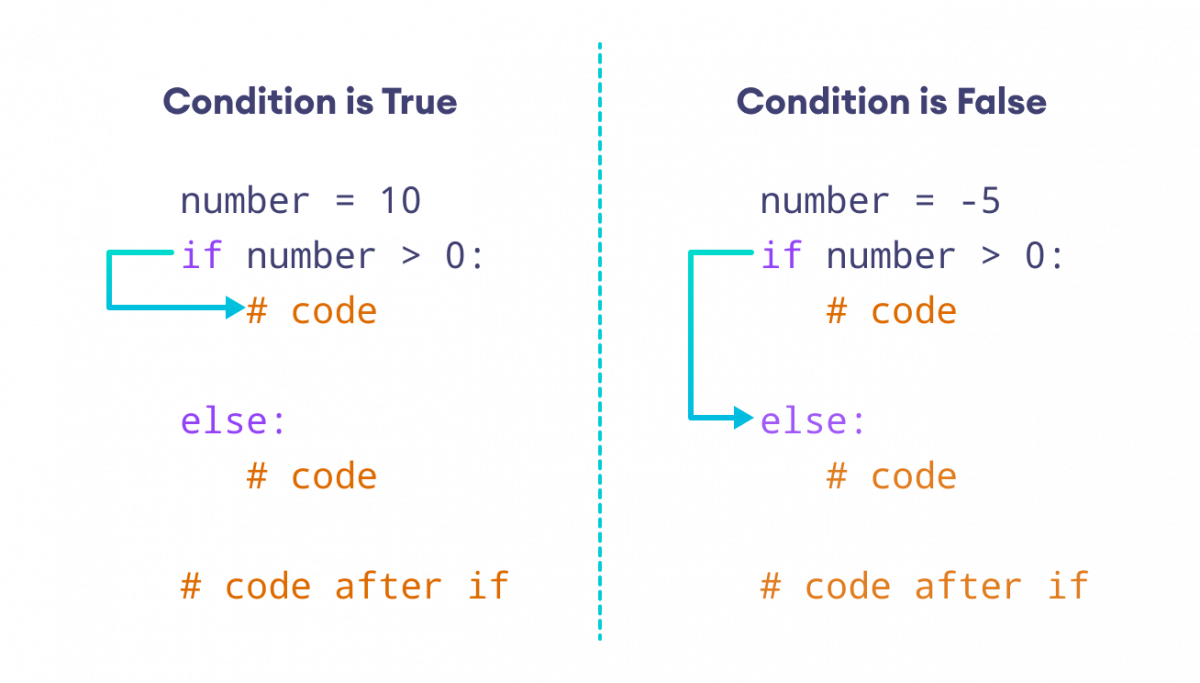
Nested If Function Python
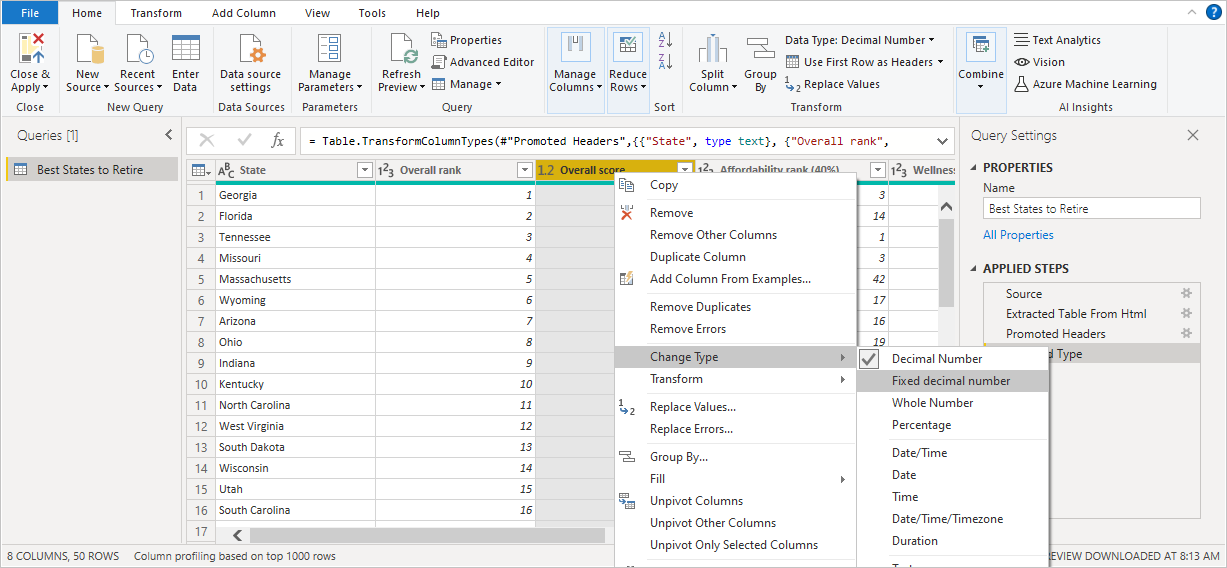
Query Overview In Power BI Desktop Power BI Microsoft Learn
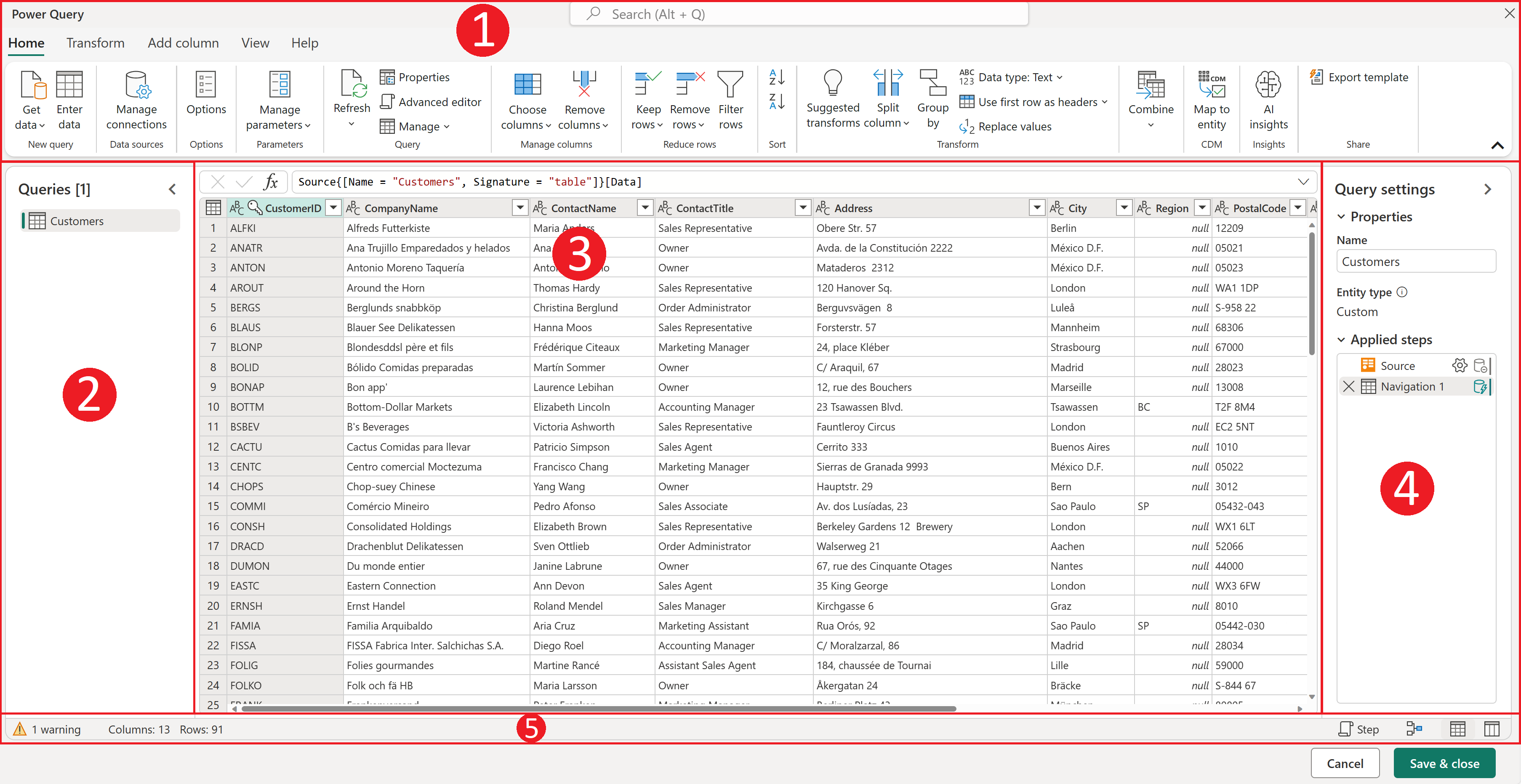
Power Query If Date Is Null Templates Sample Printables

If statement in Power Query Advanced Editor 04 23 2022 10 27 PM Hi there This is probably a relatively simple answer but I have tried it a few ways with no
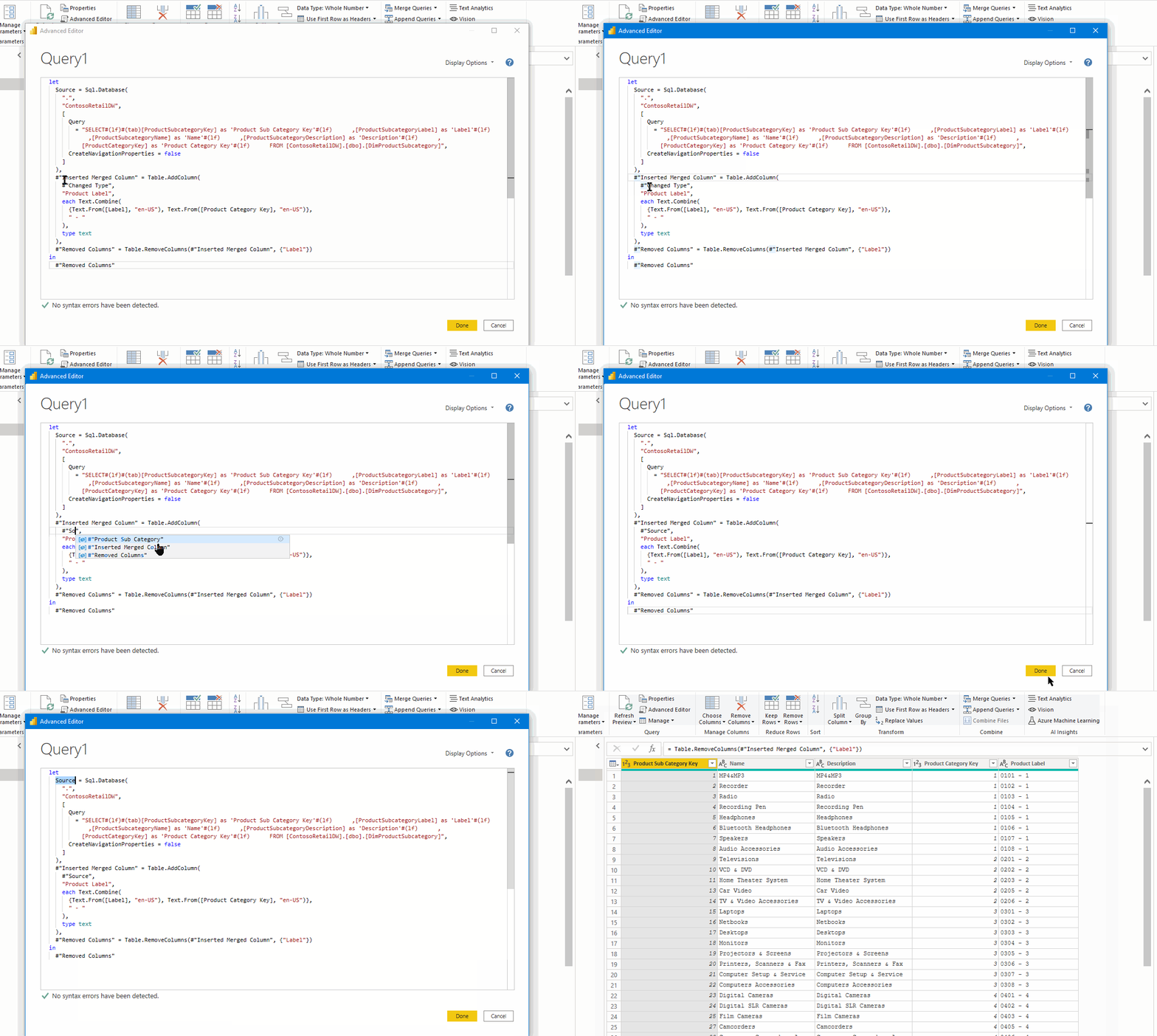
Can you do if statements in Advanced Editor in Power Query 09 06 2016 01 06 PM Hi Everyone I am loading a Fiscal Reference Date Dim that has 3 years in it

Condition IF In Power Query s Advanced Editor I have a field named field and I would like to see if it is null but I get an error in the query my code is this let
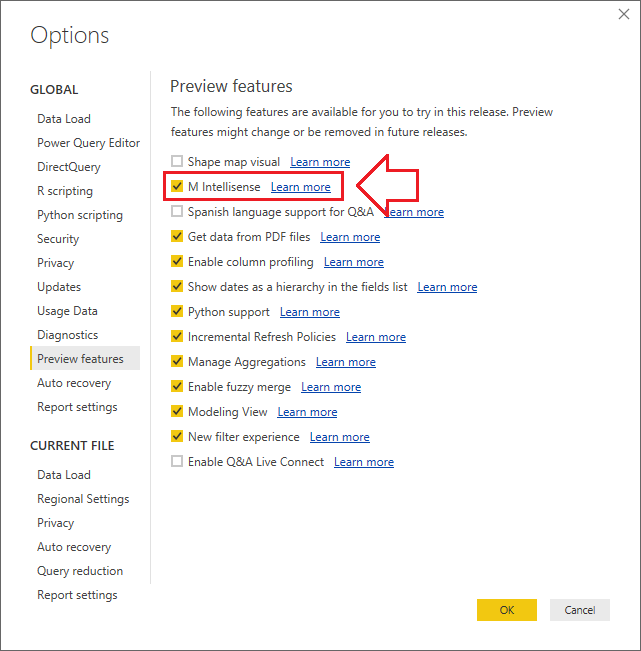
Describes using conditionals in the Power Query M formula language

Power Query if Statements Note this tutorial assumes you already know how to write Excel IF IF OR and IF AND formulas If you don t then here are the links to tutorials on IF formulas and IF OR and IF
In this short video I ll begin by outlining the origins of the If Statement in Programming within a Slide After that I showcase the range of mathematical o We showed you two ways to use Power Query IF statements one using conditional column which is useful for basic IF statement logic and the other using
Step 1 Open the Power Query Editor from a Table or Range Choose the table Navigate to the Excel ribbon s Data tab Click Get Data then select From