Power Bi Service Authentication Method Most Popular API Authentication Methods 3Pillar Global Power Bi Service Vs Power Bi Premium Design Talk Comparing Power BI Desktop And The Power BI Service Power BI Power BI Power BI Microsoft Learn AUTHENTICATION PROTOCOLS PadaKuu Service principal is an authentication method that can be used to let an Azure AD application access Power BI APIs With this authentication method you no longer have to maintain a service account with an admin role
The customization of the Power BI Report Server authentication allow to modify the layout of the login page the business logic of the login phase for example by calling a web api to login and the business logic of the authorization mechanism With these elements we can customize the behaviour of the enviroment to fit to the comany requirements Service principal is an authentication method that can be used to let an Microsoft Entra application access Power BI service content and APIs When you create a Microsoft Entra app a service principal object is created The service principal object also known simply as service principal allows Microsoft Entra ID to authenticate your app
AUTHENTICATION PROTOCOLS PadaKuu Power BI Masterclass For Analysts Why Power Bi Is Important For Any Business Growth Vantos Technologies Power BI Hizmetinde En Son Ziyaret Edilen I erikleri G r nt leme Implement Advanced Data Visualization Techniques By Using Power BI Info Differences Between Power Bi Premium Power Bi Report Server My M365 Accueil PowerBI Wiki Power BI Power BI Microsoft Learn LEGACY Microsoft Power BI A Complete Introduction Academind
Power Bi Service Authentication Method
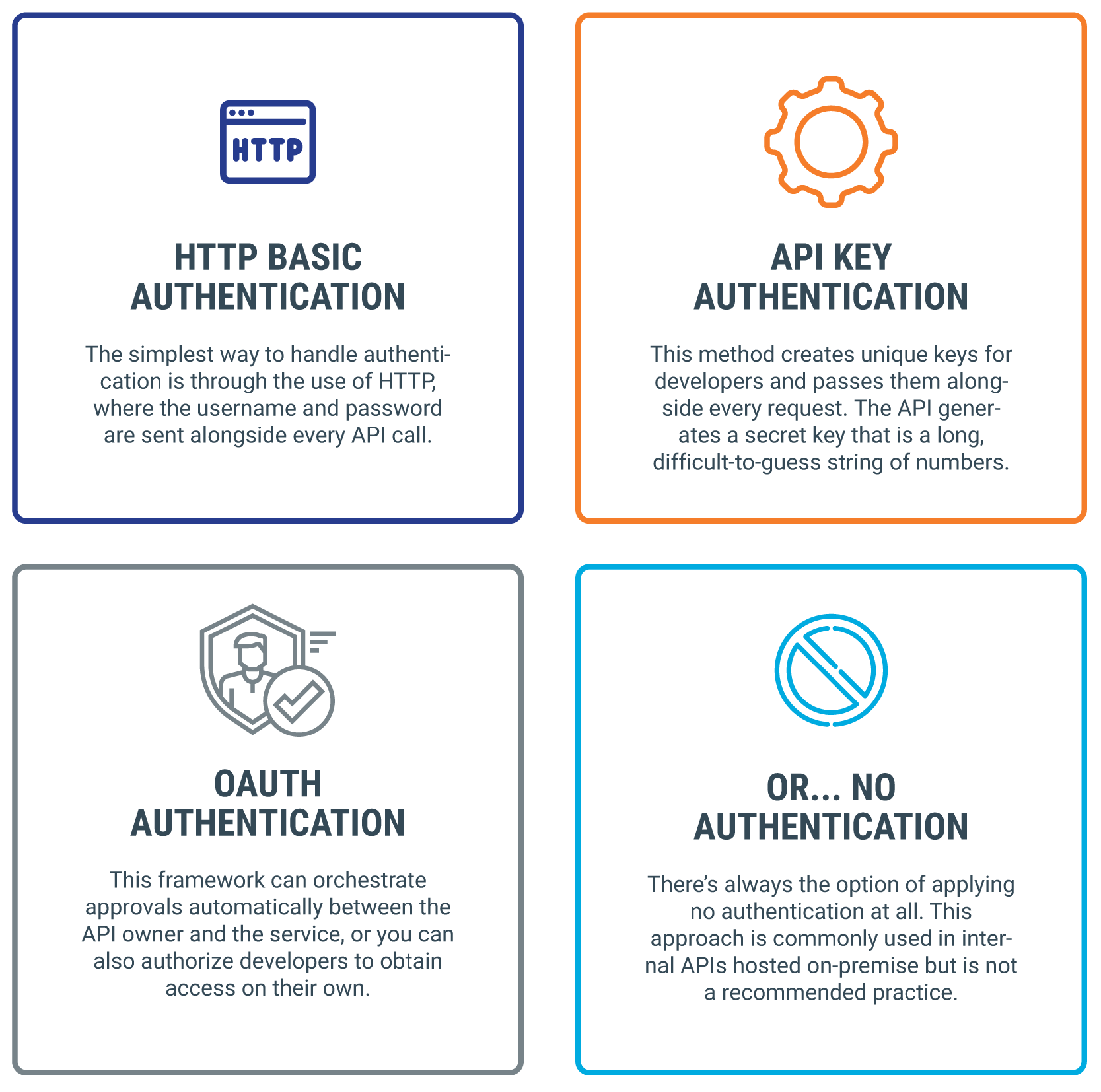 Power Bi Service Authentication Method
https://www.3pillarglobal.com/wp-content/uploads/2021/12/common-api-authentication-methods.png
Update Sep 2021 Great to see you here I suggest after you read read this blog don t miss the other two additions to the series where I will give you an easier python module option called azure identity in the third final one Links are at the bottom I recently decided to develop some Power BI automation scripts for a customer using the Power BI REST APIs and Python
Templates are pre-designed files or files that can be utilized for various purposes. They can save time and effort by providing a ready-made format and layout for developing different kinds of content. Templates can be used for personal or expert tasks, such as resumes, invitations, leaflets, newsletters, reports, presentations, and more.
Power Bi Service Authentication Method
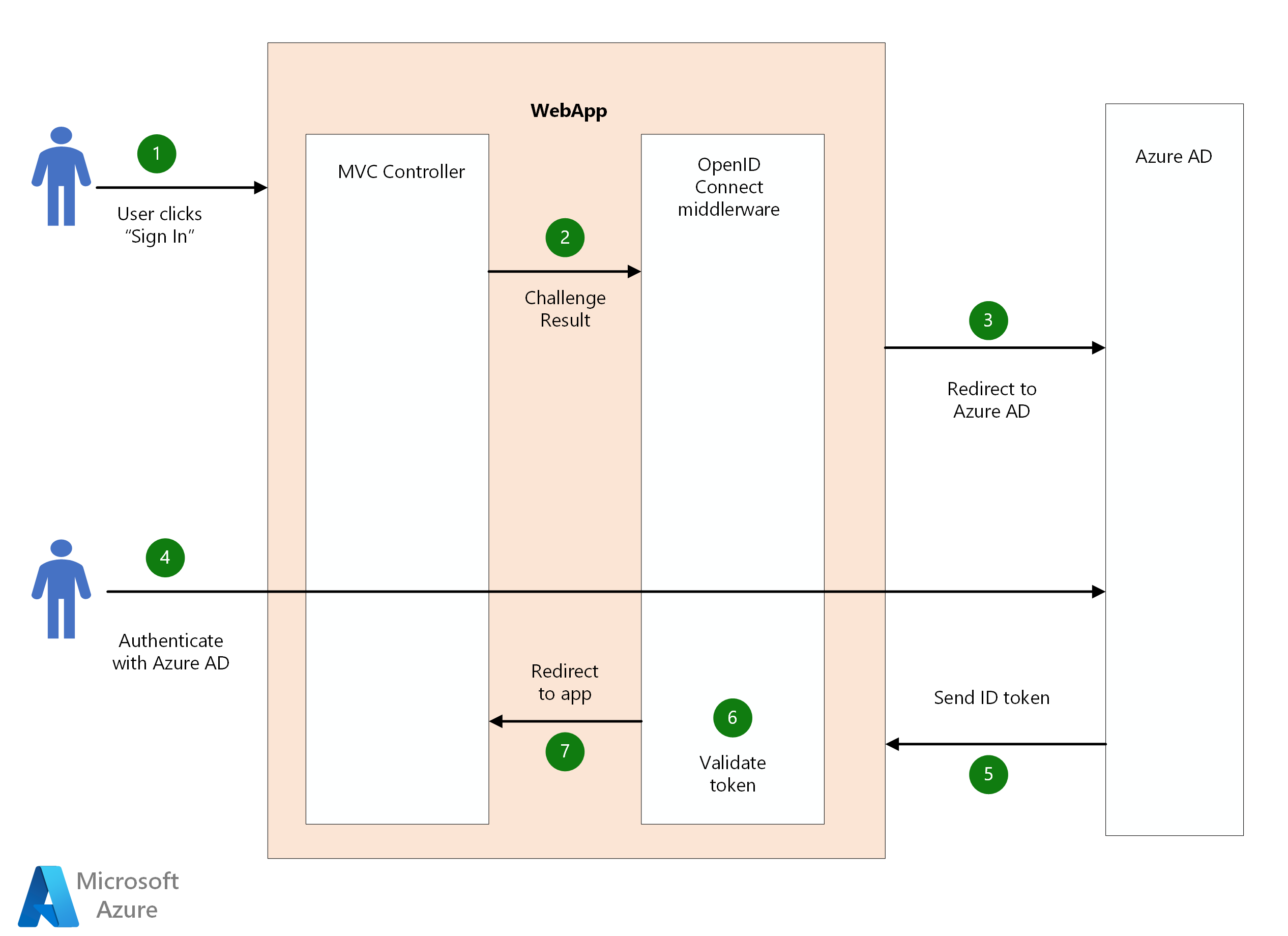
Authentication In Multitenant Applications Azure Architecture Center

Power BI Masterclass For Analysts

Why Power Bi Is Important For Any Business Growth Vantos Technologies

Power BI Hizmetinde En Son Ziyaret Edilen I erikleri G r nt leme

Info Differences Between Power Bi Premium Power Bi Report Server My
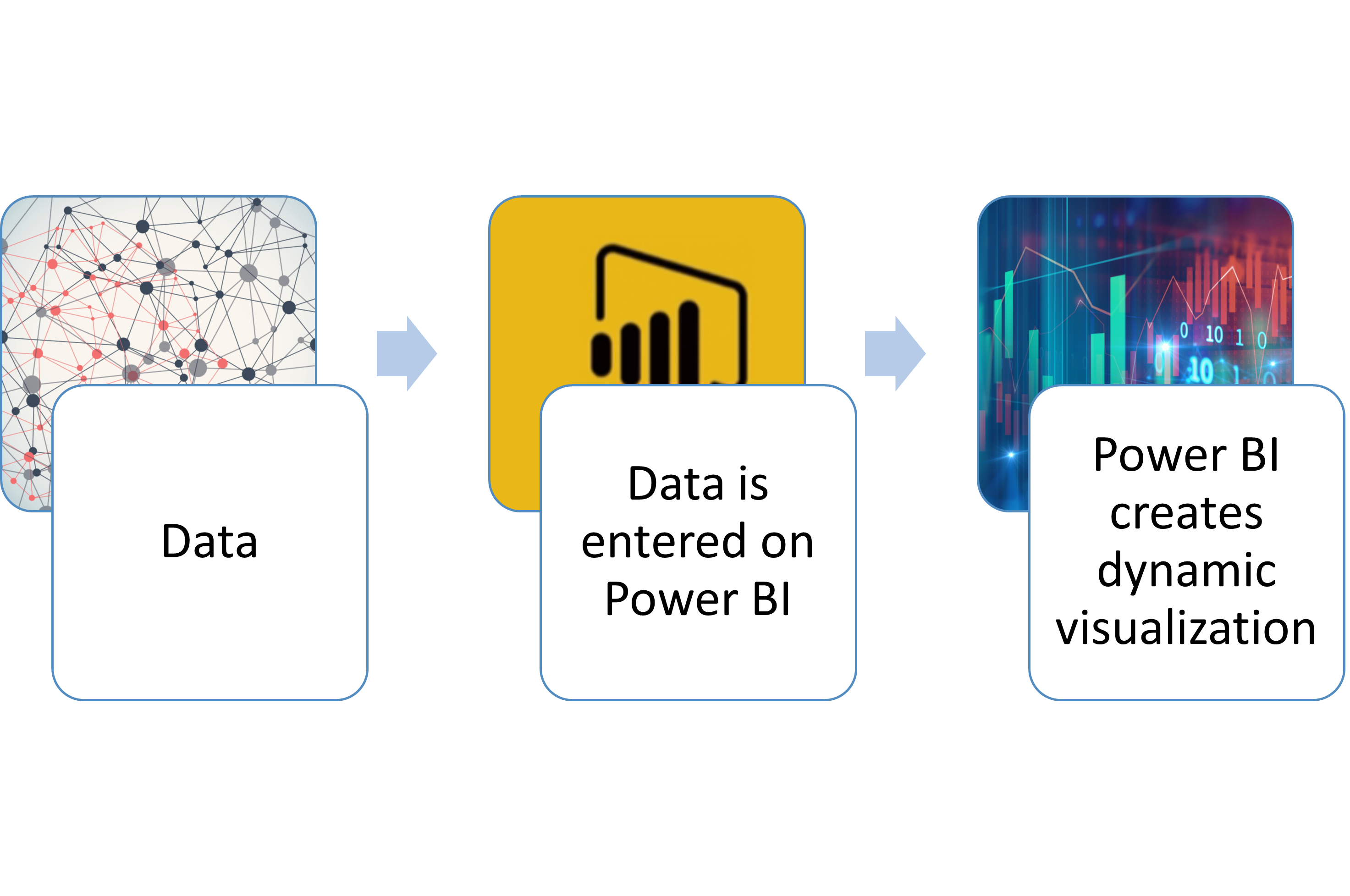
M365 Accueil PowerBI Wiki
To edit the authentication method in Power BI Desktop or Excel Do one of the following In Power BI Desktop on the File tab select Options and settings Data source settings In Excel on the Data tab select Get Data Data Source Settings

These headers can be used with all authentication types Accept Accept Charset Accept Encoding Accept Language Cache Control Content Type If Modified Since Prefer Referer

Authentication OAuth StartLogin StartLogin FinishLogin FinishLogin Refresh Refresh Logout Logout Key UsernamePassword Windows Anonymous Accessing the current credentials The current credentials can be retrieved using the Extension CurrentCredential function

If want to connect from Power BI to a REST API that uses OAuth2 authentication then you need to build a custom connector You can find documentation on how to implement an OAuth2 flow in a custom connector here

Step 1 Power Query Data Sources From the Home ribbon in Power Query select Data source settings Power Query Data Source Settings Step 2 Data Source Settings The Data source settings screen is displayed Select the relevant data source and click the Edit Permissions button Power Query Data Source Settings Step 3 Edit Permissions
Open the Power BI service in your web browser or Power BI Desktop In Power BI Service navigate to the Settings gear icon and select Datasets In Power BI Desktop go to File and then Options and settings followed by Data source settings Locate the dataset for which you want to change credentials and select it However after uploading the Power BI report to the service I was not able to authenticate against the Sharepoint resource After changing the direct web link to the Excel file to the Sharepoint Folder connector I was able to use OAuth2 authentication method Below is the redacted M code
You can provide a Windows user identity using any of the following methods NTLM Kerberos see Configure Analysis Services for Kerberos constrained delegation EffectiveUserName on the connection string Basic or Anonymous requires configuration for HTTP access Stored credentials Notice that Claims authentication is not supported