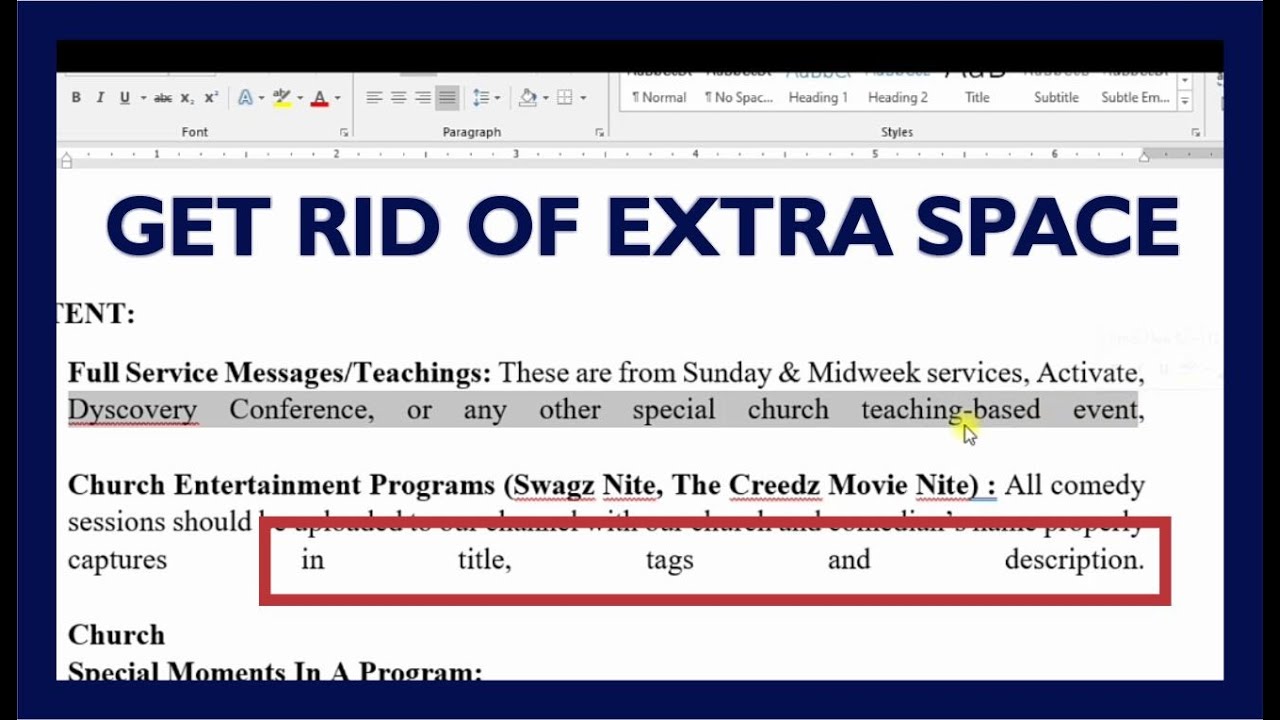
Power Bi Remove Extra Spaces Between Words Microsoft Word Remove Extra Spaces Between Words Or Sentences Remove Extra Spaces Between Sentences And Paragraphs How To Remove Extra Spaces And Spaces In Word MS WORD Tricks How To Remove EXTRA SPACES Between Words FAST YouTube How To Remove Extra Spaces And Spaces In Word Power Query Trim is a function used within Microsoft s Power Query tool designed to remove unnecessary spaces from the beginning and end of a text string Whether it s extra spaces between words or unwanted spaces at the start or end Trim ensures that your data is clean and consistent
UPDATE 19 Nov 2018 With the recent announcement of dataflows in the Power BI Service I see more people will be looking to better understand and leverage dataflows by using the M language which is available in Power BI Desktop Power Apps and Microsoft Flow I had a great response to this blog post and both Ted and Daniil had a much easier solution to remove spaces from the data in a column There is a trim function in Power Query to get rid of spaces at the beginning or end of a phrase but unlike excel trim it wont get rid of excess whitespace
How To Remove Extra Spaces And Spaces In Word How To Remove All Extra Spaces Between Words In Inpage 3 YouTube How To Remove Extra Spaces Between Paragraphs In Word For Mac Macfasr Remove Spaces Between Words In Excel Remove Space In Excel Top 5 Methods To Filter Data With Spaces 2 Ways To Remove Spaces Between Words numbers In Excel Bangla Microsoft Word Remove Extra Spaces Between Words Technipages How To Remove Multiple Extra Spaces Between Words In Microsoft Word How To Change Webmin Port Using Terminal Iodocs
Power Bi Remove Extra Spaces Between Words
 Power Bi Remove Extra Spaces Between Words
https://i.ytimg.com/vi/q_tp-zn6ZXg/maxresdefault.jpg
Here in this video we will talk about how you can remove unwanted spaces from your text values in Power Query We ll also learn about creating dynamic custo
Templates are pre-designed files or files that can be utilized for different functions. They can conserve time and effort by supplying a ready-made format and design for developing different kinds of material. Templates can be used for personal or expert jobs, such as resumes, invites, flyers, newsletters, reports, presentations, and more.
Power Bi Remove Extra Spaces Between Words

How To Remove Extra Spaces And Spaces In Word

How To Remove All Extra Spaces Between Words In Inpage 3 YouTube
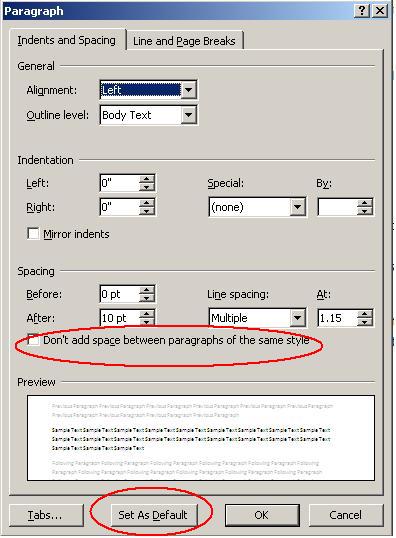
How To Remove Extra Spaces Between Paragraphs In Word For Mac Macfasr
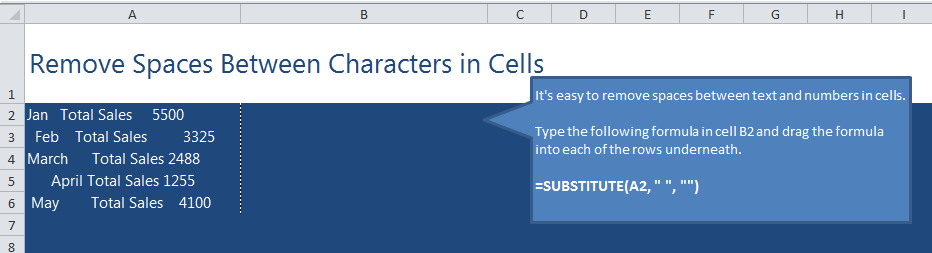
Remove Spaces Between Words In Excel
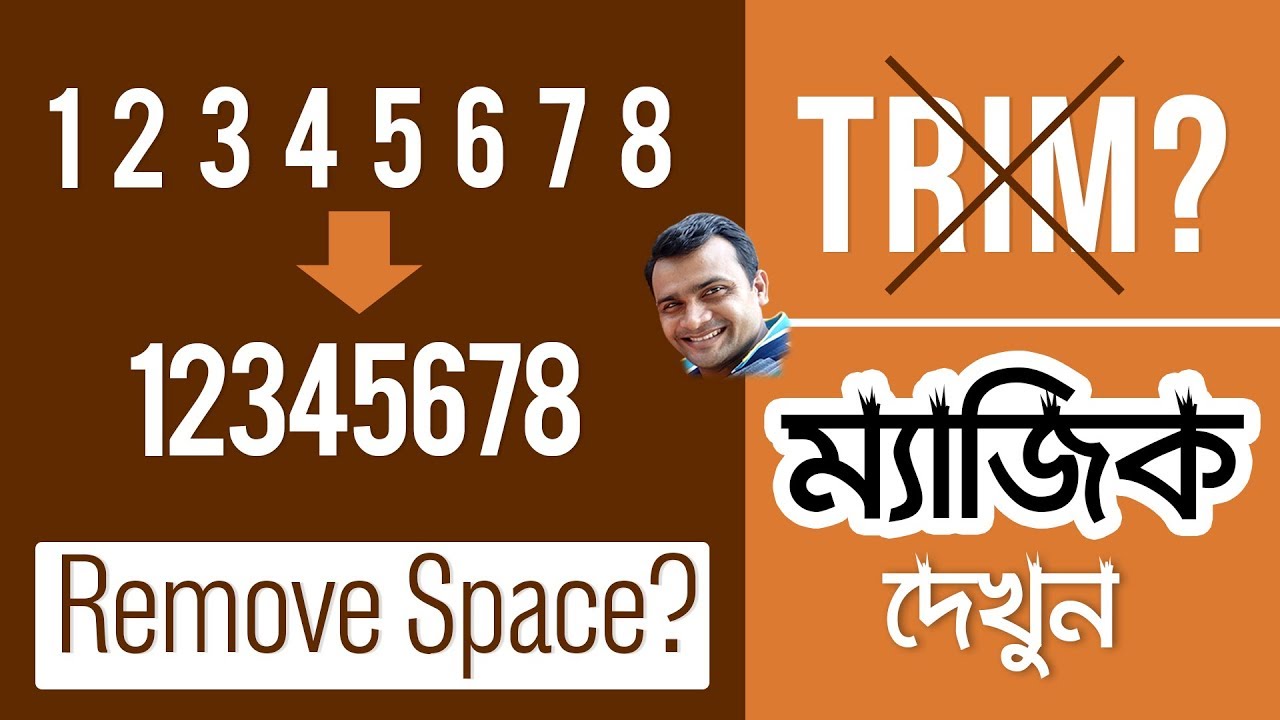
2 Ways To Remove Spaces Between Words numbers In Excel Bangla

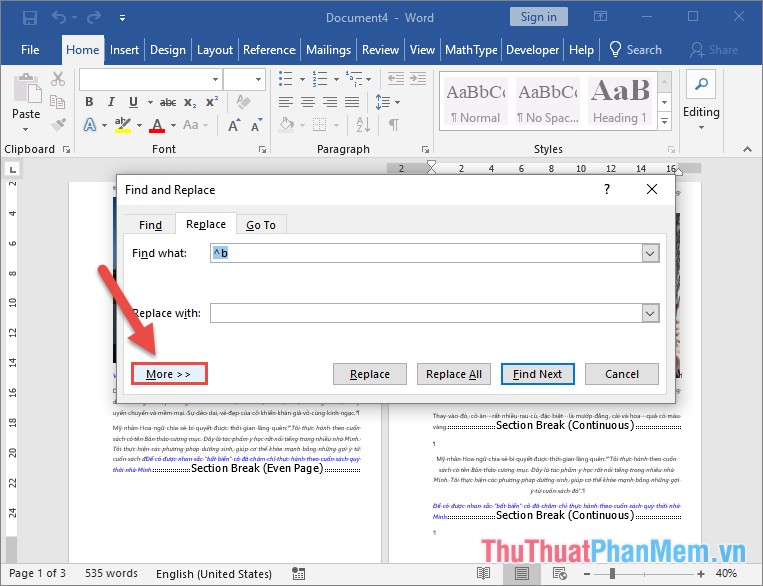
Microsoft Word Remove Extra Spaces Between Words Technipages

However we rarely want these extra spaces within Power BI Therefore in this post we are looking at how to remove spaces in Power Query While we can remove spaces using DAX Power Query is the best place to perform this We want to clean the data as early as possible in the process Table of contents Space vs non breaking space characters

My knowledge in power query and M is very limited but I ve read I can remove the white space by using FORMAT Clean which works great however for text that are split by the extra line it concatenates the text Orginal Data These is an example of my line break Cleaned Data using Format Clean
Removing Excess Spaces Between Words AKA Inner Trim Power BI at all Granted these problems aren t as ubiquitous as the first two which show up in hand generated Excel data and web data all the time but if you need them gone you need them gone In this video we show you a cool way to leverage Text Split and Text Combine to isolate
To do this Select the column containing double spaces Click Transform Replace Values In the Replace Values box enter a double space in the Value to Find box and a single space in the Replace with box Finally click OK If we have more than 3 spaces together this will not remove all instances of excess spaces

Add a comment 1 Answer 1 To do this in the query editor I d recommend the approach by Ken Puls text as text optional char to trim as text let char if char to trim null then else char to trim split Text Split text char removeblanks List Select split each result Text Combine removeblanks char in result
In today s video I will show you how to trim or remove spaces whitespaces in Power Query Power BILink to Ken Puls blog if you want to copy the function Result Text Combine removeblanks char in result And to implement it you d take the following steps Copy the code above Create a new query From Other Sources Blank Query Change the query name to PowerTrim Go into the Advanced Editor Select all the text and replace it with the code above Done
I noticed that Trim does not remove extra spaces between words only the leading and at the end spaces If I have something like this Assistance Needed with Removing Extra Rows and Deleting Spaces in Power Query itsgrady Nov 16 2023 Power Tools Replies 3 Views 200 Nov 21 2023 alansidman A L