Power Bi Filter Table By Max Value How To Filter Min Max Value Power Query Excel Power BI YouTube Power BI Filtering Techniques For Tables Understand Power BI Filters To Take Your Business To Next Level Filtros E Realce Em Relat rios Do Power BI Power BI Microsoft Learn Filtering A Table To A List Of Values In Power Query Or Power BI Web Oct 20 2023 nbsp 0183 32 You can use FILTER to reduce the number of rows in the table that you are working with and use only specific data in calculations FILTER is not used independently but as a function that is embedded in other functions that require a table as an argument
Web Dec 13 2023 nbsp 0183 32 The MAXX function then evaluates the expression used as the second argument for each row of the filtered table and returns the highest amount for taxes and shipping for just those orders The expected result is 250 3724 MAXX FILTER InternetSales SalesTerritoryCode quot 5 quot InternetSales TaxAmt Web Aug 8 2023 nbsp 0183 32 In Power Query Editor select the table containing the row you want to find the maximum value of Click on Add Column in the Home tab and select Custom Column In the Custom Column dialog box use the Table Max function to find the maximum value for the specific row like Table Max Column1 Column2 Column3
Filtering A Table To A List Of Values In Power Query Or Power BI How To Add Filter Button In Power BI 6 Key Steps For Better Analytics Filtering A Table To A List Of Values In Power Query Or Power BI How To Show The Max Salary From Employee Table In Power Bi Power BI Slicers Filter Table By Rows And Columns Uses New Filtering A Table To A List Of Values In Power Query Or Power BI Drill Mode In The Power BI Service Power BI Microsoft Learn Power Bi Dax Filter Function Images Een Filter Toevoegen Aan Een Rapport In Power BI Power BI Microsoft
Power Bi Filter Table By Max Value
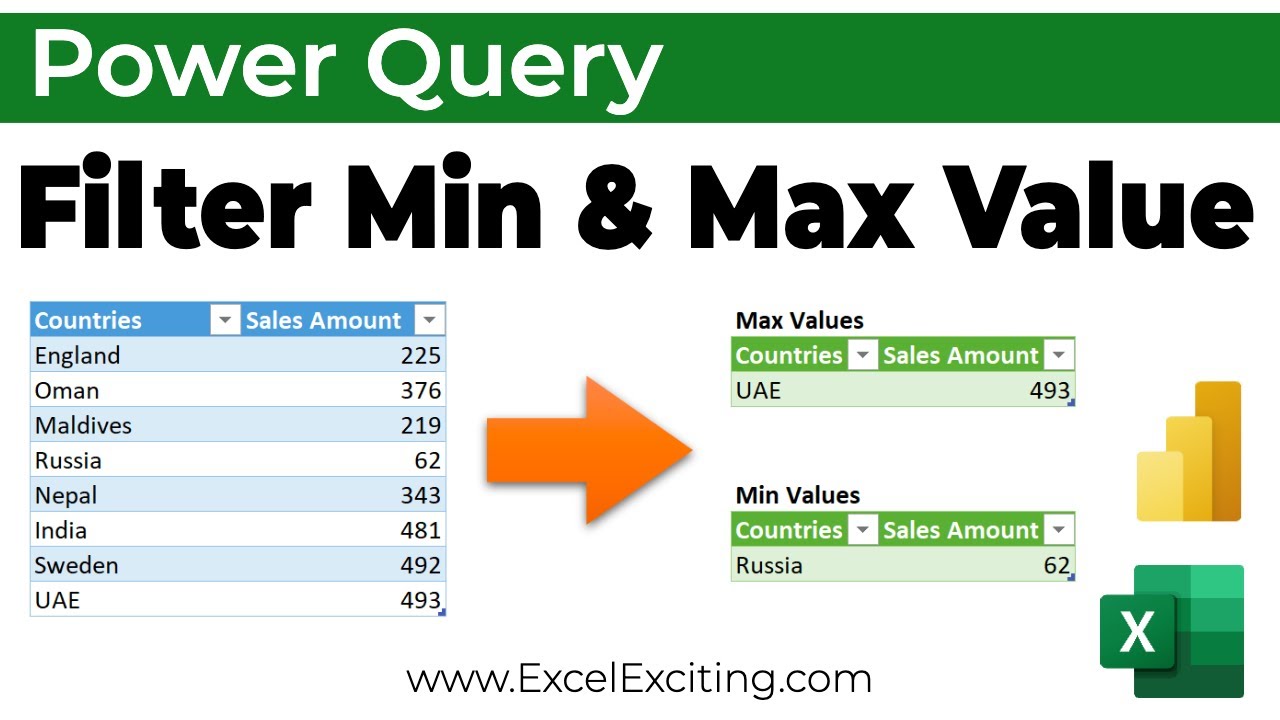 Power Bi Filter Table By Max Value
https://i.ytimg.com/vi/icqkXRzKe98/maxresdefault.jpg
Web Aug 15 2021 nbsp 0183 32 Table Group quot Removed Columns quot quot II Project quot quot Max quot each List Max WE Baseline Finish Date type nullable date quot MaxYes quot each List Max Table SelectRows each IsRolloutMilestone 1 WE Baseline Finish Date type date quot All quot each type table Index nullable number Task Name nullable text
Pre-crafted templates offer a time-saving service for creating a diverse series of files and files. These pre-designed formats and layouts can be made use of for different individual and expert tasks, including resumes, invites, leaflets, newsletters, reports, presentations, and more, enhancing the material production procedure.
Power Bi Filter Table By Max Value
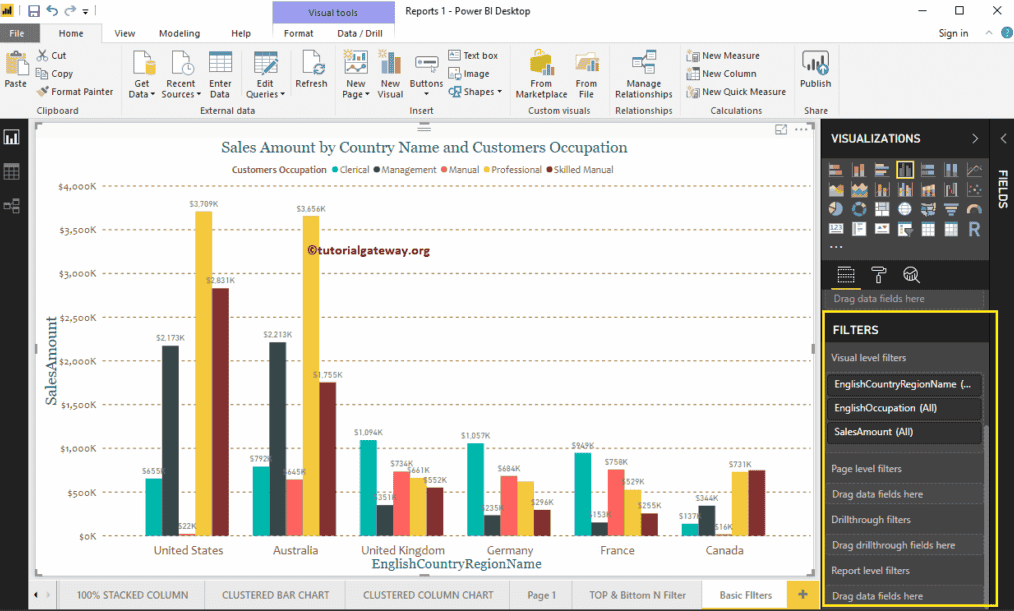
Power BI Filters
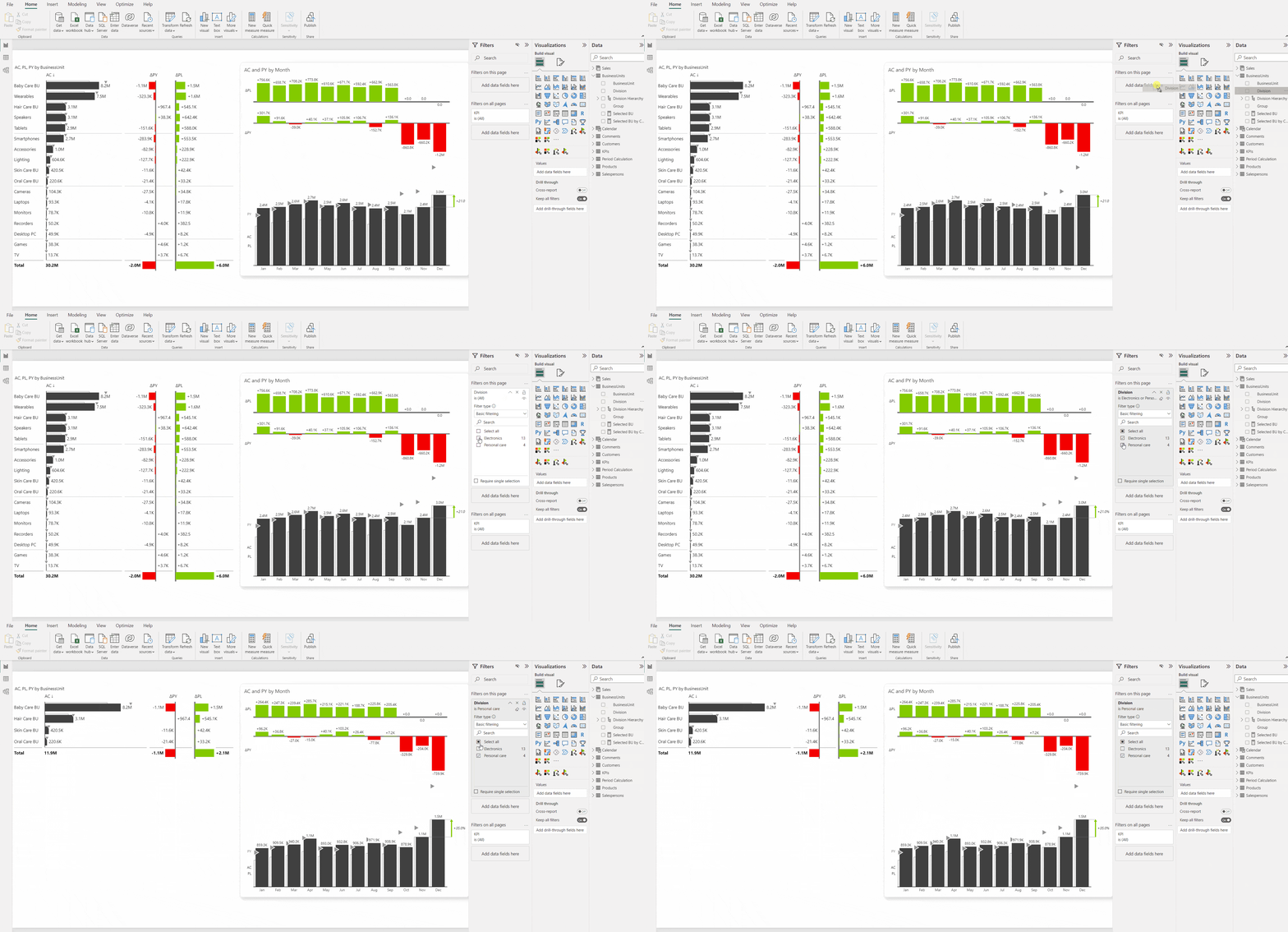
How To Add Filter Button In Power BI 6 Key Steps For Better Analytics
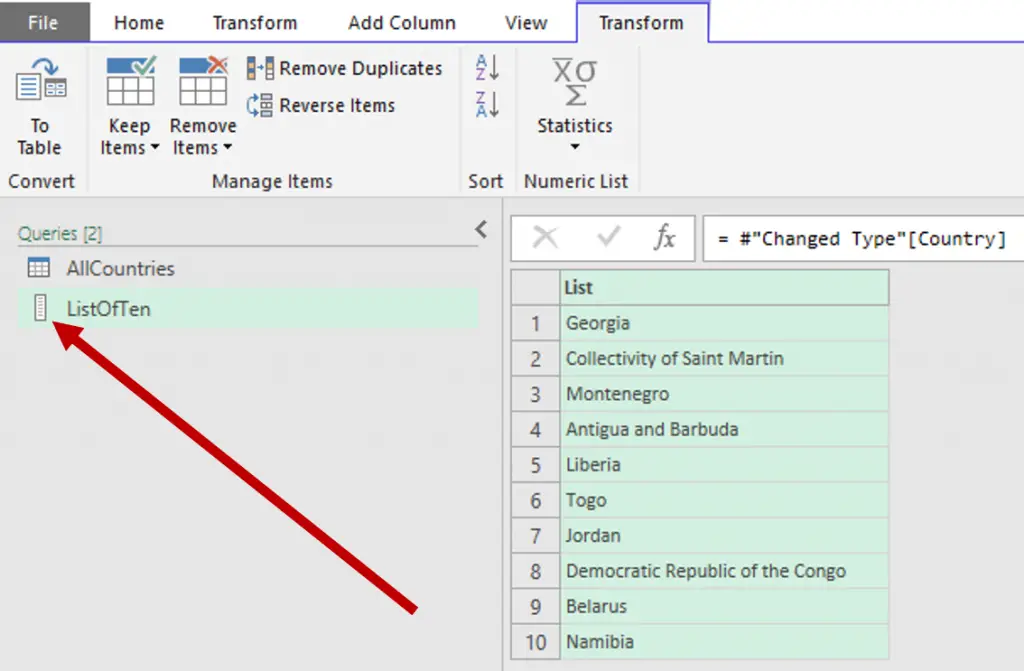
Filtering A Table To A List Of Values In Power Query Or Power BI
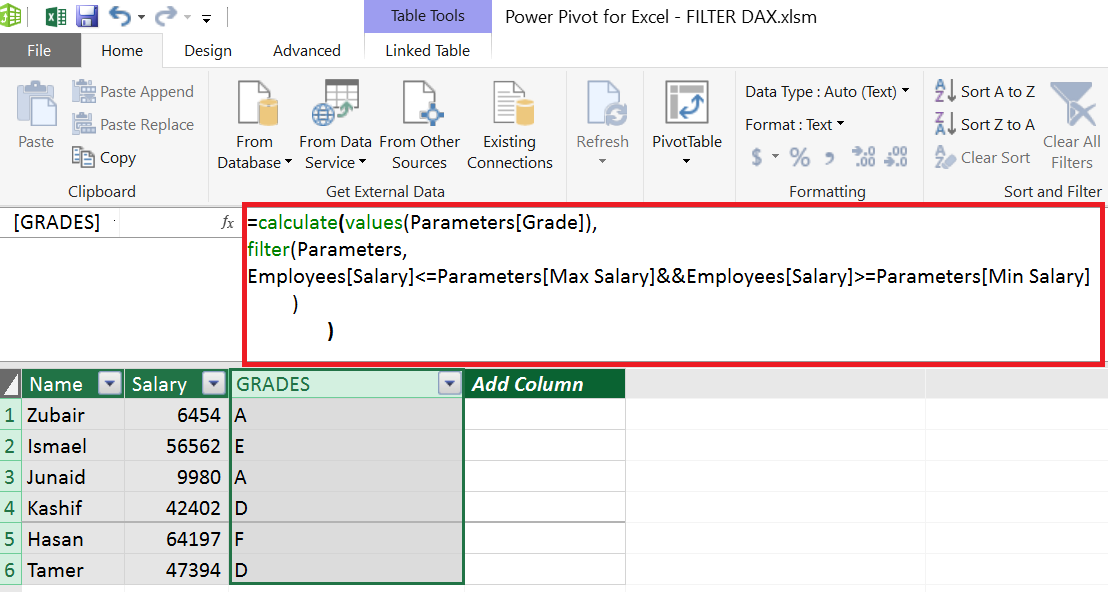
How To Show The Max Salary From Employee Table In Power Bi
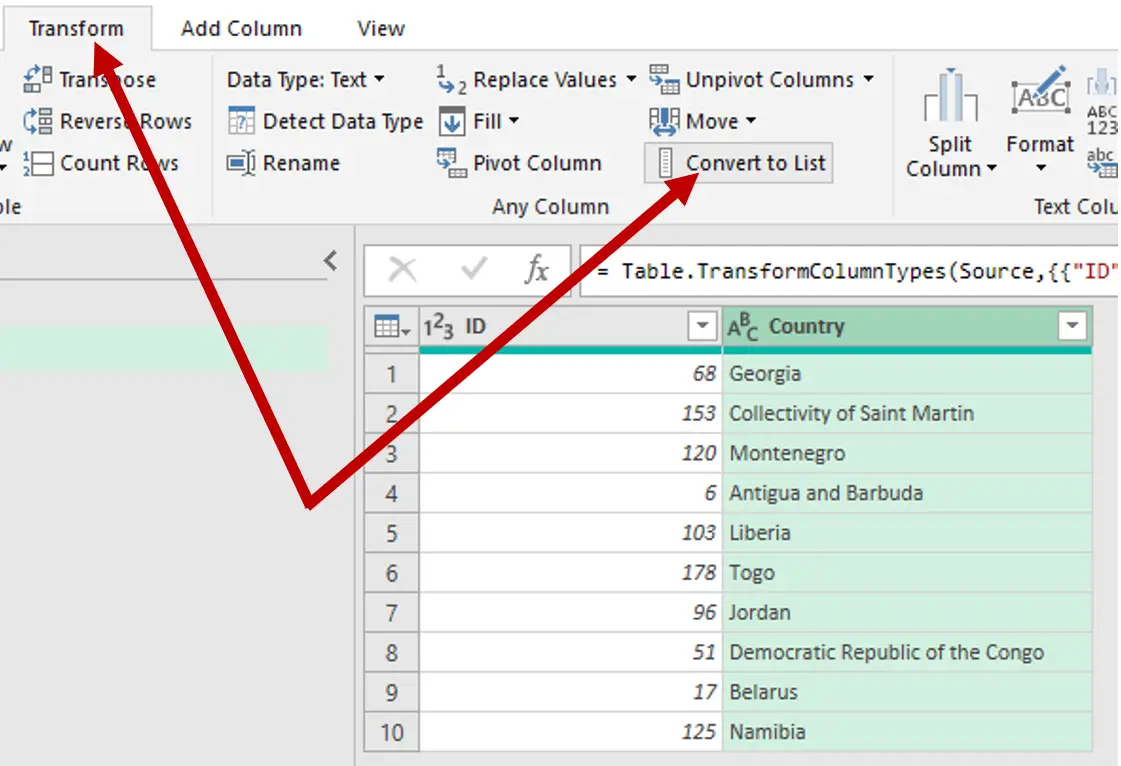
Filtering A Table To A List Of Values In Power Query Or Power BI

Drill Mode In The Power BI Service Power BI Microsoft Learn
Web Jul 16 2020 nbsp 0183 32 1 ACCEPTED SOLUTION parry2k Super User In response to amitchandak 07 16 2020 07 49 AM awitt add a following measure and then you can have visual level filter on this Is Max Order Group VAR orderGroup CALCULATE MAX Table OrderGrou ALLSELECTED Table RETURN IF MAX Table OrderGroup

Web Dec 26 2022 nbsp 0183 32 Let us see how we can calculate and filter the maximum value using the Power Bi max function in Power Bi In this example we will use the Product Table data as below mentioned to calculate and filter the maximum value using the Power Bi max function in Power Bi Power BI DAX max filter
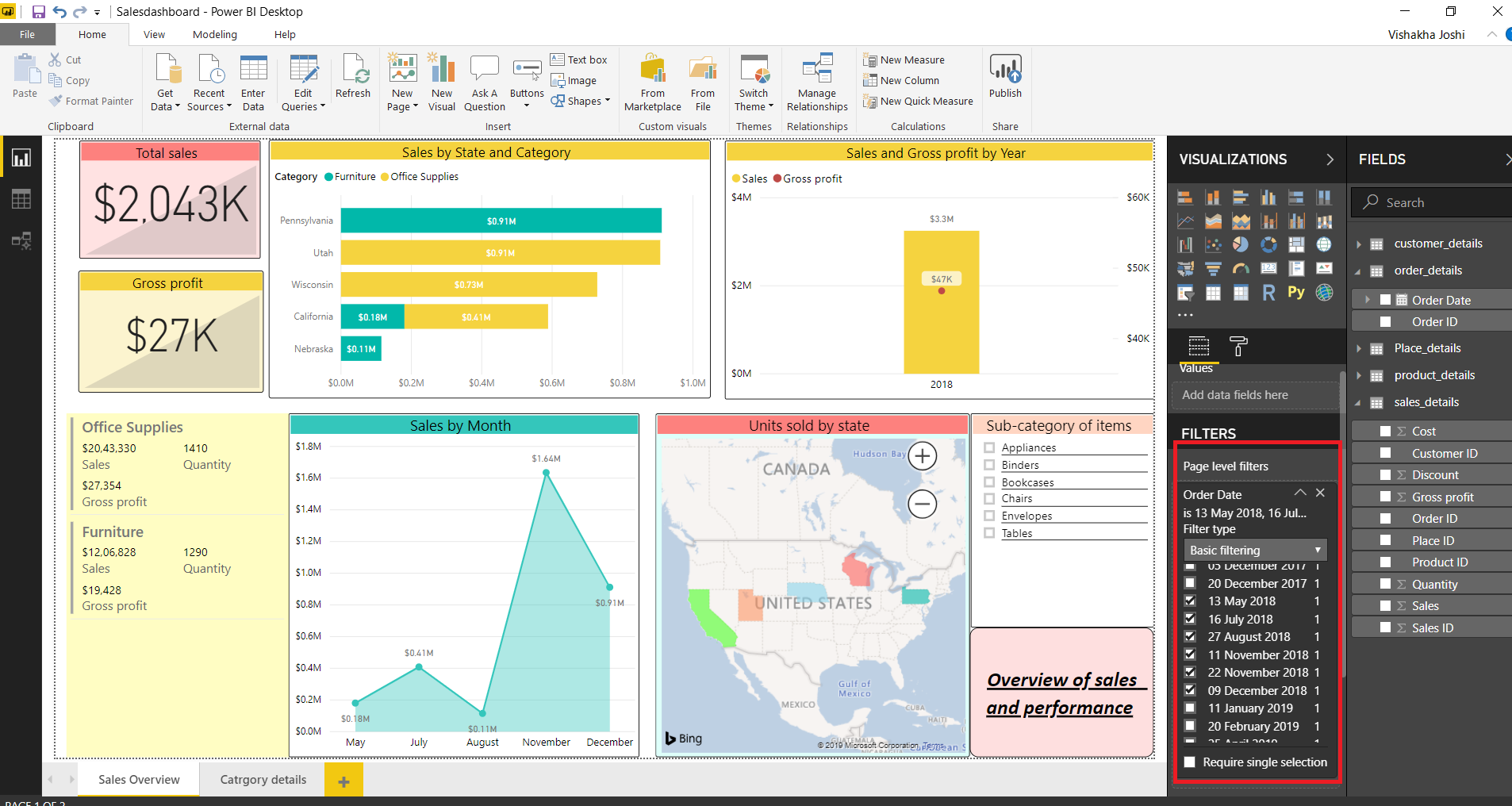
Web Sep 3 2018 nbsp 0183 32 If you want to filter the max value of column you could create a new table with this DAX Table CALCULATETABLE ProfitDirectIndirect ProfitDirectIndirect Urenregistreren 2 Result You could also download the pbix file to have a view

Web Oct 3 2023 nbsp 0183 32 Reach into Underlying Rows using Table Max The Table Max function can be used to get a value from a Table Object The Power Query M Reference describes the Table Max function as Returns the largest row or rows from a table using a comparisonCriteria The syntax for it is Table Max table as table comparisonCriteria

Web Nov 1 2018 nbsp 0183 32 If you only want the data of the latest week in your visual you can add a calculated column like this OnlyLatestWeek IF Table1 Weeknr MAX Table1 Weeknr Table1 Weeknr BLANK Use this column in your visual in stead of the Weeknr column EDIT
Web Dec 17 2022 nbsp 0183 32 In Power Query you can include or exclude rows according to a specific value in a column You can choose from three methods to filter the values in your column Sort and filter menu Cell shortcut menu Type specific filter After you apply a filter to a column a small filter icon appears in the column heading as shown in the following Web Nov 16 2022 nbsp 0183 32 This is how to filter table values using the Power BI DAX filter function in Power BI Also examined the below mentioned topics in this Power Bi tutorial Power BI DAX filter table Power BI DAX filter table by slicer Power BI DAX filter table by date Power BI DAX filter table between two dates Power BI DAX filter table multiple tables
Web Jan 22 2019 nbsp 0183 32 Try this where Table1 is the name of your table 1 Set Table1 ID in the rows of a matrix visual 2 Place this measure in values of the matrix ValMaxSequence CALCULATE VALUES Table1 Value FILTER ALL Table1 Sequence Table1 Sequence MAX Table1 Sequence