Power Bi Data Source Settings Change Source Power BI Change Data Source Settings YouTube 18 Microsoft Power BI Data Source Settings Arabic YouTube Export Data Source Settings PBIDS File In Power BI Save Data How To Change Data Source In Power Bi Riset Manage Your Data Source SQL Power BI Microsoft Learn Web Jun 21 2023 nbsp 0183 32 To change a data source in Power BI you need to access the data source settings First open Power BI Desktop and click on the Home tab then click on the
Web Feb 9 2020 nbsp 0183 32 Approach 1 Step 1 Navigate to the Home tab in the Power BI header menu and within this tab click on Transform Data Transform Data Step 2 When the Power Query Editor window opens click on Web In Power BI or from the Power Query editor click File gt Options and settings gt Data source settings In the data source settings dialog box select the source 1 and click Change Source 2 This opens
Manage Your Data Source SQL Power BI Microsoft Learn Power BI And IBM Netezza Dataverax Power BI Data Sources Supported Connecting Data Source DataFlair Add Or Remove A Gateway Data Source Power BI Microsoft Learn How To Change Data Source In Power BI Power BI Vs Tableau Cost Calculator Figure 4 Power BI Desktop Options July 2017 Power Bi Data Source Connection How To Change Data Source Setting In Power Bi Data Source Connection How To Change Data Source Setting In
Power Bi Data Source Settings Change Source
 Power Bi Data Source Settings Change Source
https://i.ytimg.com/vi/gyXAwn3kgwE/maxresdefault.jpg
Web Nov 10 2023 nbsp 0183 32 On your Power BI site select OneLake data hub in the navigation pane The tiles at the top of the page show recommended data items For example data can be
Pre-crafted templates offer a time-saving service for producing a diverse range of documents and files. These pre-designed formats and designs can be used for various personal and expert tasks, consisting of resumes, invitations, flyers, newsletters, reports, presentations, and more, improving the material production process.
Power Bi Data Source Settings Change Source
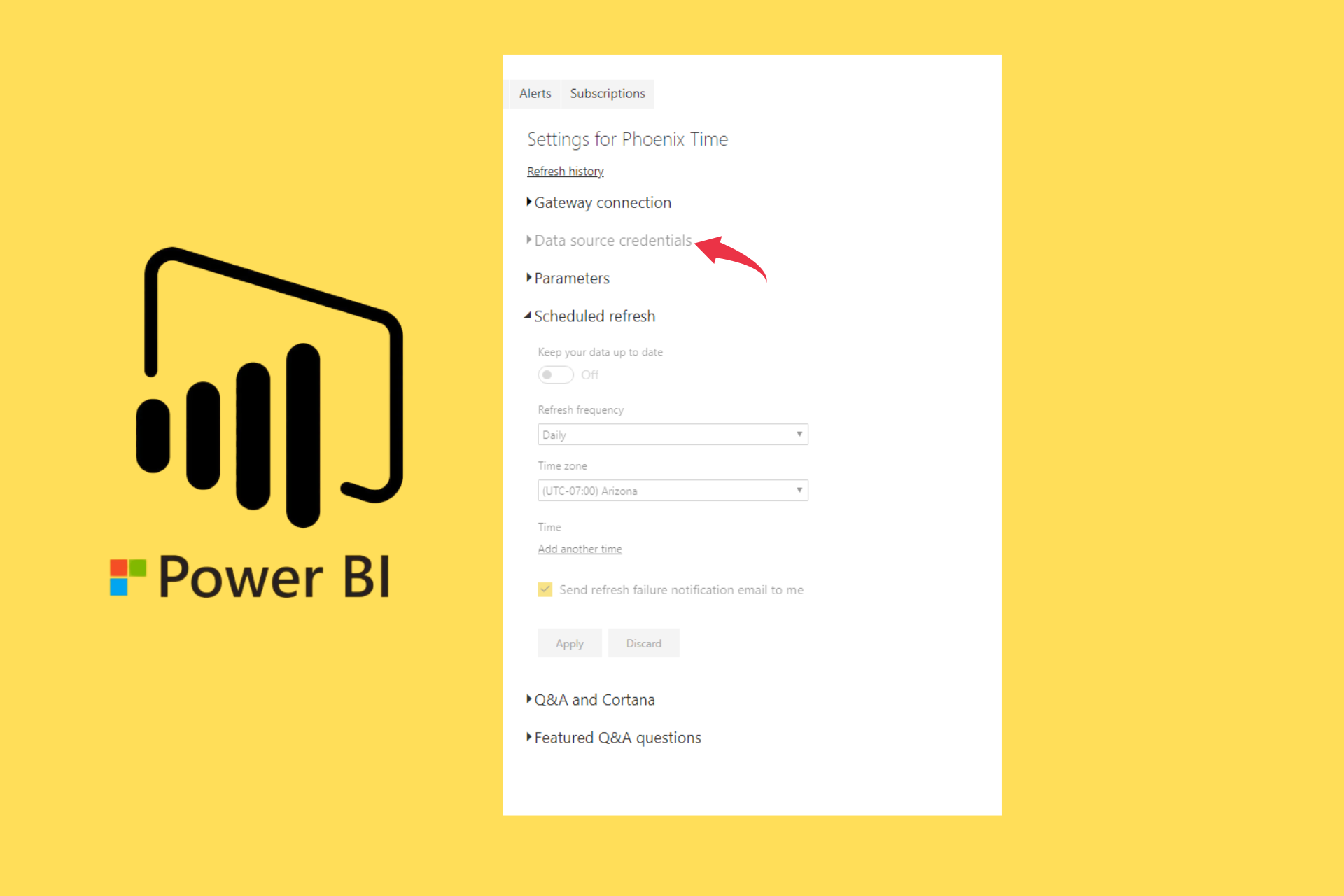
Power Bi Data Source Credentials Greyed Out 4 Simple Fixes

Power BI And IBM Netezza Dataverax
Power BI Data Sources Supported Connecting Data Source DataFlair
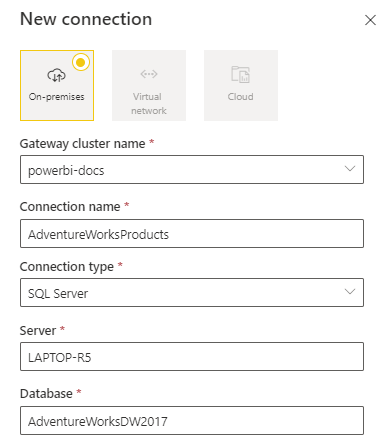
Add Or Remove A Gateway Data Source Power BI Microsoft Learn

Power BI Vs Tableau Cost Calculator
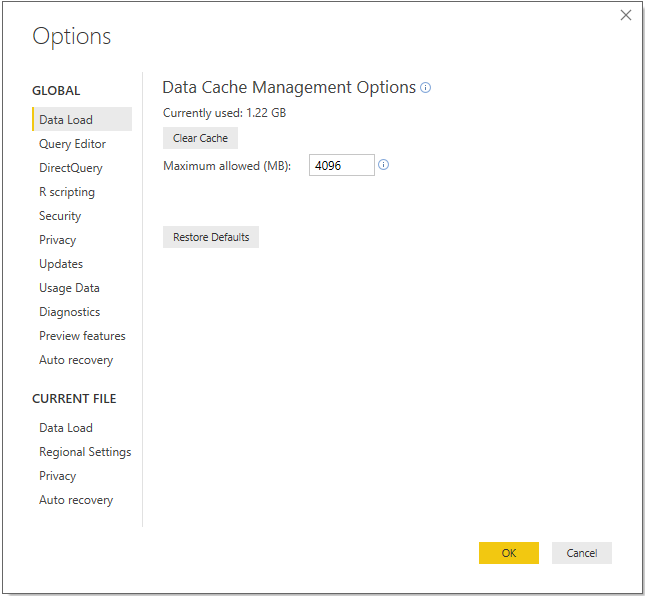
Figure 4 Power BI Desktop Options July 2017
Web Jun 11 2019 nbsp 0183 32 Open the file in Power BI desktop Go to File gt Options and settings gt Data source settings Ensure that Data sources in current file is selected choose the data

Web Open the Power BI report and click on the Home tab Under the Queries section click the Transform dropdown and select Data source settings Tip You can also access the

Web Nov 15 2023 nbsp 0183 32 With Power BI Desktop you can connect to data from many different sources For a full list of available data sources see Power BI data sources To see

Web Jan 16 2023 nbsp 0183 32 Select New at the top of the screen to add a new data source On the New connection screen select On premises provide the Gateway cluster name you want to create the connection on provide a

Web If there are many data sources enter a search phrase in the Search data source settings box or select the Sort button on the right to sort by the name or kind of data source To change a data source select it select
Web Jun 23 2023 nbsp 0183 32 Navigating to the Data Source Editor in Power BI How to Modify an Existing Data Source in Power BI Adding a New Data Source to Your Power BI Web Jun 9 2023 nbsp 0183 32 Power BI data sources are documented in the following article Power Query including Power BI connectors Each data source article in the Power Query
Web Nov 8 2021 nbsp 0183 32 1 Answer Sorted by 0 Click Transform data to open Power Query Editor In the list of queries in the left panel select the query that you want to modify Double click