Power Bi Create Month Column From Date How To Create A Dashboard In Power Bi Complete Guide Enjoysharepoint Riset Create Date Table Power Bi M Brokeasshome How To Add A Month Year Column To Your Date Table In Power Bi Otosection Power BI Tips Sort Columns By Month Name Age Banding In Power BI Using Power Query RADACAD Web Jun 23 2023 nbsp 0183 32 Using the Month Function to Create a Month Column in Power BI If you re not familiar with DAX formulae and want to create a simple month column you can use the MONTH function in Power BI The MONTH function extracts the month number from a date column and returns it as a numeric value
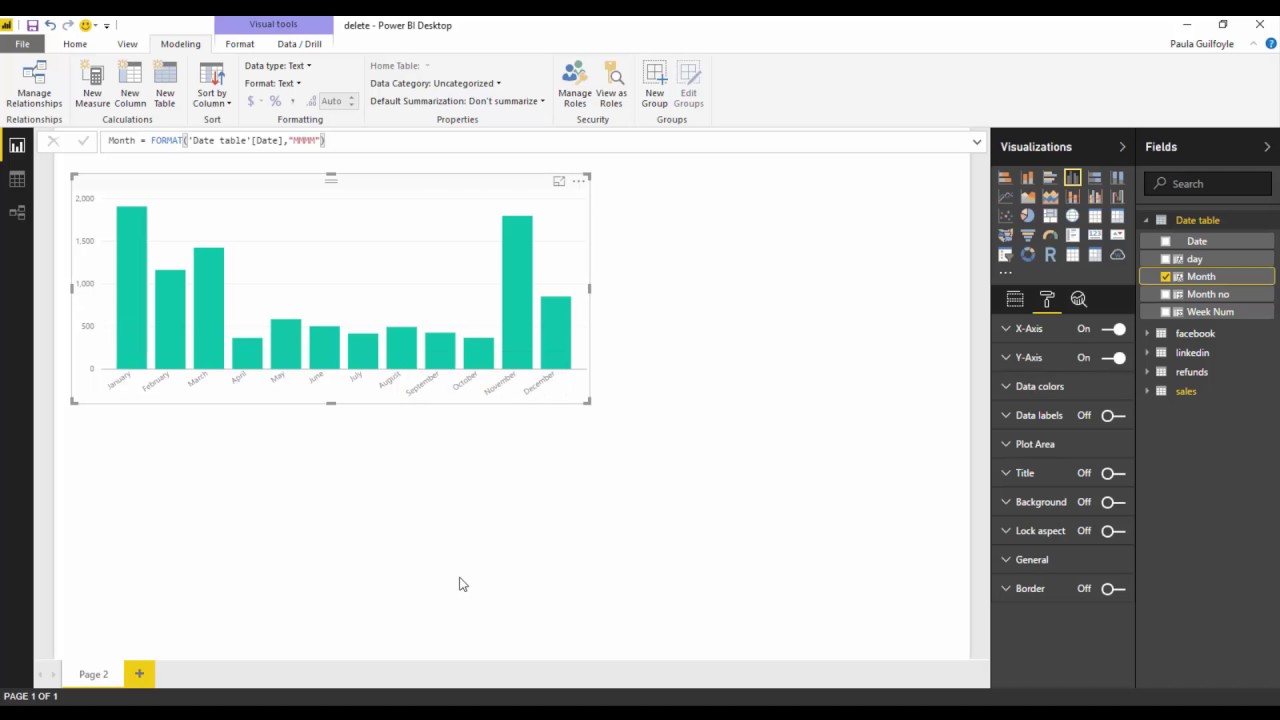
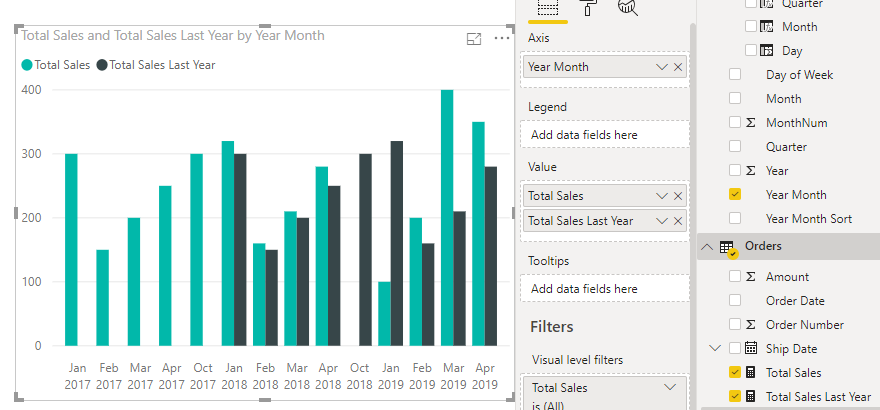
Web Jun 16 2023 nbsp 0183 32 In this window select the column that contains the timestamp or date data you want to create a month column from In the Add Column tab click Add Column and select Custom Column In the Custom Column dialogue box enter a name for your column for example Month Web Sep 24 2021 nbsp 0183 32 To create a column for the year and month combined one of the most helpful functions will be the FORMAT function You can use the Format function like below Year Month FORMAT Date Date quot YYYY MMM quot This can be a calculated column added to your table
Age Banding In Power BI Using Power Query RADACAD Power Bi Tools List Pertennessee Power Bi Desktop Samples Talkhrom Sort By Folders On Top Totalfinder Failtews Incredibly Easy Method To Create Power Bi Dashboard Best Tutorial Riset Power BI Matrix Line And Stacked Column Chart With Table Power Bi ElisonKostian Stacked Clustered Column Chart Microsoft Power Bi Community Riset Creating A Power BI Chart Comparing Each Year Vs Previous Year Carl De Souza
Power Bi Create Month Column From Date
 Power Bi Create Month Column From Date
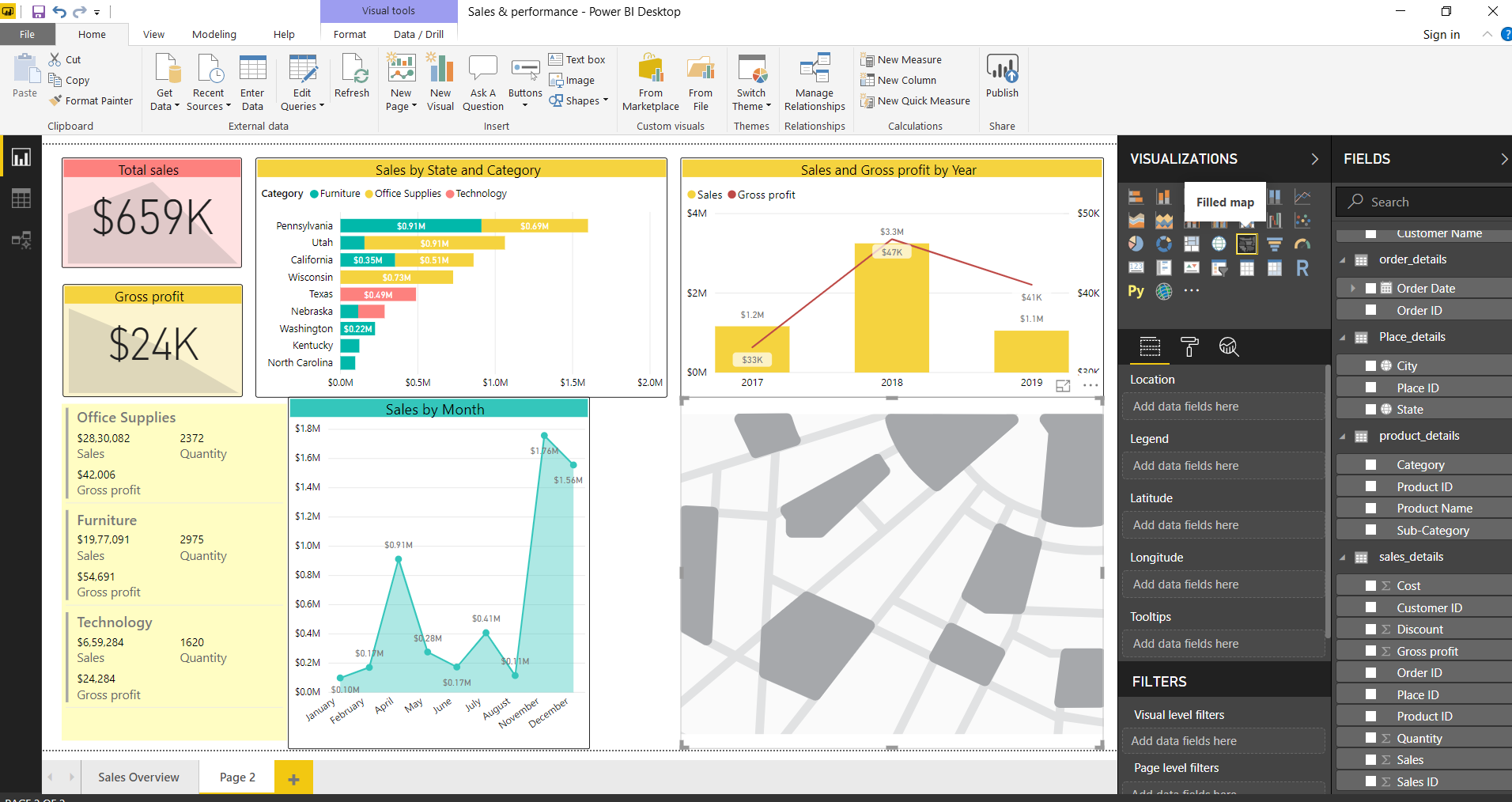
https://data-flair.training/blogs/wp-content/uploads/sites/2/2019/06/Filled-Map-in-visualizations-in-Power-BI-Dashboard.png
Web 6 days ago nbsp 0183 32 Date columns in Power BI are generally recorded in Date or Datetime formats which means the day month and year and time are in one column in dd mm yyyy or similar formats In case we need one element from the date column we need to extract it from the column We can do that in Power Query Editor or using DAX custom
Templates are pre-designed files or files that can be used for various functions. They can conserve effort and time by offering a ready-made format and design for developing various sort of content. Templates can be utilized for individual or expert projects, such as resumes, invitations, leaflets, newsletters, reports, presentations, and more.
Power Bi Create Month Column From Date
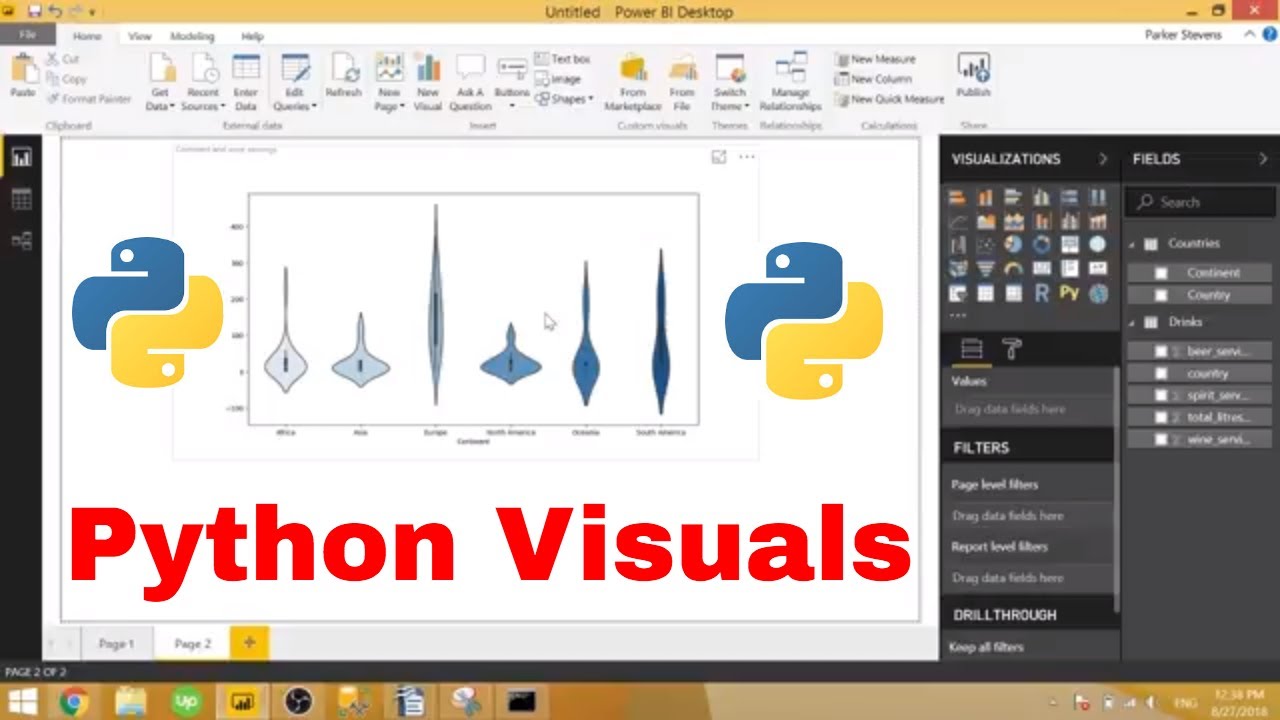
How To Create Your Visual Python Image In Power BI
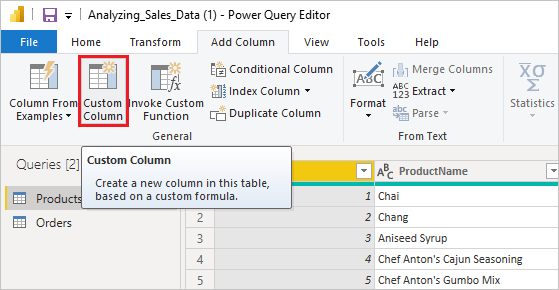
Power Bi Tools List Pertennessee
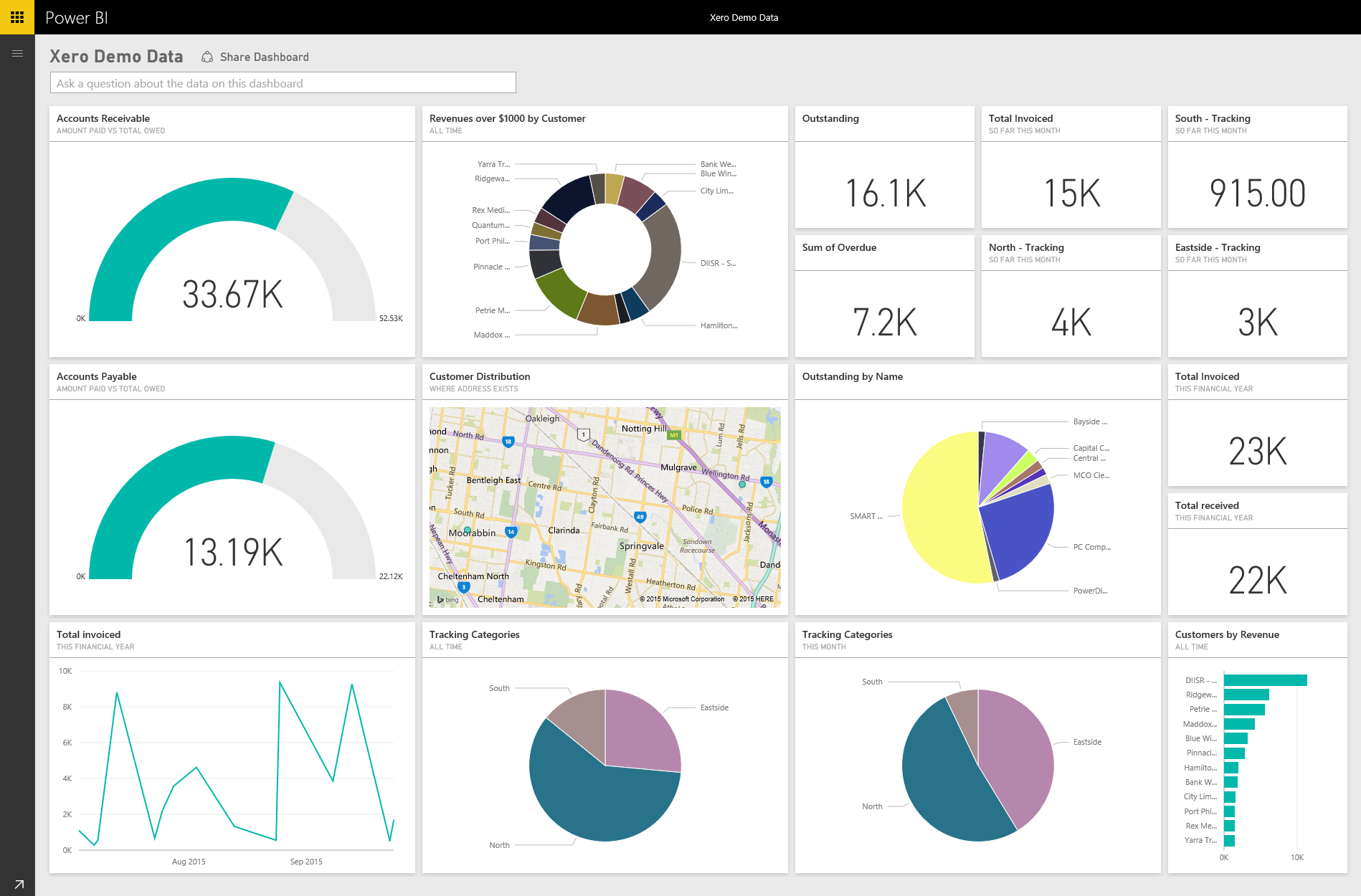
Power Bi Desktop Samples Talkhrom
Sort By Folders On Top Totalfinder Failtews
Power BI Matrix
Line And Stacked Column Chart With Table Power Bi ElisonKostian

Web Feb 11 2021 nbsp 0183 32 Power Query Select Date column and click Date in Add column Then add a custom column and change it type to whole number Dax In addition to BA Pete s reply use Year and Month function in calculated column If you want to show YearMonth try this dax Dax YearMonth YEAR Table Date 100 MONTH Table Date Result is as

Web Oct 20 2023 nbsp 0183 32 Example 1 The following expression returns 3 which is the integer corresponding to March the month in the date argument DAX MONTH quot March 3 2008 3 45 PM quot Example 2 The following expression returns the month from the date in the TransactionDate column of the Orders table DAX MONTH Orders TransactionDate
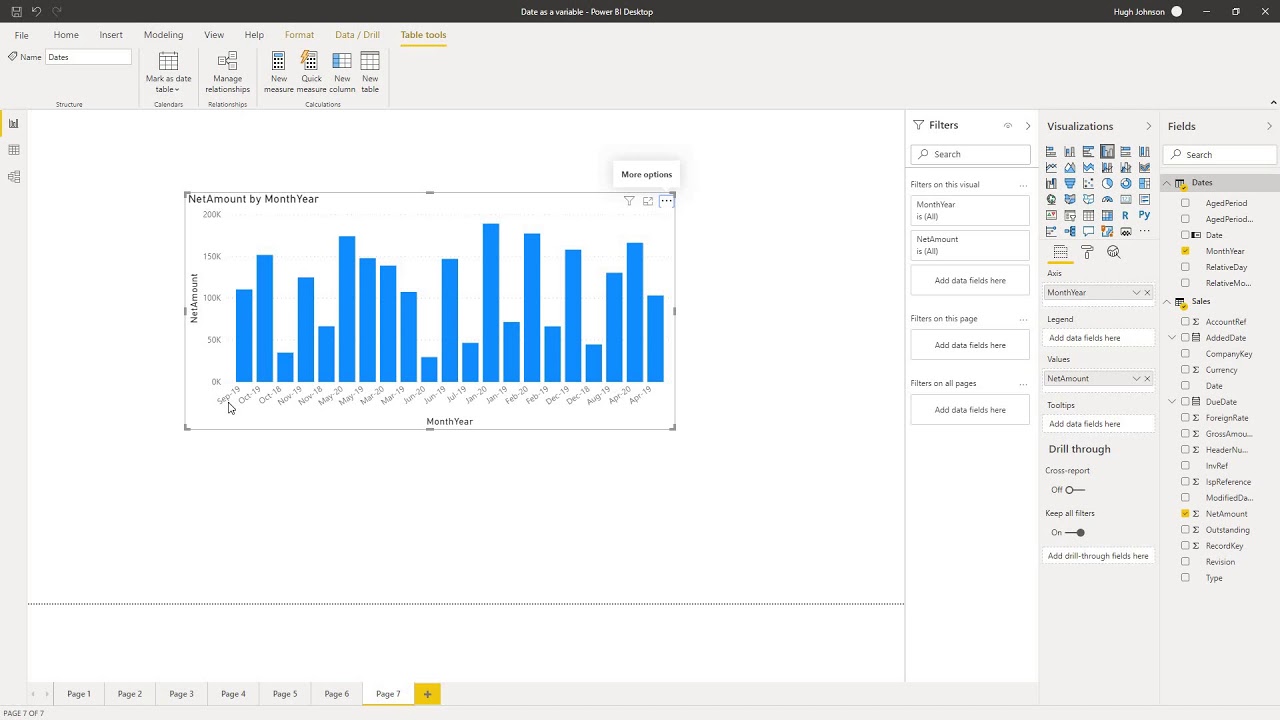
Web Nov 24 2021 nbsp 0183 32 Create Date column from Year and Month columns 11 24 2021 11 25 AM I have a table with a column of Month NUmber and a column for Year I want to make a date column for the 1st of the month The new column I want to be formatted Month Number 1 Year Example the second row is February 2021

Web Jan 15 2021 nbsp 0183 32 open Power Query Editor gt click on Column from Examples gt Choose From Selection option Select the date column from which you want to extract and then rename the new column as month Now for example if your first date in the date column is quot 15 01 2021 quot then type as jan and type the same in the second column as well as quot jan quot
Web Sep 28 2021 nbsp 0183 32 Try adding a custom column in Power Query and using this calculation Date From Text Combine quot 01 quot Month if List Contains quot Apr quot quot May quot quot Jun quot quot Jul quot quot Aug quot quot Sep quot quot Oct quot quot Nov quot quot Dec quot Month then Text Start Year 4 else Text Combine quot 20 quot Text End Year 2
Web Jun 1 2020 nbsp 0183 32 1 Answer Sorted by 5 In Power Query use some of the date functions To get the year it will be Date Year monthyear For the month it will depend on how you want to format it Using the month of June as an example To get Jun Date ToText monthyear quot MMM quot To get the month number in the format 06 Web August 26 2023 The ability to extract parts of a date is a fundamental building block of Power BI Dashboards Power BI provides a number of ways to parse and modify dates We ll look how to extract parts of dates using Power Query and Power BI DAX Formulas and when you should consider one method over the other
Web Jun 15 2023 nbsp 0183 32 Open the Data View Vreate such a column in DAX using the CALENDAR function Dates CALENDAR DATE 2024 1 20 DATE 2024 2 5 This will create a Dates table Note At this point you might optionally define your table as a Date table Create a month number column Adding the month name is easy with DAX Stay in the