Power Automate Date Time Format Strings How To Format Date In Power Automate Power Platform Geeks The EASY Power Automate FormatDateTime Guide 2022 How To Format Date And Time In A Readable Way In Power Automate Use Of Date Time Expressions Guide For Power Automate Complete How To Format Date In Power Automate Power Platform Geeks Web You can use a standard format or custom format string local is the local or region to use for output en us is the default formatDateTime outputs Date dd MM yyyy In this example the date inside a compose action is formatted using a dd MM yyyy pattern When this runs it will result in the date 21 08 2022
Web Apr 2 2021 nbsp 0183 32 Power Automate currently has 6 available actions that allows you to conveniently play with your time 1 add or subtract if the interval is negative a unit of time from any date time string that you provide as long as it is in the correct format You choose the interval and unit whether that be month week day hour minute or second Web May 7 2021 Examples Power Automate Microsoft Flow PowerPlatform Date FormatDateTime Power Automate PowerPlatform Time This blog post is to show you what characters to use to allow you to change the format of your dates and times Don t forget to check out my YouTube channel for more helpful hints and tips on the Power Platform at
How To Format Date In Power Automate Power Platform Geeks Tagged Strings In Visual Studio And NET 7 How To Format Date In Power Automate Power Automate Power Automate Date Time Formatting Functions Actions Power Automate Date Functions 9 Examples EnjoySharePoint NET MAUI TimePicker Documentation Time Format Strings Telerik UI Power Automate Date Functions 9 Examples EnjoySharePoint How To Format Date In Power Automate Power Platform Geeks Get A Date In Power Automate 3 Expressions For Filters And Conditions
Power Automate Date Time Format Strings
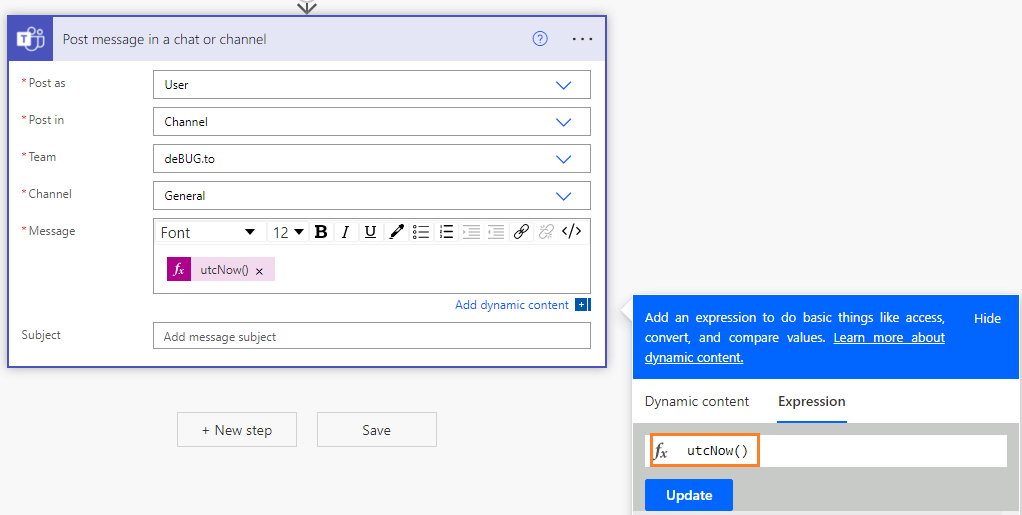 Power Automate Date Time Format Strings
https://devoworx.net/wp-content/uploads/2022/03/format-current-date-in-Power-Automate.png
Web May 7 2021 nbsp 0183 32 PowerPlatform Time This is a video to show you how to use the formatDateTime function within Power Automate and Logic Apps This function allows you to change the format of your date and time You can even get the full day and month names If you re looking to learn more about Power Automate functions you can use
Templates are pre-designed files or files that can be utilized for different purposes. They can conserve time and effort by offering a ready-made format and layout for creating various type of content. Templates can be utilized for individual or expert projects, such as resumes, invites, flyers, newsletters, reports, presentations, and more.
Power Automate Date Time Format Strings

/filters:no_upscale()/news/2022/11/visual-studio-tagged-strings/en/resources/1Image for String Syntax-1668543337839.jpg "Tagged Strings In Visual Studio And NET 7")
Tagged Strings In Visual Studio And NET 7

How To Format Date In Power Automate Power Automate
Power Automate Date Time Formatting Functions Actions
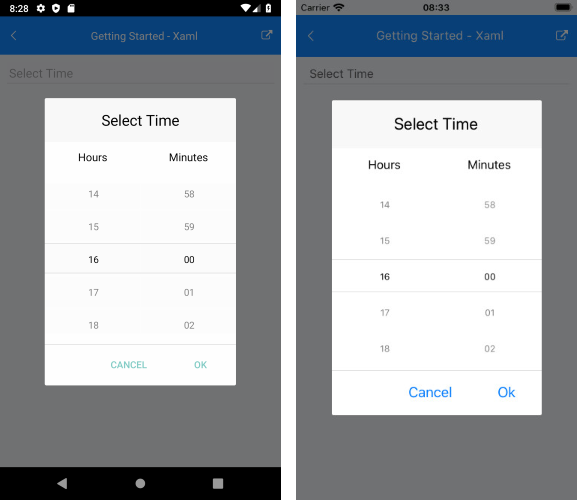
NET MAUI TimePicker Documentation Time Format Strings Telerik UI

Power Automate Date Functions 9 Examples EnjoySharePoint
Web Aug 12 2021 nbsp 0183 32 step name as Compose Format Date Time Short Date Example en GB and Inputs formatDateTime variables Date dd MM yyyy And click on ok update as shown in the below figure Step 6 After Step 5 to get Format Date Time Long Date Example en US take Compose Operation and provide
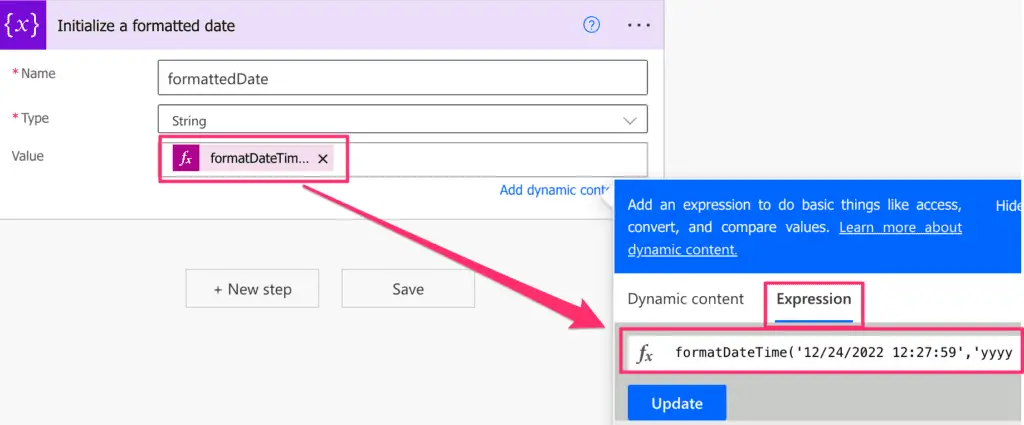
Web Mar 6 2021 nbsp 0183 32 1 ACCEPTED SOLUTION 03 06 2021 01 15 AM you can use the Received Time but you must format it using the formatDateTime expression If you use the full Received Time it contains also the time and the time includes character invalid character in folder name
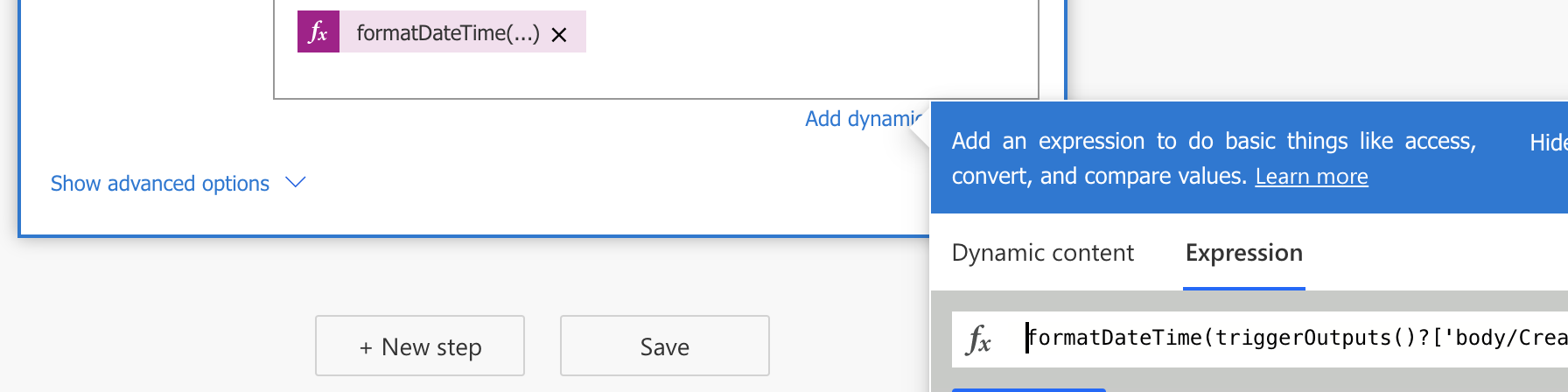
Web By providing the timestamp and format string you can create custom date and time formatting according to their specific needs An example of using the formatDateTime function is as follows formatDateTime 2023 07 19T00 00 00 dd MM yyyy
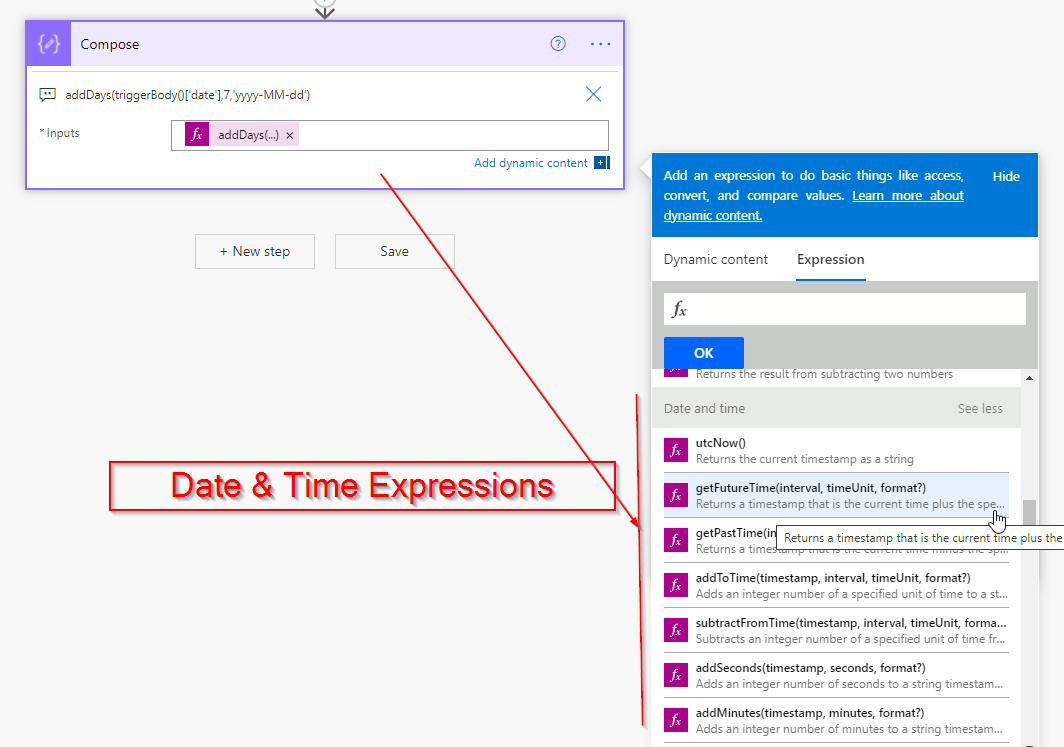
Web September 15 2022 In this Power Automate tutorial I will explain with examples of format date time in Power Automate We will also the below topics on Power Automate formatdatetime function Power Automate formatDateTime function Power Automate formatDateTime Date amp Time Power Automate formatDateTime current date
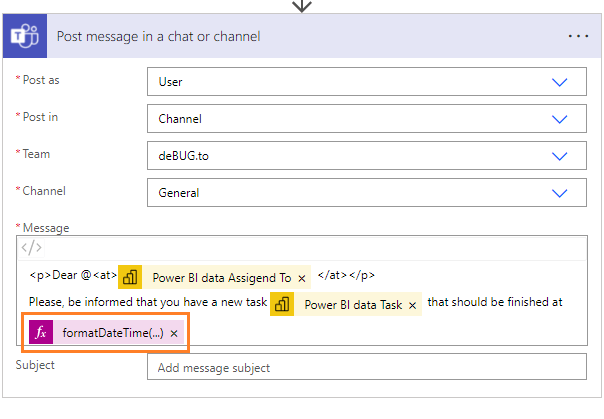
Web Sep 18 2022 nbsp 0183 32 Select the action into which you want to insert the formatted date and then select any text field on the card On the window that opens select Expression gt Format data by examples A list displays all items in your flow that can be formatted Select the item that you want to transform
Web Feb 23 2023 nbsp 0183 32 Power Automate provides the Convert text to datetime action to perform the conversion This action enables you to convert a date represented in the default format of your system or a custom format The default format is specified by the region and language settings of your machine Web Nov 12 2018 nbsp 0183 32 formatDateTime flow function in Power Automate Now I add Flow s formatDateTime function and a format string dd MM yyyy Using this format and I will see that my date will appear in the European format of day month year For the full overview of the format strings please have a look at the formatDateTime function
Web Jan 19 2021 nbsp 0183 32 FormatDateTime function Let s a take a variable of type String to store our formatted Date Now in the variable go for Functions and look for FormatDateTime function Now it asks for 2 parameters TimeStamp and Format Since I m picking the field from the trigger itself I ll use the below formula to pick from triggerBody