Pivot Table Source Data Dynamic Range Vba Top 10 Change Pivot Table Data Source How To Dynamically Update Pivot Table Data Source Range In Excel Www Changer Source Pivot Table Pivot Table Excel Formula Computer Basics How To Dynamically Update Pivot Table Data Source Range In Excel Www How To Add Filters Your Pivot Table Range Brokeasshome Jan 5 2016 nbsp 0183 32 pivot table excel pivot table
Introducing Pivot Animator 5 Pivot Animator 5 is the latest new and improved version of Pivot The beta version can be downloaded here 1 Pivot Animator Help file for Pivot animator version 5 2 2025 The user friendly animator
How To Add Filters Your Pivot Table Range Brokeasshome Pivot Data Source Professor Excel VBA Tricks And Tips VBA Code To Collect Pivot Data Source Details For Dynamically Change Pivot Table Source Data MoDCore How To Change An Excel Pivot Table Source 7 Steps with Pictures Excel Macro Sort Data Dynamic Range Excel VBA Part 12 YouTube Grouping By Date In An Excel Pivot Table Learn Microsoft Excel Five Excel Refer To Multi Dynamic Ranges VBA Stack Overflow How To Change Data Source In Pivot Table Excel 2010 Vba Elcho Table
Pivot Table Source Data Dynamic Range Vba
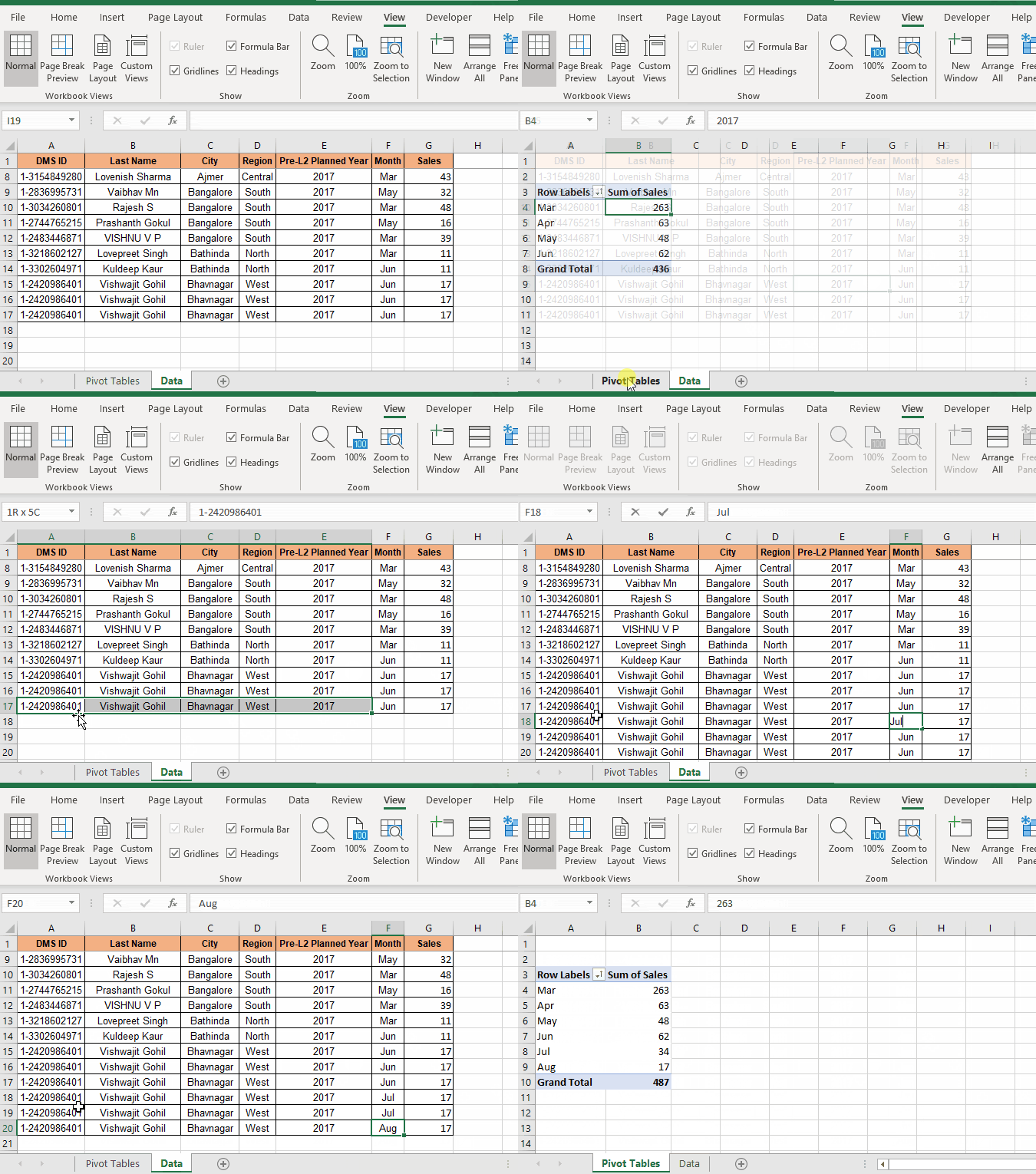 Pivot Table Source Data Dynamic Range Vba
https://www.exceltip.com/wp-content/uploads/2020/06/a-4.gif
Pivot Animator pozwala na czenie figur razem w taki spos 243 b e figury mog by przesuwane tak jakby stanowi y jedn G 243 wn r 243 nic pomi dzy czeniem a zaznaczaniem wielu figur
Pre-crafted templates use a time-saving service for producing a diverse variety of files and files. These pre-designed formats and layouts can be used for various individual and professional projects, including resumes, invitations, leaflets, newsletters, reports, presentations, and more, improving the material production procedure.
Pivot Table Source Data Dynamic Range Vba
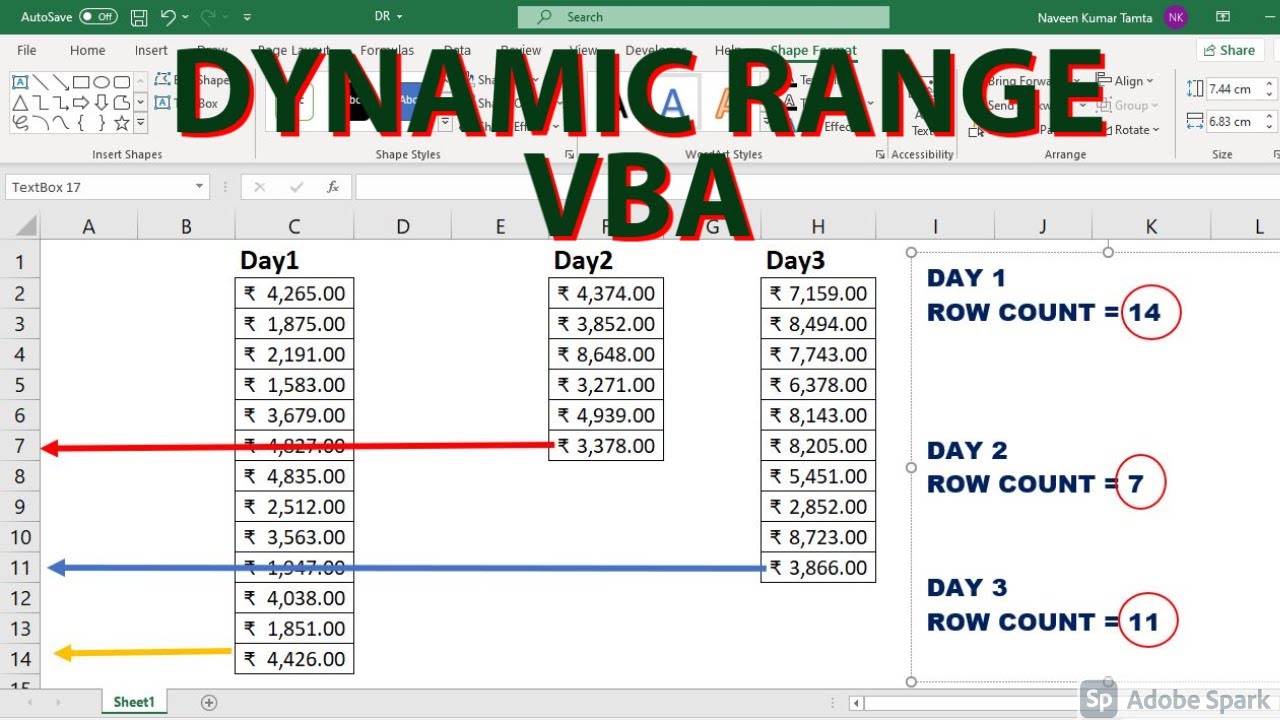
Dynamic Range In VBA Excel VBA Dynamic Cell Range How To Create
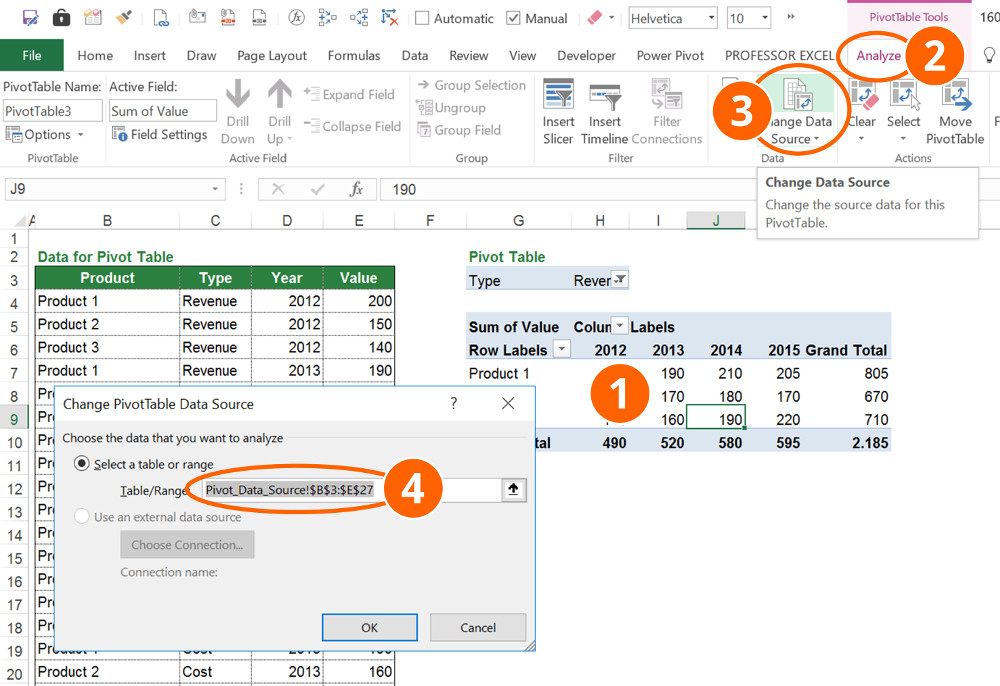
Pivot Data Source Professor Excel

VBA Tricks And Tips VBA Code To Collect Pivot Data Source Details For

Dynamically Change Pivot Table Source Data MoDCore
Excel Macro Sort Data Dynamic Range Excel VBA Part 12 YouTube
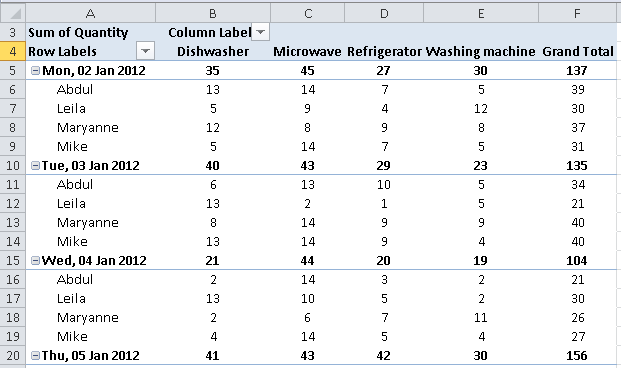
Grouping By Date In An Excel Pivot Table Learn Microsoft Excel Five
Pivot Animator 4 2 10 Updated on 13 05 2025 Pivot Animator 4 is the popular version of the Pivot Animator software which will run on any PC running Windows There s a user guide

Pivot Animator 5 is the latest new and improved version of the Pivot Animator software There s a User Guide available to explain the new features and how to use them If you would like to

A library of free figures objects and effects for use in Pivot Animator
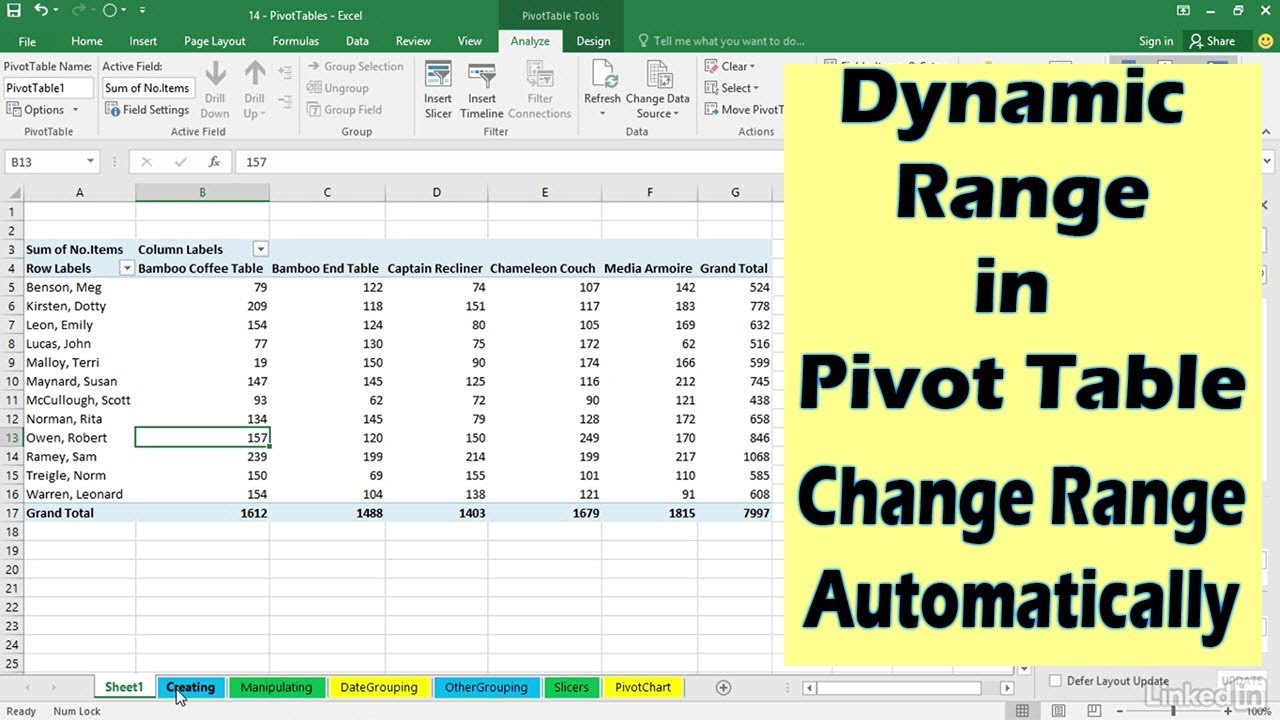
Pivot v5 is the latest stable version of the software and includes features such as a higher segment limit in the figure builder multi coloured figures polygons bendy lines canvas zoom
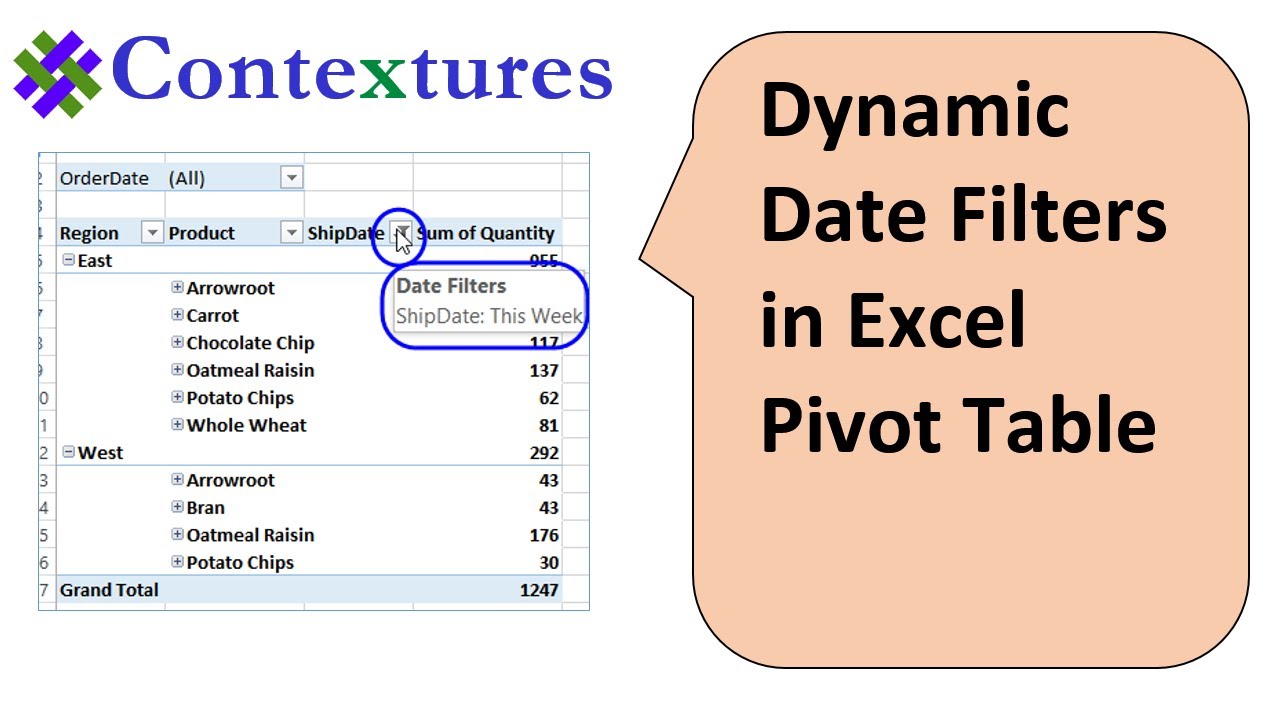
Jun 21 2020 nbsp 0183 32 Pivot Table
[desc-11] [desc-12]
[desc-13]