Pip Offline Install Linux How To Install Pip On Linux Centos 6 Systran Box Linux Pip Install Pip Offline Install Package Through Whl File Programmer Sought Install Docker Offline On Linux Programmer Sought Creating A Python Library Dependency License And Vulnerability Checker Dishy Dev 1 Answer Sorted by 0 As I did not specify a particular package version I was whondering what might be too restrictive here so that pip was not able to resolve dependencies I did finally get it to work by changing the platform from linux x86 64 to manylinux1 x86 64
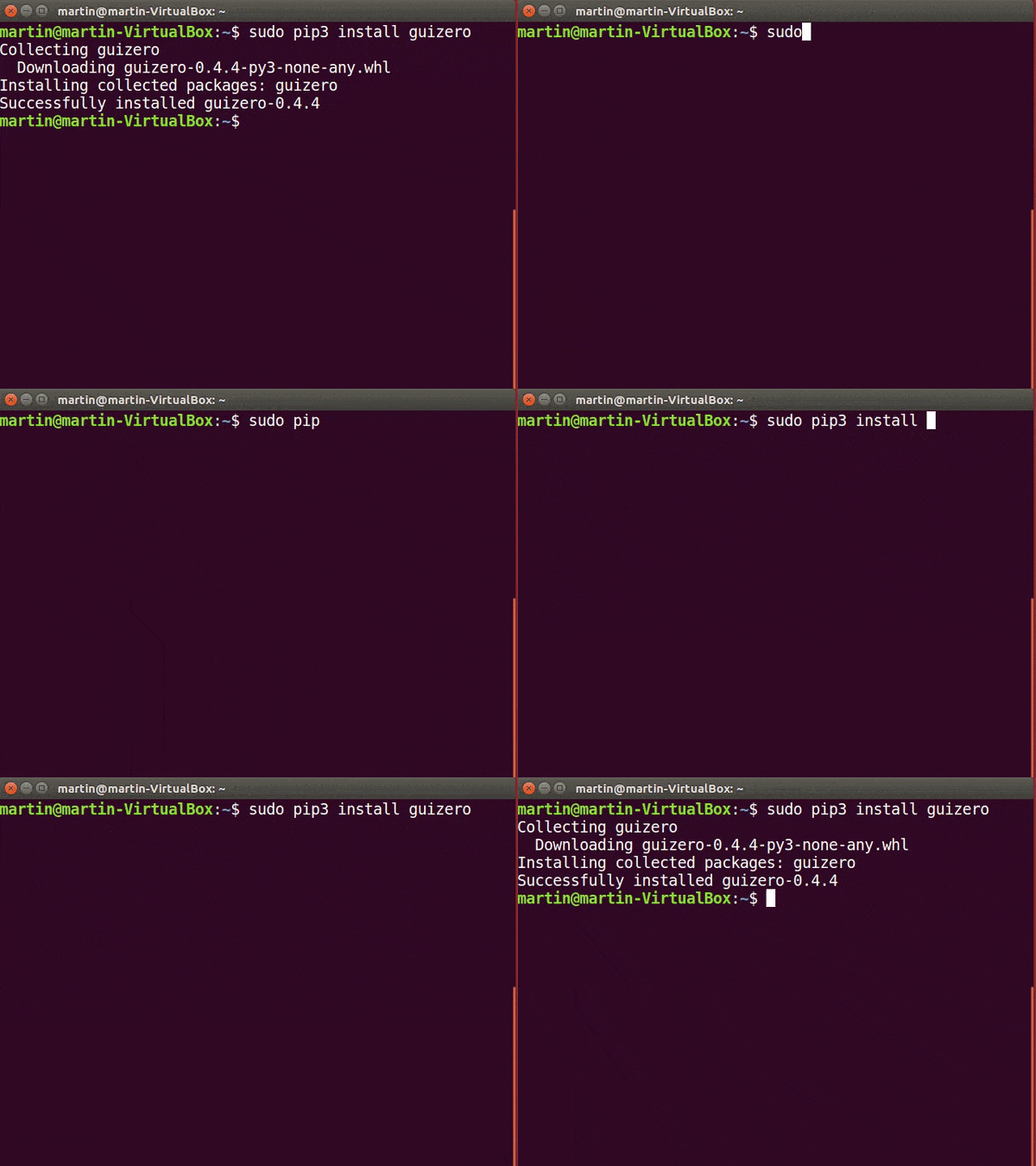
The steps Download the wheel file whl for the desired package from PyPI or another source using a machine with internet access Transfer the wheel file to the offline target machine using a USB drive or other storage medium Use the Python package installer pip to install the wheel file Example pip install path to package name whl To install pip on Debian based distributions such as Ubuntu and Linux Mint you can use the apt package manager sudo apt install python pip python 2 sudo apt install python3 pip python 3 Install PIP On CentOS and RHEL Unluckily pip is not packaged in official software repositories of RHEL based distributions such as CentOS Stream Rocky and AlmaLinux
Creating A Python Library Dependency License And Vulnerability Checker Dishy Dev Pip Offline Install Pytorch gpu 1 7 0 Programmer Sought Pip Install Nodebox Qustwellness How To Install The AWS CLI On Linux Using PIP Of Python How To Install Update Python PIP In Kali Linux 2020 4 Ubuntu MX Linux Debian Linux Mint Install Pip On Linux Gaijackson Classic Art Years Python Pip Installation Offline De Librairies Mon Linux Install Python PIP On Ubuntu CentOS RHEL LinuxTechLab
Pip Offline Install Linux
 Pip Offline Install Linux
https://syscdn.systranbox.com/how-to-install-pip-on-linux-centos-6-.jpg
If not it s easy enough to install with these commands To install pip on Ubuntu Debian and Linux Mint sudo apt install python3 pip command for Python 3 sudo apt install python pip command for Python 2 To install pip on CentOS 8 and newer Fedora and Red Hat sudo dnf install python3 command for Python 3 sudo dnf install
Pre-crafted templates offer a time-saving solution for developing a diverse variety of documents and files. These pre-designed formats and layouts can be used for numerous individual and expert tasks, consisting of resumes, invitations, leaflets, newsletters, reports, discussions, and more, simplifying the material creation process.
Pip Offline Install Linux
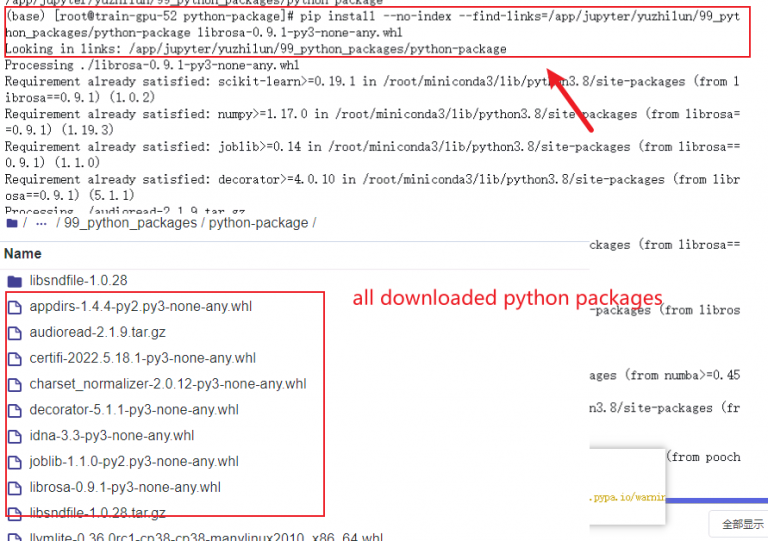
Pip Install Python Packages Offline On Linux Python Tutorial

Pip Offline Install Pytorch gpu 1 7 0 Programmer Sought

Pip Install Nodebox Qustwellness
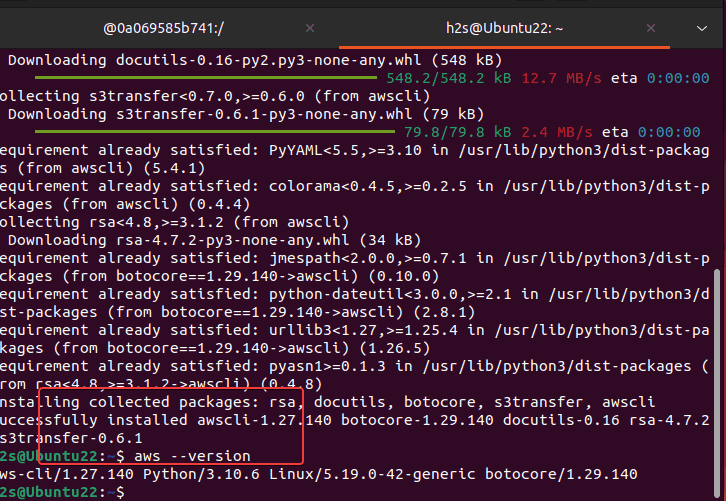
How To Install The AWS CLI On Linux Using PIP Of Python
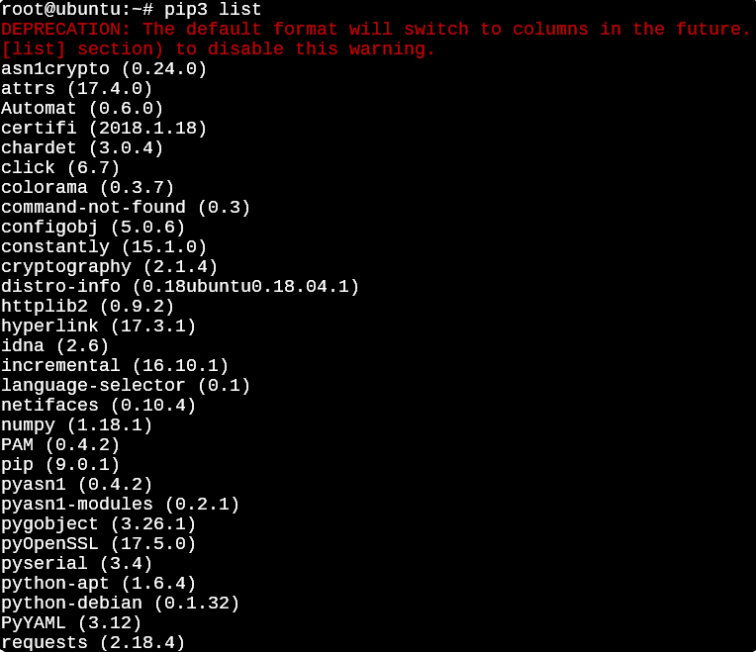
Install Pip On Linux Gaijackson
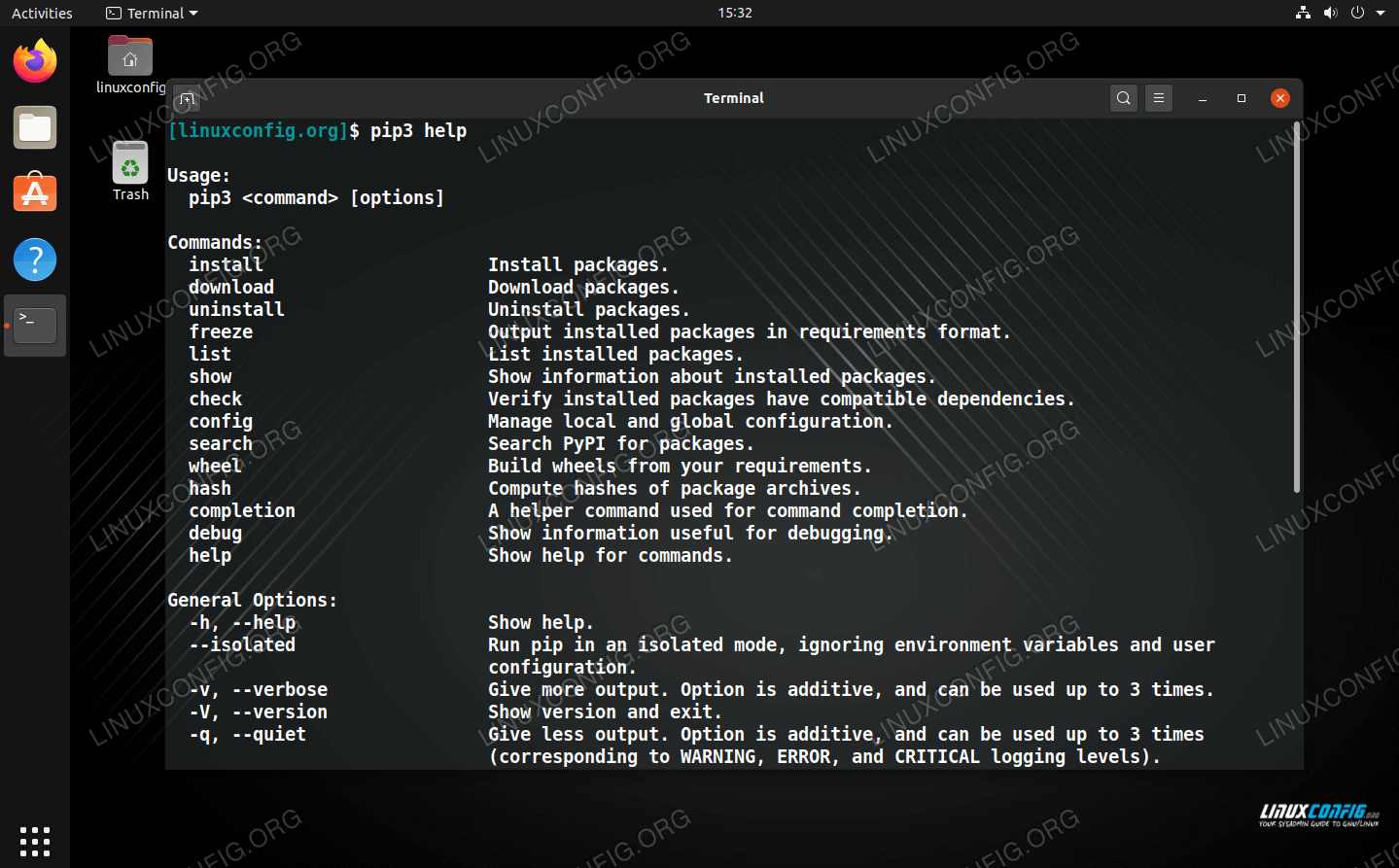
Classic Art Years

10 My python is 2 7 5 bash 4 2 python version Python 2 7 5 By default it doesn t have python pip My Linux is Redhat ERHL 7 3 bash 4 2 cat etc redhat release Red Hat Enterprise Linux Server release 7 3 Maipo I have also checked that I don t have python pip in Linux repository
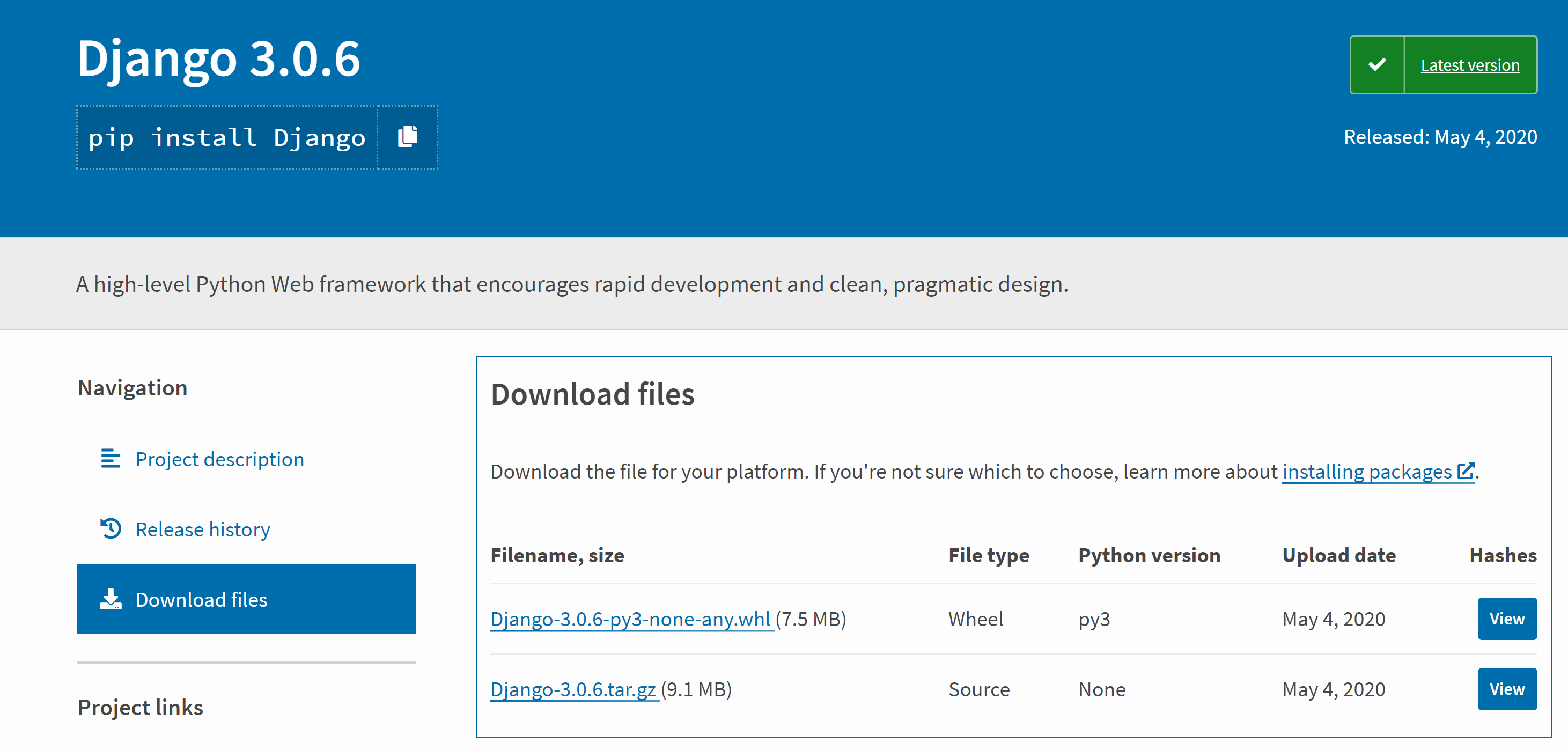
How to install python packages with all dependencies offline via pip3 Ask Question Asked 3 years 11 months ago Modified 3 years 11 months ago Viewed 47k times 5 first of all I have managed to install Ansible on a server which has no internet access But I wonder if my approach is correct

Open a terminal command prompt cd to the folder containing the get pip py file and run Linux python get pip py MacOS Windows More details about this script can be found in pypa get pip s README Standalone zip application Note The zip application is currently experimental

Download packages from PyPI and other indexes using requirement specifiers VCS project urls Local project directories Local or remote source archives pip also supports downloading from requirements files which provide an easy way to specify a whole environment to be downloaded Overview
Installing pip for Python 3 Installing pip for Python 3 on Ubuntu 22 04 is a straightforward process Run the following commands as root or sudo user in your terminal sudo apt update sudo apt install python3 pip The command above also installs all the dependencies required for building Python modules
Offline PIP Package Downloads Your Ultimate Guide Python packages can be installed on Internet prohibited sites using offline installation including dependencies Python developers rely on the simplicity and power of the Python Package Manager commonly known as PIP Installing a pip package in an offline Linux environment Install Jupyter Notebook Server including the additional pip package without internet access About this task When installing Jupyter Notebook Server you need to install the PixieDust package additional pip packages txt
Sometimes we need install some python packages offline using pip command on linux How to install In this tutorial we discuss this topic Download python packages using pip In order to install python packages offline we should download them first In python we can use pip download command to download For example