Pip Help Install Pandas How To Install Pandas With Pip In Windows 10 YouTube Install Pandas On Windows Step by Step Spark By Examples How To Install Pandas In PyCharm YouTube How To Install Pandas With Pip And Anaconda Globally And Inside A How To Install Pandas In Python And Anaconda Web The easiest way to install pandas is to install it as part of the Anaconda distribution a cross platform distribution for data analysis and scientific computing This is the recommended installation method for most users
Web The easiest way to install pandas is to install it as part of the Anaconda distribution a cross platform distribution for data analysis and scientific computing This is the recommended installation method for most users Web Windows Installing Packages pip supports installing from PyPI version control local projects and directly from distribution files The most common scenario is to install from PyPI using Requirement Specifiers Unix macOS python m pip install SomePackage latest version python m pip install SomePackage 1 0 4 specific version
How To Install Pandas In Python And Anaconda Pip Install Pandas PermissionError Data Science Solucionado Como Instalar O Python Pandas No Windows E Linux Acervo Lima How To Install Pandas Specific Version With Pip And Anaconda Better Python Pip Install Pandas Conflict With Pylance Stack Overflow How To Install Pandas With Pip And Anaconda Globally And Inside A Sklearn Installation Via Pip In Python 3 10 Linux ubuntu 20 04 Dist How To Install Pandas In Python Scaler Topics Pip Install Models The 6 Latest Answer Barkmanoil
Pip Help Install Pandas
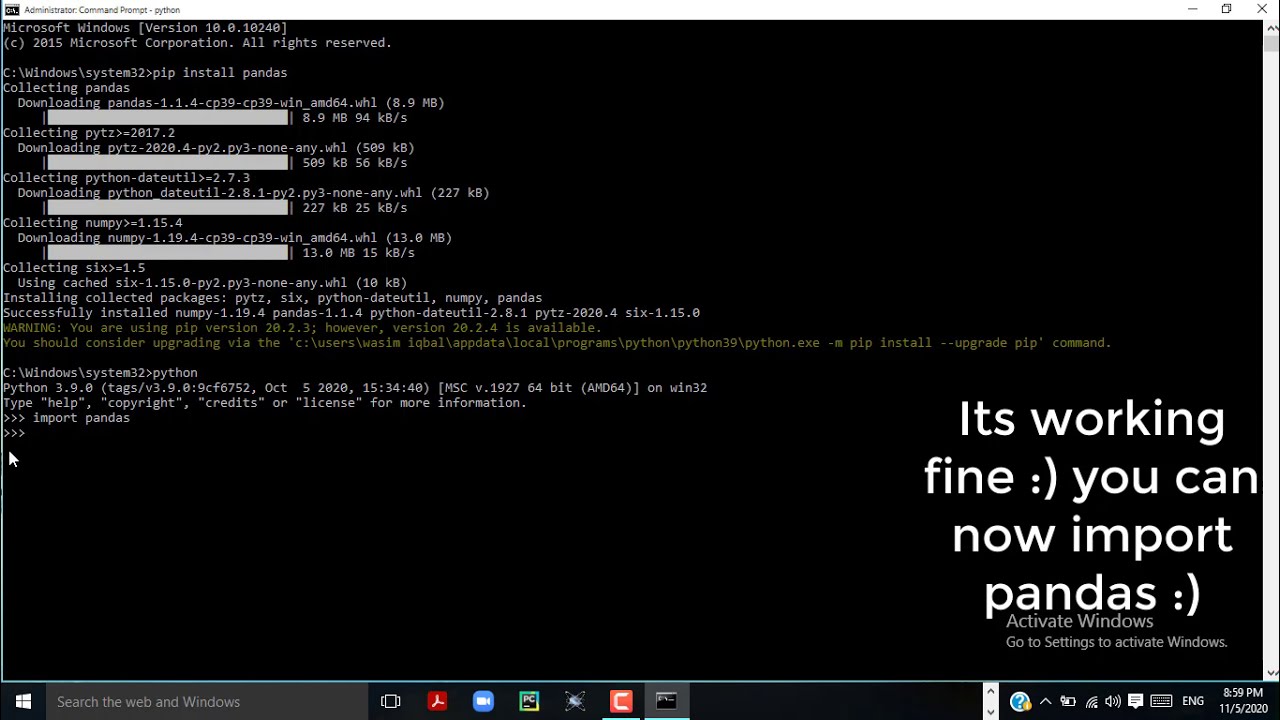 Pip Help Install Pandas
https://i.ytimg.com/vi/K_Ba7bL8m4Y/maxresdefault.jpg
Web pip install has several stages Identify the base requirements The user supplied arguments are processed here Resolve dependencies What will be installed is determined here Build wheels All the dependencies that can be are built into wheels Install the packages and uninstall anything being upgraded replaced
Pre-crafted templates offer a time-saving solution for producing a diverse range of documents and files. These pre-designed formats and designs can be utilized for different individual and professional projects, consisting of resumes, invites, flyers, newsletters, reports, discussions, and more, improving the content production procedure.
Pip Help Install Pandas

Morton s Musings Pandas
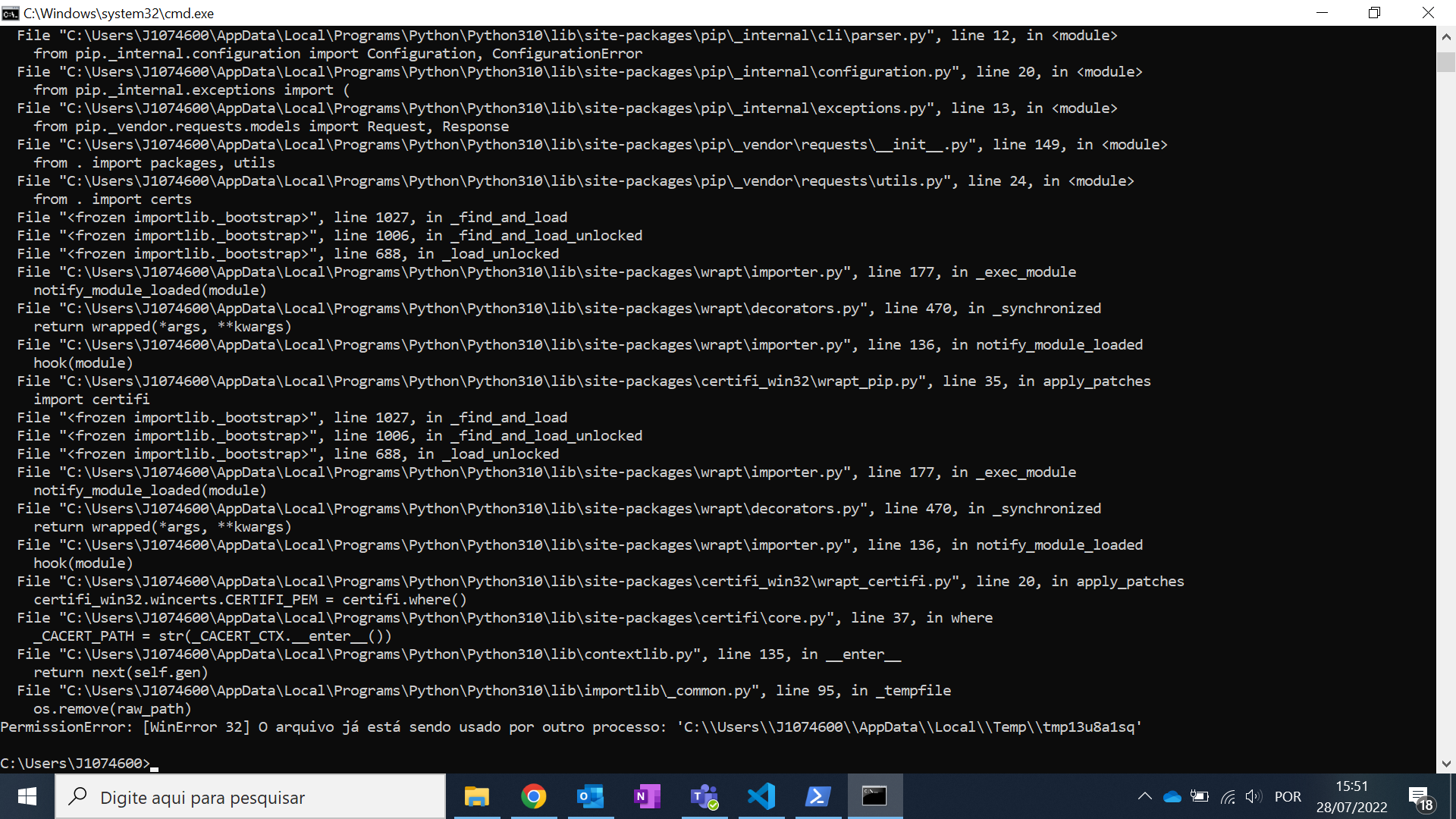
Pip Install Pandas PermissionError Data Science Solucionado
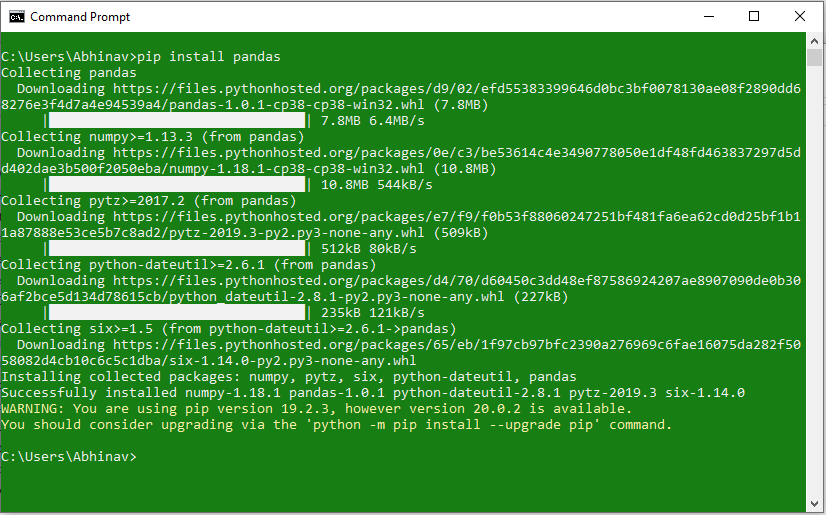
Como Instalar O Python Pandas No Windows E Linux Acervo Lima
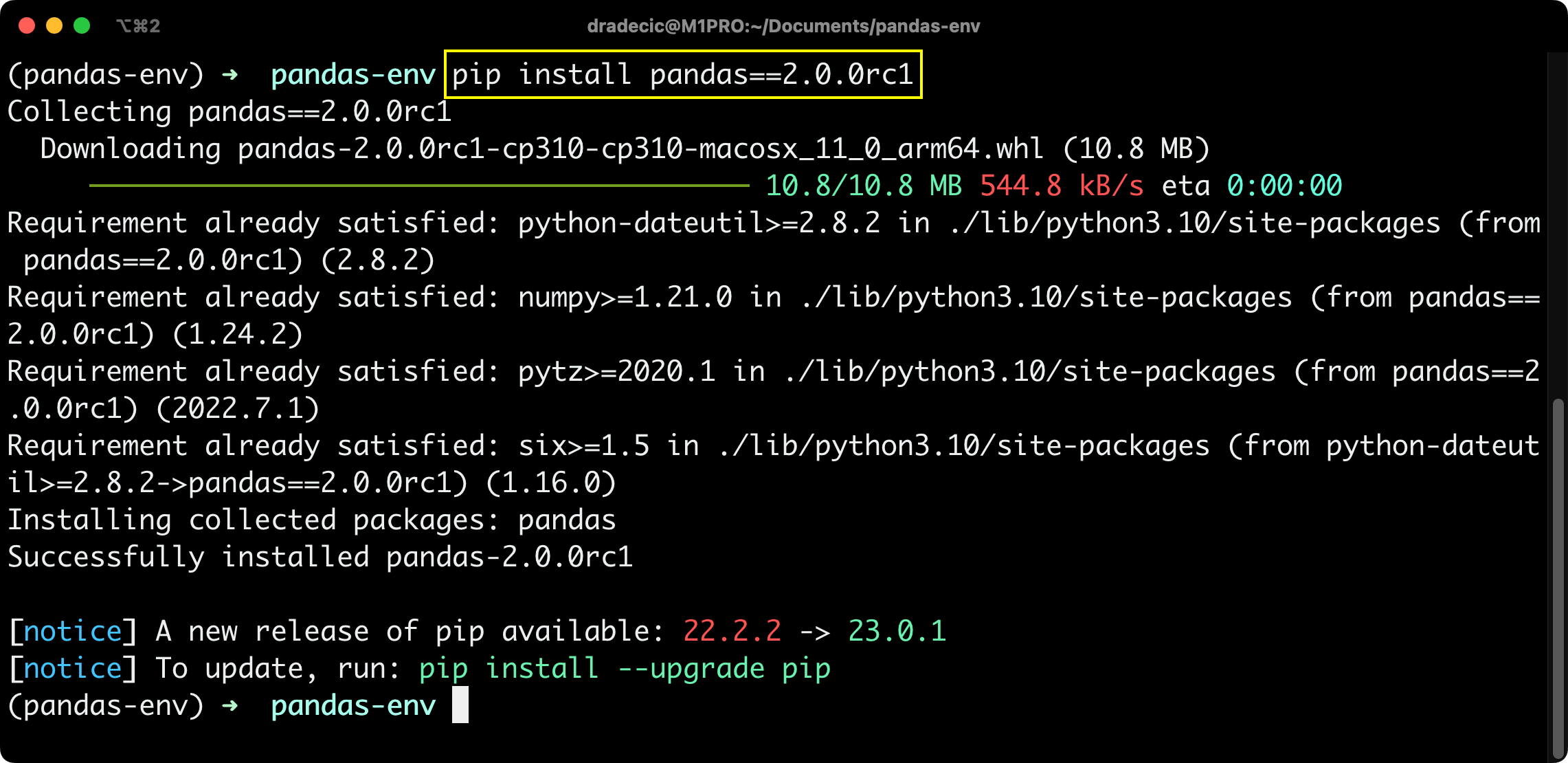
How To Install Pandas Specific Version With Pip And Anaconda Better
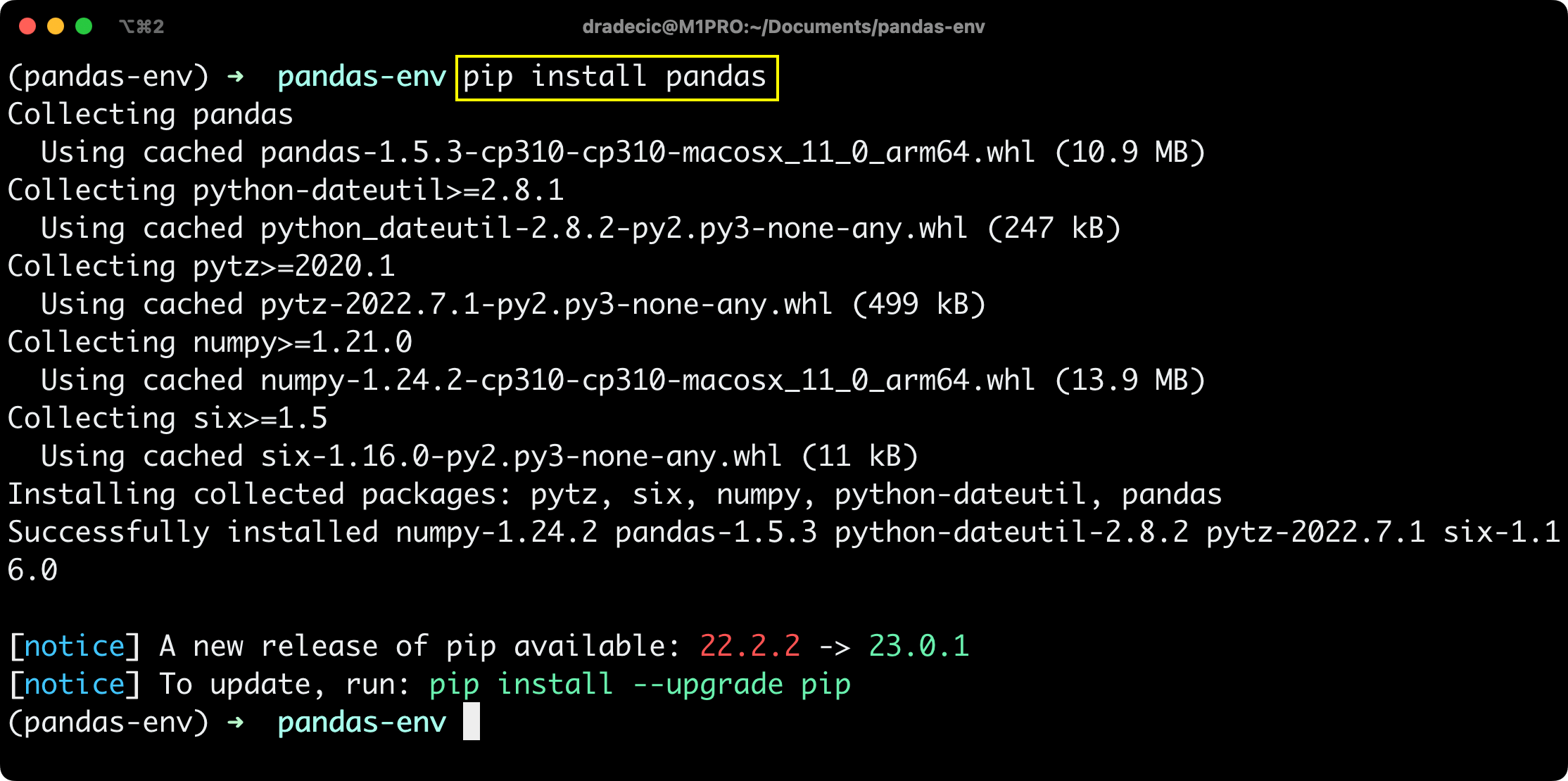
How To Install Pandas With Pip And Anaconda Globally And Inside A

Sklearn Installation Via Pip In Python 3 10 Linux ubuntu 20 04 Dist
Web Feb 23 2024 nbsp 0183 32 Installation from sources To install pandas from source you need Cython in addition to the normal dependencies above Cython can be installed from PyPI pip install cython In the pandas directory same one where you found this file after cloning the git repo execute pip install or for installing in development mode

Web pip install pandas make sure this is pandas not panda If you are not able to access pip then got to C Python37 Scripts and run pip exe install pandas Alternatively you can add C Python37 Scripts in the env variables for windows machines Hope this helps

Web There are two ways of installing Pandas on Windows Method 1 Installing with pip It is a package installation manager that makes installing Python libraries and frameworks straightforward As long as you have a newer version of Python installed gt Python 3 4 pip will be installed on your computer along with Python by default
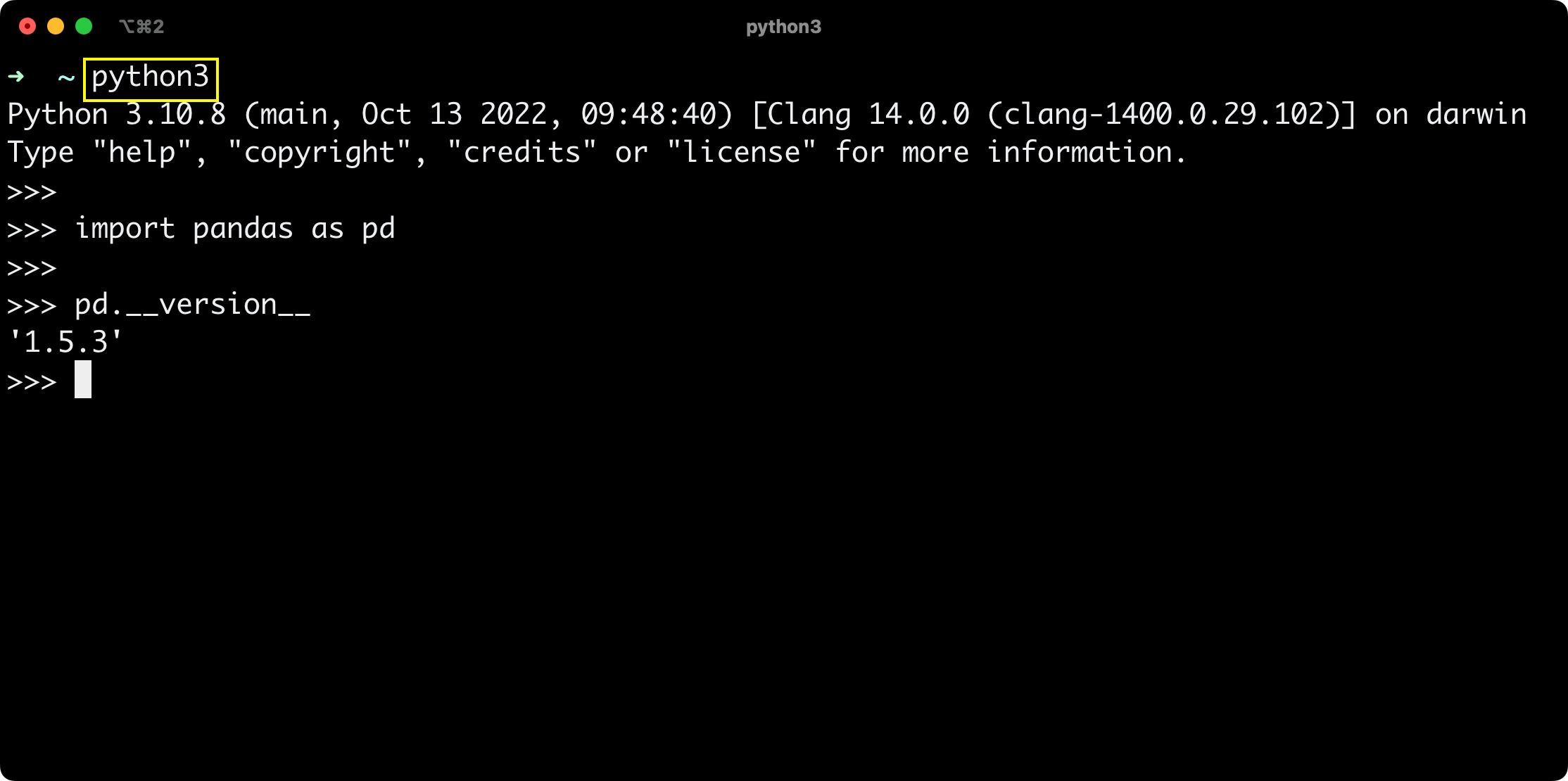
Web Dec 14 2023 nbsp 0183 32 Install Pandas on Windows Python Pandas can be installed on Windows in two ways Using pip Using Anaconda Install Pandas using pip PIP is a package management system used to install and manage software packages libraries written in Python These files are stored in a large online repository termed as Python Package
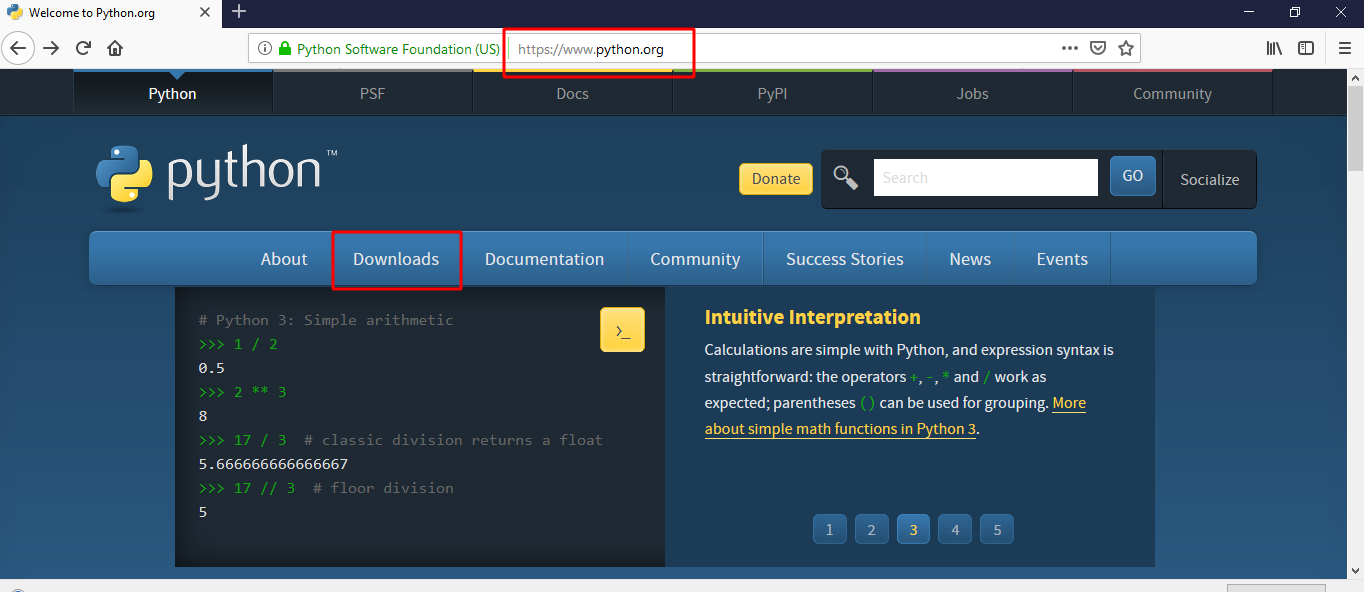
Web To install Pandas on your system you have two options Choose the one that matches your Python installation either Pip or Anaconda Pip Run pip install pandas Anaconda Run conda install pandas It s assumed you already have Python installed either a standalone version or through an Anaconda distribution
Web Aug 29 2022 nbsp 0183 32 You can use the following command to install the Pandas module pip install pandas Below you can see the output of the pip install command to install Pandas on my machine pip install pandas Collecting pandas Downloading pandas 1 4 3 cp38 cp38 macosx 11 0 arm64 whl 10 3 MB Web 5 days ago nbsp 0183 32 pip is the preferred installer program Starting with Python 3 4 it is included by default with the Python binary installers A virtual environment is a semi isolated Python environment that allows packages to be installed for use by a particular application rather than being installed system wide
Web Mar 27 2024 nbsp 0183 32 1 Install Python Pandas On Windows As I said above if you already have python installed and have set the path to run python and pip from the command prompt you can skip this section and directly jump to Install pandas using pip command on windows 1 1 Download amp Install Python