Pip For Python 3 4 Download How To Install PIP For Python On Windows How To Install Python Installing Pip2 Apt Install Python pip No Longer Works Off topic How To Install Pip In Python Riset On Windows How Do I Install Pip For Python Quora Python PIP Nov 24 2014 nbsp 0183 32 Fortunately there is one package manager for Python called Pip Pip is inspired by Ruby s Gem but lacks some features Ironically Pip itself is complicated to install
Apr 25 2016 nbsp 0183 32 Pip is preselected since Python 3 9 unless you select a manual installation and deselect it yourself Also to anyone reading this in 2024 the steps above do not apply to I am very new to Python and trying to amp gt pip install linkchecker on Windows 7 Some notes pip install is failing no matter the package For example amp gt pip install scrapy also results in the
Python PIP Installing Opencv Using Pip In Python Installing Images My XXX Hot Girl Pip Install For Python 3 6 Mac Applicationsos Pip Install Specific Version How To Install A Specific Python Package How To Install Pip For Python 3 6 YouTube Install Python 3 7 4 64 Bit Windows Mercusuara How To Install PIP On Windows And Manage Packages Installing Pip With Embeddable Zip Python In Windows Roy Tutorials How Installing Pip With Embeddable Zip Python In Windows Roy Tutorials How
Pip For Python 3 4 Download
 Pip For Python 3 4 Download
https://i.ytimg.com/vi/M9IgprHQcn4/maxresdefault.jpg
Pip is a replacement for easy install But should I install pip using easy install on Windows Is there a better way
Templates are pre-designed files or files that can be utilized for numerous purposes. They can save effort and time by supplying a ready-made format and layout for developing various kinds of content. Templates can be used for individual or professional jobs, such as resumes, invitations, leaflets, newsletters, reports, discussions, and more.
Pip For Python 3 4 Download
Installing Pip In Python YouTube
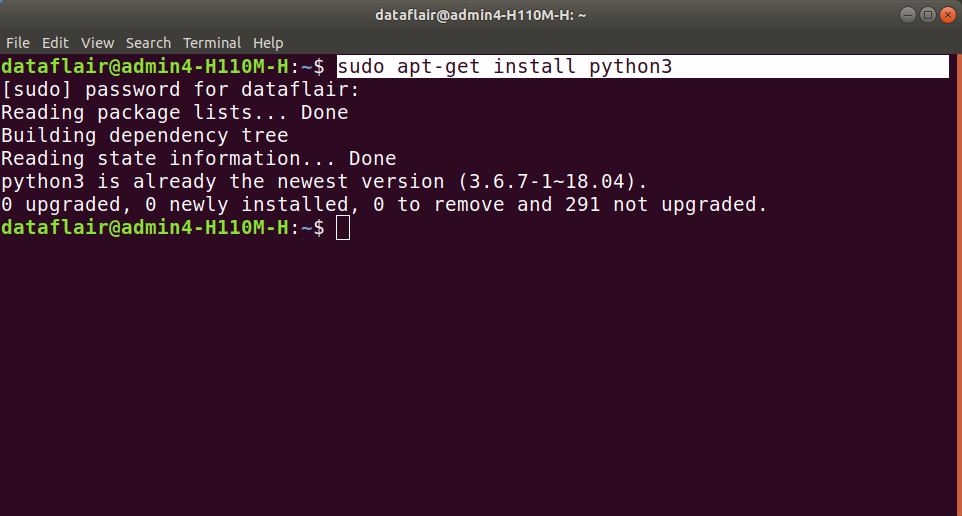
Installing Opencv Using Pip In Python Installing Images My XXX Hot Girl

Pip Install For Python 3 6 Mac Applicationsos
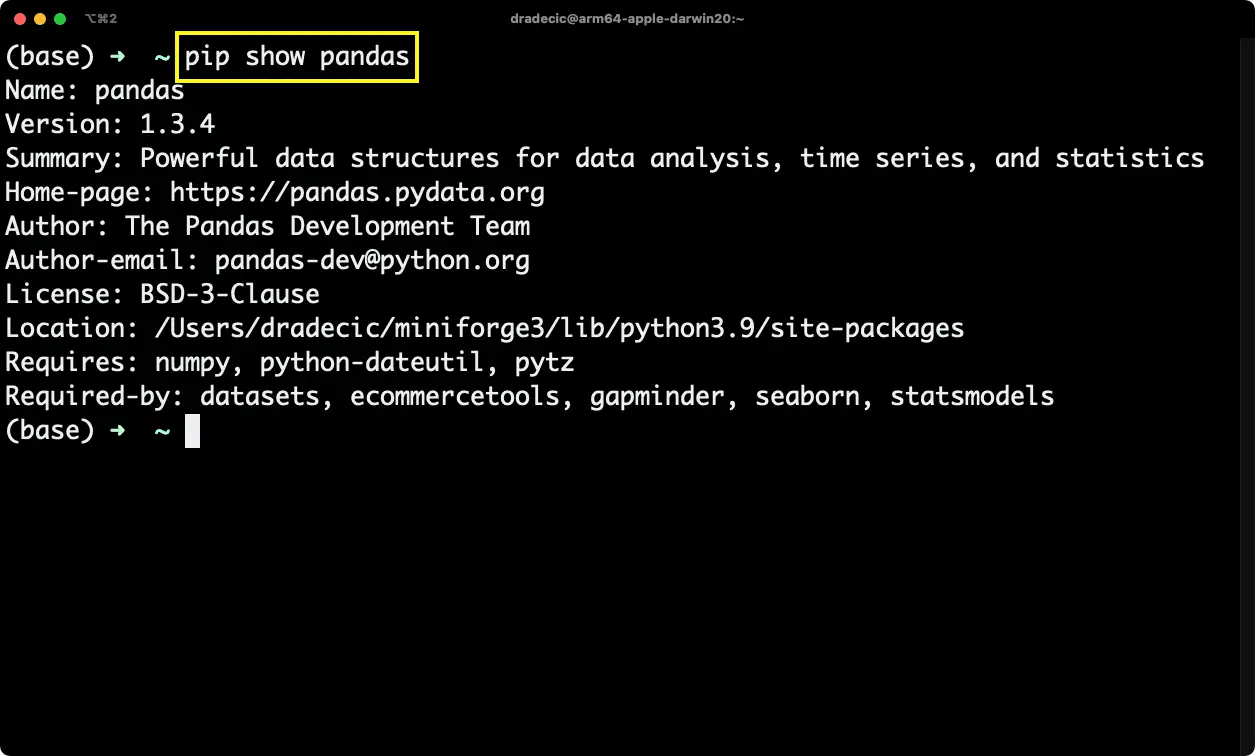
Pip Install Specific Version How To Install A Specific Python Package

Install Python 3 7 4 64 Bit Windows Mercusuara
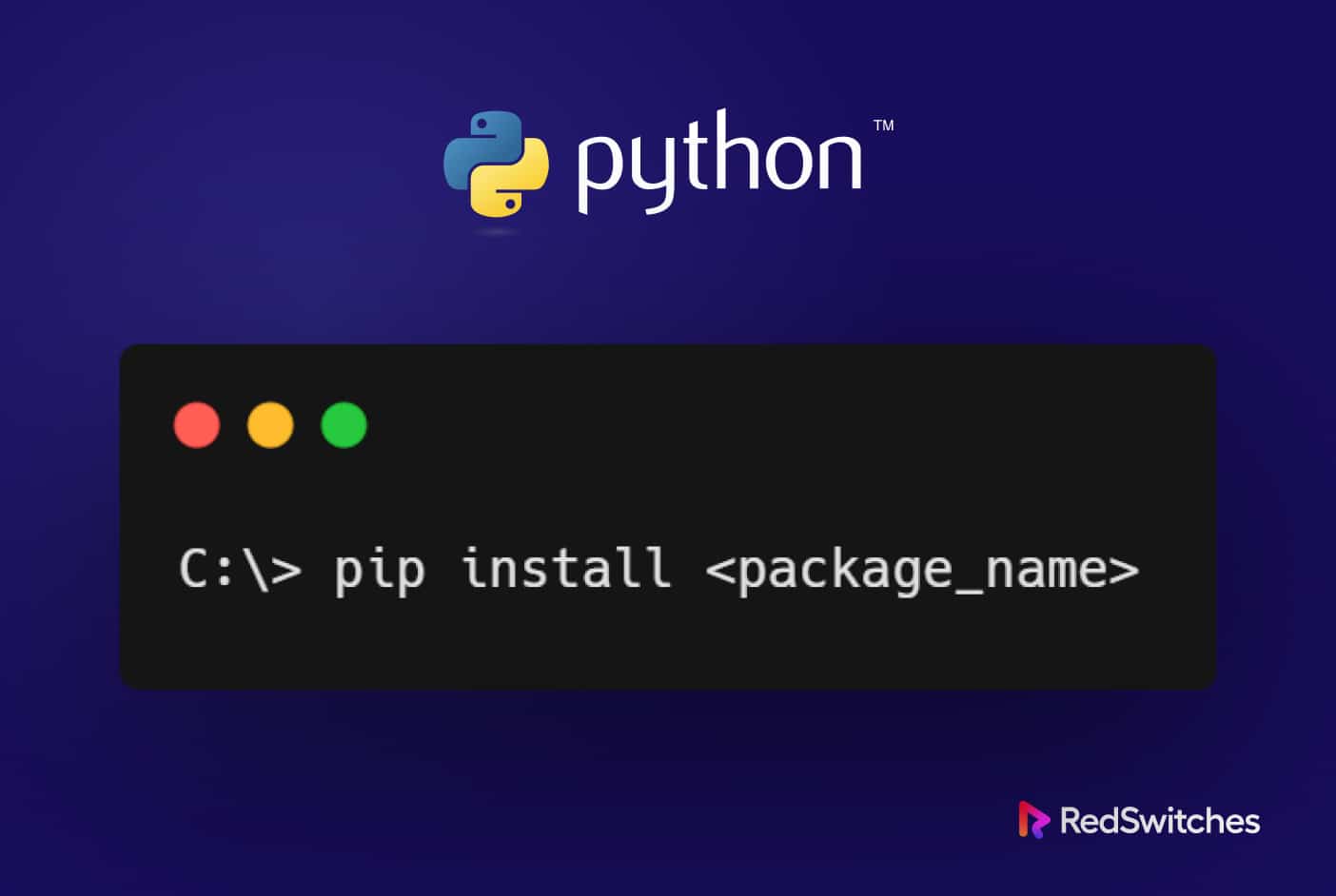
How To Install PIP On Windows And Manage Packages

Nov 2 2017 nbsp 0183 32 What is the way to update a package using pip those do not work pip update pip upgrade I know this is a simple question but it is needed as it is not so easy to find pip

May 17 2014 nbsp 0183 32 If pip is not installed you can install it again by downloading latest python exe setup from the python website Make sure you check mark the pip option as shown in the

May 14 2016 nbsp 0183 32 Make sure that the original installation directory is completely removed from disk and that its directories are removed from PATH such that you re running the correct pip exe
Apr 23 2015 nbsp 0183 32 As I understand Python 2 7 9 comes with Pip installed however when I try to execute a Pip command from CMD Windows I get the following error pip is not recognized

Jan 11 2015 nbsp 0183 32 While pip install wheel adds extra features we can also unzip using a standard archive tool eg 7zip the whl file into site packages directory to use the package
[desc-11] [desc-12]
[desc-13]