Phone Unlock Code For Samsung How To Unlock Samsung Galaxy Young By Unlock Code UnlockLocks COM How To Unlock Samsung Galaxy S10 Free Www counlock How To Unlock Samsung Phone With Code By IMEI S21 S20 S10 Note 20 10 9 How To Find Unlock Code For Samsung Free Stackyellow Free Samsung Unlock Codes How To Guide From FreeUnlocks YouTube Home Unable to unlock Galaxy phone or tablet s screen Unable to unlock Galaxy phone or tablet s screen If your phone or tablet is not recognizing your PIN pattern password fingerprint or face unlock rebooting the device or entering Safe Mode can help solve the problem
Quick steps Turn off your phone Open the recovery menu often by pressing volume up and the side button Enter your Google account details if prompted Select Wipe data factory rest or Delete Insert a non carrier SIM card Power off your Samsung phone and remove the existing SIM card Replace it with a SIM card from a different carrier Enter the unlock code Power on your phone and you ll be prompted to enter the unlock code Type in the code provided by your carrier and follow the on screen instructions
Free Samsung Unlock Codes How To Guide From FreeUnlocks YouTube Samsung S5570 Unlock Code Free Clevertunes How To Unlock Samsung Galaxy S9 Phone When You Forgot Password Samsung Unlock Code Generator 2015 2021 Galaxy A J S Note Series Get Samsung Unlock Code Calculator YouTube How To Enter Unlock Code In Samsung Phone Unlock Code Calculator Link Unlock Samsung Phones For FREE Tutorial YouTube The Right Way To Insert The Samsung Unlock Codes OnlineUnlocks Unlock Samsung Galaxy S6 Or Any Samsung Device With Network Unlock Code
Phone Unlock Code For Samsung
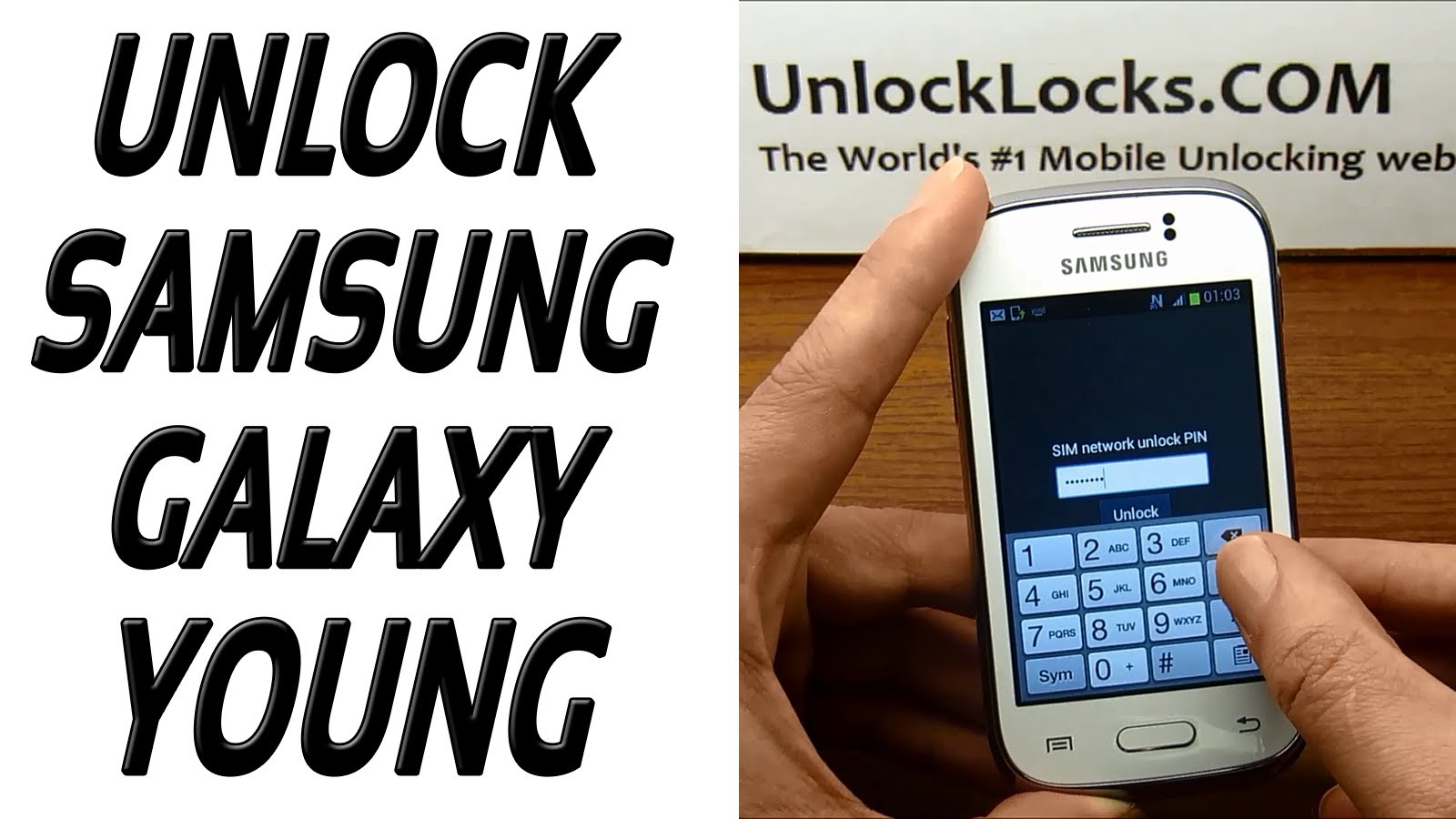 Phone Unlock Code For Samsung
https://unlocklocks.com/blog/wp-content/uploads/2015/03/how-to-unlock-samsung-galaxy-you2.jpg
Samsung Mobile Phone Where can I check IMEI Model Code Serial Number Safe Mode on Samsung Phones Is this content helpful Yes No Contact Info Digital Service Center Get customized support access to DIY videos and FAQs or schedule a callback request to connect with an expert Click here WhatsApp English
Templates are pre-designed files or files that can be used for various functions. They can save effort and time by offering a ready-made format and layout for producing various sort of material. Templates can be utilized for personal or professional projects, such as resumes, invitations, leaflets, newsletters, reports, discussions, and more.
Phone Unlock Code For Samsung
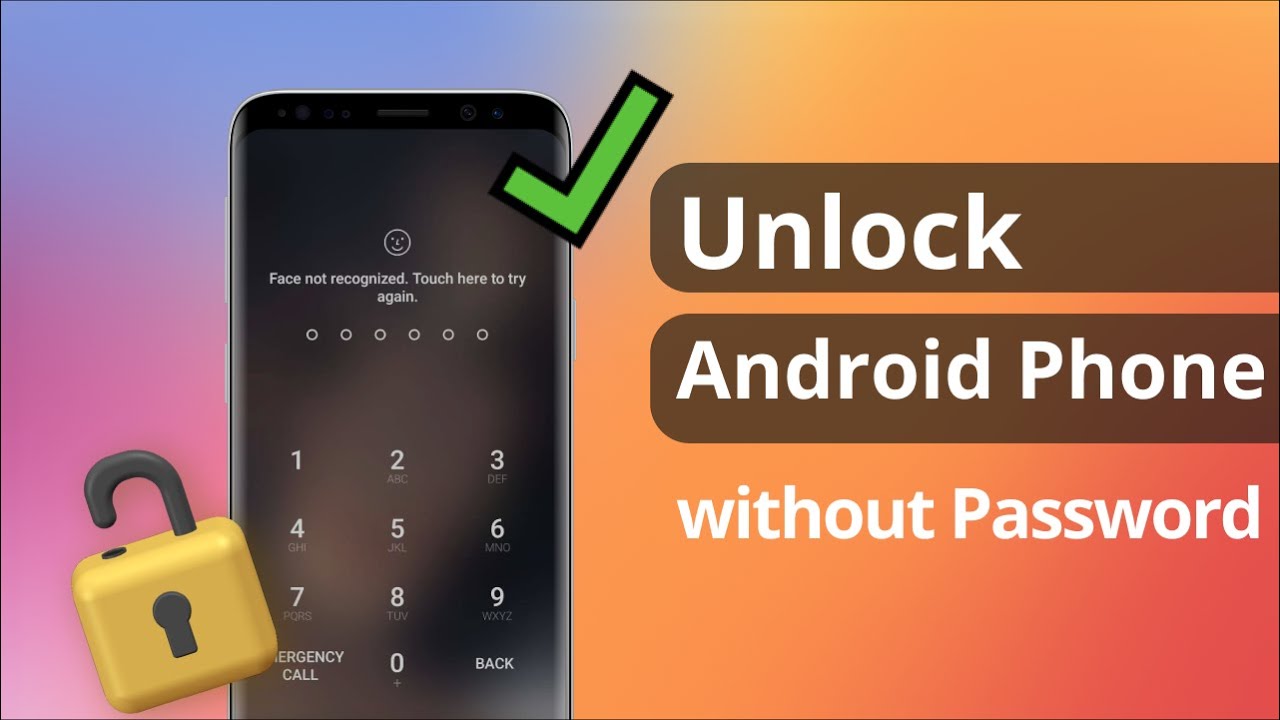
2 Ways How To Unlock Android Phone Without Password Samsung Pattern
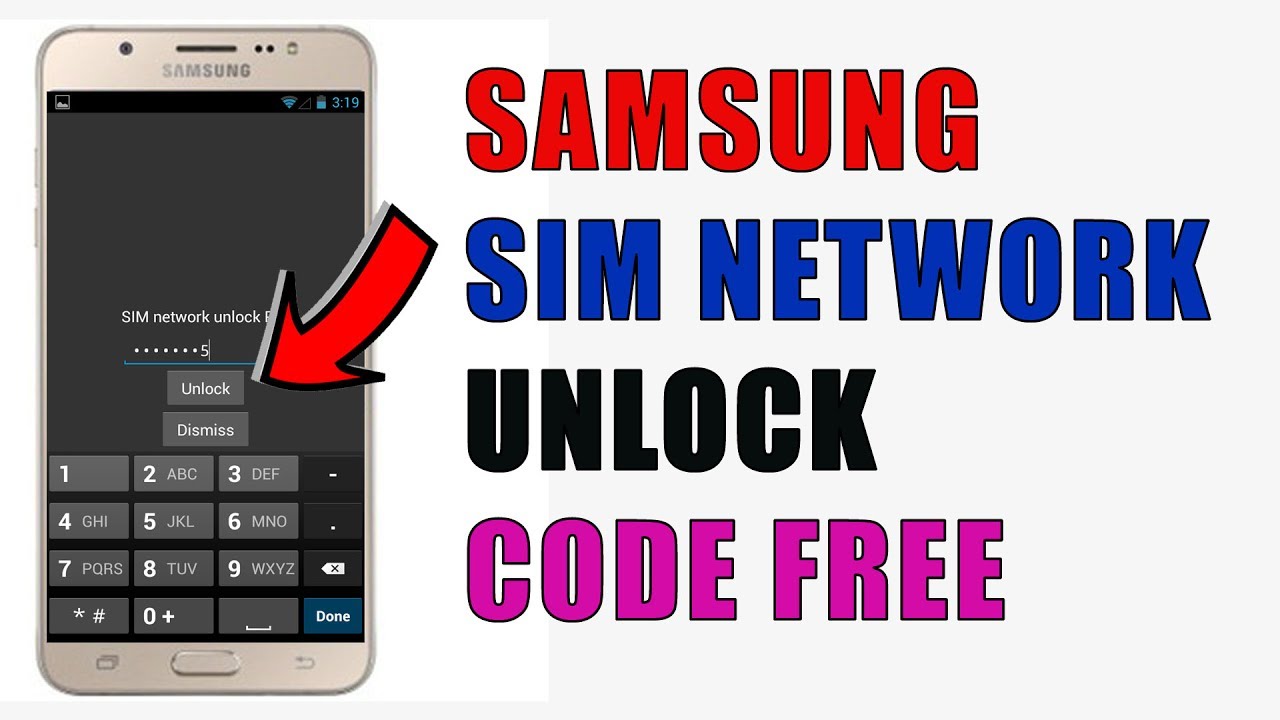
Samsung S5570 Unlock Code Free Clevertunes

How To Unlock Samsung Galaxy S9 Phone When You Forgot Password
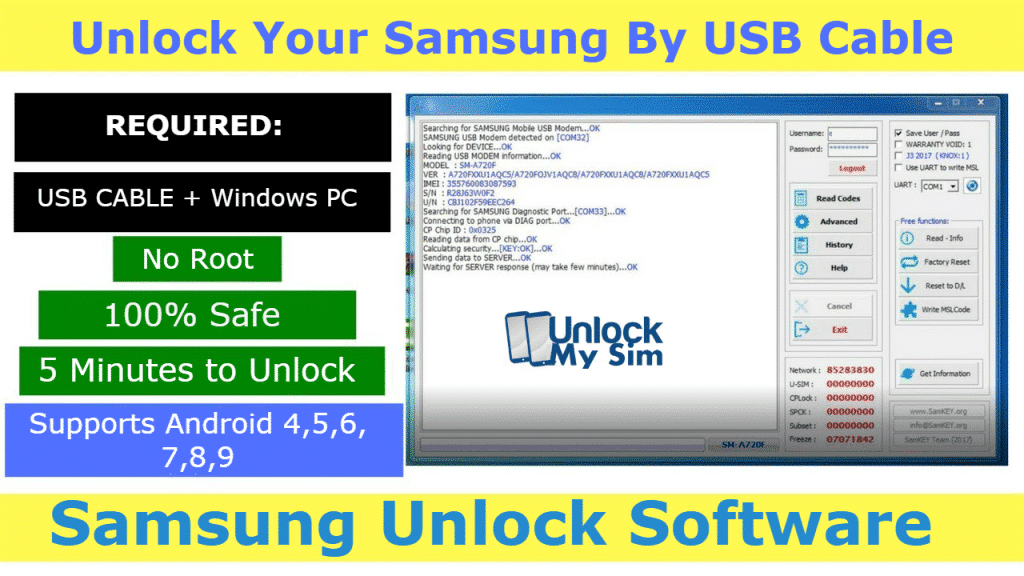
Samsung Unlock Code Generator 2015 2021 Galaxy A J S Note Series

How To Enter Unlock Code In Samsung Phone Unlock Code Calculator Link
Unlock Samsung Phones For FREE Tutorial YouTube

Step 1 Type 06 in your phone s dial pad to get your International Mobile Equipment Identity IMEI number Step 2 Note down the IMEI number You will need this when requesting your carrier

It s pretty simple SIM unlocking a phone is about letting you use any SIM card from any carrier as long as it is compatible You don t get access to any developer features or hidden commands on the phone It cannot break the GSM CDMA limitations of the phone

If you forgot how to unlock your mobile device or if the lock method you registered on your mobile device does not work you can proceed to unlock your mobile device by using the Find My Mobile feature or use the Smart Lock feature on your mobile device You can view the detailed steps for each method below

Samsung Galaxy Network Unlock Codes If you see the Enter Network Lock Control Key or SIM Network Unlock PIN on the screen If the message Unsuccessful appears you have tried to enter the unlock code several times In this case enter 2767 3855 to reset your Phone Enter your Unfreeze code MCK into the SIM network to unlock the PIN

1 Power off the device 2 Insert the alternative carrier SIM card into the device 3 Power on the device 4 Wait for device to display the SIM Network unlock PIN screen 5 Enter the code provided by your phone carrier and then tap Unlock Note You must obtain your unlock code directly from your previous mobile provider
Method 1 Using Find My Mobile If you have a Samsung phone and you ve forgotten the unlock pattern or PIN don t worry Samsung offers a handy feature called Find My Mobile which allows you to remotely unlock your device This feature is not only helpful if you ve forgotten your unlock code but also in case your phone gets lost or stolen Step 1 Input Samsung Network Unlock Code Open the phone dialer and enter the code 7465625 638 When it asks for a code enter the 8 digit Samsung network unlock code Step 2 Unlock Samsung Switch off your phone Insert the SIM card from other carriers and turn on your device again
Part 3 Using Samsung Unlock Code to Unlock Specific a Samsung Phone Below are some ways of unlocking specific Samsung phone models 3 1 Using Samsung Unlock Code to Unlock Samsung SGH E400 Step 1 Power on the Samsung device after you insert a SIM card key in 2767 688 and hit the Exit button Step 2