Pfsense Install Vmware Tools Offline How To Install VMware Tools On PfSense GraspingTech How To Install And Configure PfSense On VMware YouTube How To Install VMware Tools On PfSense GraspingTech How To Install VMware Tools On PfSense GraspingTech How To Install Pfsense Packages Offline Dinosaur Lasopasingle Easy Open VM Tools install on pfSense Now that admin access to the console is working as expected and using the Web GUI it s time to visit the Package Manager and install the Open VM tools Such tools improve the pfSense Virtual Machine performance and management from the VMware VCSA console
Before starting the installation we need to download the pfSense media Browse out to https pfsense and click the Download link Download the AMD64 64 bit DVD image ISO installer Downloading the pfSense ISO file for installation in VMware vSphere Upload the downloaded ISO to your vSphere datastore In any case you need the VMware Tools of 5 5 Update 2 earlier versions will fail to install on FreeBSD 10 1 pfSense 2 2 If you run an earlier version of ESXi and do not want to upgrade then you can download the Tools package of 5 5 U2 from the VMware Online Depot right click save as extract the freebsd iso file from it using 7zip
How To Install Pfsense Packages Offline Dinosaur Lasopasingle Installing Webmin On Pfsense Esseovbseo How To Install VMware Tools On PfSense GraspingTech VMware VSphere ESXi pfsense How To Install VMware Tools On PfSense GraspingTech VMware VSphere ESXi pfsense Pfsense Gateway Offline Latency Por Que Pedro El Pheriko Moreno Gateways Showing As Offline On Dashboard Even Though They re Up How To Install Pfsense Packages Offline Bomcountry
Pfsense Install Vmware Tools Offline
 Pfsense Install Vmware Tools Offline
https://graspingtech.com/img/2019/install-vmware-tools-on-pfsense/install-vmware-tools-on-pfsense-step-5.jpg
Latest Stable Version Community Edition This is the most recent stable release and the recommended version for all installations Refer to the documentation for Upgrade Guides and Installation Guides For pre configured systems see the pfSense firewall appliances from Netgate Release Notes Source Code
Templates are pre-designed documents or files that can be utilized for numerous functions. They can conserve time and effort by supplying a ready-made format and design for producing different kinds of content. Templates can be utilized for personal or professional jobs, such as resumes, invitations, leaflets, newsletters, reports, discussions, and more.
Pfsense Install Vmware Tools Offline

How To Install VMware Tools On PfSense GraspingTech
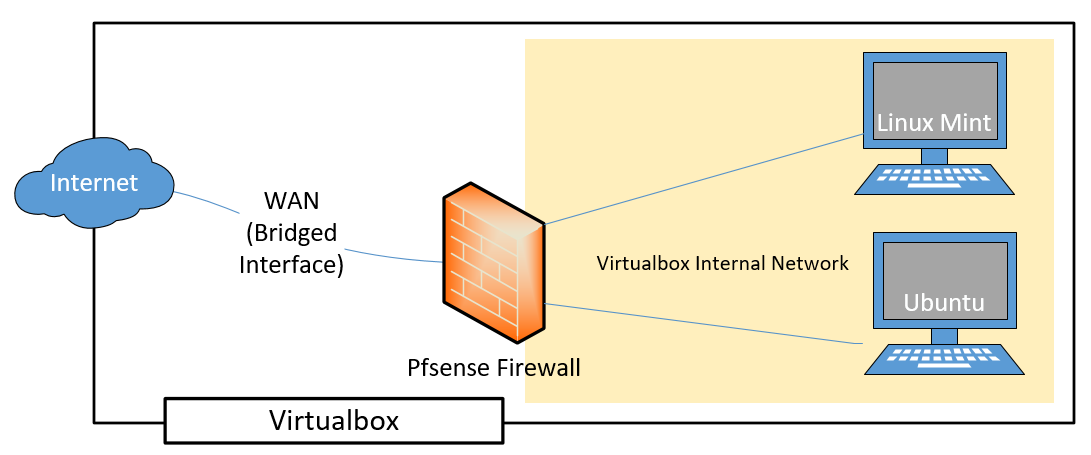
Installing Webmin On Pfsense Esseovbseo

How To Install VMware Tools On PfSense GraspingTech
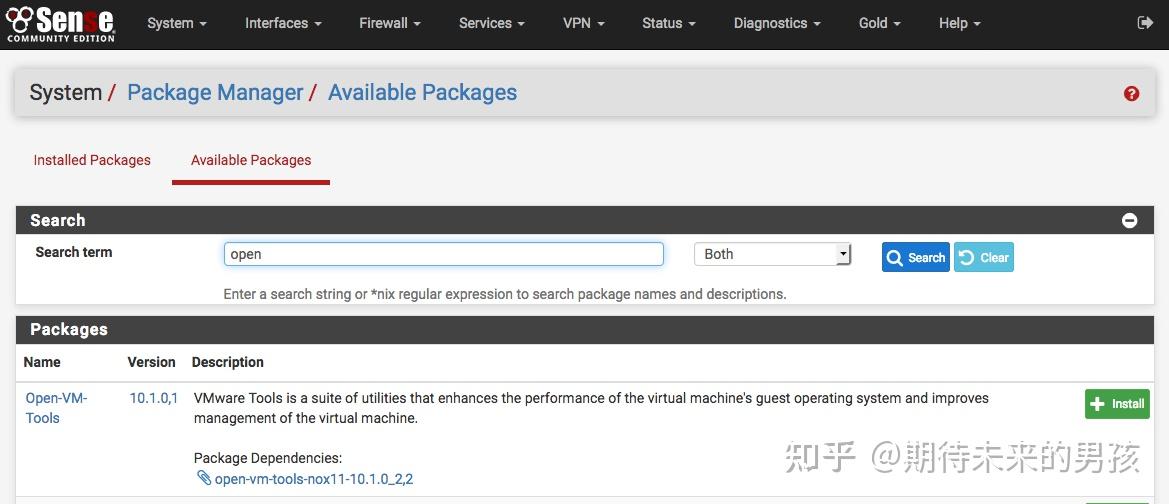
VMware VSphere ESXi pfsense
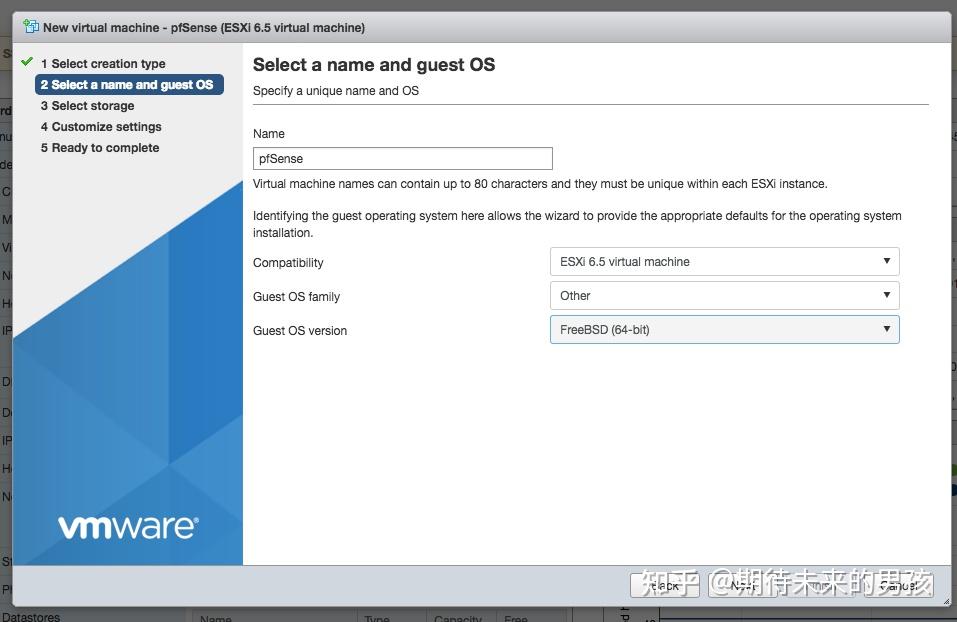
VMware VSphere ESXi pfsense

Pfsense Gateway Offline Latency Por Que Pedro El Pheriko Moreno

Login to pfSense Click System then Package Manager Click Available Packages then search for vmware Click Install on the Open VM Tools package Click Confirm to install VMware Tools Wait for the VMware Tools installation to finish Now when you click on the pfSense VM in the vSphere client you should see VMware Tools is installed and the
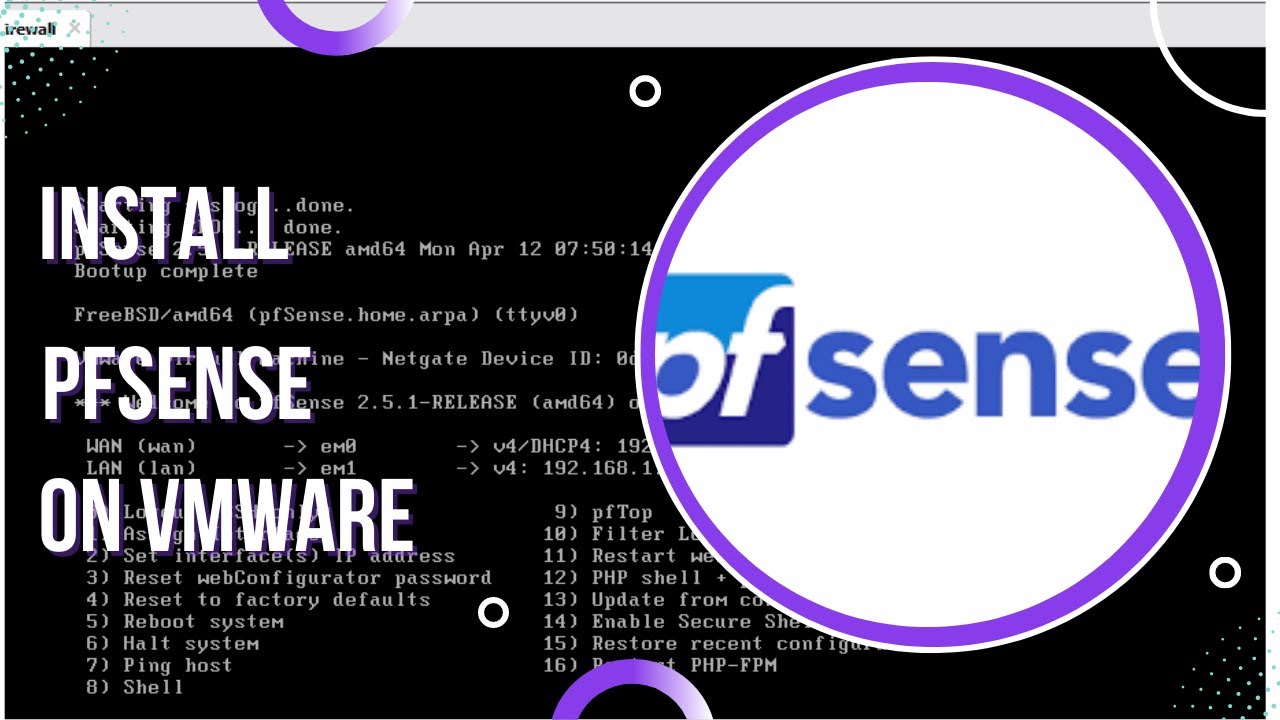
Installing Open VM Tools Once the pfSense software installation is complete upon first boot install the Open VM Tools Navigate to System Packages Available Packages tab Find Open VM Tools in the list or search for it Click Install Confirm the installation Make sure the Open VM Tools service is running under Status Services

Start installing packages pkg add v r perl pkg add v r compat6x i386 Go to VMware vsphere client and start Install VMware Tools onto the pfsense VM as usual we need to mount the CD ROM in order to get the VMware Tools executable First we create some tmp folders first for VMware Tools

That tools doc wiki page is really outdated you don t want to do that I added some clarification there Just install open vm tools if you want vmware guestd which is handy to show the hostname IPs etc in the VMware management tools

This video tutorial shows how to install and configure pfSense 2 4 5 Firewall on VMware Workstation step by step This tutorial is also helpful to installing
Press 1 for the default installation of PfSense Step 4 On the next screen you ll be asked to configure the console Just click Accept to move forward with the installation process Accept the settings under Configure Console Step 5 Proceed with the Install option and select OK PfSense installer window Step 6 Start the VMware Tools install at the pfSense VM s console by choosing Install Upgrade VMware Tools from the VM Guest menu This will attach the Tools ISO to the VM s CD drive Then run the following commands in a shell mkdir p mnt cdrom mount cd9660 dev acd0 mnt cdrom cd tmp
This video will show you how to install the open vm tools on pfSense 2 7 0 Community Edition daily build in VMware Workstation 17 Pro running on Linux Fedora