Pc Specs Checker How To Check Computer Specifications 14 Steps with Pictures Ochla te Umeki Matrace How To Check Pc Specs Kancel ria Africk Hlin k How To See My PC Specs Ubergizmo How To Check My PC Specs TechCrises Top 10 Best PC Specs Checker Utilities [desc-7]
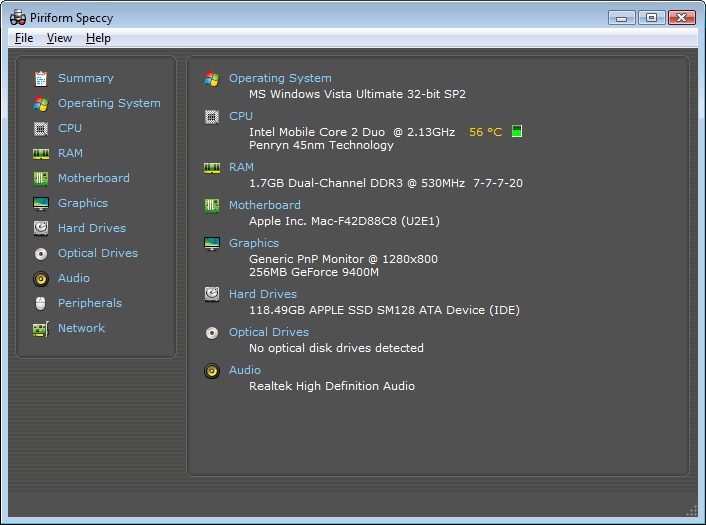
Web Detailed Reporting Speccy gives you detailed information on every piece of hardware in your computer Save time trawling through your computer for stats like CPU motherboard RAM graphics cards and more See everything laid out for you in one clean interface [desc-8]
Top 10 Best PC Specs Checker Utilities How To Check My PC Specs TechCrises 5 Ways For How To Check PC Specs Without Hassle KeepTheTech O eni Sa rot Priadze How To Find Out Pc Specs Windows 10 Tane n k Vzru uj ce Papier Task manager cpu Electronic Repair Get Computer Name In Windows 10 3 Ways To Check Computer Specifications WikiHow Vojnik Tjestenina Duboko How To Check My Pc Specs irenje Sanders Obitelj 4 Ways To Find System Specs WikiHow
Pc Specs Checker
 Pc Specs Checker
https://www.wikihow.com/images/b/bf/Check-Computer-Specifications-Step-14.jpg
[desc-9]
Templates are pre-designed documents or files that can be utilized for various functions. They can save time and effort by offering a ready-made format and layout for producing various sort of material. Templates can be used for individual or expert jobs, such as resumes, invitations, leaflets, newsletters, reports, discussions, and more.
Pc Specs Checker
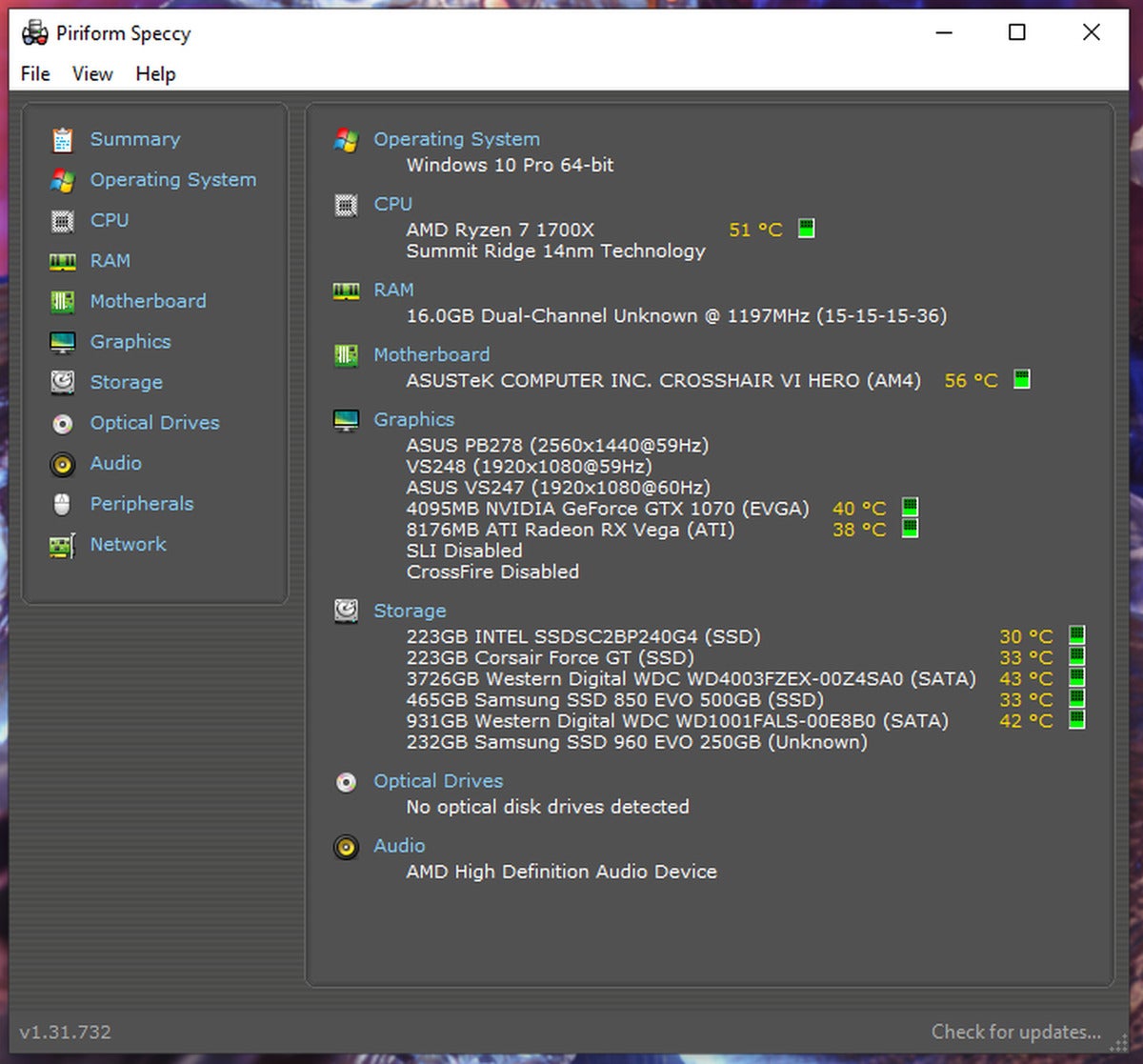
How To Check Your PC Specs In Windows 10 PCWorld

How To Check My PC Specs TechCrises
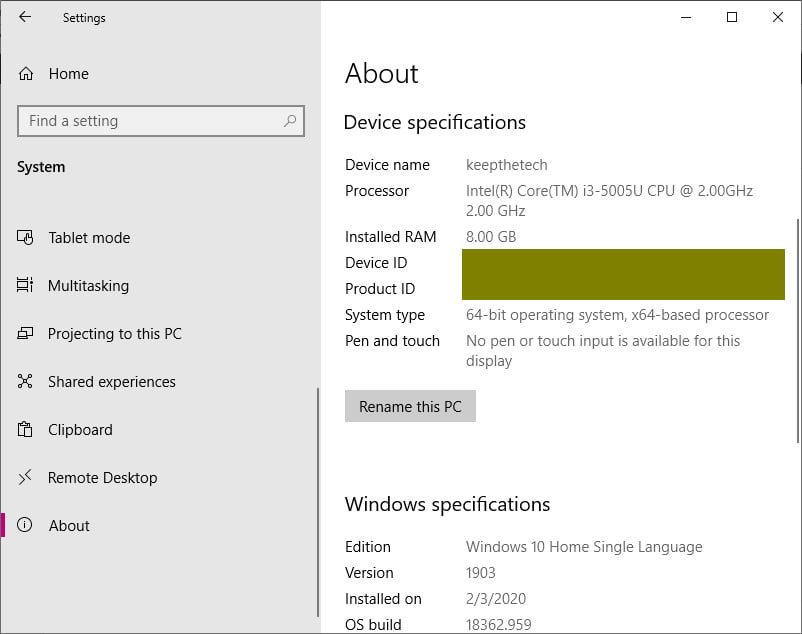
5 Ways For How To Check PC Specs Without Hassle KeepTheTech
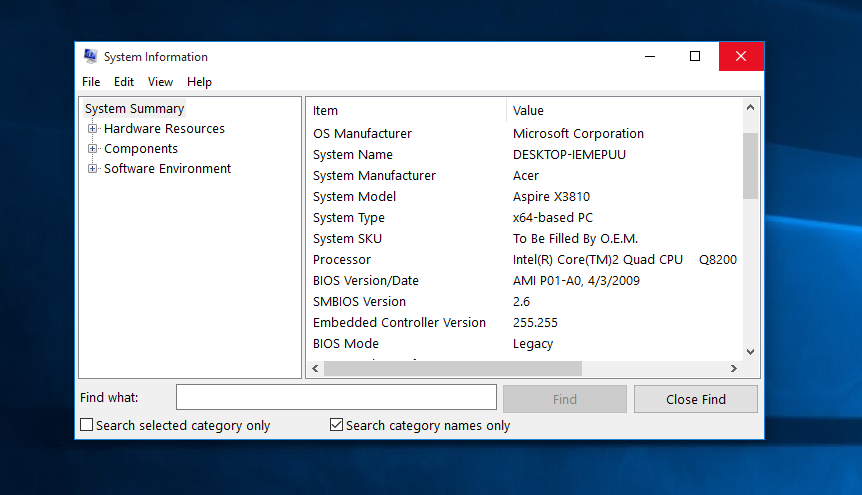
O eni Sa rot Priadze How To Find Out Pc Specs Windows 10 Tane n k Vzru uj ce Papier

Get Computer Name In Windows 10

3 Ways To Check Computer Specifications WikiHow

Web Aug 9 2023 nbsp 0183 32 1 Right click on the Windows start menu icon on the bottom left hand side of your screen 2 Click on System in the menu that pops up 3 Next to Processor it will list what kind of CPU you have in your computer Easy right Also Read How Much Does Your CPU Affect FPS How to Lower Your CPU Usage What is A Safe CPU Temperature
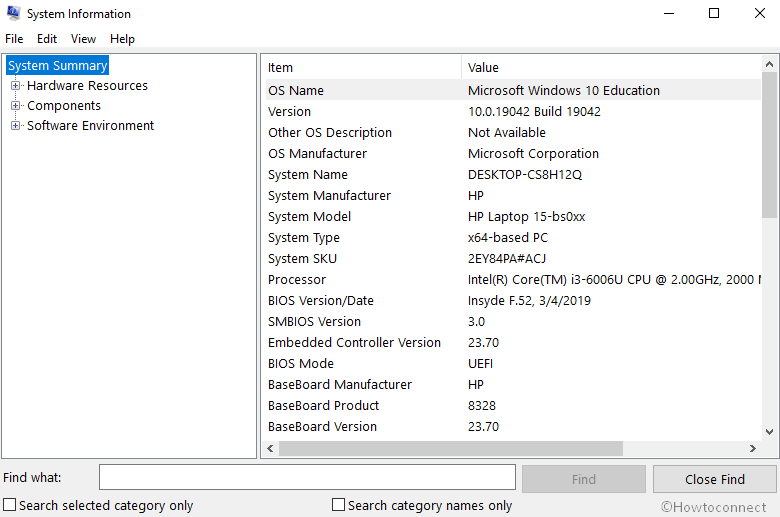
Web My Computer Details is the best PC Specs Checker available now you can find out if you have a Gaming PC Click the PC Specs button to answer all your questions View or edit your computer details below Two views for basic and advanced details and a view for editing your computer details PC Specs

Web Sep 15 2023 nbsp 0183 32 Using just the built in tools on Windows 10 and Windows 11 you can check your PC s specs like the processor type RAM graphics card model storage type SSD or HDD network adapter model and more We ll show you two quick ways to find that information on your machine

Web Welcome to our freeware PC speed test tool UserBenchmark will test your PC and compare the
Web CPU Z on x86 is a freeware that gathers information on some of the main devices of your system Processor name and number codename process package cache levels Mainboard and chipset Memory type size timings and module specifications SPD Real time measurement of each core s internal frequency memory frequency
[desc-11] [desc-12]
[desc-13]