Openssl Import Password Command Line How To Use Password Argument In Via Command Line To Openssl For Bosgplus Blog Change My Password Custom SystemsCustom Systems Reset Password Linux Command Line Tips And Tricks MyBlueLinux COM Can I include the Password in the command openssl aes 256 cbc in secrets txt out secrets enc enter AES 256 CBC encryption password I m guessing something like key testkey encryption openssl Share Follow asked Nov 6 2022 at 14 01 Garden 1 superuser questions 724986 MatsK Nov 6 2022 at 14 06 MatsK Thank you so much Solved
Buy Now OpenSSL is an open source command line tool that is commonly used to generate private keys create CSRs install your SSL TLS certificate and identify certificate information We designed this quick reference guide to help you understand the most common OpenSSL commands and how to use them This guide is not meant to be comprehensive Such as from a file or from an environment variable Or straight from the command line least secure Below are examples for each of these usages The official manpage lists even more password sources in the Pass Phrase Options section Archived here Example password from command line with pass
Linux Command Line Tips And Tricks MyBlueLinux COM OpenSSL Encryption With The OpenSSL Command Line Interface Level Up Password Reset CMatch How To Open A Text File In Command Line Linux Systran Box GitHub The11 openssl python Command Line Interface To OpenSSL With FS Group Password Connection Breaking Latest News Cloudmapper OSCHINA How To Open Visual Studio Code From Command Line Devdotcode How To Find Router Username And Password With Cmd Ug Tech Mag All Wi Fi
Openssl Import Password Command Line
 Openssl Import Password Command Line
https://i.ytimg.com/vi/64MIynxnrOM/maxresdefault.jpg
Check your private key If the key has a pass phrase you ll be prompted for it openssl rsa check in example key Remove passphrase from the key openssl rsa in example key out example key Encrypt existing private key with a pass phrase openssl rsa des3 in example key out example with pass key
Templates are pre-designed files or files that can be used for numerous purposes. They can conserve time and effort by providing a ready-made format and layout for producing different type of material. Templates can be utilized for individual or expert projects, such as resumes, invitations, leaflets, newsletters, reports, presentations, and more.
Openssl Import Password Command Line

OpenSSL Error While Trying To Log In JIOTV In KODI Super User

OpenSSL Encryption With The OpenSSL Command Line Interface Level Up

Password Reset CMatch

How To Open A Text File In Command Line Linux Systran Box

FS Group Password Connection Breaking Latest News
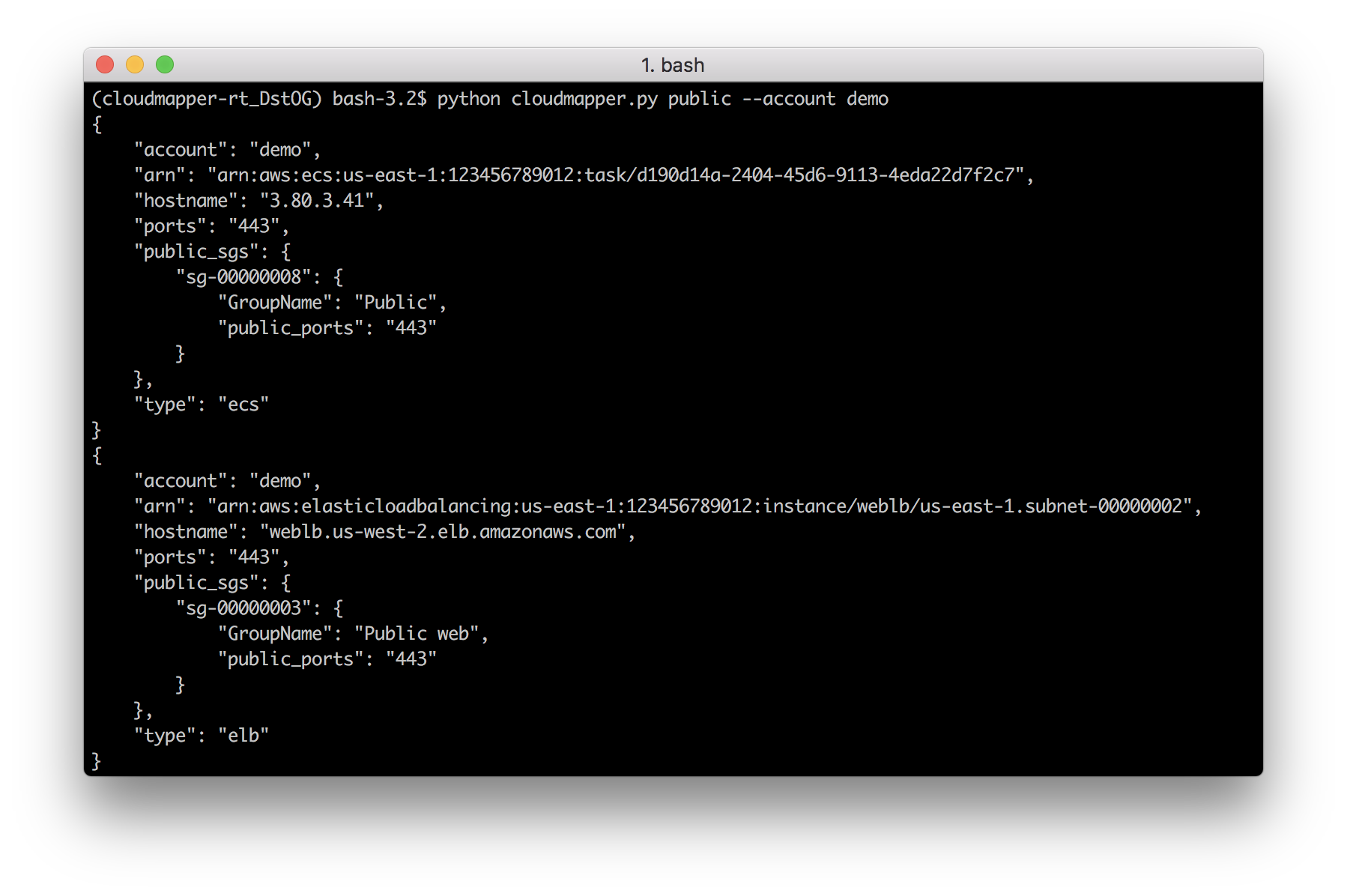
Cloudmapper OSCHINA

The general syntax for calling openssl is as follows openssl command command options command arguments Before OpenSSL 3 0 you could call openssl without arguments to enter the interactive mode prompt and then enter commands directly exiting with either a quit command or by issuing a termination signal with either Ctrl C or Ctrl D

5 I am trying to convert a p12 to a pem from a shell script without any user input I can have the password as a variable within the script so when I call openssl pkcs12 in p12 out cert pem nodes The terminal prints Enter Import Password and waits for input I tried to pipe the password in with

Encrypting on the Command Line Before we get into using the openssl command with scripts let s become familiar with it by using it on the command line Let s say that the password for the account on the remote computer is rusty herring pitshaft We re going to encrypt that password using openssl We need to provide an encryption password

OpenSSL is a versatile command line tool that can be used for a large variety of tasks related to Public Key Infrastructure PKI and HTTPS HTTP over TLS This cheat sheet style guide provides a quick reference to OpenSSL commands that are useful in common everyday scenarios

A Red Hat training course is available for Red Hat Enterprise Linux 4 7 Using OpenSSL OpenSSL is a library that provides cryptographic protocols to applications The openssl command line utility enables using the cryptographic functions from the shell It includes an interactive mode
1 Send the password directly by passing an argument to the openssl tool 2 Send the password to the terminal via one command only ssh automation openssl Share Improve this question Follow asked Oct 5 2020 at 20 32 user2976492 53 1 6 Doesn t passout pass MyPKCS12P ssw0rd work garethTheRed Oct 5 2020 at 20 46 The OpenSSL toolkit is the fundamental utility that any systems administrator must know if they are responsible for maintaining TLS protected applications In this article I demonstrate some of the most common commands that I use daily
Openssl req new key yourdomain key out yourdomain csr Once you execute this command you ll be asked additional details Enter them as below Country Name 2 digit country code where your organization is legally located State Province Write the full name of the state where your organization is legally located