Openpyxl Font Color Example Free Images Light Lighting Wood Material Property Rectangle Font Color Letter A Free Stock Photo Public Domain Pictures Graffiti Font Color Composition Script Element Background Vector Python Openpyxl Font Cell Format Styles YouTube Color Stripes Font Handmadefont Web Aug 1 2018 nbsp 0183 32 Colour Underline Incline The text will be bold We begin to code import openpyxl Connect the library from openpyxl import Workbook from openpyxl styles
Web a2 font Font color 00FF0000 Then save the spreadsheet wb save ctpl xlsx If you open this xlsx file you will obtain the following output Comment Name Email 171 Print the DataFrame without index by Web DEFAULT FONT Font name quot Calibri quot sz 11 family 2 b False i False color Color theme 1 scheme quot minor quot
Color Stripes Font Handmadefont Openpyxl Solved Python Openpyxl How To Read A Cell Font Color 9to5Answer Handwriting Digital Font Kid s Font Download Font Color Font Swash Free Images Font 5556x3378 1540441 Free Stock Photos PxHere App Icon Design Logo Design Text Logo Logo Aesthetic Fonts Font 36 Days Of Type 2017 3D Font Color Dark Version 36 Days Of Type 36 Days Of Type 2017 3D Font Color Dark Version 36 Days Of Type A Black Cover Design Graphic Design Fonts Typographic Design
Openpyxl Font Color Example
 Openpyxl Font Color Example
https://get.pxhere.com/photo/light-lighting-wood-Material-property-rectangle-font-label-beige-paper-1560653.jpg
Web Mar 23 2023 nbsp 0183 32 Python openpyxl Change font color R K March 23 2023 Python In this post we will be creating a Python script that will change the font color of a cell within an
Templates are pre-designed files or files that can be utilized for numerous purposes. They can conserve time and effort by offering a ready-made format and design for producing different kinds of material. Templates can be utilized for personal or professional jobs, such as resumes, invites, leaflets, newsletters, reports, discussions, and more.
Openpyxl Font Color Example
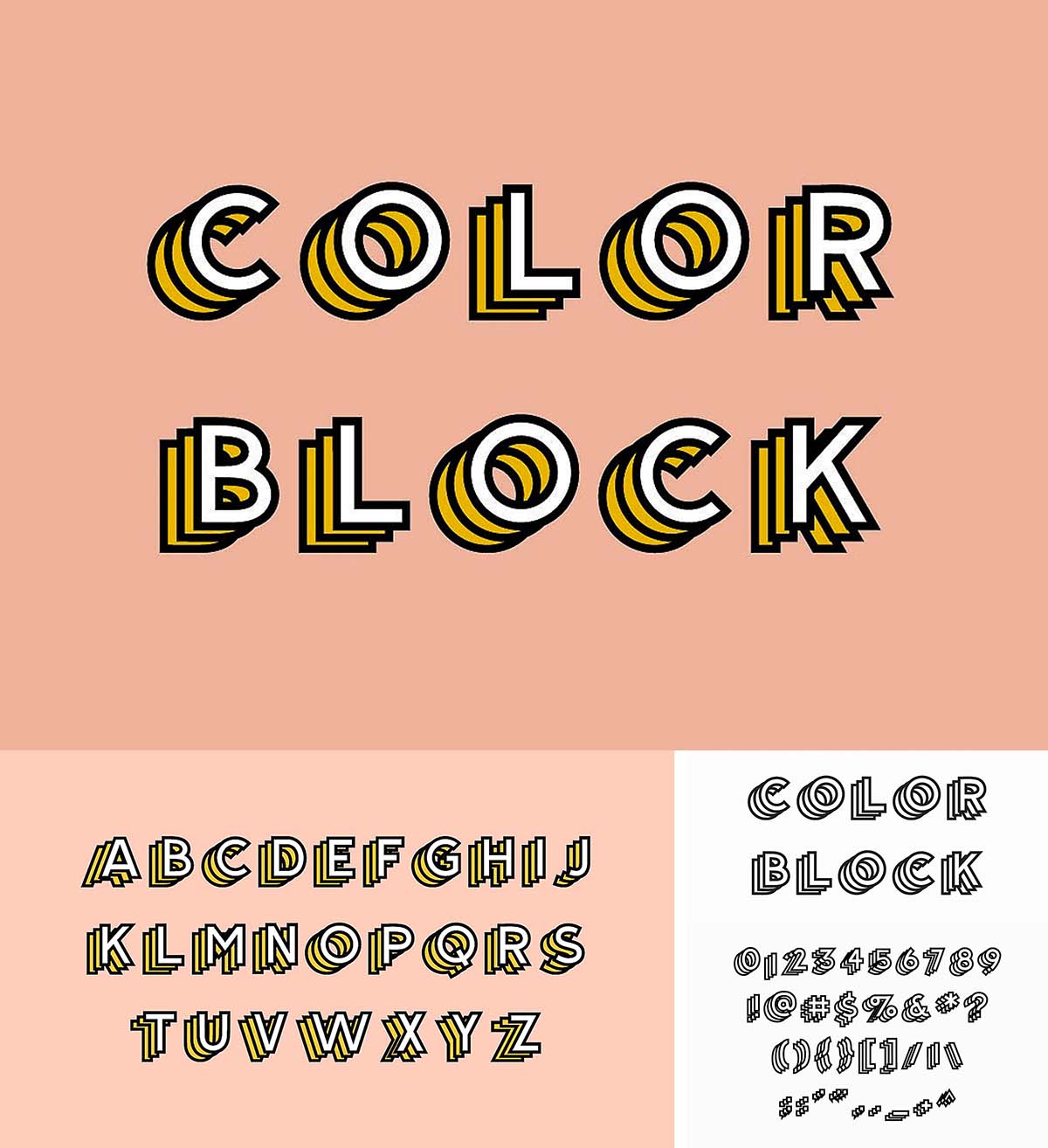
Color Block Font Free Download

Openpyxl

Solved Python Openpyxl How To Read A Cell Font Color 9to5Answer

Handwriting Digital Font Kid s Font Download Font Color Font Swash

App Icon Design Logo Design Text Logo Logo Aesthetic Fonts Font

36 Days Of Type 2017 3D Font Color Dark Version 36 Days Of Type

Web Aug 15 2014 nbsp 0183 32 For openpyxl version 2 4 1 and above use below code to set font color from openpyxl styles import Font from openpyxl styles colors import Color

Web Let us start with a simple example of setting the text color from default to others For that we take the Cell numbers B5 C5 and D5 To change the colors of cells follow these steps Step 1 Import Workbook and Font

Web Mar 17 2022 nbsp 0183 32 Let s make the spreadsheet title bigger and change its font color We can customize the font using the Font object The arguments inside the Font in the below code should show you all the elements we

Web class openpyxl styles fonts Font name None sz None b None i None charset None u None strike None color None scheme None family None size None bold None

Web class ColorList Serialisable tagname quot colors quot indexedColors NestedSequence expected type RgbColor mruColors NestedSequence expected type Color
Web Mar 18 2022 nbsp 0183 32 There are two types of cell color formatting Pattern Fill and Gradient Fill We use Pattern Fill to make a solid color or a pattern for the cell A Pattern Fill refers to the Web Use Snyk Code to scan source code in minutes no build needed and fix issues immediately Enable here scuml django datatables src django datatables excel py
Web Oct 20 2019 nbsp 0183 32 The important point to note in this example is the colour is specified in rgb not sure if it can be outputted in CMYK or another option This leads to the object