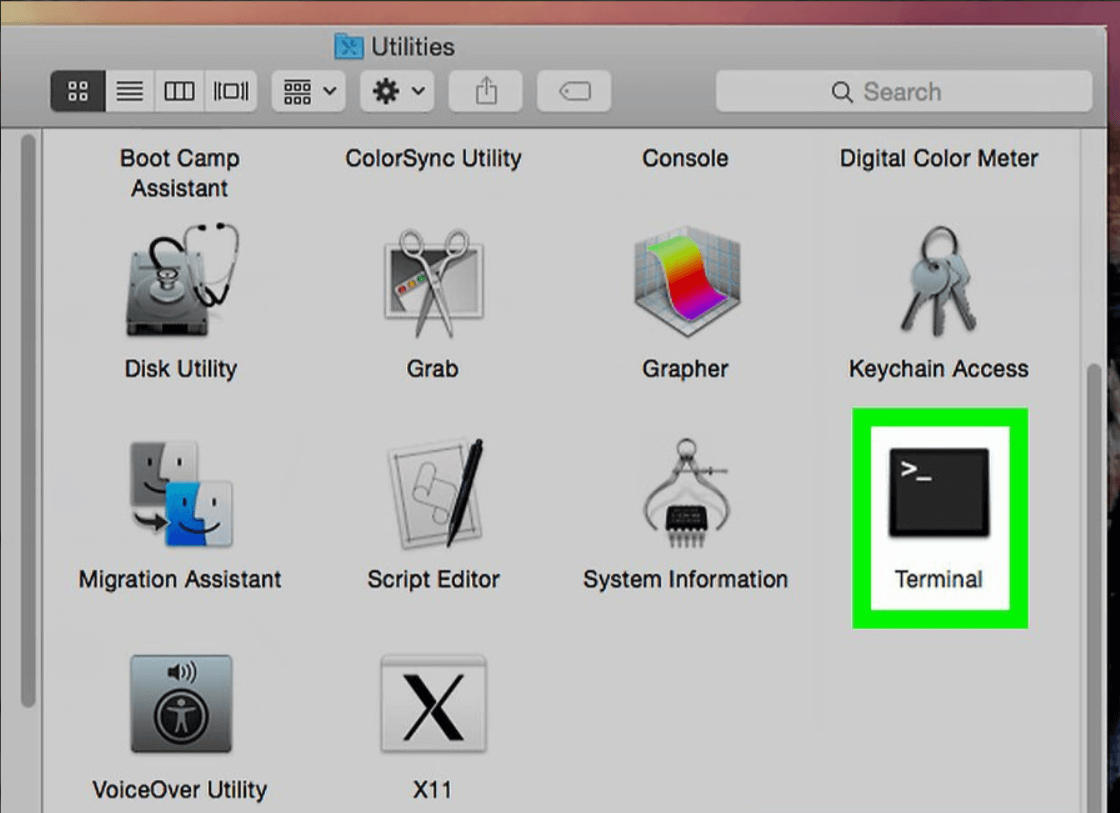
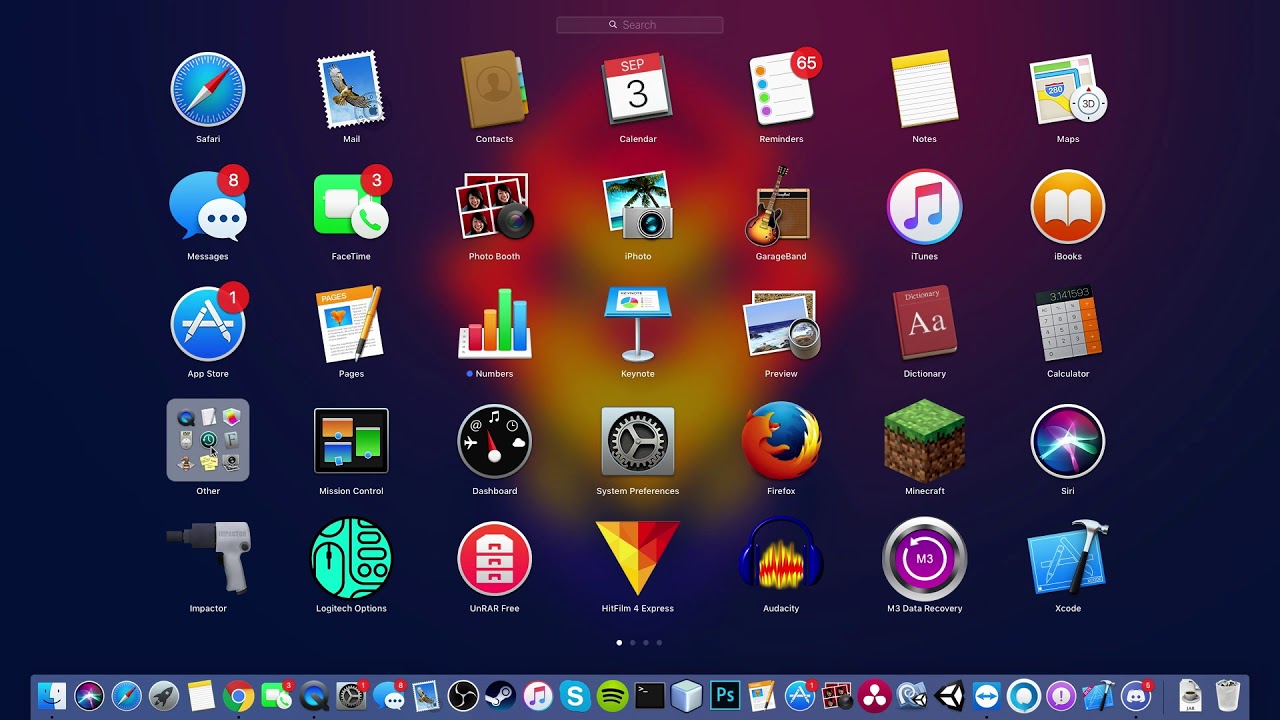
Open Terminal In Mac Open Terminal In Macbook Pro Matsumotomed jp How To Open Terminal On Mac To Do Anything You Want How To Open A Terminal Window In Mac 7 Steps with Pictures How To Open The Terminal On A Mac MakeUseOf Open Terminal In Macbook Pro Matsumotomed jp How to open Terminal on Mac Open Launchpad Select the Other folder Click the Terminal icon Read on to see detailed instructions and screenshots for each step There are also other ways
There are barely any steps to opening the Terminal in Mac Well if you don t want to open it through Spotlight Search there s another way Jump to the next method 2 Access Terminal on How to open and use the Terminal app on a Mac computer with a few basic commands you can use to take control of your operating system Written by Devon Delfino edited by John Lynch
Open Terminal In Macbook Pro Matsumotomed jp How To Restart Your Mac How To Open Terminal On A Mac Open Mac Terminal Tutorial How To HD YouTube Mac Open Application From Terminal Lasopacolour How To Open Terminal On Mac Basic And Advanced Functions MacViser How To Open A Terminal In Mac OSX YouTube Mac Terminal Commands For Running Processes Gasprod What Is SIP On Mac How To Enable Disable SIP On Mac Watcherinfo Blog
Open Terminal In Mac
 Open Terminal In Mac
https://www.maketecheasier.com/assets/uploads/2021/10/launch-terminal-any-folder-mac-featured.jpg
Press Command N Choose Shell New Window New Window with Profile The name of the profile that opens is concatenated to the end of the New Window with Profile menu item Open new Terminal windows with a specific profile In the Terminal app on your Mac do one of the following
Pre-crafted templates use a time-saving solution for producing a diverse range of documents and files. These pre-designed formats and layouts can be made use of for numerous personal and professional jobs, consisting of resumes, invitations, flyers, newsletters, reports, presentations, and more, streamlining the content creation process.
Open Terminal In Mac
How To Open Terminal On Mac

How To Restart Your Mac
How To Open Terminal On A Mac Open Mac Terminal Tutorial How To HD YouTube
Mac Open Application From Terminal Lasopacolour

How To Open A Terminal In Mac OSX YouTube
Mac Terminal Commands For Running Processes Gasprod

On your Mac do one of the following Click the Launchpad icon in the Dock type Terminal in the search field then click Terminal In the Finder open the Applications Utilities folder then double click Terminal
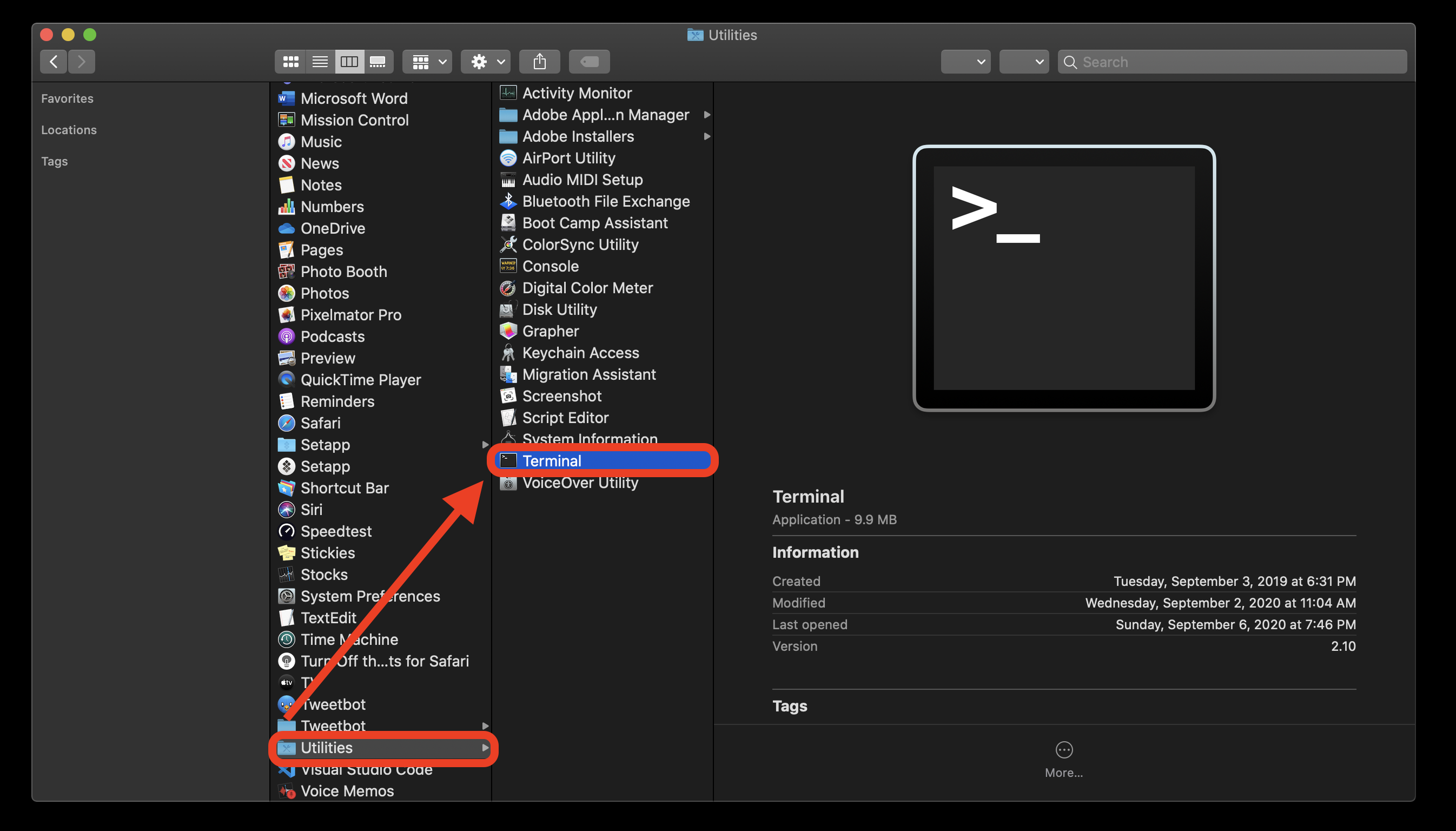
To open the Terminal on Mac open the Launchpad app Type in terminal and click Terminal Alternatively open the Finder and click Go Utilities Terminal You can also click the Spotlight icon in the top right corner Search terminal and click Terminal Method 1 Using Launchpad Download Article 1 Open the Launchpad

Work in Terminal windows Open or quit Terminal Open new Terminal windows and tabs Execute commands and run tools Specify files and folders Redirect Terminal input and output Correct typing errors Drag items into a Terminal Window Use window groups Customize Terminal Change settings Use profiles to change the look of Terminal
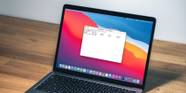
Step 1 Click the search icon in the menu bar or hit Command Space to open it Step 2 Type Terminal in the text field The Terminal app will appear Click on it to open

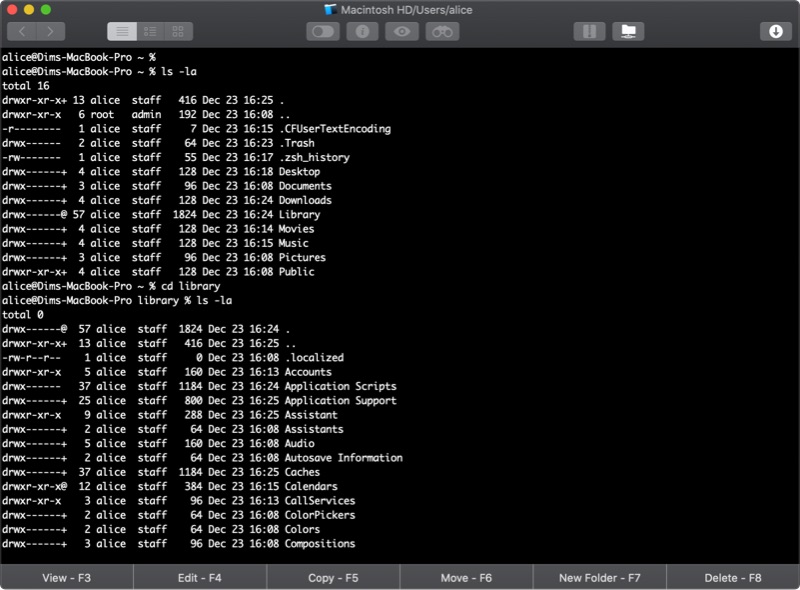
Command Basics Commands to Get You Started Terminal is an application that gives you access to the Mac s inner working via a command line interface CLI Using this app gives you the ability to make lots of changes to the operating system that isn t available from the graphical user interface GUI
[desc-11] [desc-12]
[desc-13]