Open Sticky Notes From Run Windows 10 How To View Notes In Notepad On Windows 7 What Is Mark Down Manually Sync Sticky Notes On Windows 10 PC Tutorials How To Sync And Save Your Sticky Notes In Windows 10 How To Make Windows 11 Open Sticky Notes On Startup How To Use Sticky Notes In Windows 10 Digital Citizen To download an app Open Google Play On your Android device open the Google Play app On your Computer go to play google Search or browse for an app or content Select an item
May 17 2023 nbsp 0183 32 Once Chrome is open you can start browsing the internet by entering a web address in the address bar or using the search bar on the Google homepage Want advanced Google WoStep 2 Edit and format a presentation You can add edit or format text images or videos in a presentation Insert and arrange text shapes and lines Add delete
How To Use Sticky Notes In Windows 10 Digital Citizen K pe a Hobart oskoro Windows App Sticky Notes Jursk Park N raz t dium Comment Nettoyer Votre PC Windows L aide De L invite De Commande 5 Ways To Open Sticky Notes In Windows 10 8 Best Fixes For Sticky Notes Not Opening On Windows 11 TechWiser What To Do When Sticky Notes Can t Run On Windows 10 11 6 Ways To Open Notepad In Windows 10 How To Open Sticky Notes In Windows 11 Ms settings Commands In Windows 11 The Full List Of URI Shortcuts
Open Sticky Notes From Run Windows 10
 Open Sticky Notes From Run Windows 10
https://cdn.whatismarkdown.com/how_do_i_open_sticky_notes_in_windows_.png
You can open and save many types of files on your Chromebook like documents PDFs images and media Learn which types of files are supported on your Chromebook Your Chromebook s
Templates are pre-designed files or files that can be used for different functions. They can save effort and time by supplying a ready-made format and layout for developing different kinds of material. Templates can be used for personal or professional projects, such as resumes, invites, flyers, newsletters, reports, presentations, and more.
Open Sticky Notes From Run Windows 10
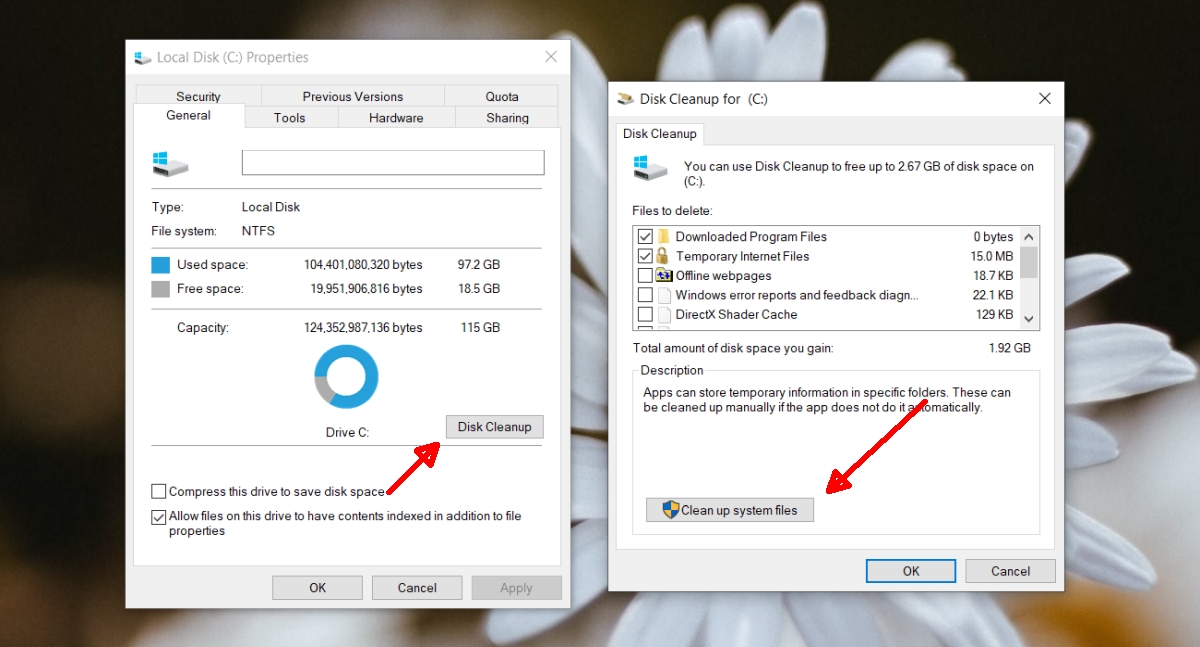
How To Run The Disk Cleanup Tool On Windows 10
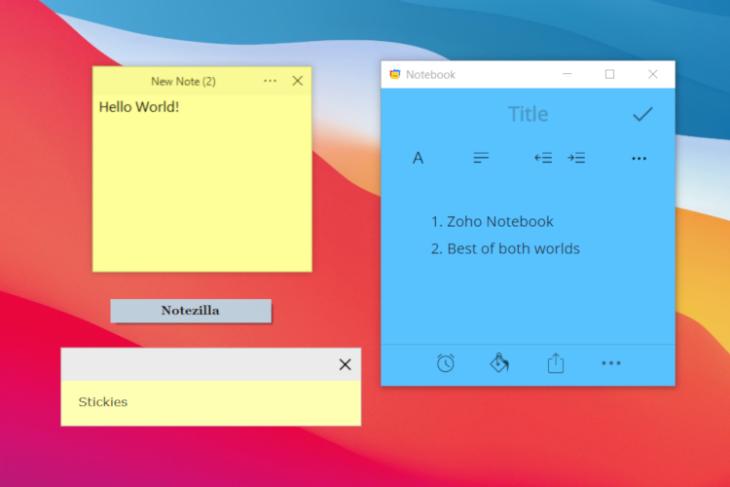
K pe a Hobart oskoro Windows App Sticky Notes Jursk Park N raz t dium
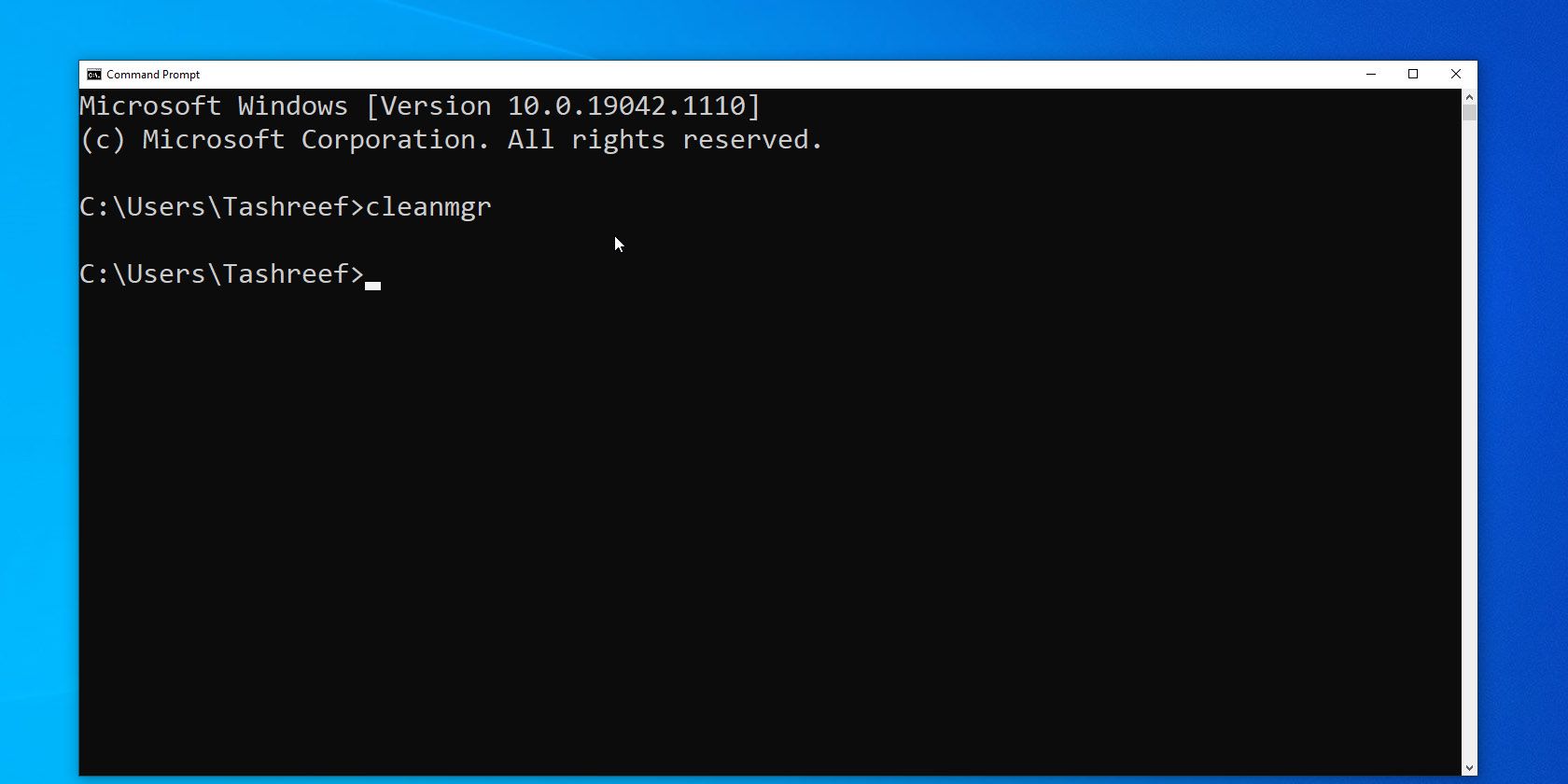
Comment Nettoyer Votre PC Windows L aide De L invite De Commande
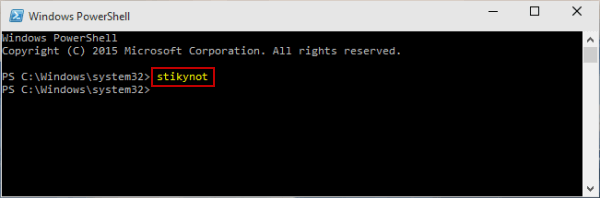
5 Ways To Open Sticky Notes In Windows 10
What To Do When Sticky Notes Can t Run On Windows 10 11
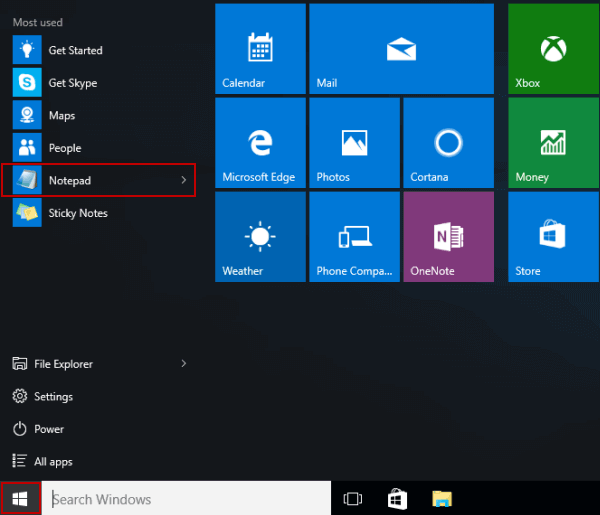
6 Ways To Open Notepad In Windows 10

To open Gmail you can sign in from a computer or add your account to the Gmail app on your phone or tablet Once you re signed in open your inbox to check your mail

Create an account Tip To use Gmail for your business a Google Workspace account might be better for you than a personal Google Account With Google Workspace you get increased

You can directly open and edit PDF files in the Files by Google app Open amp manage a PDF On your Android device open Files by Google

Open files on your desktop When you install Drive for desktop on your computer it creates a drive in My Computer or a location in Finder named Google Drive All of your Drive files appear here

View and open files With Google Drive on the web you can view things such as videos PDFs Microsoft Office files audio files and photos Important If you try to open a suspicious file you
[desc-11] [desc-12]
[desc-13]