Open Source Word Processor Examples Word Processing Software Simple Explanation YouTube Word Processing Software 1 Computer Skills For Kids And Teens YouTube Best Free Word Processor Software 2020 YouTube Openoffice Writer An Open Source Free Word Processor YouTube WPS Office Download 2011 1
To download an app Open Google Play On your Android device open the Google Play app On your Computer go to play google Search or browse for an app or content Select an item Google Slides is an online presentation app that lets you create and format presentations and work with other people Step 1 Create a presentation To create a new presentation
WPS Office Download OpenOffice Screenshot And Download At SnapFiles Best TextEdit Alternatives Reviews 2021 Appmus Better Write Open source Word Processor Made With Vue js AbiWord AbiSource s Open Source Word Processor Linux Journal Difference Word Spreadsheet Software Libre Office Open Source Word Processing Word Processor Activity Live Worksheets Worksheets Library
Open Source Word Processor Examples
 Open Source Word Processor Examples
https://i.ytimg.com/vi/RG85f4055Ug/maxresdefault.jpg
Apr 7 2023 nbsp 0183 32 Dzip zip dzip d
Templates are pre-designed documents or files that can be utilized for various purposes. They can conserve time and effort by supplying a ready-made format and design for creating different kinds of content. Templates can be used for individual or expert projects, such as resumes, invitations, leaflets, newsletters, reports, presentations, and more.
Open Source Word Processor Examples
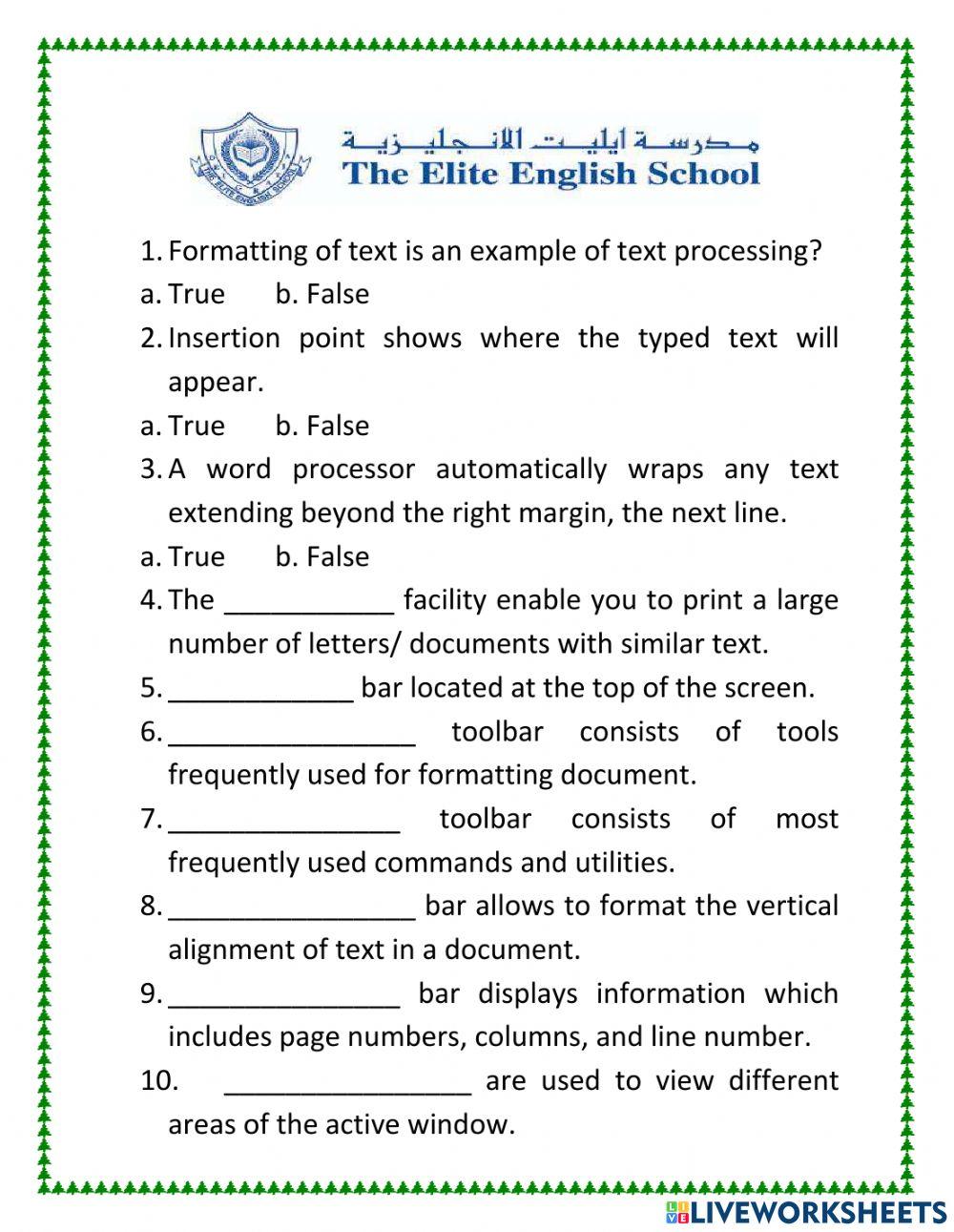
Word Processor Free Interactive Worksheets 1121195

OpenOffice Screenshot And Download At SnapFiles
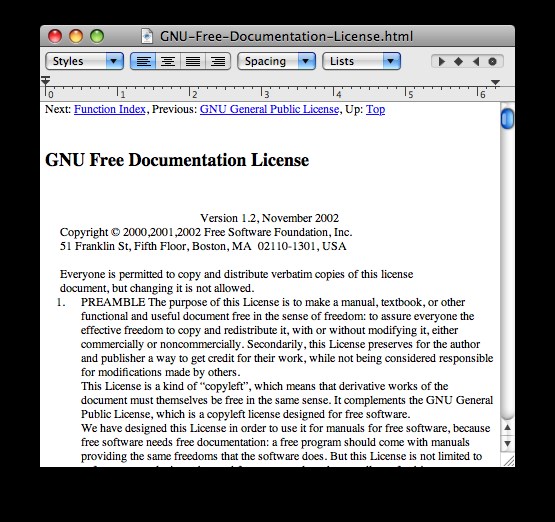
Best TextEdit Alternatives Reviews 2021 Appmus
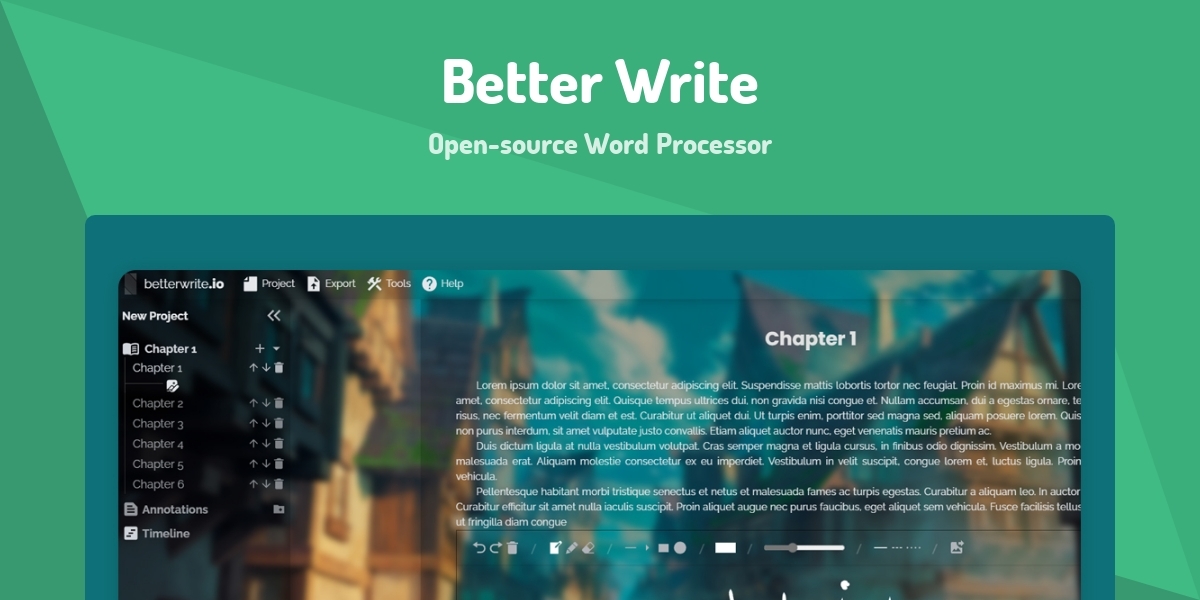
Better Write Open source Word Processor Made With Vue js
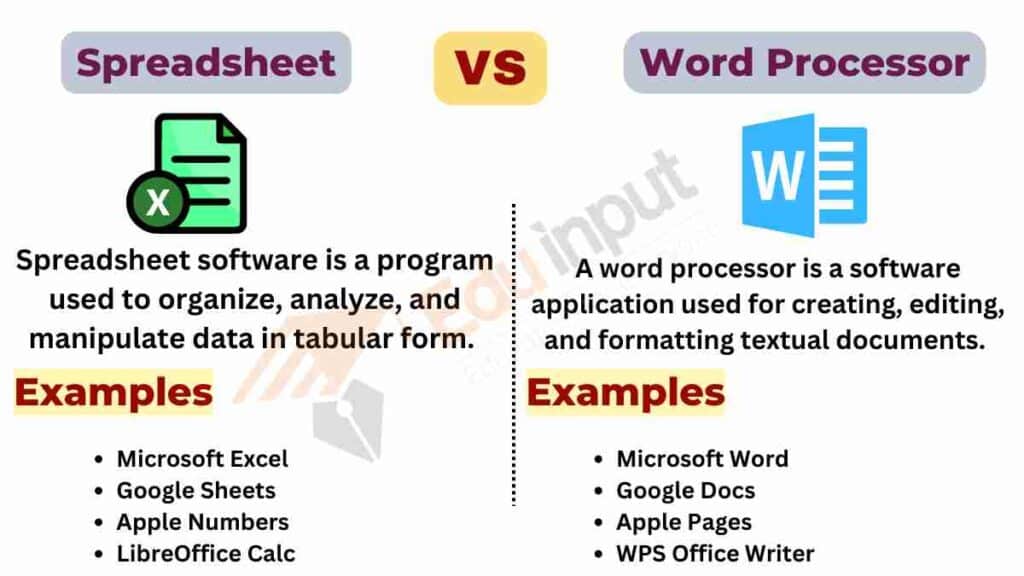
Difference Word
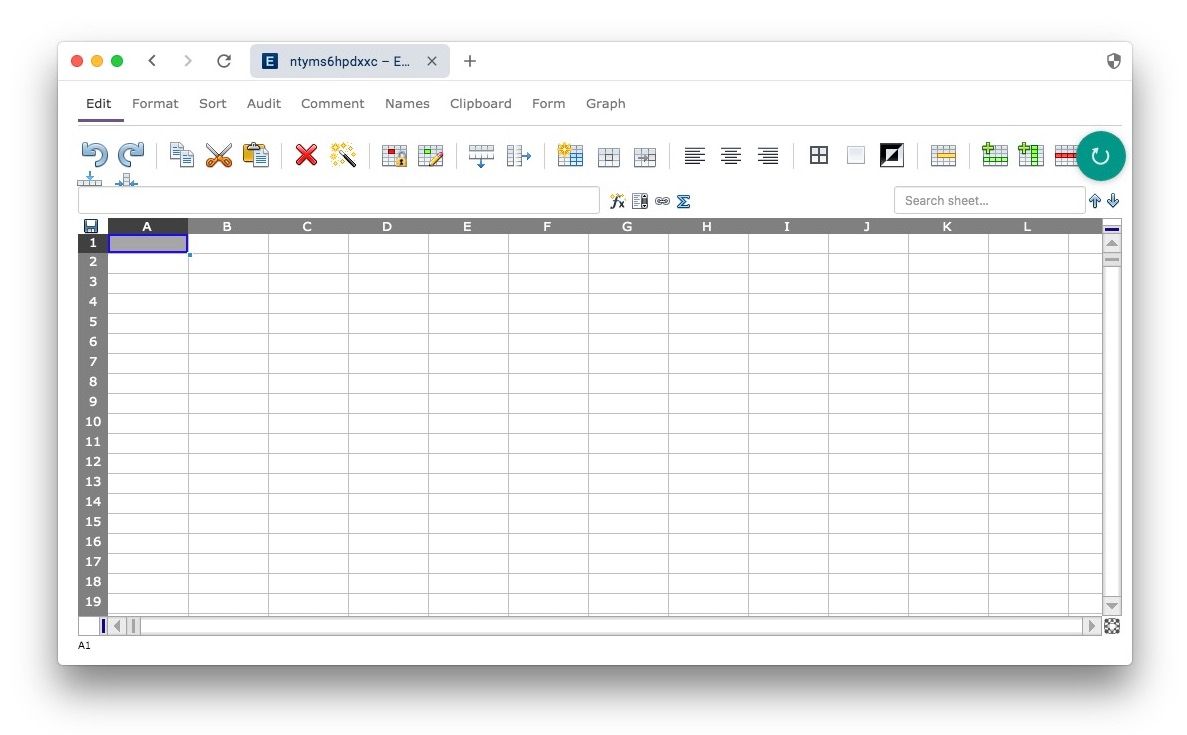
Spreadsheet Software

Create an account Tip To use Gmail for your business a Google Workspace account might be better for you than a personal Google Account With Google Workspace you get increased

To open Gmail you can sign in from a computer or add your account to the Gmail app on your phone or tablet Once you re signed in open your inbox to check your mail

On your iPhone or iPad open App Store In the search bar enter Chrome Tap Get To install follow the on screen instructions If prompted enter your Apple ID password To start

On your Android phone or tablet open the Gmail app At the top right tap your Profile picture Manage accounts on this device Tap your Microsoft account Remove account When you

Open files on your desktop When you install Drive for desktop on your computer it creates a drive in My Computer or a location in Finder named Google Drive All of your Drive files appear here
[desc-11] [desc-12]
[desc-13]