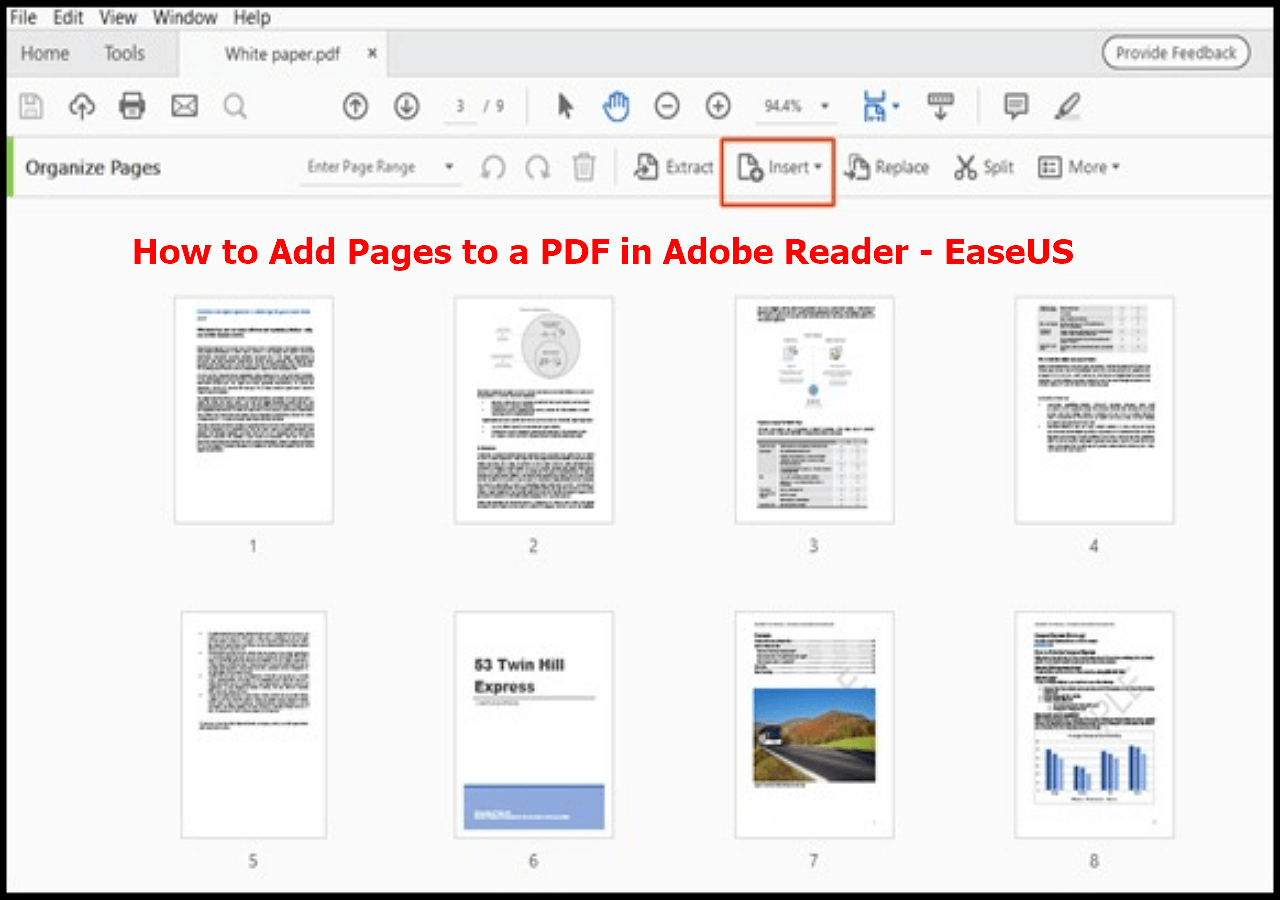
Open Sharepoint Pdf In Adobe Reader How To Open Pdf From Sharepoint In Adobe How To Edit Pdf Files In Sharepoint Online SharePoint PDF Editor Edit PDFs In SharePoint Muhimbi How To Edit Share PDF Documents In Microsoft SharePoint And OneDrive How To Add Pages To A PDF In Adobe Reader Full Guide EaseUS View amp open files With Google Drive on the web you can view things like videos PDFs Microsoft Office files audio files and photos Important If you try to open a suspicious file you may get
Set your startup page You can control what page or pages appear when you launch Chrome on your computer To get results from Google each time you search you can make Google your default search engine Set Google as your default on your browser If your browser isn t listed below check its
How To Add Pages To A PDF In Adobe Reader Full Guide EaseUS How To Reduce PDF File Size In Adobe Reader Pdftoconverter How To Open PDF File In Adobe Reader YouTube How To Save PDF In Adobe Illustrator For Printing Via Cloudprinter How To Make PDF Non Editable In Adobe Reader How To Make A PDF Not SharePoint PDF Viewer On Premises PSPDFKit PSPDFKit Can t Open PDF Files On Mac Desktop View Adobe PDF Document How To Add Text Box PDF Reader Pro How To Add Text In Adobe Reader Adobe Reader 10 1 Free Download Searching For Secure Adobe Reader 10 1
Open Sharepoint Pdf In Adobe Reader
 Open Sharepoint Pdf In Adobe Reader
https://cdn.shopify.com/s/files/1/0381/7642/4068/files/Image4.png
Sign in to Gmail To open Gmail you can log in from a computer or add your account to the Gmail app on your phone or tablet Once you ve signed in check your email by opening your inbox
Pre-crafted templates use a time-saving option for developing a varied range of documents and files. These pre-designed formats and layouts can be utilized for numerous personal and expert tasks, consisting of resumes, invites, flyers, newsletters, reports, discussions, and more, simplifying the content creation procedure.
Open Sharepoint Pdf In Adobe Reader
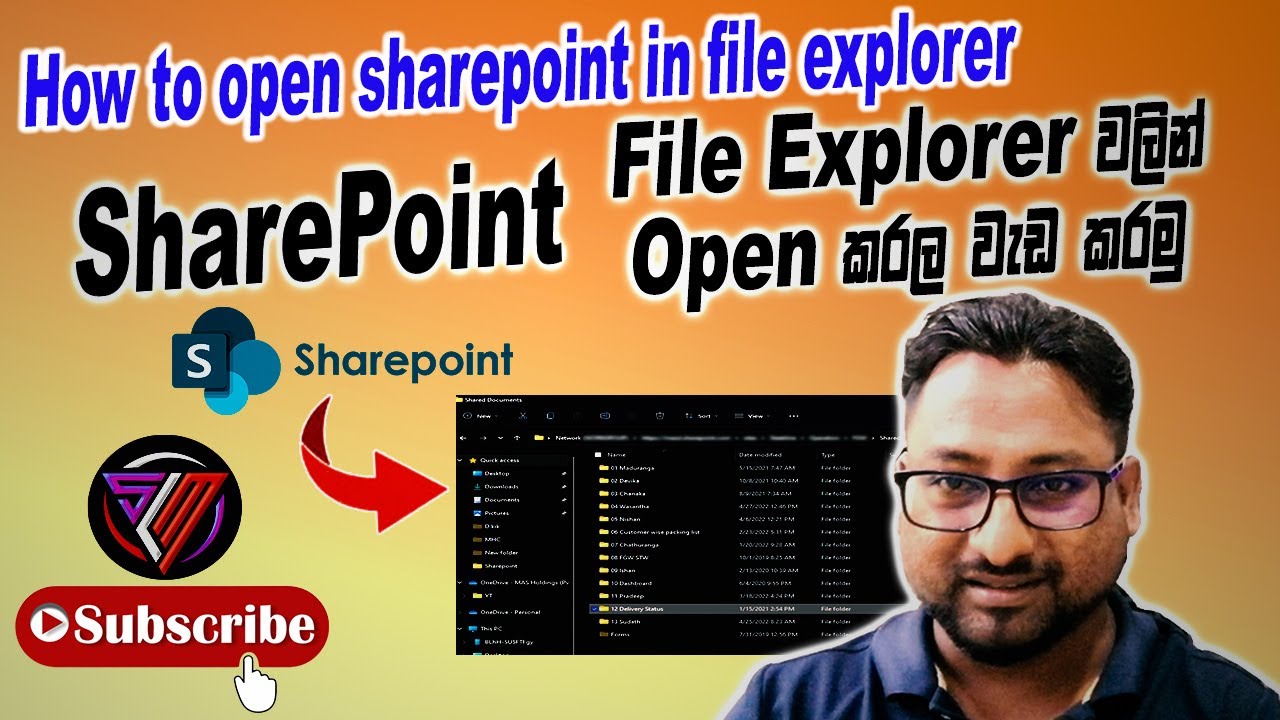
How To Open Sharepoint Online Printable Templates Free
How To Reduce PDF File Size In Adobe Reader Pdftoconverter

How To Open PDF File In Adobe Reader YouTube
How To Save PDF In Adobe Illustrator For Printing Via Cloudprinter

SharePoint PDF Viewer On Premises PSPDFKit PSPDFKit
Can t Open PDF Files On Mac Desktop View Adobe PDF Document

Create an account Tip To use Gmail for your business a Google Workspace account might be better for you than a personal Google Account With Google Workspace you get increased

When you open Drive for desktop for the first time or after your account has been disconnected to log in On your computer open Drive for desktop Click Get started Sign in Sign in to the

To download an app Open Google Play On your Android device open the Google Play app On your Computer go to play google Search or browse for an app or content Select an item

On your iPhone or iPad open App Store In the search bar enter Chrome Tap Get To install follow the on screen instructions If prompted enter your Apple ID password To start
If you make Chrome your default browser links you click will open automatically in Chrome whenever possible In some countries you may be asked to choose your default browser
[desc-11] [desc-12]
[desc-13]