Open Service Using Cmd M Th M c Trong Command Prompt CMD Cmd Windows 10 MySQL Command Line Client Getting Started Tutorial Upload File From Local Machine To Server Using Cmd Ball Raity1973 Cmd People And Reward Solutions Web Oct 17 2019 nbsp 0183 32 Use the following commands to start stop or check the status of a service in Windows on the command line prompt CMD Start a service C gt net start serviceName Get a service status C gt sc query serviceName Stop a service C gt net stop serviceName Cool Tip Kill a hanging process in Windows from the CMD Read more
Web Sep 12 2022 nbsp 0183 32 Use the following commands to start or stop a Windows service Start Service sc start ServiceName Stop Service sc stop ServiceName You can also change the Windows service startup type using the sc command The following examples will help you to change service startup to manual or disable it Set start type to manual Web Sep 25 2008 nbsp 0183 32 18 Answers Sorted by 359 Use the SC service control command it gives you a lot more options than just start amp stop DESCRIPTION SC is a command line program used for communicating with the NT Service Controller and services USAGE sc lt server gt command service name The option lt server gt has the form quot ServerName quot
Cmd People And Reward Solutions CMD Simplicontent Why Secure Your Online Accounts With A Virtual SMS Verification Service File MajGen Neller CMD Photo correct jpg Wikimedia Commons Ssh Client On Windows 10 Using The Command Prompt Ssh From Windows To Open Educator CMD AVIATION Open Mic Whangamata Whangamata
Open Service Using Cmd
 Open Service Using Cmd
https://www.wikihow.com/images/c/cc/Open-a-Folder-in-Cmd-Step-13.jpg
Web Oct 8 2022 nbsp 0183 32 1 Press the Windows key R to open the Run command box or simply search for Run in the start search bar and press enter 2 The run command to open services msc so carefully type that in and click on Ok to open Method 4 From Command Prompt and Powershell
Templates are pre-designed files or files that can be utilized for various functions. They can save time and effort by providing a ready-made format and layout for producing various sort of material. Templates can be used for personal or expert tasks, such as resumes, invites, flyers, newsletters, reports, discussions, and more.
Open Service Using Cmd
Egovframework rte2 itl webservice eGovFrame

CMD

Simplicontent

Why Secure Your Online Accounts With A Virtual SMS Verification Service
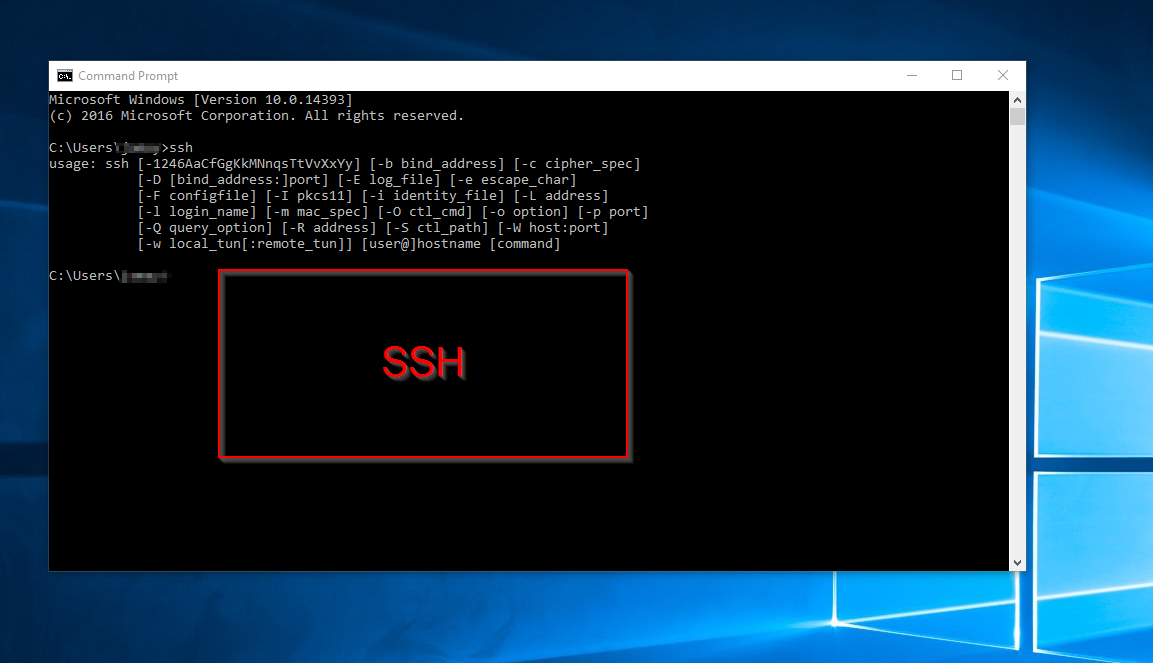
Ssh Client On Windows 10 Using The Command Prompt Ssh From Windows To

Open Educator

Web Aug 15 2010 nbsp 0183 32 Start or stop Windows service from command line CMD by Srini We normally use Services msc to start or stop or disable or enable any service We can do the same from windows command line also using net and sc utilities Below are commands for controlling the operation of a service Command to stop a service net stop servicename
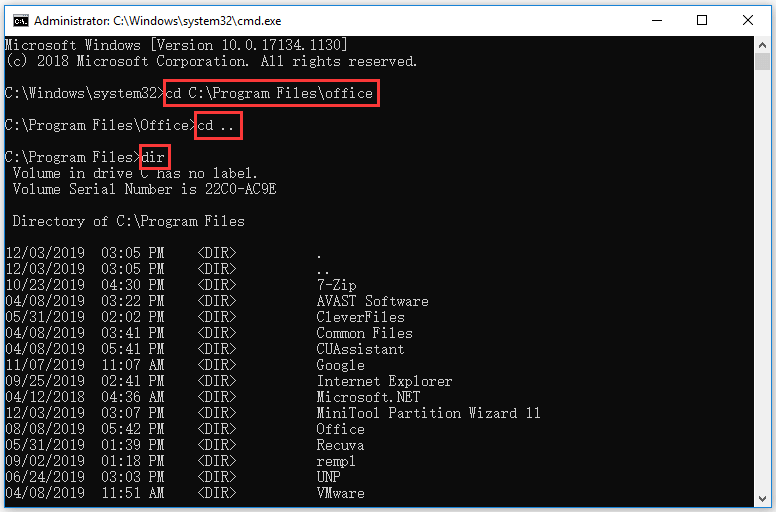
Web Jul 7 2023 nbsp 0183 32 This post will show you how to open your Windows Services using Services Manager as well as the Command Prompt Windows Services are applications that typically start when the computer
Web Apr 20 2024 nbsp 0183 32 Steps Download Article 1 Use the Start menu screen Press the Start or button Type services Click or tap the matching result 2 Use the Run dialog Press the Win R keys simultaneously Type services msc Press OK or hit Enter 3 Use the Command Prompt Open the Command Prompt Press the Start or
Web Apr 5 2017 nbsp 0183 32 Start up the command prompt CMD with administrator rights Type c windows microsoft framework v4 0 30319 installutil exe your windows service path to exe Press return and that s that It s important to open with administrator rights otherwise you may find errors that come up that don t make sense

Web Jan 31 2024 nbsp 0183 32 Press Windows X and choose Windows PowerShell to open PowerShell Type Windows Services command services msc in PowerShell window and hit Enter to open Windows Services Way 7 Enable Windows Services from Computer Management Open Computer Management in Windows 10 Click Services and Applications from the
Web Apr 25 2014 nbsp 0183 32 You ll need to know the name of the service though to view this from the command line try this command this will show all services sc query type service state all If you want to see only stopped services run this command sc query type service state inactive The list of services output by the query can be quite long Web Apr 30 2014 nbsp 0183 32 Type SC at a command prompt to see the extensive set of options available DESCRIPTION SC is a command line program used for communicating with the Service Control Manager and services USAGE sc lt server gt command service name lt option1 gt lt option2 gt The option has the form quot ServerName quot
Web Feb 5 2021 nbsp 0183 32 09 28 2023 by Maclain Wiltzer In this article I ll show how to install and configure a Windows Service query its status and properties and then how to uninstall it I ll be using the command line utilities installutil exe and sc exe to install and configure the service Table of Contents