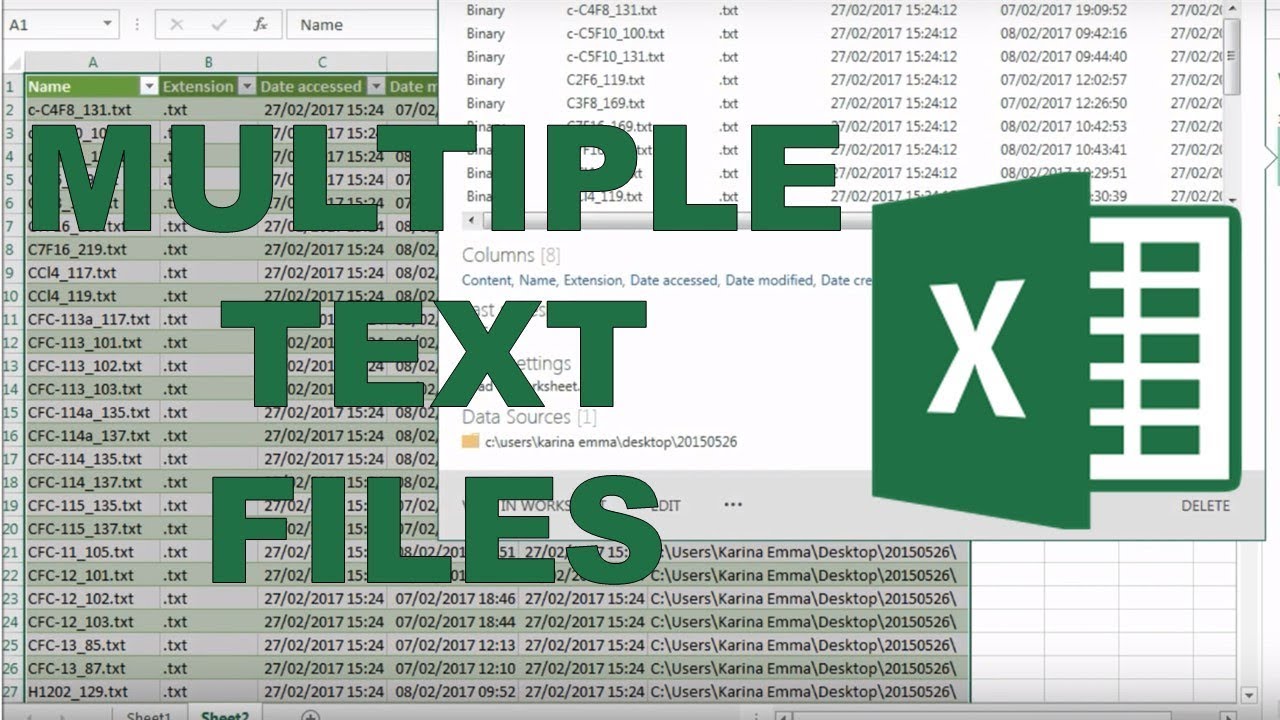
Open Multiple Text Files In Excel Open Text Files In Excel 365 2016 Two 2 Methods To Import Text Files In Excel 365 YouTube List Every Link For All Open Files In Excel Using The AIRT Add in YouTube How Do I Have Two Excel Spreadsheets Open At The Same Time BEST GAMES Spreadsheet Templates Free Download In Excel Google Sheets It s available for all the last ten years versions of Excel starting with free add ins for XL 2010 and XL 2013 and built into the application since XL 2016 named Get Transform Use the From Folder option in the data ribbon then in the Power Query editor remove the files you don t need if any by using filters
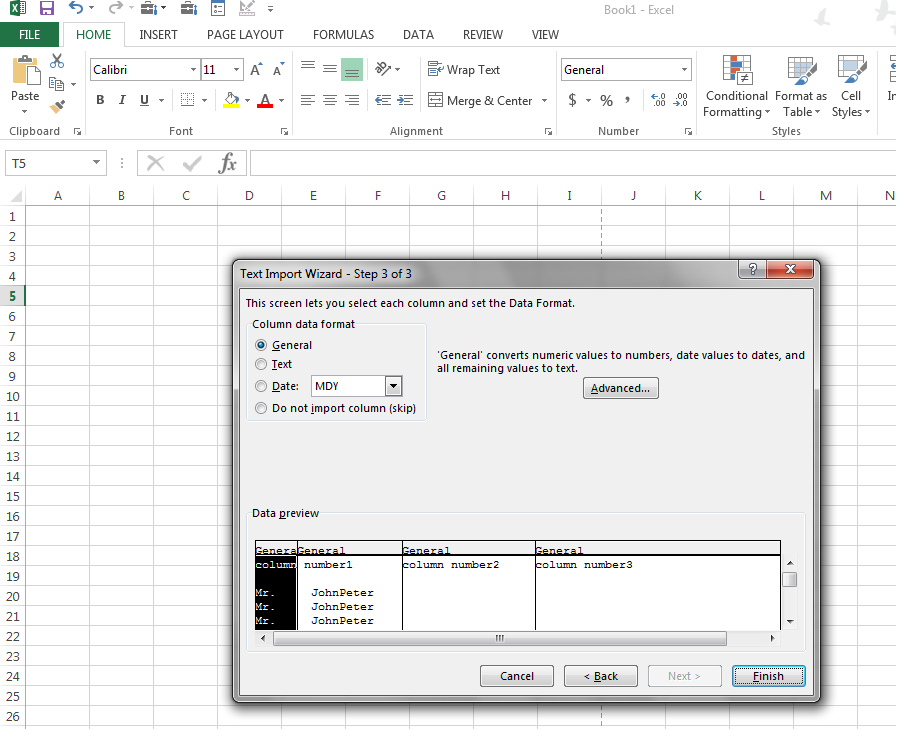
Using the Ctrl key Press and hold the Ctrl key on your keyboard then click on each file that you want to open This allows you to select multiple files individually Using the Shift key Click on the first file in the list then press and hold the Shift key on your keyboard Method 2 Restore the Text Import Wizard The Text Import Wizard enables you to control the structure of the data you want to import It starts automatically when you import text files i e a file with a TXT extension Open Microsoft Excel and browse to a text file or change the extension of the CSV file to TXT
Spreadsheet Templates Free Download In Excel Google Sheets How To Merge Multiple Text Files In A Single Text File Merge Text Opening XLSX Files In Excel 2003 2007 2010 Keyportal uk How To Read Multiple Text Files And Extract Each Text File Data Moved Convert Multiple Text Files To PDF Files Software Open Text Files In Excel 6 YouTube How To Import Multiple Text Files Into Excel YouTube SOLUTION How Do I Download And Open Text Files In Excel Studypool Open Excel Files In Separate Instances Or Multiple Windows
Open Multiple Text Files In Excel
 Open Multiple Text Files In Excel
https://2.bp.blogspot.com/-cxYNkqLhKAQ/VxjCv1nfabI/AAAAAAAAAF0/luOaGmnylqMvM_b_YHHuMTnlk-1mls_3QCLcB/s1600/3.png
On the Ablebits Data tab click Copy Sheets and indicate how you want to import the files To place each file on a separate sheet choose Selected sheets to one workbook To copy data from all csv files into a single worksheet choose Data from the selected sheets to one sheet Click the Add files button and then find and select the csv files
Pre-crafted templates provide a time-saving option for developing a diverse range of files and files. These pre-designed formats and layouts can be utilized for different individual and professional projects, including resumes, invitations, flyers, newsletters, reports, presentations, and more, improving the content creation process.
Open Multiple Text Files In Excel

Convert Multiple Text Files In To Excel Files Microsoft Community Hub

How To Merge Multiple Text Files In A Single Text File Merge Text
Opening XLSX Files In Excel 2003 2007 2010 Keyportal uk

How To Read Multiple Text Files And Extract Each Text File Data Moved
Open Text Files In Excel 6 YouTube
How To Import Multiple Text Files Into Excel YouTube
How to import multiple text files into excel YouTube 2024 Google LLC How to put lots of text files into a single excel spreadsheet all in one go Sometimes you have data in lots

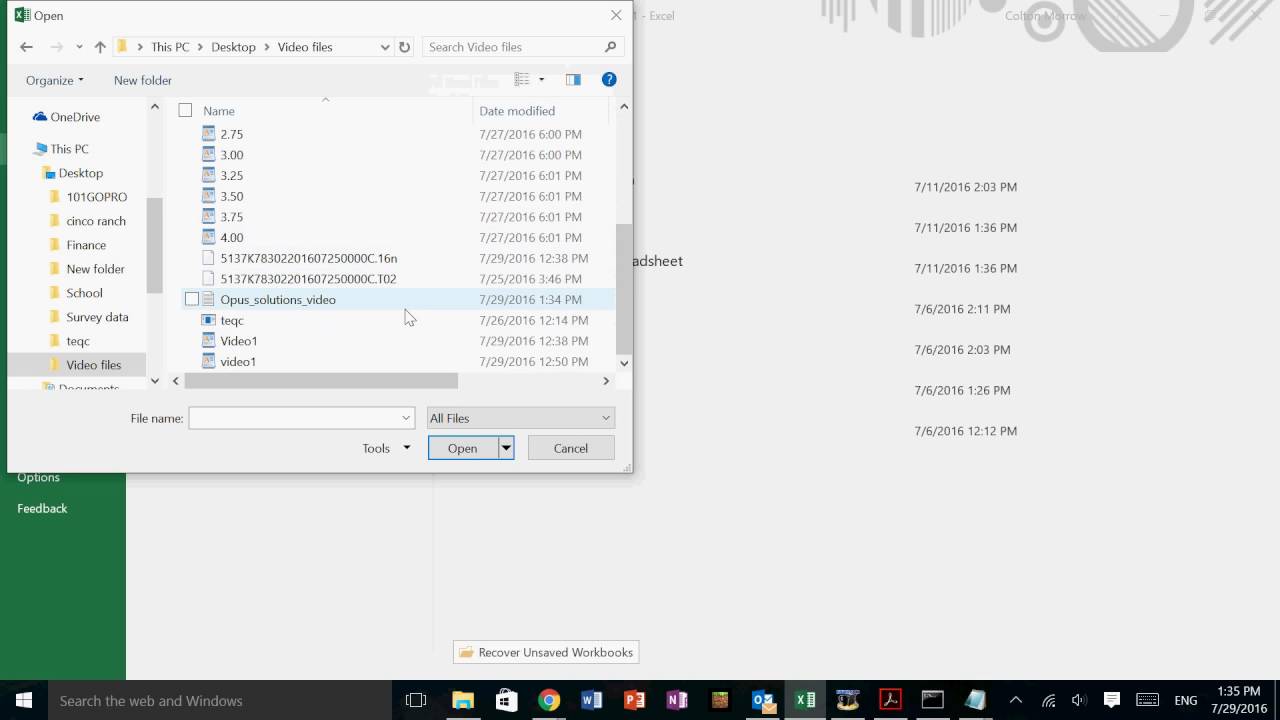
Go to File Open and browse to the location that contains the text file Select Text Files in the file type dropdown list in the Open dialog box Locate and double click the text file that you want to open If the file is a text file txt Excel starts the Import Text Wizard

1 Enable a workbook you want to import text files and press Microsoft Visual Basic for Applications copy and paste below VBA code to the VBA Import multiple text files from one folder to one sheet to display a dialog and select a folder which contains text files you want to import See screenshot
Before importing multiple text files into Excel it s important to prepare the files to ensure a smooth and efficient process Here are a few key steps to take A Organize the text files into a single folder First gather all the text files you want to import and organize them into a single folder on your computer

Use Power Query to combine multiple files with the same schema stored in a single folder into one table For example each month you want to combine budget workbooks from multiple departments where the columns are the same but the number of rows and values differ in each workbook
1 Answer Sorted by 1 You have to reset your text otherwise the content of the second file is added and not replaced and the search always find the first GPS data and stop searching Sub ExtractGPS Dim filename As String nextrow As Long MyFolder As String Dim MyFile As String text As String textline As String posGPS As String MyFolder VBA code Import multiple text files to separate worksheets Split a workbook to multiple separate text pdf csv xlsx files with Kutools for Excel with more than 300 handy Excel add ins free to try with no limitation in 30 days Free Download Kutools for Excel Now
1 Import Text File Data with Multiple Delimiters Using the Legacy Wizards Feature The Legacy Wizard s feature to import Text Files provides us with a bunch of options to set the desired structure of the imported dataset in the Excel worksheet Go to the Legacy Wizards Go to the Data tab Click on the Get Data option