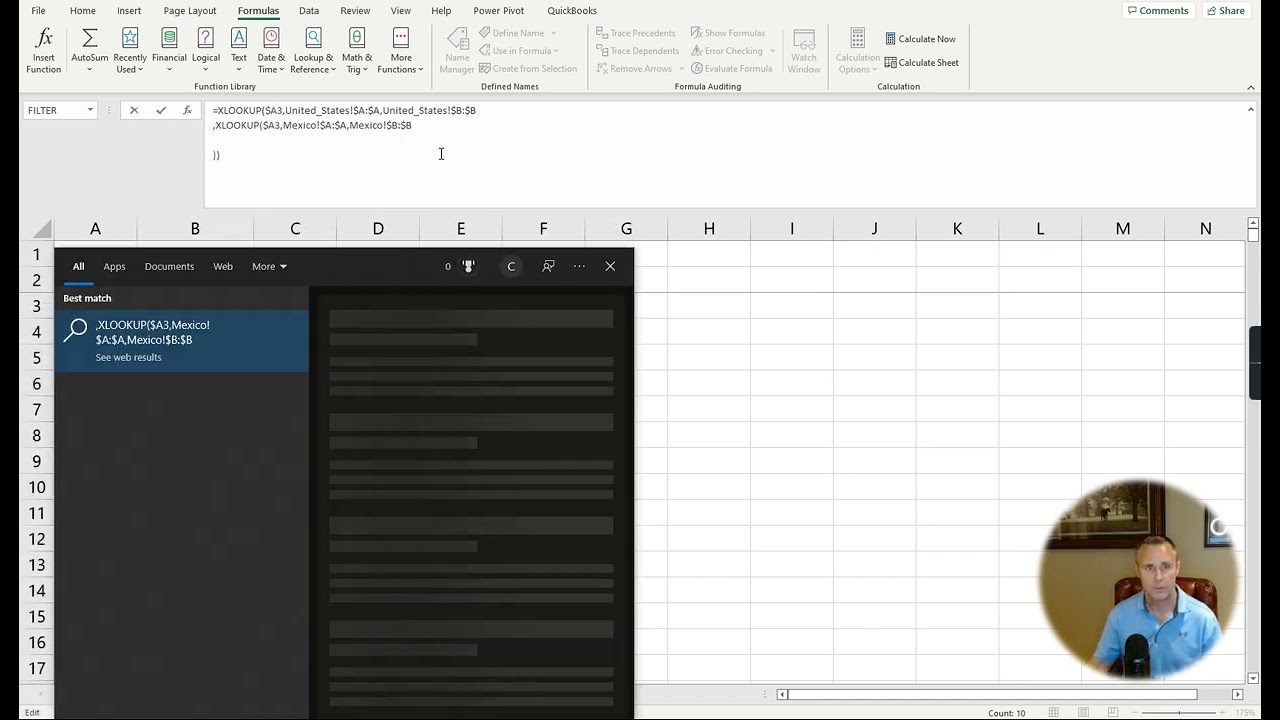
Open Multiple Tabs In Excel How To Open Multiple Tabs In Sublime Text What Is Mark Down How To Create Multiple Tabs In Excel Adding Up The Same Cell Across Multiple Tabs In Excel Investment Guide Xlookup Across Multiple Tabs In Excel YouTube How To Open Multiple Tabs In Visual Studio Code Coding Campus If you make Chrome your default browser links you click will open automatically in Chrome whenever possible In some countries you may be asked to choose your default browser
When you open Drive for desktop for the first time or after your account has been disconnected to log in On your computer open Drive for desktop Click Get started Sign in Sign in to the To open Gmail you can log in from a computer or add your account to the Gmail app on your phone or tablet Once you ve signed in check your email by opening your inbox
How To Open Multiple Tabs In Visual Studio Code Coding Campus How To Save Multiple Tabs In Excel As Separate Files 5 Easy Methods How To Save Multiple Tabs In Excel As Separate Files 5 Easy Methods Cara Membuka Banyak Tab Di Chrome Android Tekno Sridianti How To Save Multiple Tabs In Excel As Separate Files 5 Easy Methods How To Delete Multiple Tabs In Excel Google Sheets Automate Excel How To Save Multiple Tabs In Excel As Separate Files 5 Easy Methods 3 Ways To Open Multiple Websites With One Click In Chrome Gadgets To Use How To Unhide Multiple Tabs In Excel SpreadCheaters
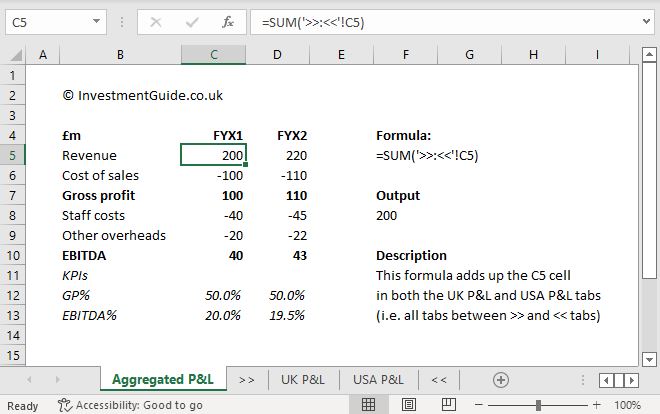
Open Multiple Tabs In Excel
 Open Multiple Tabs In Excel
https://cdn.whatismarkdown.com/how_to_open_multiple_tabs_in_sublime_text.png
To know whether this is a problem with the webpage or Chrome try to open the page in another browser like Firefox or Safari If it works in another browser try the steps below Uninstall and
Templates are pre-designed documents or files that can be used for numerous purposes. They can save effort and time by supplying a ready-made format and design for developing different type of material. Templates can be utilized for individual or professional tasks, such as resumes, invitations, flyers, newsletters, reports, presentations, and more.
Open Multiple Tabs In Excel
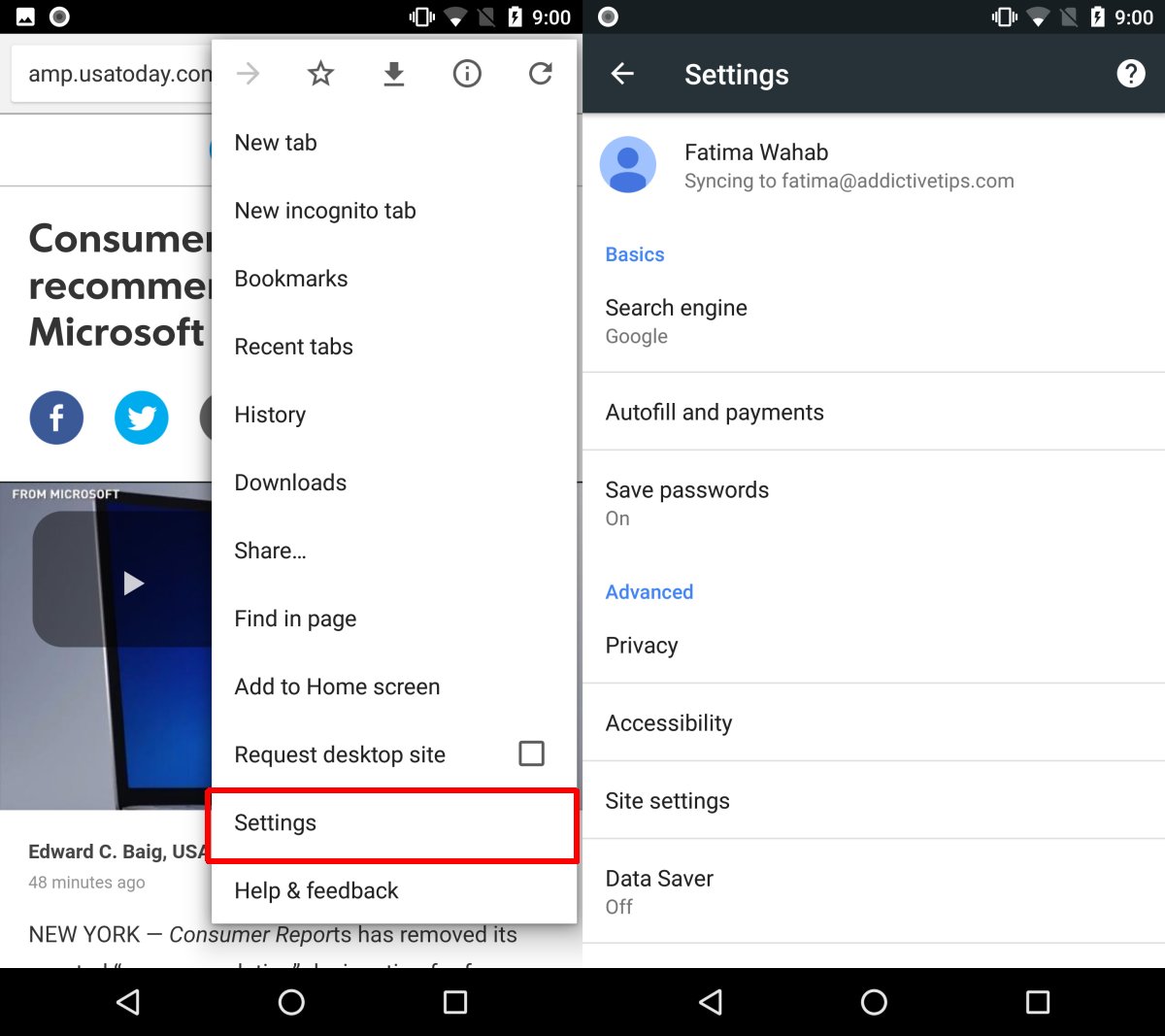
How To Open Chrome Mobile Tabs On Your Desktop

How To Save Multiple Tabs In Excel As Separate Files 5 Easy Methods

How To Save Multiple Tabs In Excel As Separate Files 5 Easy Methods

Cara Membuka Banyak Tab Di Chrome Android Tekno Sridianti
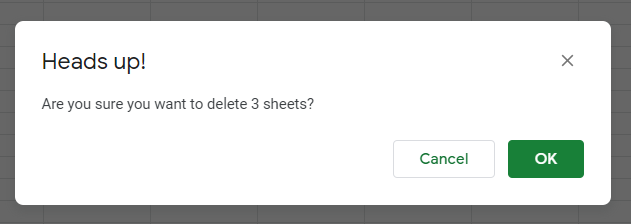
How To Delete Multiple Tabs In Excel Google Sheets Automate Excel

How To Save Multiple Tabs In Excel As Separate Files 5 Easy Methods

Create an account Tip To use Gmail for your business a Google Workspace account might be better for you than a personal Google Account With Google Workspace you get increased

Open the Play Store app On your device go to the Apps section Tap Google Play Store The app will open and you can search and browse for content to download
Important When you create a Google Account for your business you can turn business personalization on A business account also makes it easier to set up Google Business Profile
On your iPhone or iPad open App Store In the search bar enter Chrome Tap Get To install follow the on screen instructions If prompted enter your Apple ID password To start

Open files on your desktop When you install Drive for desktop on your computer it creates a drive in My Computer or a location in Finder named Google Drive All of your Drive files appear here
[desc-11] [desc-12]
[desc-13]