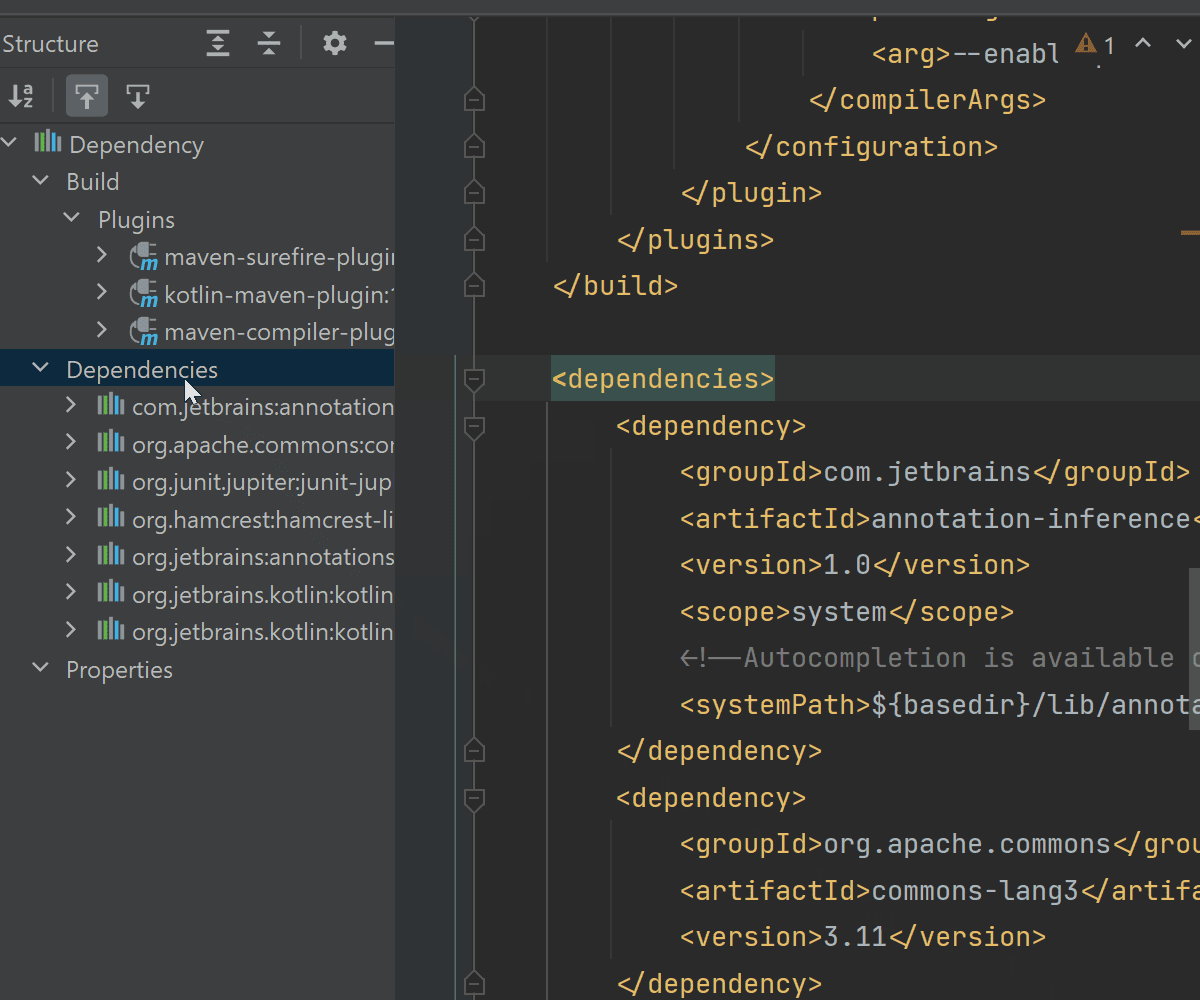
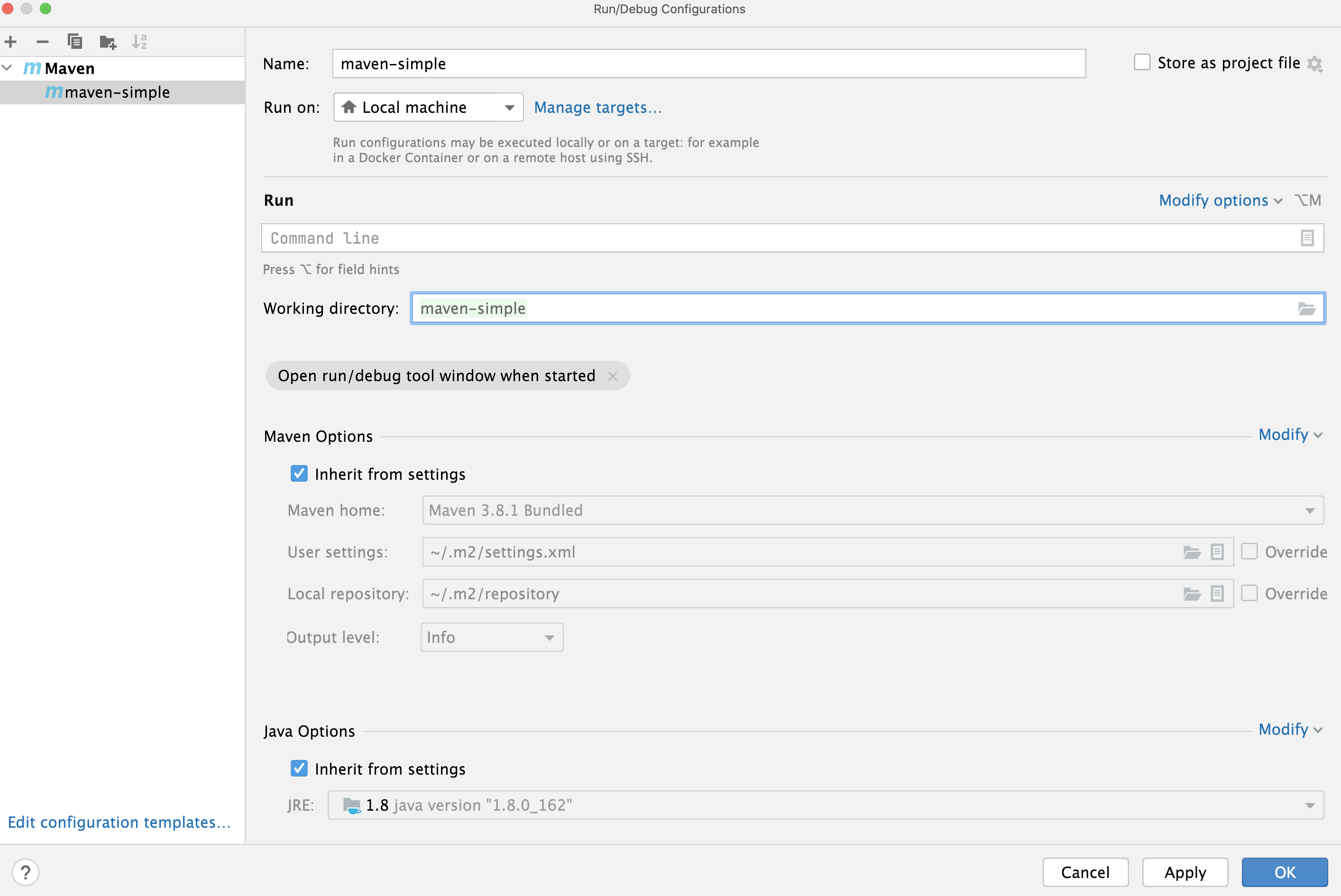
Open Intellij From Command Line Macos Install The Eap Plugin For Intellij Idea Or Android Studio Kotlin Vrogue Access IntelliJ IDEA Via The Command line On MacOS Stack Overflow Maven And IntelliJ IDEA The IntelliJ IDEA Blog Terminal In Intellij Idea Community 2021 2 Do Not Work IDEs Support Run Debug Configuration Maven IntelliJ IDEA Documentation If you make Chrome your default browser links you click will open automatically in Chrome whenever possible In some countries you may be asked to choose your default browser
When you open Drive for desktop for the first time or after your account has been disconnected to log in On your computer open Drive for desktop Click Get started Sign in Sign in to the To open Gmail you can log in from a computer or add your account to the Gmail app on your phone or tablet Once you ve signed in check your email by opening your inbox
Run Debug Configuration Maven IntelliJ IDEA Documentation Let Me Try To Convince You To Take Screenshots From The Command Line In Command Line MacOS Update Reportedly Faster Allows Use Of Mac While Use The Application Accelerator IntelliJ Plug in Solved How To Safely Close Intellij From Command Line 9to5Answer Running Java On Intellij How To See The Exception And Where It How To Open Terminal In Intellij IDEA YouTube Intellij Set Default Shorten Command Line BytesofGigabytes Launch IntelliJ IDEA From Command Line In Mac Access BASH Environment
Open Intellij From Command Line Macos
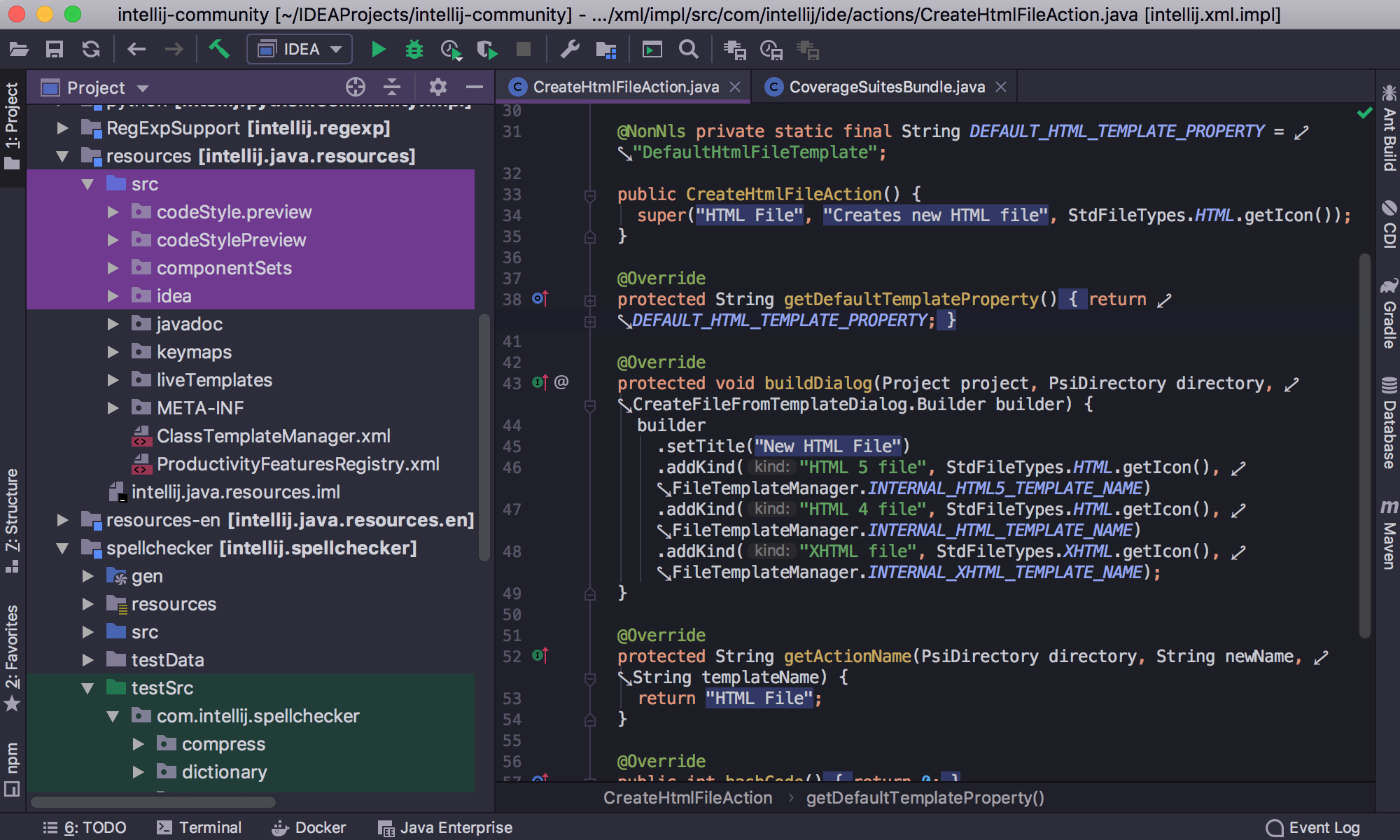 Open Intellij From Command Line Macos
https://intellijfree.com/images/uploads/2021-11-16/2-fhgyb.png
To know whether this is a problem with the webpage or Chrome try to open the page in another browser like Firefox or Safari If it works in another browser try the steps below Uninstall and
Pre-crafted templates offer a time-saving service for developing a diverse series of documents and files. These pre-designed formats and designs can be used for numerous individual and professional jobs, consisting of resumes, invitations, leaflets, newsletters, reports, presentations, and more, improving the content development process.
Open Intellij From Command Line Macos

IntelliJ IDEA Command Line Launcher YouTube
Let Me Try To Convince You To Take Screenshots From The Command Line In
Command Line MacOS Update Reportedly Faster Allows Use Of Mac While

Use The Application Accelerator IntelliJ Plug in

Running Java On Intellij How To See The Exception And Where It
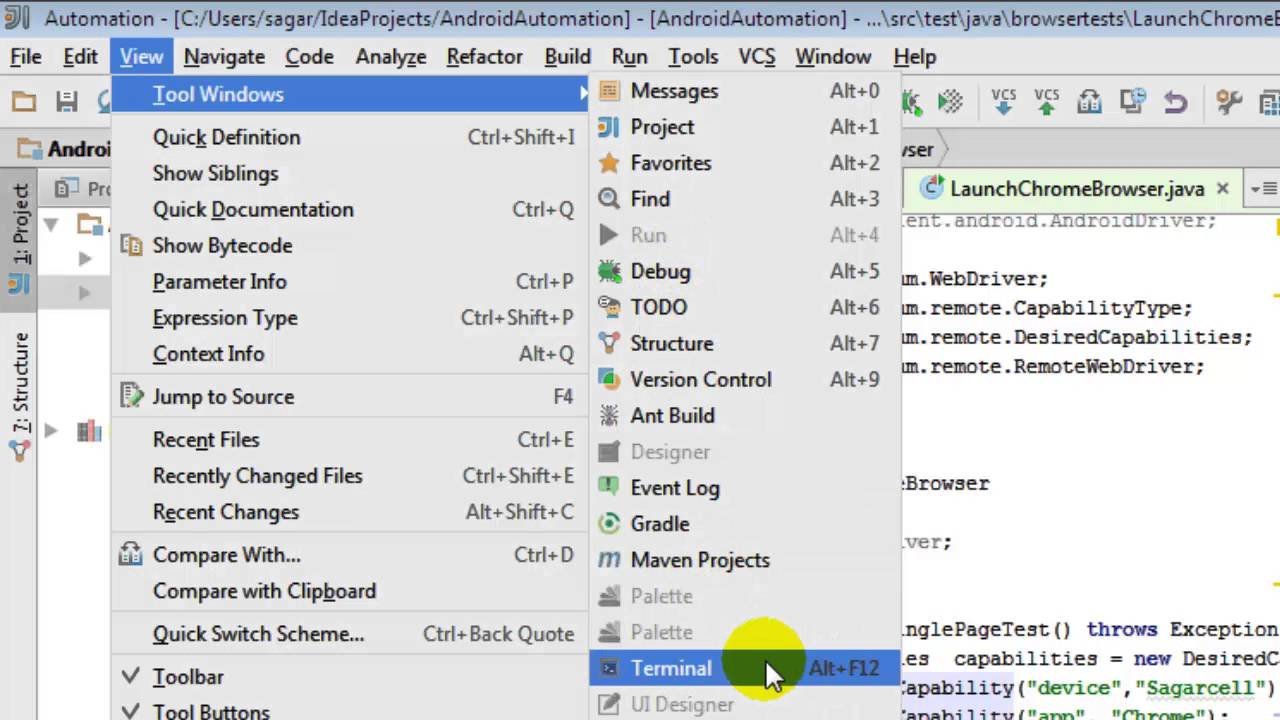
How To Open Terminal In Intellij IDEA YouTube
Create an account Tip To use Gmail for your business a Google Workspace account might be better for you than a personal Google Account With Google Workspace you get increased

Open the Play Store app On your device go to the Apps section Tap Google Play Store The app will open and you can search and browse for content to download
Important When you create a Google Account for your business you can turn business personalization on A business account also makes it easier to set up Google Business Profile

On your iPhone or iPad open App Store In the search bar enter Chrome Tap Get To install follow the on screen instructions If prompted enter your Apple ID password To start
Open files on your desktop When you install Drive for desktop on your computer it creates a drive in My Computer or a location in Finder named Google Drive All of your Drive files appear here
[desc-11] [desc-12]
[desc-13]