Open In Default Browser Vscode Not Working How To Install Live Server In Visual Studio Code YouTube How To Open Settings json In Visual Studio Code Where Is Settings Get Live HTML Preview In VS Code Live Server Tutorial YouTube How To Add Run Button In Visual Studio Code Fixed Run Button Not SajjanKarn Sajjan Karna GitHub Open files stored on the Cloud directly on your computer Find and organize your files in your computer s file system without using storage space When you sync your files download from
If you make Chrome your default browser links you click will open automatically in Chrome whenever possible In some countries you may be asked to choose your default browser To know whether this is a problem with the webpage or Chrome try to open the page in another browser like Firefox or Safari If it works in another browser try the steps below Uninstall and
SajjanKarn Sajjan Karna GitHub Better Open In Browser Visual Studio Marketplace Open In Browser Visual Studio Marketplace VS JSON VS Code Html Codes GitHub Kinto0 vscode python Python Extension For Visual Studio Code Windows Default Browser vscode html vscode html
Open In Default Browser Vscode Not Working
 Open In Default Browser Vscode Not Working
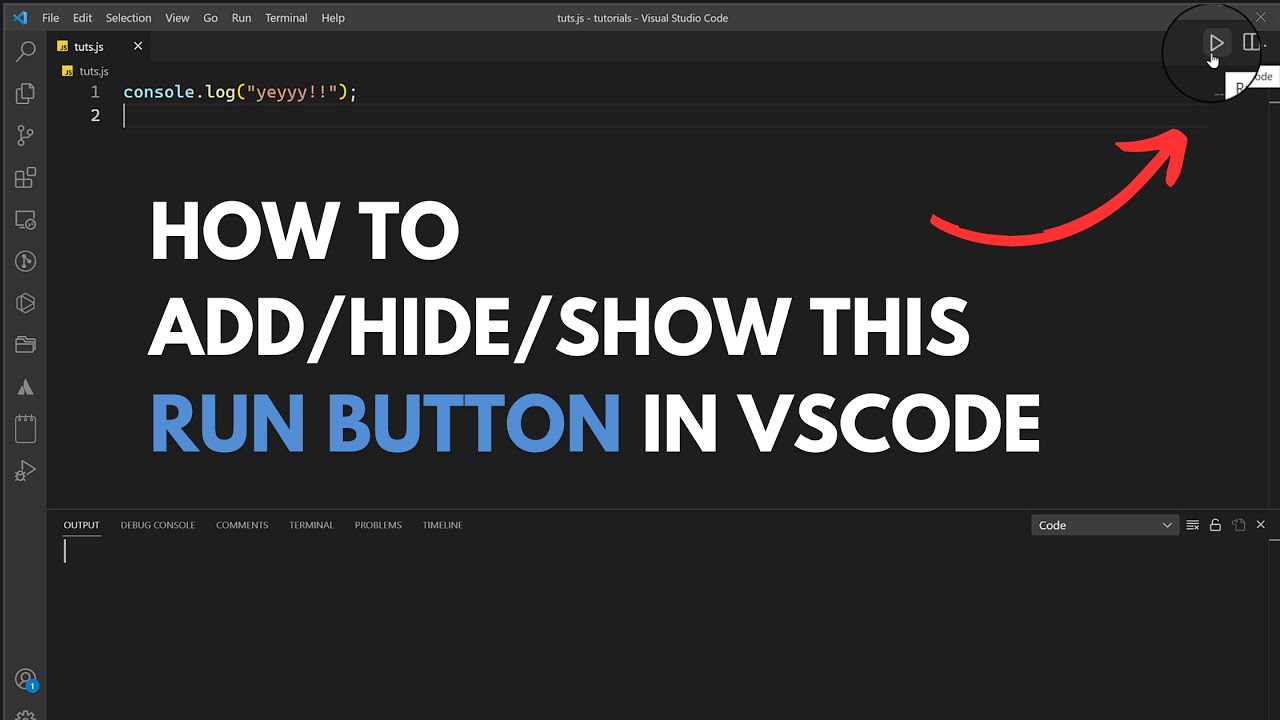
https://i.ytimg.com/vi/9kEOkw_LvGU/maxresdefault.jpg
To open Gmail you can log in from a computer or add your account to the Gmail app on your phone or tablet Once you ve signed in check your email by opening your inbox
Pre-crafted templates offer a time-saving service for creating a varied range of documents and files. These pre-designed formats and designs can be made use of for various personal and professional projects, including resumes, invites, leaflets, newsletters, reports, discussions, and more, simplifying the material production process.
Open In Default Browser Vscode Not Working
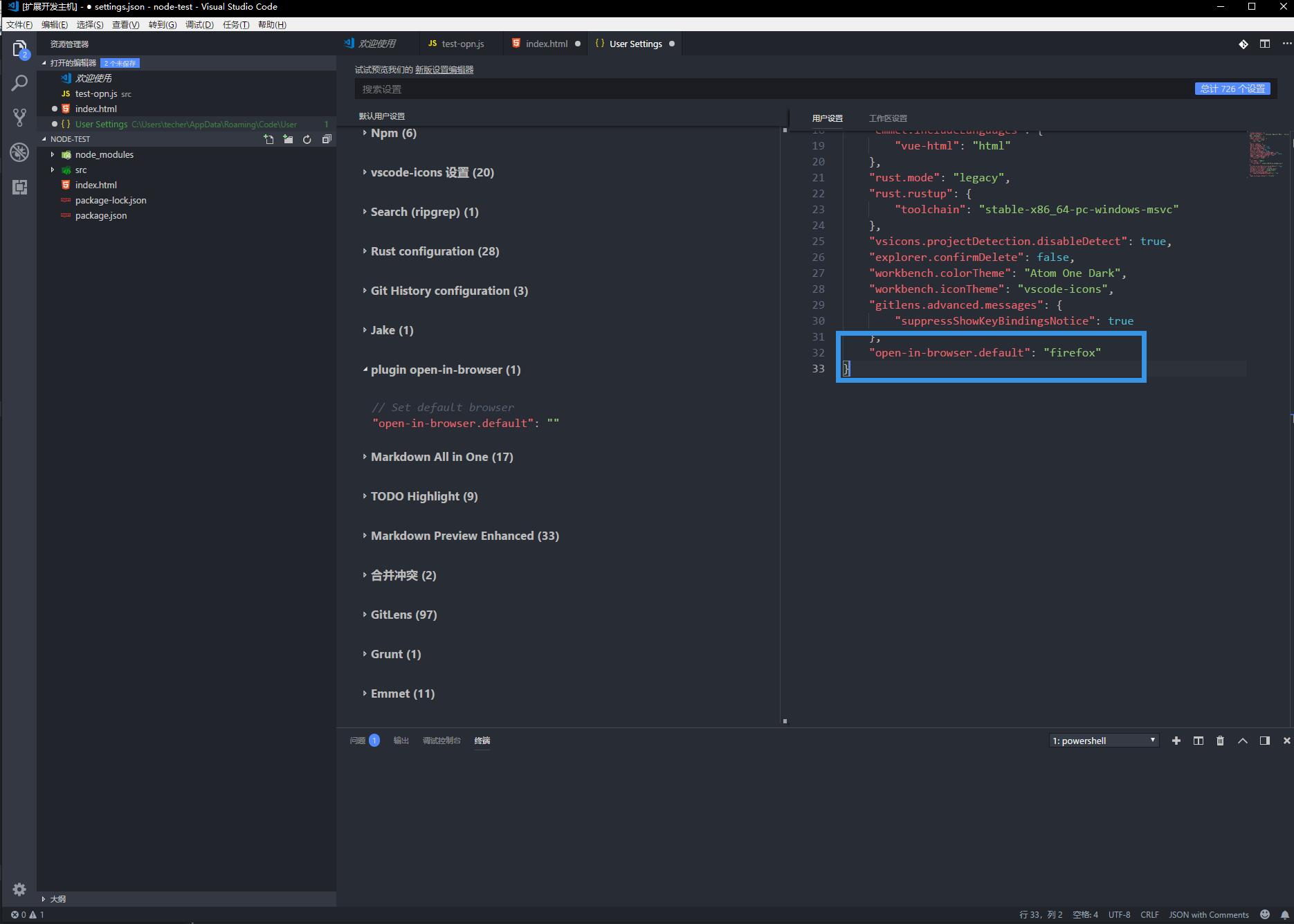
Better Open In Browser Visual Studio Marketplace
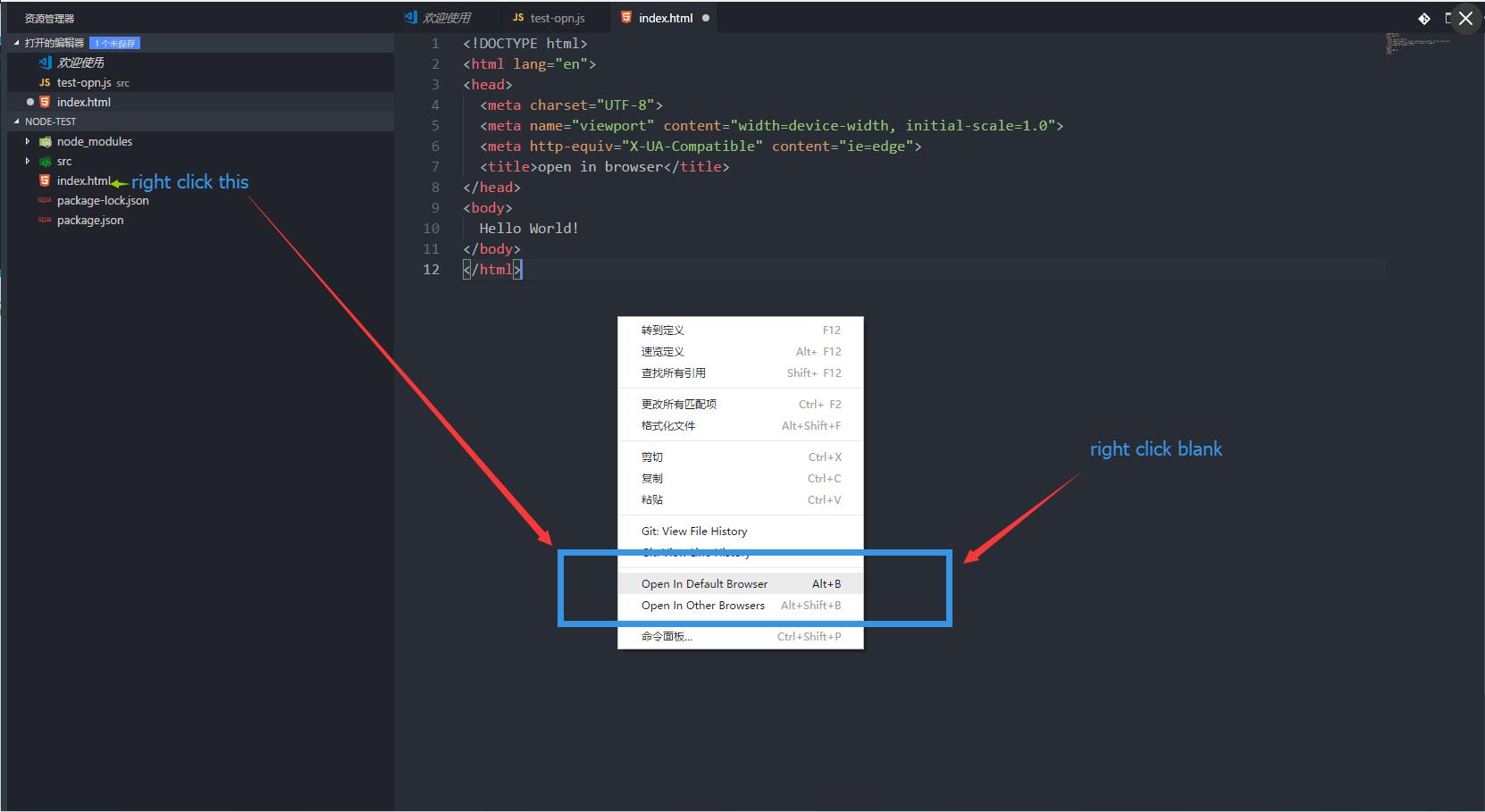
Better Open In Browser Visual Studio Marketplace
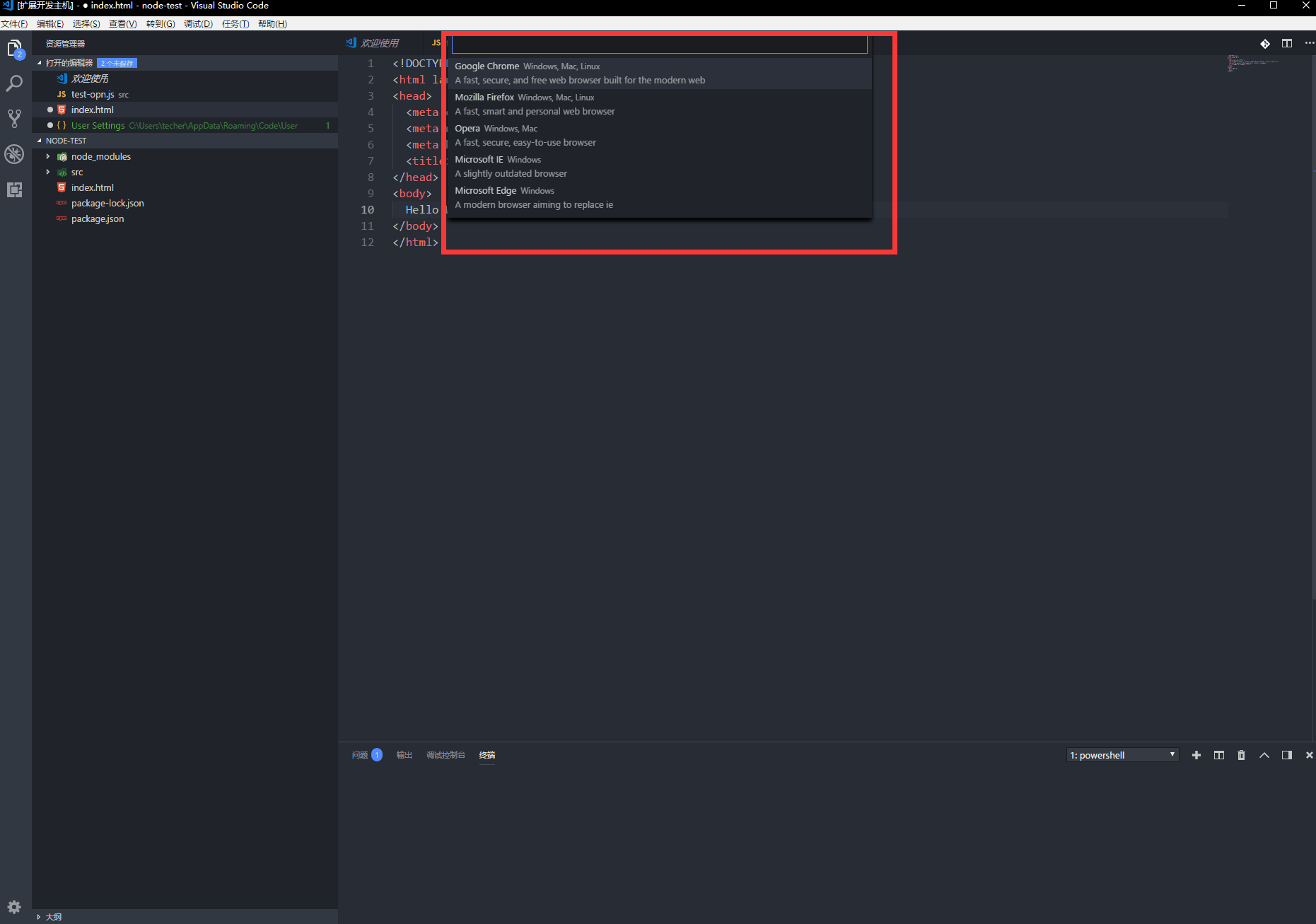
Open In Browser Visual Studio Marketplace

VS JSON

Html Codes
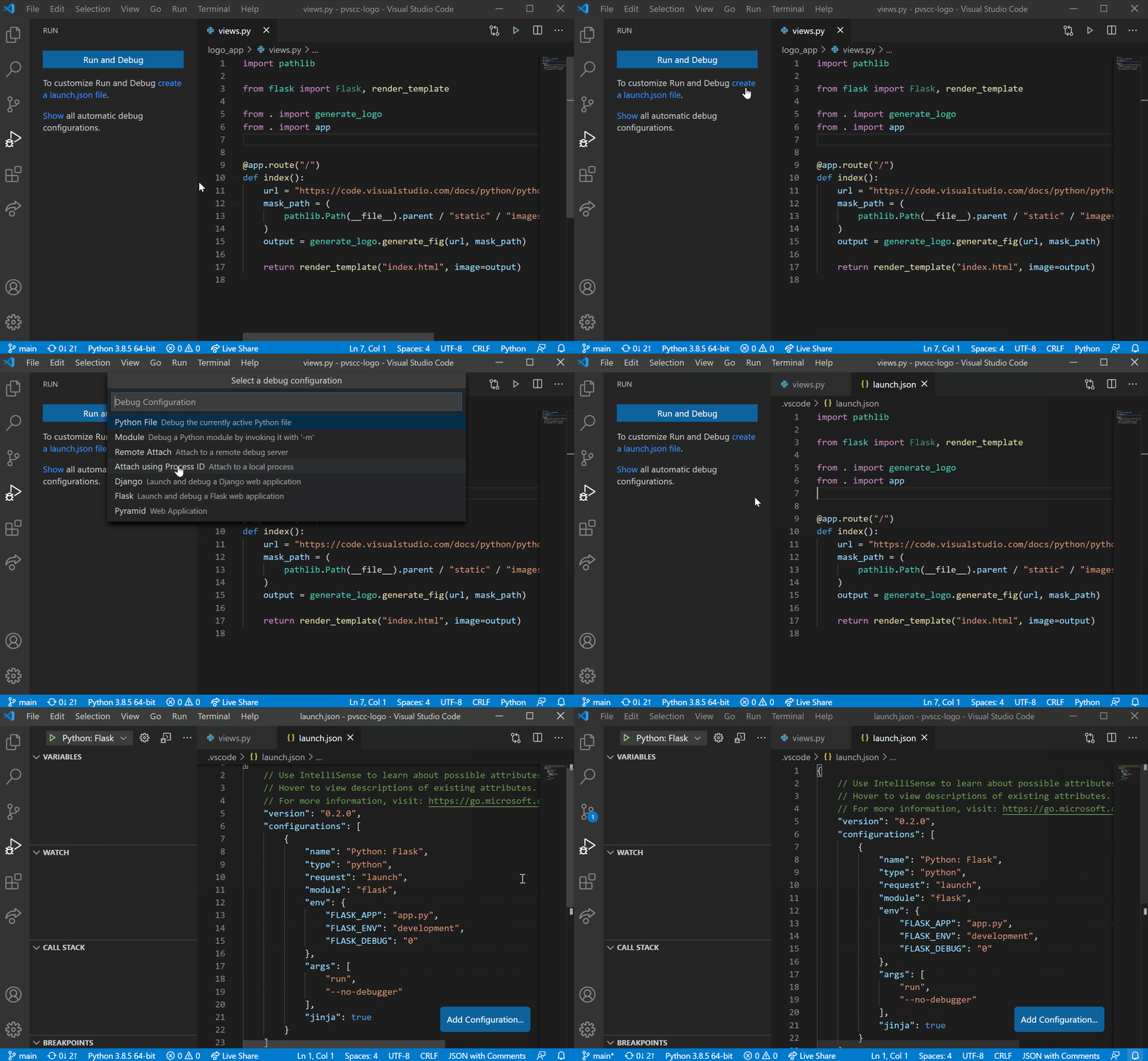
GitHub Kinto0 vscode python Python Extension For Visual Studio Code
To open Gmail you can sign in from a computer or add your account to the Gmail app on your phone or tablet Once you re signed in open your inbox to check your mail

How to install Chrome Important Before you download you can check if Chrome supports your operating system and other system requirements

On your iPhone or iPad open App Store In the search bar enter Chrome Tap Get To install follow the on screen instructions If prompted enter your Apple ID password To start
Important When you create a Google Account for your business you can turn business personalization on A business account also makes it easier to set up Google Business Profile
Open files on your desktop When you install Drive for desktop on your computer it creates a drive in My Computer or a location in Finder named Google Drive All of your Drive files appear here
[desc-11] [desc-12]
[desc-13]