Open Html File From Terminal Vscode Announcing Support For Native Editing Of Jupyter Notebooks In VS Code Coding Cloud Data Data How To Open HTML File From A Terminal Its Linux FOSS Atletick Ostrie V davok Linux Terminal Highlight Same Words tudent Oslepuj ci Futbal How To Setup Code Server On Ubuntu 20 04 LTS How To Create And Edit Text File In Linux By Using Terminal You can open a terminal as follows From the menu use the Terminal New Terminal or View Terminal menu commands From the Command Palette P Windows Linux
1 Answer You have to use cd to enter in the folder that you want to open in vs code After that you just need to use code and it will open the current folder in vs VSCode has a feature to do it First let s do the shortcut CMD SHIFT P or CTRL SHIFT P for Windows and type code path which should make appear the
How To Create And Edit Text File In Linux By Using Terminal Elevator Pitch Deck Examples How To Open HTML File From A Terminal Its Linux FOSS Run Python In Visual Studio Code Lasopainn Open The Inspector Firefox Source Docs Documentation Run Open VSCode From Mac Terminal Gang Of Coders Visual Studio Code Tips Switch Between Command Prompt Vs Powershell In Visual Studio Code Integrated Terminal In Vscode Mobile Legends How To Create Html Boilerplate In Vscode Code Example Images And Photos Finder DaftSex HD
Open Html File From Terminal Vscode
 Open Html File From Terminal Vscode
https://i.pinimg.com/originals/70/86/c7/7086c7d160f25d69b08a870d4aa1d08d.gif
If you want to a HTML file from the terminal and depending on your OS and the browsers you have installed you may be able to run this firefox index html
Templates are pre-designed files or files that can be utilized for numerous purposes. They can conserve time and effort by offering a ready-made format and layout for developing different type of content. Templates can be used for individual or professional jobs, such as resumes, invitations, flyers, newsletters, reports, presentations, and more.
Open Html File From Terminal Vscode

Open The Inspector Firefox Source Docs Documentation

Elevator Pitch Deck Examples
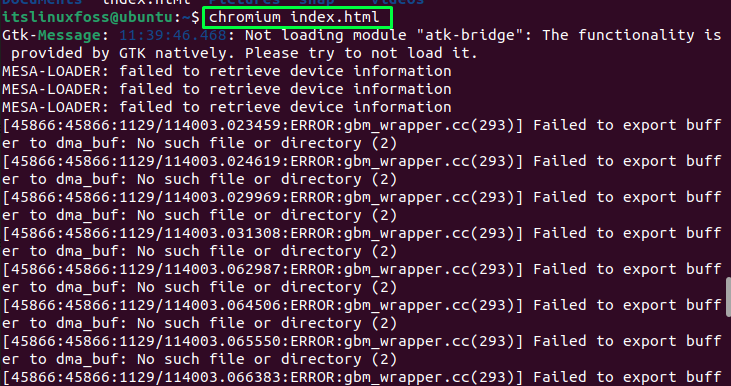
How To Open HTML File From A Terminal Its Linux FOSS
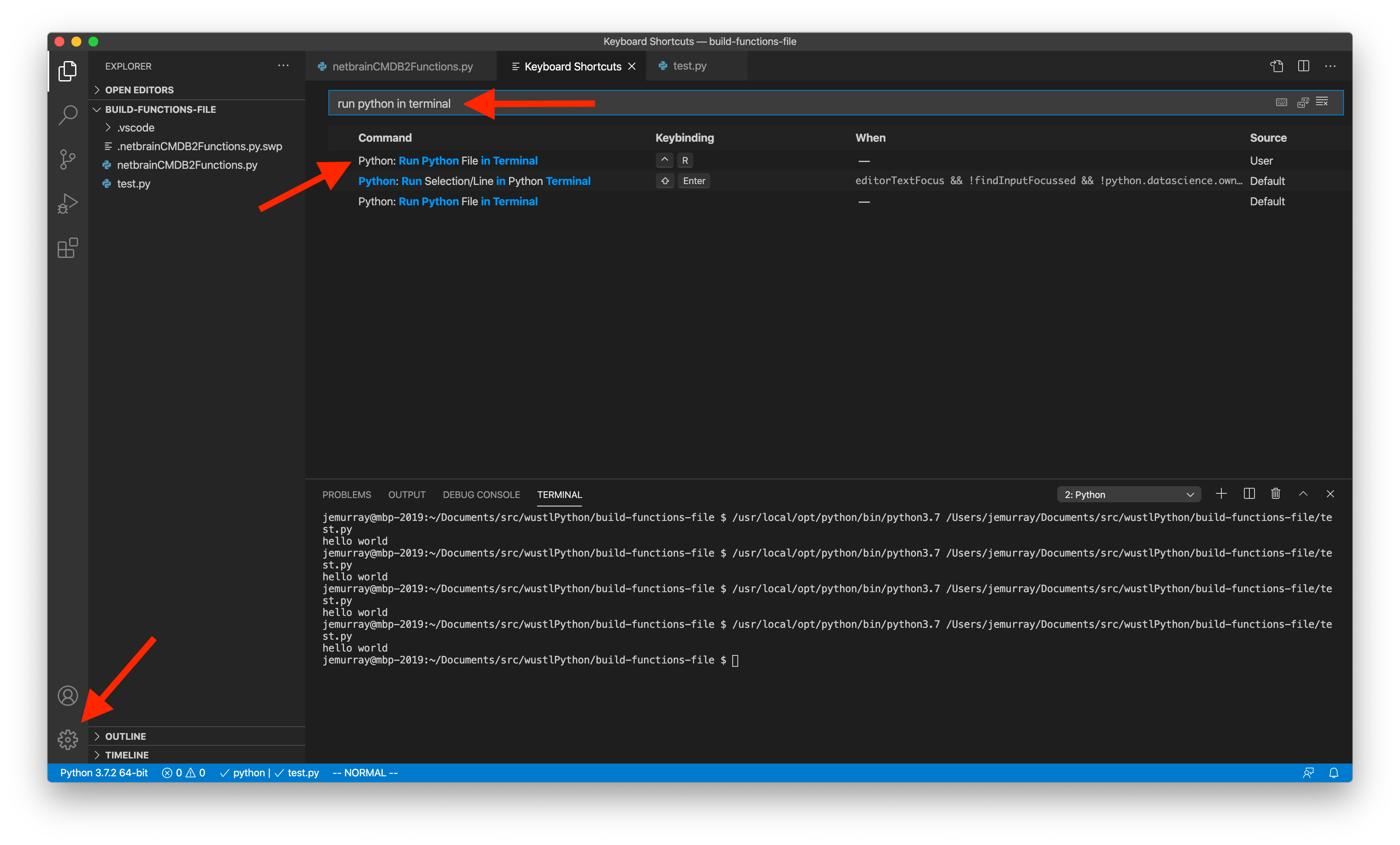
Run Python In Visual Studio Code Lasopainn

Run Open VSCode From Mac Terminal Gang Of Coders
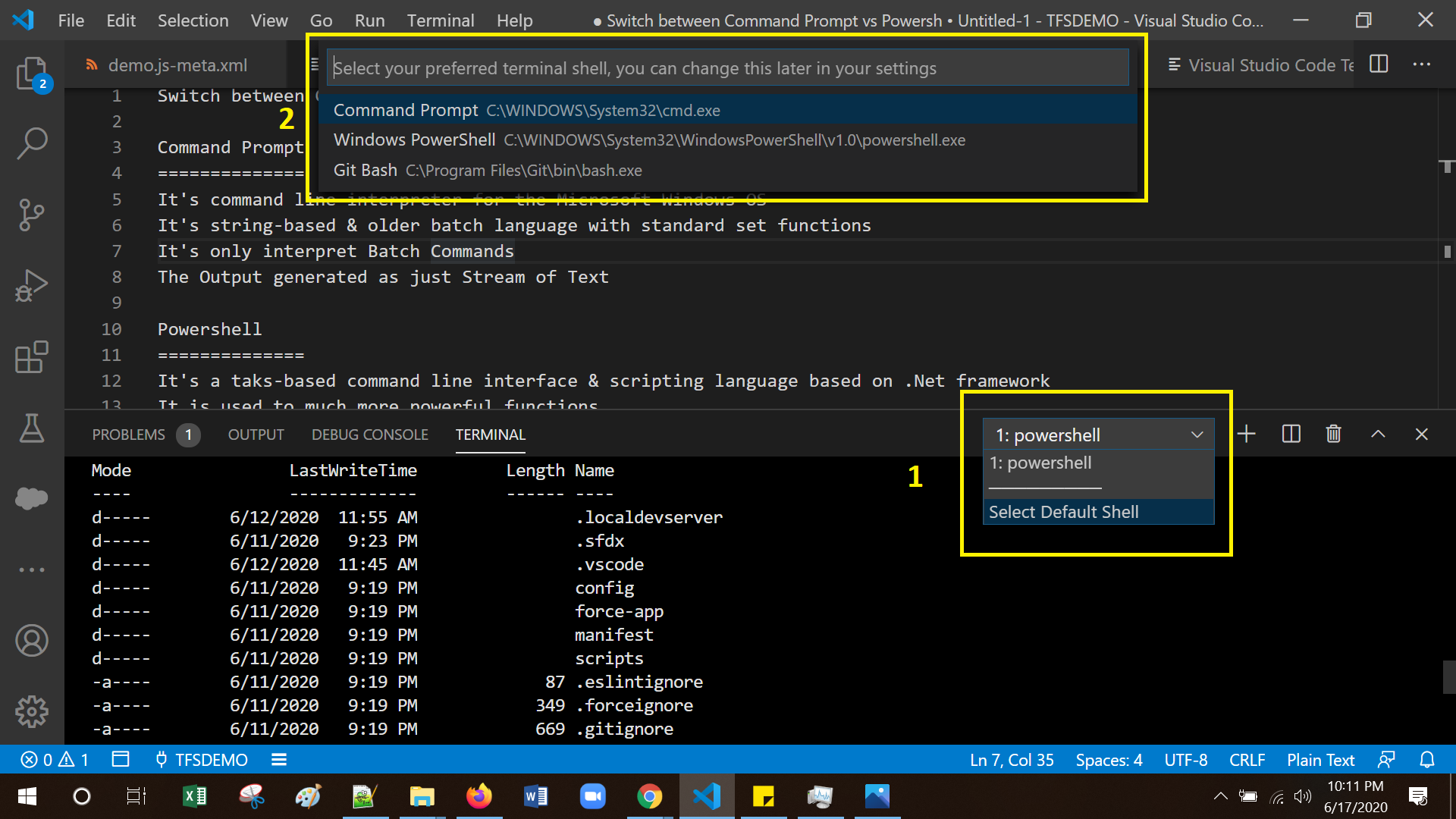
Visual Studio Code Tips Switch Between Command Prompt Vs Powershell In Visual Studio Code

Sorted by 6 After stumbling on the same issue I found a straightforward extension to solve the issue

In a terminal with a cwd of VSCode package json is echoed Clicking on the file name will result in vscode package json opening The directory is changed to
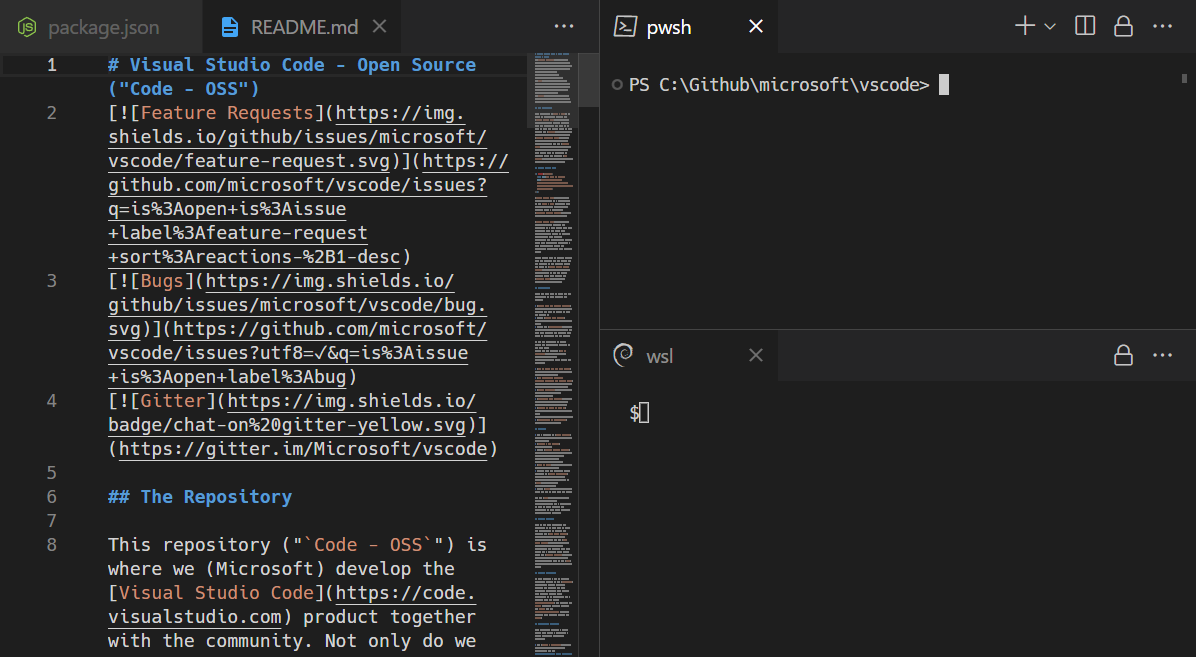
Opening Files and Folders Sometimes you will want to open or create a file If the specified file does not exist VS Code will create them for you along with any new intermediate folders code index html style css
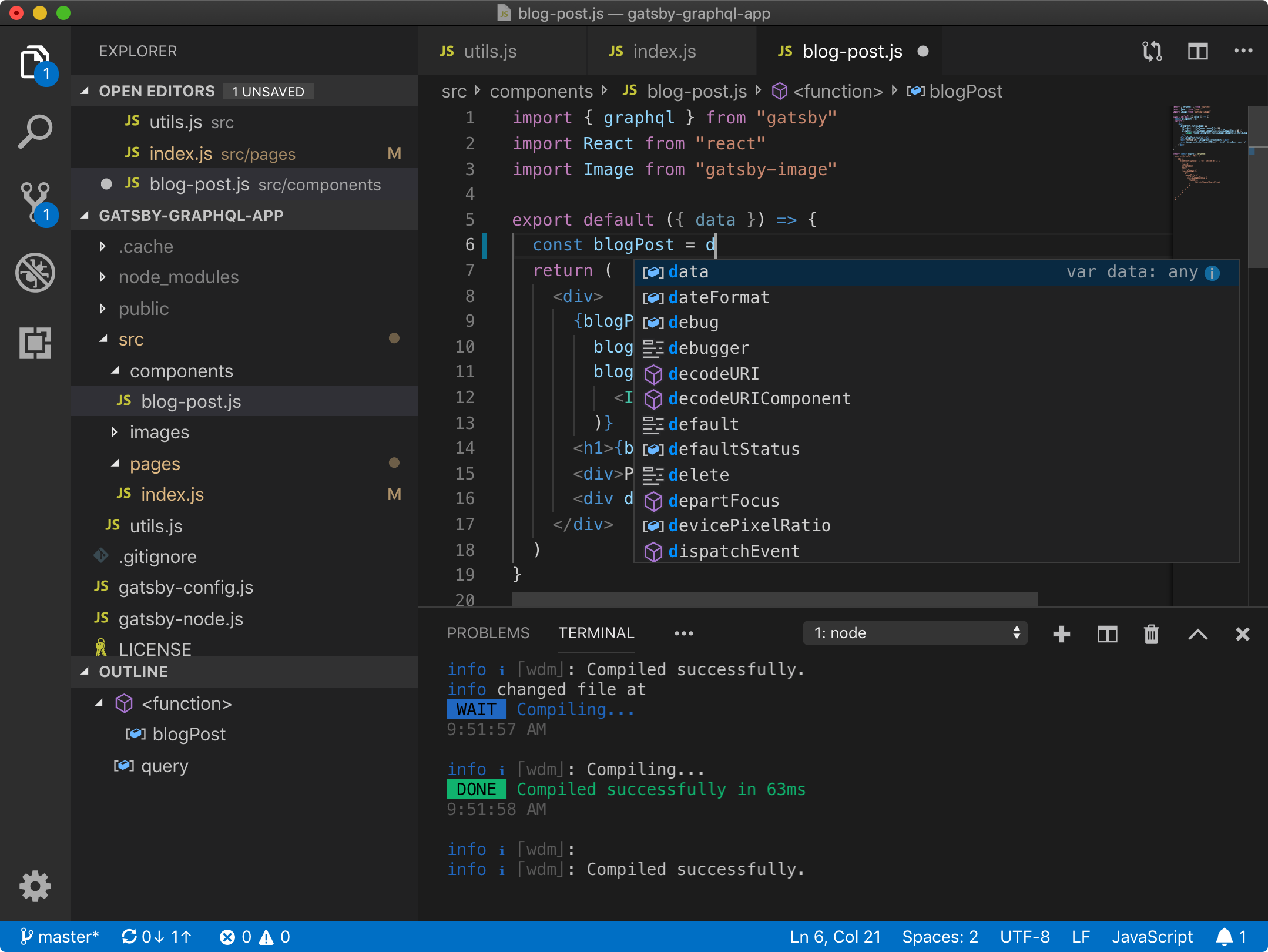
HTML in Visual Studio Code Visual Studio Code provides basic support for HTML programming out of the box There is syntax highlighting smart completions with IntelliSense and customizable formatting VS Code
So you can t open an HTML file in VS Code browser tab by providing a local computer drive path like C temp mytestpage html It has to be a web URL e g
To open any HTML file using the terminal there are three methods The first method is to open an HTML file in the browser using the open command or use any browser name Opening HTML files from the integrated terminal to the browser 197421 Closed niccolomineo opened this issue on Nov 3 3 comments VSCodeTriageBot assigned
STEP 2 Go to Extensions and search for Live Server STEP 3 Install the Live Server extension STEP 4 Create an HTML file in the VS Code and Save it STEP