Open Explorer From Linux Terminal Podporova Monot nna P I Can T Open Explorer Via Cmd N tierka Cie Povodia Download Internet Explorer For Mac On Google Chrome Lumerical Error Message When Trying To Open From Linux Terminal Top 10 Hilfe Zum Datei explorer In Windows 10 Drucken 2023 13 Ways To Tweak Nautilus File Manager In Linux To Get More Out Of It LemonTreeSites To open file manager in Linux Ubuntu using terminal simply type in the following command nautilus in terminal
4 Answers 4 In your terminal window type ps u USER o comm tmp A In your GUI start the file browser Back in your terminal window Linux Look for Console Konsole or Terminal Regardless of the name you can usually launch it from your application menu using the key
13 Ways To Tweak Nautilus File Manager In Linux To Get More Out Of It LemonTreeSites Open Explorer The FIND Engine BIOZOL How To Edit Files In Linux Using A Shell Script Systran Box Running Jupyter Notebook From Terminal How To Connect Wi Fi From Linux Terminal Using Nmcli Command Tech Tutorial How To Check Date And Time From Linux Terminal DevOps Diva How To Access Reddit From Linux Terminal TREND OCEANS Local Explorer Open Local File Links In Edge How To Open Old Web Pages In Internet Explorer On Windows 10
Open Explorer From Linux Terminal
 Open Explorer From Linux Terminal
https://www.digitalcitizen.life/wp-content/uploads/2021/02/open_file_explorer-18.png
Linux You can open Terminal by directly pressing ctrl alt T or you can search it up by clicking the Dash icon typing in terminal in the search box and
Templates are pre-designed files or files that can be used for numerous functions. They can conserve time and effort by providing a ready-made format and layout for developing different type of content. Templates can be used for individual or expert tasks, such as resumes, invites, leaflets, newsletters, reports, presentations, and more.
Open Explorer From Linux Terminal

How To Open File Explorer From Terminal On Linux Linux Tutorials Learn Linux Configuration

Open Explorer The FIND Engine BIOZOL

How To Edit Files In Linux Using A Shell Script Systran Box
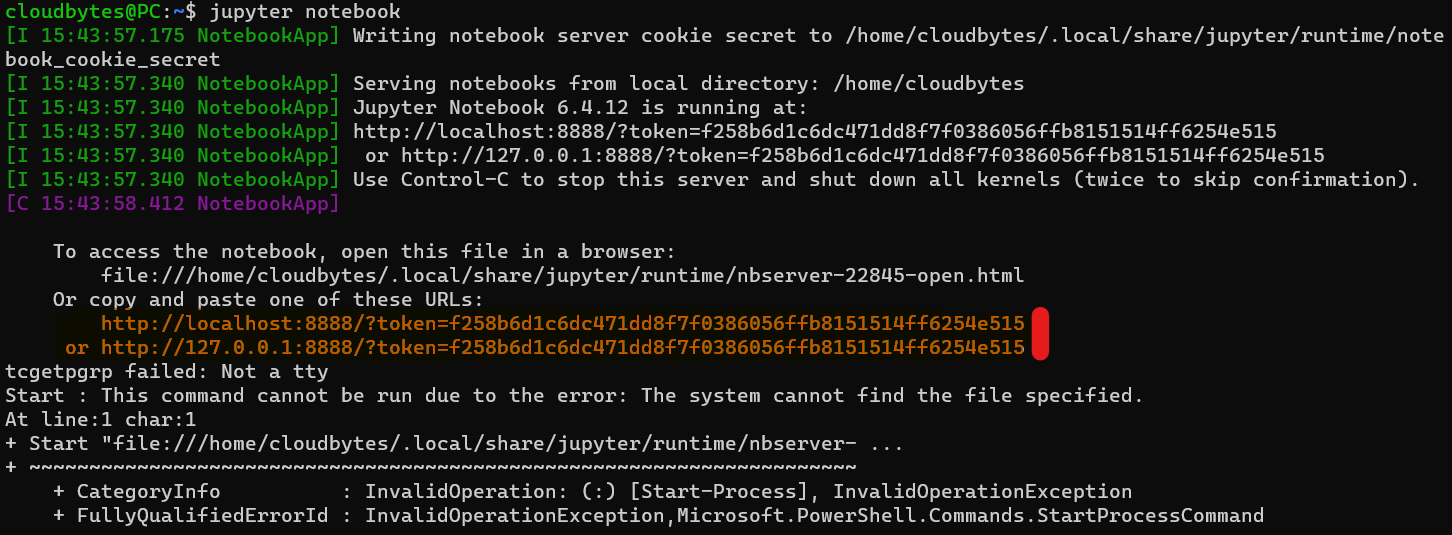
Running Jupyter Notebook From Terminal

How To Check Date And Time From Linux Terminal DevOps Diva
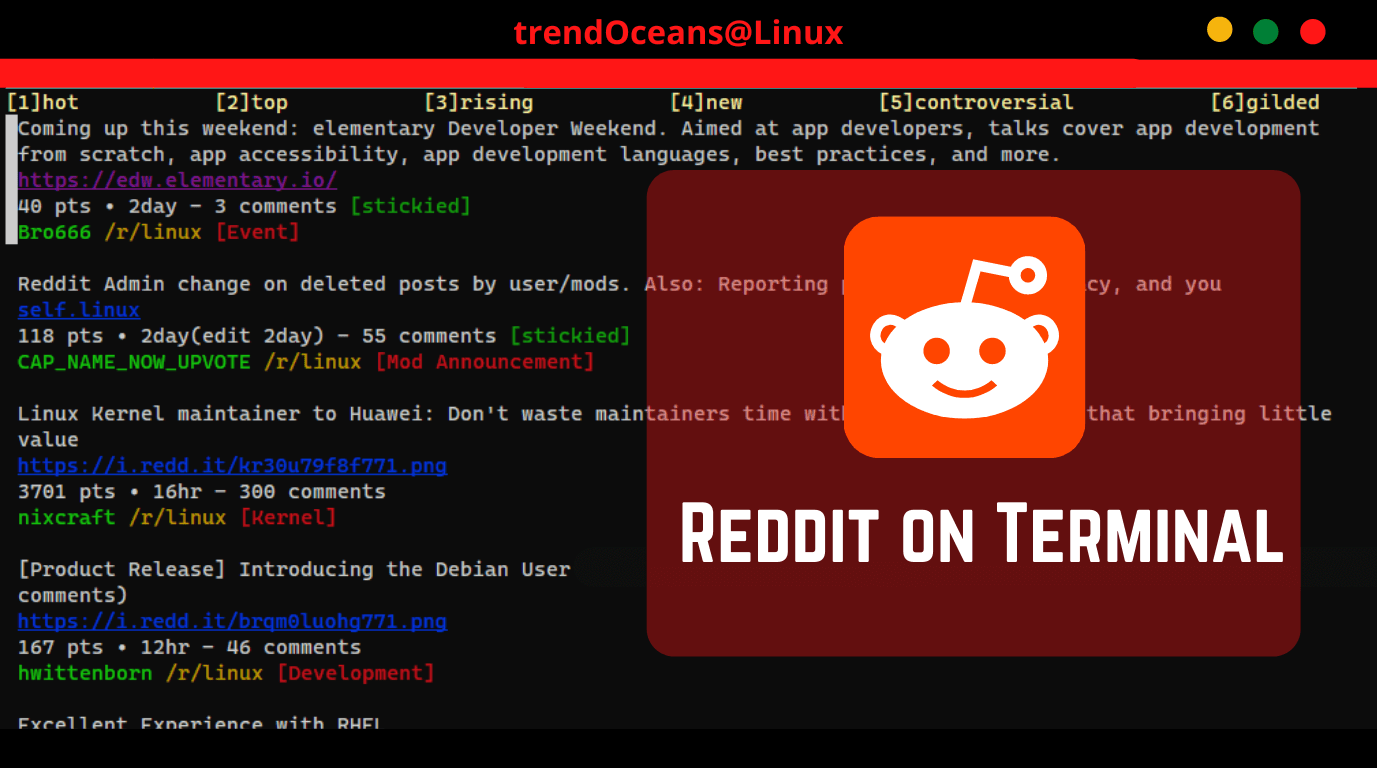
How To Access Reddit From Linux Terminal TREND OCEANS

Use the following command to open the current directory in the default GUI file manager from the Linux terminal xdg open Was it useful
LXQt has the pcmanfm file manager To open the file explorer in LXQt enter pcmanfm qt Cinnamon Cinnamon is the default desktop

Today we going to look at how to open our system s default manager from the terminal There are a lot of file managers for various Linux distros It depends

To open the current directory in File Manager nautilus To open current user documents folder nautilus Documents

You can also use gnome open if you want Open Finder in Mac OS X All the Mac computers in this office are running Linux so we haven
Open the Terminal through Ctrl Alt T or through the Ubuntu dash Run the following command as an administrator sudo apt install nautilus admin Install Open files from the command line idea64 exe line idea64 exe C MyProject idea64 exe line C MyProject scripts numbers js idea
Linux Mint Forums Welcome to the Linux Mint forums