Open Command Prompt In Intellij Podporova Monot nna P I Can T Open Explorer Via Cmd N tierka Cie Povodia How To Open Command Prompt In Autocad Answer 2022 Bring Up Command Prompt Windows 10 Luliskate Open Command Prompt In Administrator Mode In Windows 10 Studytonight How To Execute A Command In The Windows Command Prompt In An IntelliJ Configuration Quora 2011 1
To open Gmail you can log in from a computer or add your account to the Gmail app on your phone or tablet Once you ve signed in check your email by opening your inbox Important When you create a Google Account for your business you can turn business personalization on A business account also makes it easier to set up Google Business Profile
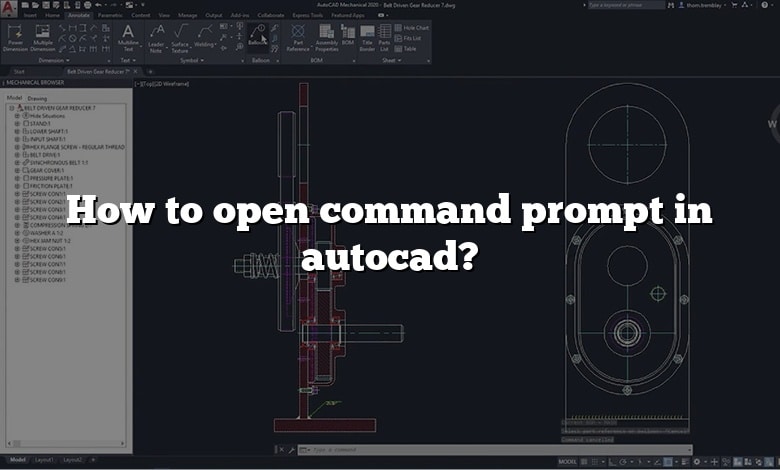
How To Execute A Command In The Windows Command Prompt In An IntelliJ Configuration Quora How To Start Run Command Effortbroad24 8 Ways To Open Command Prompt In Windows 11 WebNots How To Open Command Prompt CMD In Windows 11 How Do I Uninstall A Program Using Command Prompt Windows 11 Www vrogue co Directly Open Command Prompt In Each Folder How To Open Command Prompt In A Folder 2 Techniques Different Ways To Open Command Prompt In Windows 11 How To Create Open And Delete A Folder Using Command Prompt
Open Command Prompt In Intellij
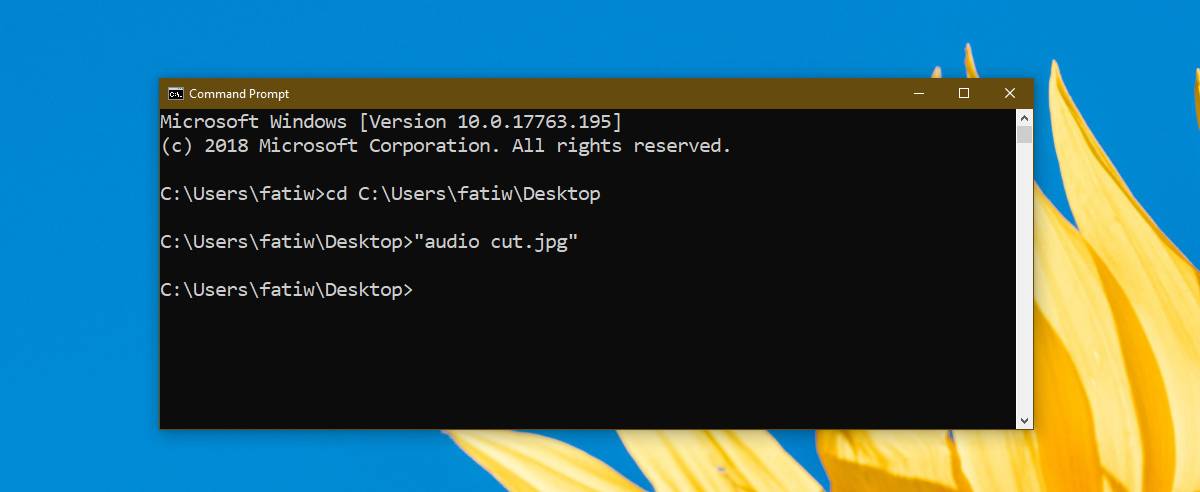 Open Command Prompt In Intellij
https://www.addictivetips.com/app/uploads/2019/01/file-cmd-open.jpg
open source open source
Templates are pre-designed files or files that can be utilized for various functions. They can save effort and time by supplying a ready-made format and design for creating various sort of material. Templates can be used for individual or professional jobs, such as resumes, invites, flyers, newsletters, reports, discussions, and more.
Open Command Prompt In Intellij

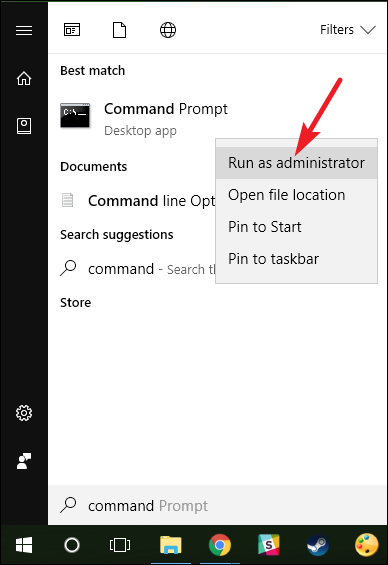
How To Open Command Prompt In Windows 10 WindowsTect
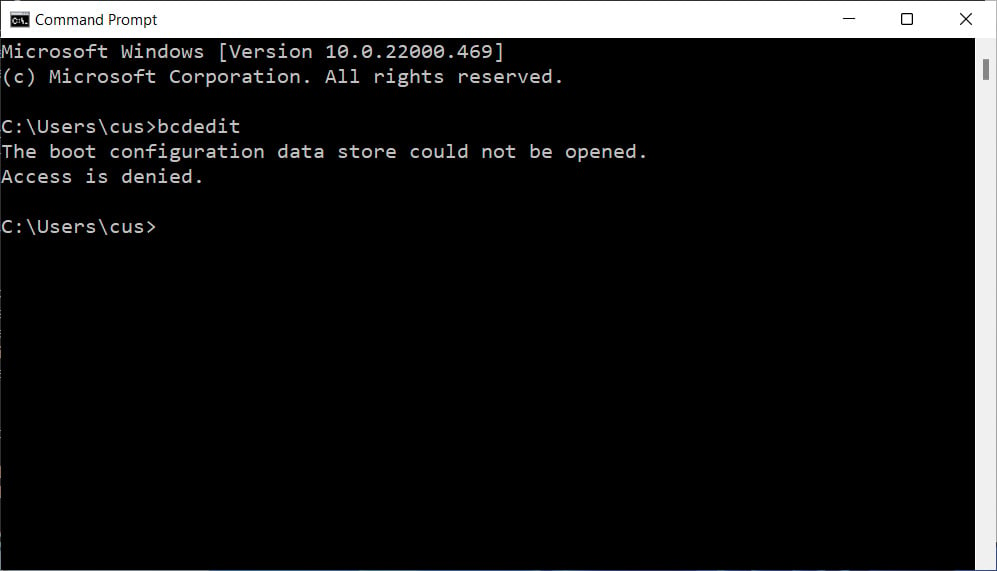
How To Start Run Command Effortbroad24
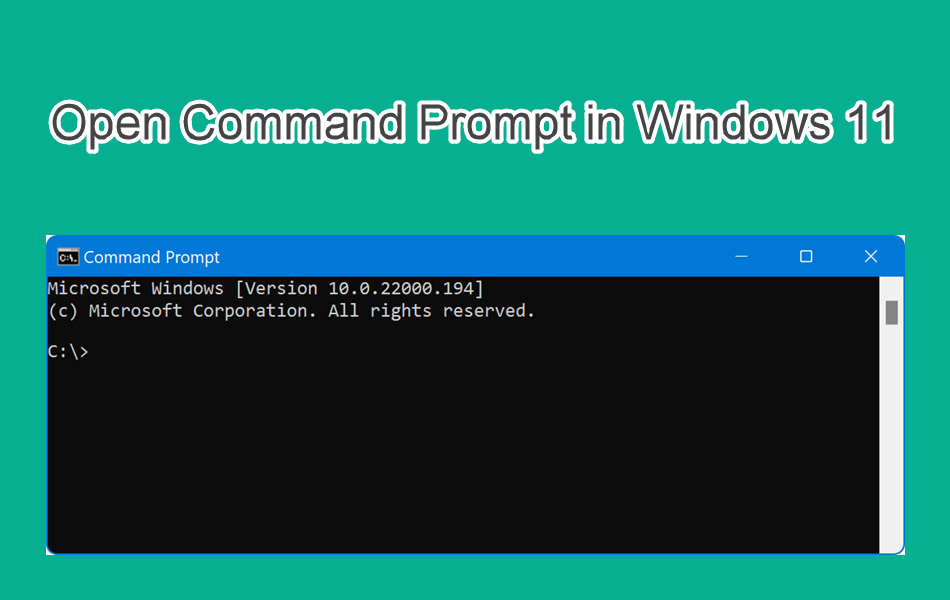
8 Ways To Open Command Prompt In Windows 11 WebNots
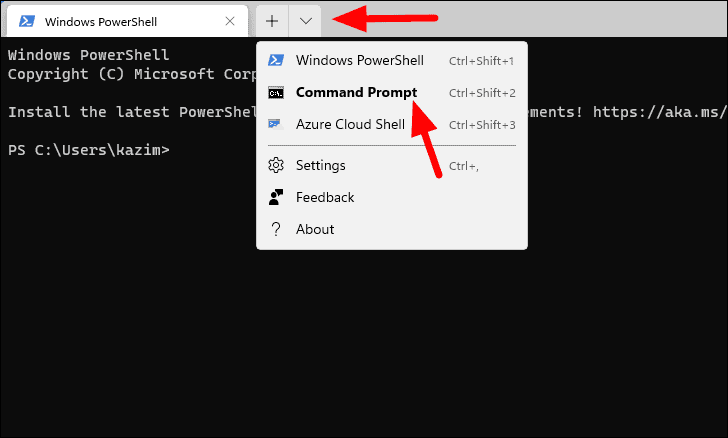
How To Open Command Prompt CMD In Windows 11
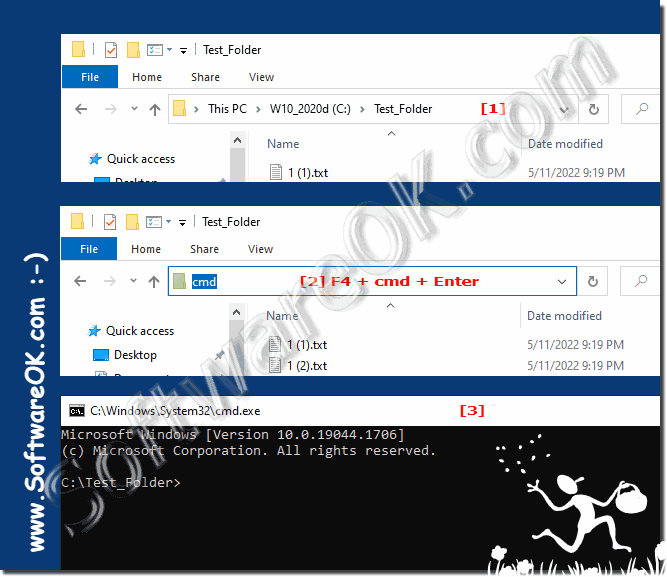
Directly Open Command Prompt In Each Folder
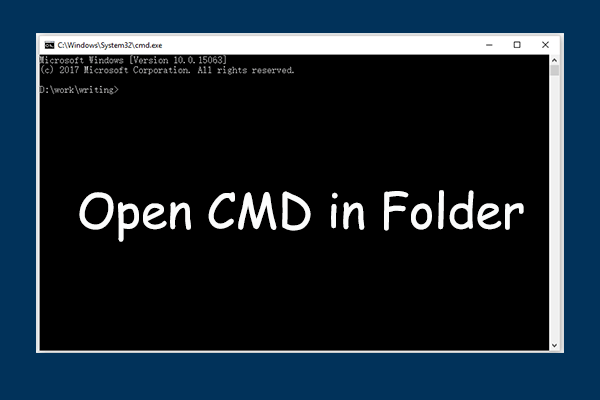
How To Open Command Prompt In A Folder 2 Techniques
To download an app Open Google Play On your Android device open the Google Play app On your Computer go to play google Search or browse for an app or content Select an item
If you make Chrome your default browser links you click will open automatically in Chrome whenever possible In some countries you may be asked to choose your default browser

On your Android phone or tablet open the Gmail app At the top right tap your Profile picture Manage accounts on this device Tap your Microsoft account Remove account When you
How to install Chrome Important Before you download you can check if Chrome supports your operating system and other system requirements
Open the Play Store app On your device go to the Apps section Tap Google Play Store The app will open and you can search and browse for content to download
[desc-11] [desc-12]
[desc-13]