Open Command Prompt In Folder Instead Of Powershell Windows 11 How To Open Command Prompt In Current Folder Or Directory 5 Cara Untuk Membuka Command Prompt Di Windows WikiTalkie Open Command Prompt In Folder Command Prompt Tricks YouTube Cool Things To Do With Command Prompt Inspiredrejaz Windows Unzip Command Line Moliviva Hold Shift and right click empty space and then select Open PowerShell Window Here If you re heart is set on using Command Prompt you can launch it from the PowerShell window you just opened Type into the command line and then press Enter to start Command Prompt Command Prompt can be opened directly in the folder
Navigate to Your Folder Start by locating the folder where you want to open the Command Prompt Shift Right click Hold down the Shift key on your keyboard and simultaneously right click anywhere within the folder Select Open Command Prompt Here From the context menu that appears choose the option that says Open If you click on this address bar you can type in text By typing cmd and hitting Enter you ll open up the command prompt at that location This will also work if you type powershell instead of cmd Taking you directly to the Windows PowerShell prompt at that folder
Windows Unzip Command Line Moliviva How To Open Command Prompt Windows 11 10 8 7 Etc How To Open Keepsafe Files On Pc With Cmd Bingeraviation Cara Membuka File Dari Cmd How To View Command Prompt Or PowerShell Results One Page At A Time How To Get Folder In Command Prompt Printable Templates Command Prompt How To Open Command Prompt In Current Folder Or Directory In Windows 10 How To Open Files And Folders From The Command Prompt On Windows 10
Open Command Prompt In Folder Instead Of Powershell
 Open Command Prompt In Folder Instead Of Powershell
https://i.ytimg.com/vi/SOTv4T5lddE/maxresdefault.jpg
Shift right click in a window then click Open PowerShell Window here to access the PowerShell interface Open the folder you wish to access then type cmd into the folder path at the top of the window to open a command prompt within the folder
Templates are pre-designed documents or files that can be used for various functions. They can save effort and time by supplying a ready-made format and design for producing various sort of content. Templates can be used for personal or expert projects, such as resumes, invites, flyers, newsletters, reports, presentations, and more.
Open Command Prompt In Folder Instead Of Powershell
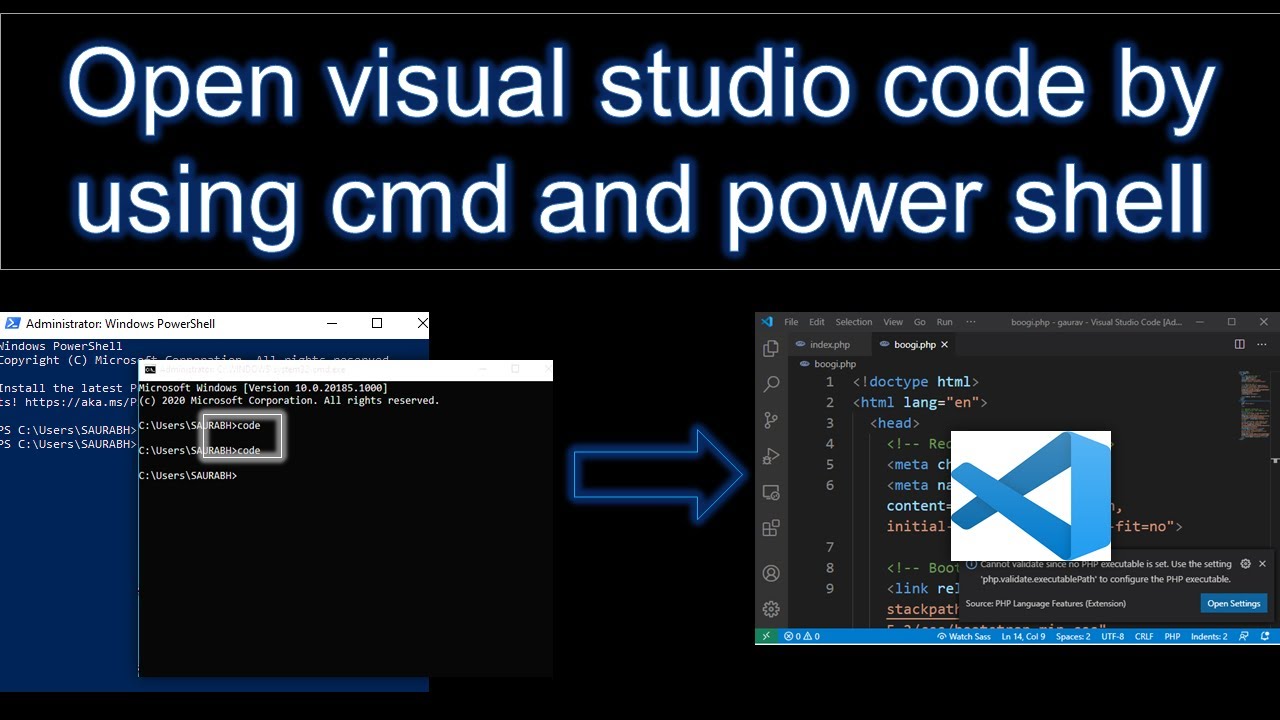
How To Open Command Line In Visual Studio Code BEST GAMES WALKTHROUGH

How To Open Command Prompt Windows 11 10 8 7 Etc
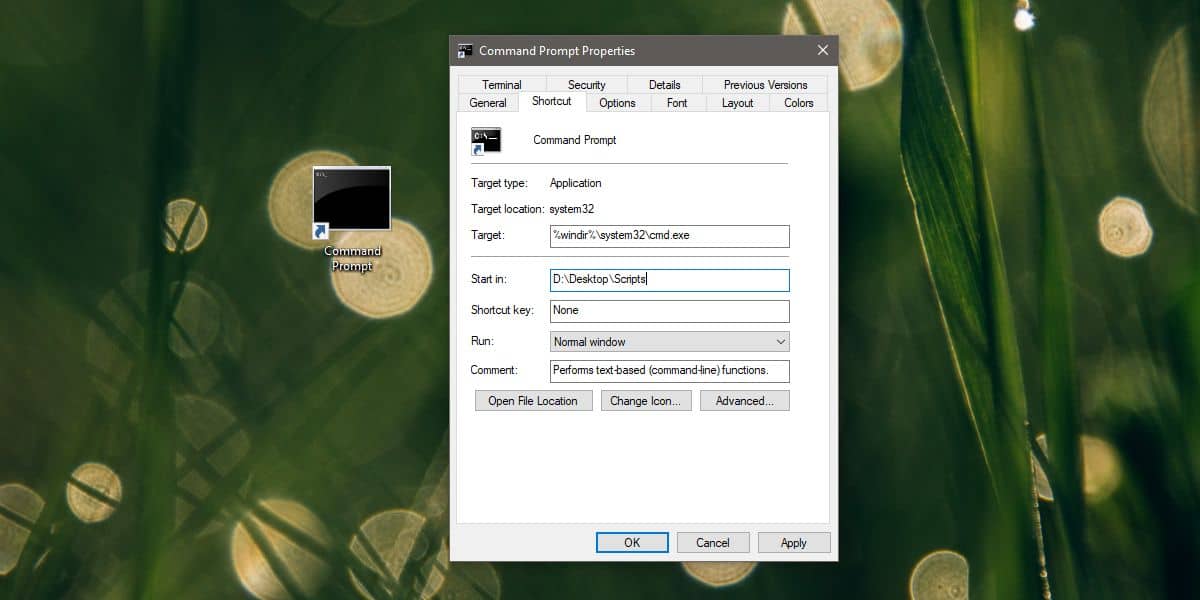
How To Open Keepsafe Files On Pc With Cmd Bingeraviation

Cara Membuka File Dari Cmd
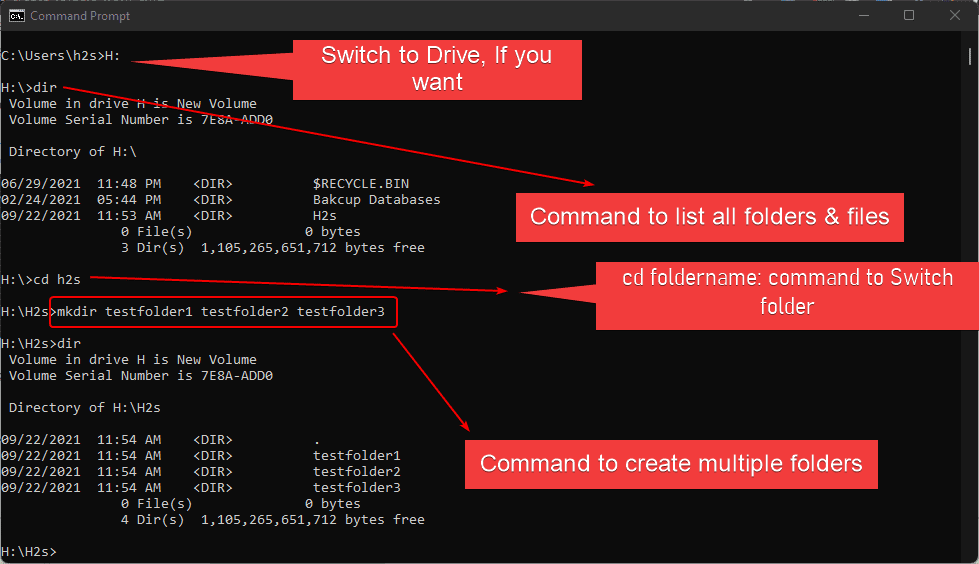
How To Get Folder In Command Prompt Printable Templates

Command Prompt

41 Answers Sorted by 1 2 Next 544 This might be what you want cmd K cd C Windows Note that in order to change drive letters you need to use cd d For example C Windows System32 cmd exe K cd d H Python documentation Share Follow edited Oct 5 2012 at 19 27 supermitch

You can make Shift Right click show Open Command window here instead of PowerShell Use Run WinKey R and type to open Registry Editor and browse to this location

If you want to open Command Prompt instead of PowerShell in a folder or File Explorer you ll need to replace PowerShell with CMD in the right click Context Menu on your Windows 10 or 11 PC We can do some tweaks to the Registry Editor to make this happen Let s begin

As a quick alternative to the other answers you can type cmd on the address bar of Explorer to open a command prompt cd d to the current directory If you are more of a keyboard person you can use the Ctrl L shortcut to focus the address bar and then type cmd This works for powershell too

On Windows 10 Microsoft continues to fade out Command Prompt in favor of PowerShell Although you can still use the console you ll notice that the option is no longer available on the Power
Some users still insist on using Command Prompt instead of PowerShell If the program you want to run in Command Prompt is not listed in the PATH variable the Command Prompt will give you an error that it could not find the executable file For this we need to manually go to the folder where that particular program is located Switch PowerShell and Command Prompt To remove PowerShell from the Power User Menu in favor of Command Prompt right click an empty area of the Windows 10 taskbar the menu that holds the clock and open program icons and choose Taskbar settings
You can easily open the command prompt or PowerShell directly in the current folder without wasting time on opening them from some other place e g from a Start menu and navigating to the required folder manually This note shows very easy and efficient way of how to open the CMD or PowerShell withing the current folder