Open Cd Player On Mac How To Insert CD In HP Laptop YouTube How To Install The New Media Player On Windows 11 Any Version YouTube Dell Optiplex 3020 Open Chassis YouTube How To Remove CD From Laptop Computer YouTube How To Open Your Optical Drive Using A Keyboard Shortcut In Windows On your iPhone or iPad open App Store In the search bar enter Chrome Tap Get To install follow the on screen instructions If prompted enter your Apple ID password To start
open source open source 20 pdf word
How To Open Your Optical Drive Using A Keyboard Shortcut In Windows OPEN ME UP Dell Opitpex 3020 Small Form Factor Disassembly YouTube How To Open The Disc Tray On A DELL Computer YouTube 6 Ways To Eject A Stuck Disc for Desktop PCs And Laptops YouTube How To Open Jammed PC Computer CD DVD Drive Simple Trick YouTube How To Insert Cd Into Dell Laptop YouTube Why MOV File Not Compatible With QuickTime Player On Mac Video Codec Whoops You Have To Put The CD In Your Computer But In Windows 11 YouTube DELL OptiPlex 3080SFF 3080 3080s
Open Cd Player On Mac
 Open Cd Player On Mac
https://i.ytimg.com/vi/1PUiVeLgD8A/maxresdefault.jpg
Open Incognito mode Important When you use an Incognito window you can browse more privately You can switch between Incognito tabs and regular Chrome tabs On your computer
Templates are pre-designed files or files that can be utilized for various functions. They can conserve effort and time by providing a ready-made format and layout for developing different kinds of content. Templates can be used for personal or professional tasks, such as resumes, invitations, leaflets, newsletters, reports, presentations, and more.
Open Cd Player On Mac
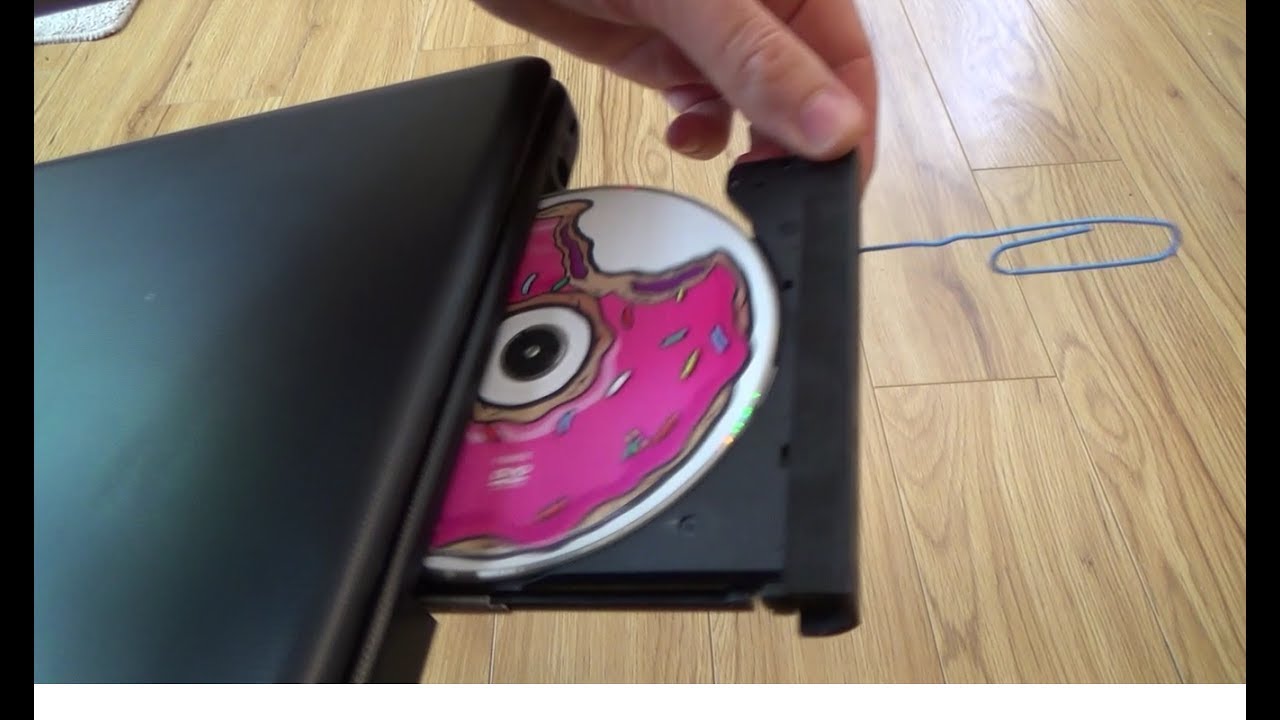
How To Manually Eject A STUCK DISC From A Laptop YouTube

OPEN ME UP Dell Opitpex 3020 Small Form Factor Disassembly YouTube

How To Open The Disc Tray On A DELL Computer YouTube
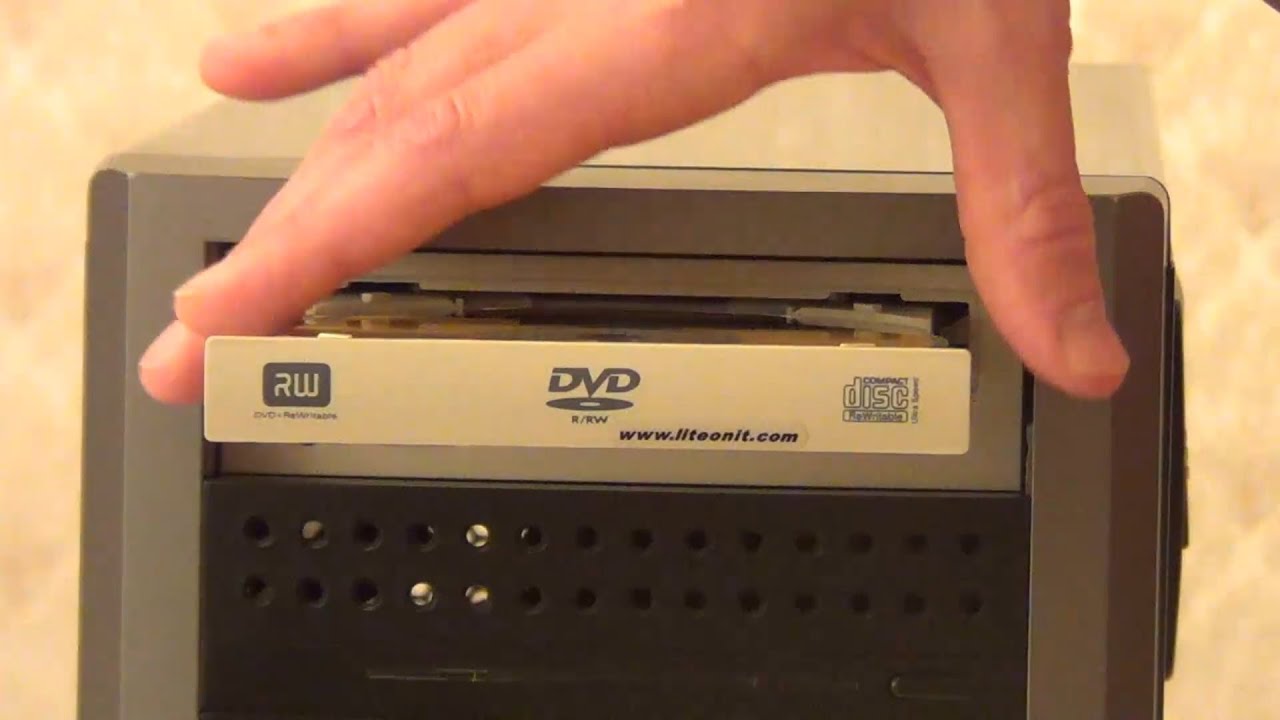
6 Ways To Eject A Stuck Disc for Desktop PCs And Laptops YouTube

How To Insert Cd Into Dell Laptop YouTube
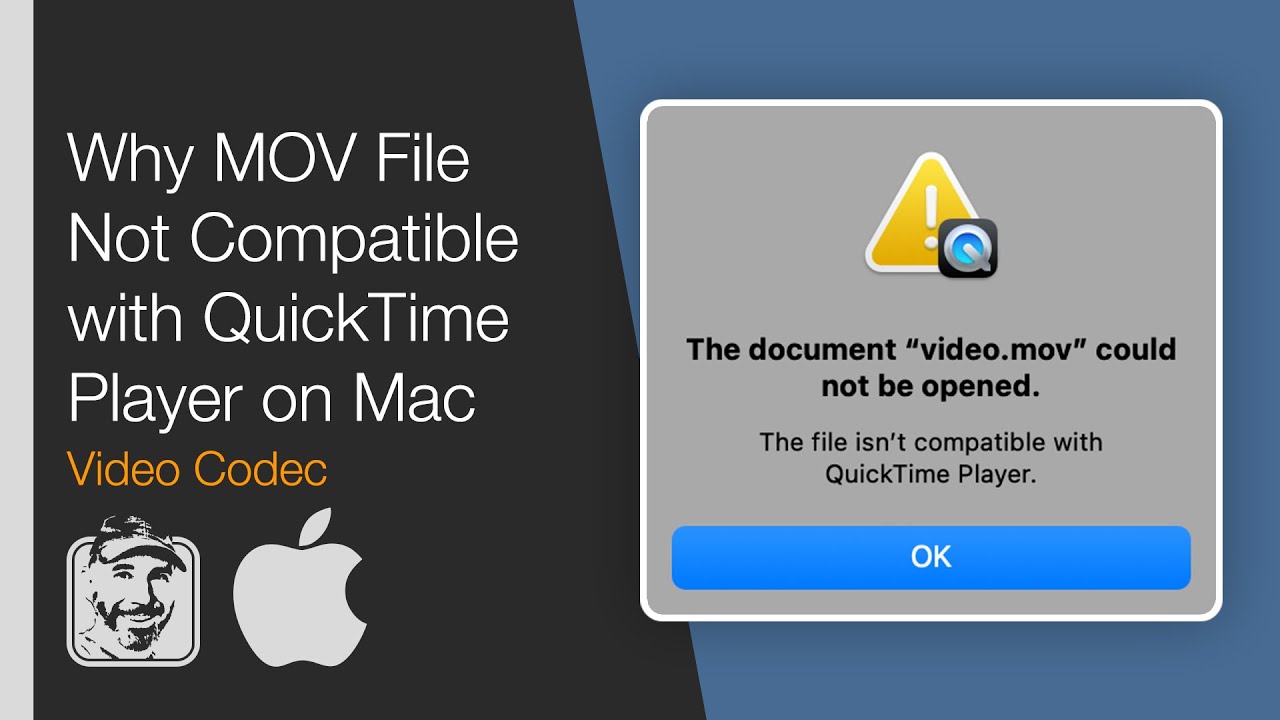
Why MOV File Not Compatible With QuickTime Player On Mac Video Codec

ARC AGI O

2011 1

To download an app Open Google Play On your Android device open the Google Play app On your Computer go to play google Search or browse for an app or content Select an item

To open Gmail you can log in from a computer or add your account to the Gmail app on your phone or tablet Once you ve signed in check your email by opening your inbox

Open the Play Store app On your device go to the Apps section Tap Google Play Store The app will open and you can search and browse for content to download
[desc-11] [desc-12]
[desc-13]