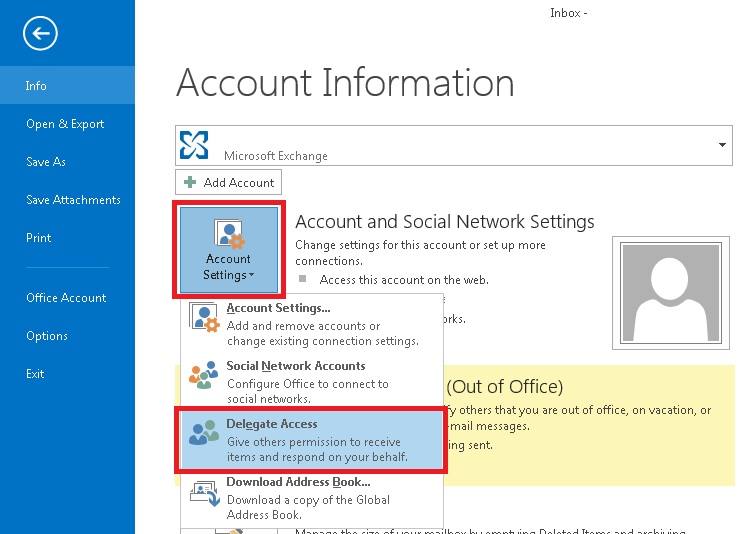
Office 365 Powershell Remove Delegate Access Manage Delegate Access Control On Protected Emails In Outlook Using Removing OWA Signature For Users With PowerShell Office 365 How To Rebuild Delegate Access For A Calendar With PowerShell Office Remove Outlook Apps From Outlook Riset Supprimez La Licence Office 365 Des Comptes D utilisateurs L aide De 1 Answer Sorted by 0 This was the fix Go into the calendar owner s Outlook application or add their account to your Outlook Go to File Account Settings Delegate Access
PowerShell O365 Remove all mailbox delegation Posted by tdmarchetta on Sep 25th 2021 at 6 53 AM Needs answer PowerShell I m looking for a way to remove all users from a mailboxes permission I would like to remove all of the mailbox delegations Read and manage Send As and Send on behalf Description Note You can use this cmdlet to add a maximum of 500 permission entries ACEs to a mailbox To grant permissions to more than 500 users use security groups instead of individual users for the User parameter Security groups contain many members but only count as one entry
Supprimez La Licence Office 365 Des Comptes D utilisateurs L aide De Remove Email Forwarding In Office 365 Using PowerShell Office 365 PowerShell Scripts TechNet Alternative Office 365 Reports Admin Office 365 Portal Restrict Access To Office 365 Exchange Online Limiting By Network IP Remove Office License Powershell Msonline Testvast How To Add or Remove Office 365 Licenses In Bulk With Powershell Hybrid Exchange Mailbox Delegation Missing Reporting Exchange Online Folder Permissions Office 365 For IT Pros
Office 365 Powershell Remove Delegate Access
 Office 365 Powershell Remove Delegate Access
https://m365scripts.com/wp-content/uploads/2022/06/Block-delegates-from-accessing-protected-emails-in-Outlook.png
I am using the below commands to remove send as send on behalf and full access to user mailboxes remove mailboxpermission remove recipientpermission and set mailbox Instead of typing three commands if there a way I can remove the delegate s all permissions in oneshot By the way is there a forum for Office 365 powershell Thanks
Templates are pre-designed documents or files that can be utilized for various functions. They can save time and effort by offering a ready-made format and design for developing different sort of material. Templates can be utilized for personal or expert tasks, such as resumes, invitations, flyers, newsletters, reports, discussions, and more.
Office 365 Powershell Remove Delegate Access

How To Remove A User From All Office 365 Groups Using PowerShell YouTube
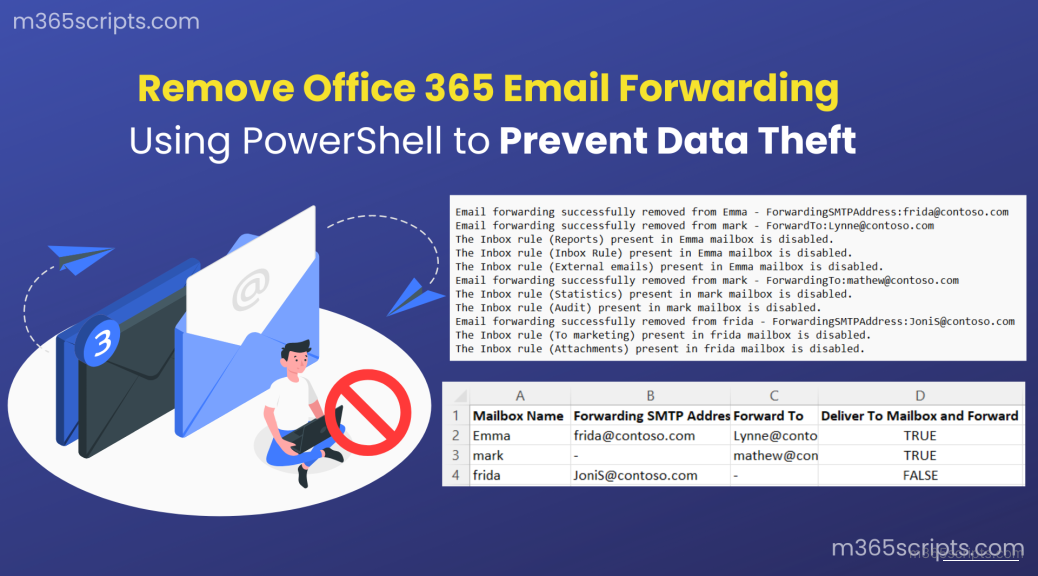
Remove Email Forwarding In Office 365 Using PowerShell

Office 365 PowerShell Scripts TechNet Alternative Office 365 Reports
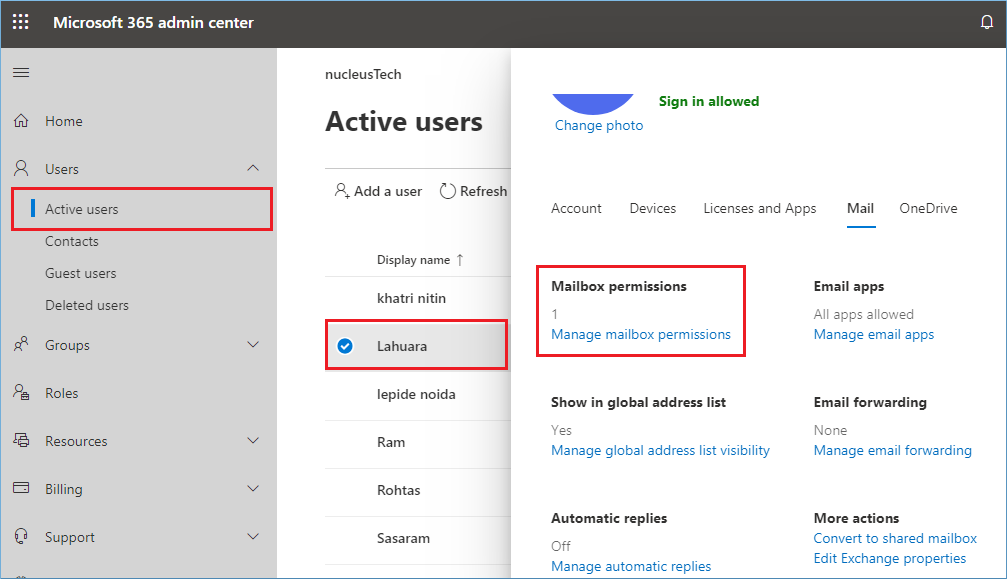
Admin Office 365 Portal
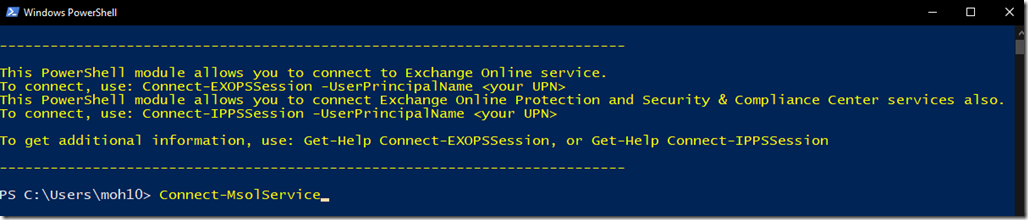
Remove Office License Powershell Msonline Testvast

How To Add or Remove Office 365 Licenses In Bulk With Powershell
1 Connect to Exchange Online PowerShell 2 Get delegate permissions 3 Reset delegate access 4 Verify delegate access reset 5 Set delegate access 6 Final delegate access check Conclusion Introduction To check the delegate permissions in Outlook go to File Account settings Delegate Access

Microsoft Office 365 I m having a problem removing user2 s Delegate access to user1 s calendar First maybe I am not understanding what Delegate access is I ve done lots of research but it is not clear If I give a user2 Editor access to user1 calendar how is that different from the permission flag delegate

Delegation access from powershell Posted by risingflight on Feb 14th 2020 at 5 51 PM Solved Microsoft Office 365 Microsoft Exchange Hi Experts I have given delegation access to user2 for user1 s mailbox From User1 s outlook File Account Settings Delegate Access Add i have selected user2 and i have given the below permissions
Use the Remove RecipientPermission cmdlet to remove SendAs permission from users in a cloud based organization For information about the parameter sets in the Syntax section below see Exchange cmdlet syntax In this article Syntax Description Examples Parameters Inputs Outputs Syntax PowerShell
Click Manage delegates to add or remove delegates from the list Booking options Use the Manage booking options section to view or change the settings for the booking policy that defines when the room can be scheduled how long it can be reserved and how far in advance it can be reserved
To set mailbox permissions you must connect to Exchange Online PowerShell and follow the below steps based on the required permission Grant Full Access to an Office 365 Mailbox The Full Access permission allows to open view add or remove the content of the delegated mailbox We can use the Remove RecipientPermission cmdlet to remove Send as permissions To perform this task your account should already have the server roles Organization Management and Recipient Management Note Before proceed based on your environment connect Exchange Online Remote Powershell or Exchange Management Shell On Premises
Download MFCMAPI and remove the delegate access rights Reset the delegate access rights with PowerShell MFCMAPI is great if you have an Exchange on premises mailbox with this problem That s because you can t use the PowerShell command with on premises mailboxes But if you have a mailbox in Office 365 Microsoft 365 it s excellent to