Office 365 Connection Issues Benefits Of Office 365 For Business Opiatide Astronauta Emperador Pivote Iniciar Sesion Hotmail Office 365 Office 365 Connection Filter Microsoft Community Hub What Is Microsoft Office 365 Secure Score LA Creative Technology Suggested Office 365 Settings Nylas Docs Introduction Cannot connect to Exchange Online by using Outlook Poor performance Auto Account Setup fails in Microsoft 365 Show 3 more Introduction This article contains links to technical resources and support information for troubleshooting Microsoft Outlook connectivity and mobile device connectivity in Microsoft 365
Outlook OneDrive Skype for Business Just upgraded to Windows 10 Please see Known issues with Office and Windows 10 which covers issues specific to that operating system Are you a Microsoft 365 admin You can get up to date status on the Service health page of the Microsoft 365 admin center When you re ready click Start type Control Panel and then hit Enter or click the result In the Control Panel window click the Uninstall a program link In the Programs and Features window select your Office 365 installation from the list and then click Change to open the repair wizard Select whether you want to run a quick or
Suggested Office 365 Settings Nylas Docs Email Azure Backup Reports Azure Backup Microsoft Learn Office 365 Microsoft 365 Unser Experte Peter Heidingsfelder Im Microsoft Office 365 Architecture Diagram Office 365 App Password With MFA HowTo 1 Of 2 Serviceteam IT Fix The Connectivity Issue Of Outlook With Office 365 And Exchange Online How To Disable Forwarding In Office 365 Printable Forms Free Online Microsoft Office 365 An Infographics Office 365 Infographic Office Vrogue Office 365 Single Sign On Enhancement MyHub
Office 365 Connection Issues
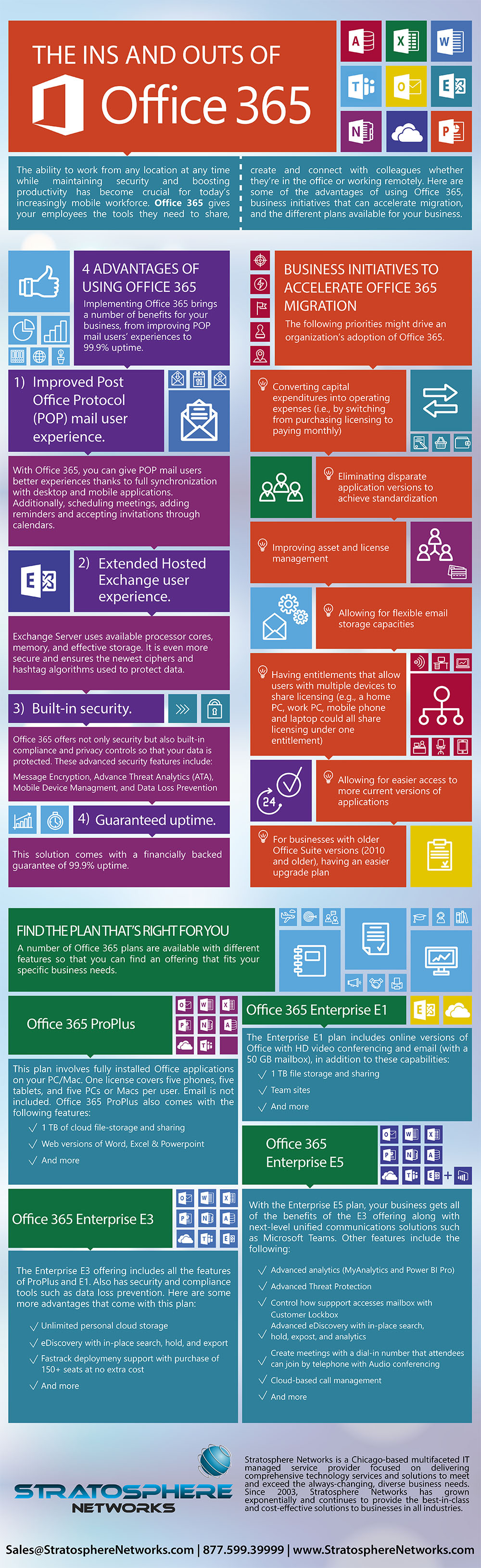 Office 365 Connection Issues
https://www.stratospherenetworks.com/images/infographics/office-365-what-you-need-to-know-update.jpg
Get started by right clicking the OneDrive menu icon in the taskbar notification area and then clicking View sync problems An error dialog box opens that describes any current sync problems and suggests actions you can take to fix them Sometimes you might prefer to just clear all sync errors at once or you might see this error
Pre-crafted templates use a time-saving solution for creating a diverse range of files and files. These pre-designed formats and designs can be utilized for numerous individual and professional jobs, including resumes, invites, leaflets, newsletters, reports, presentations, and more, enhancing the content production procedure.
Office 365 Connection Issues

Office 365 Support Plans Smarterholden
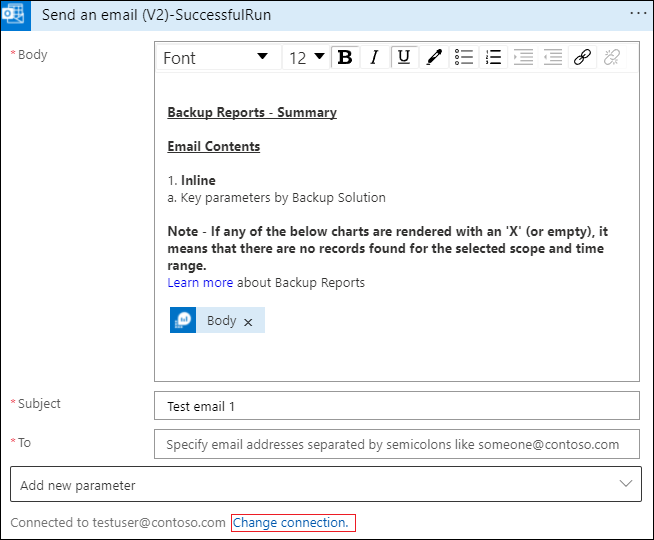
Email Azure Backup Reports Azure Backup Microsoft Learn

Office 365 Microsoft 365 Unser Experte Peter Heidingsfelder Im
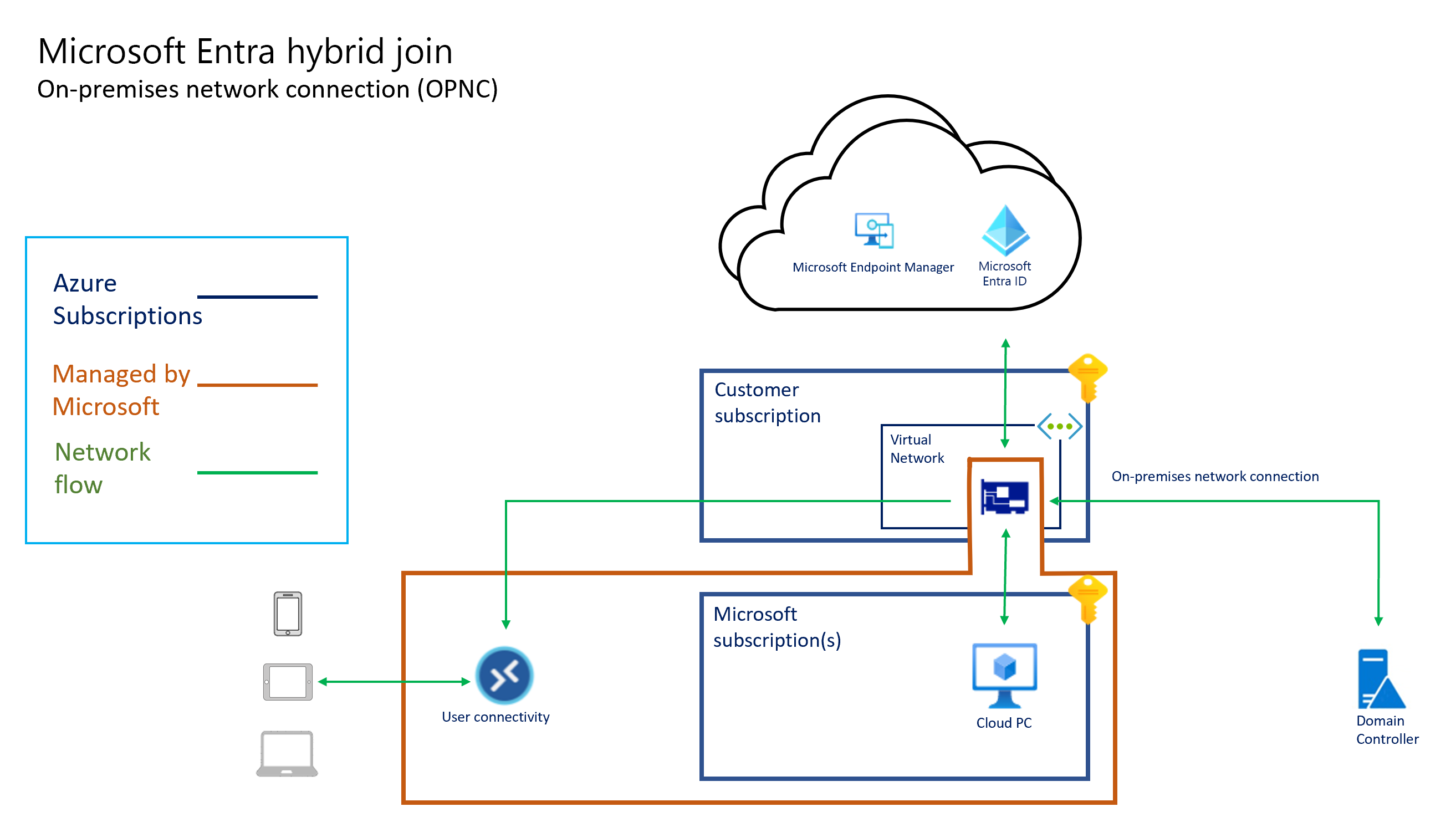
Microsoft Office 365 Architecture Diagram
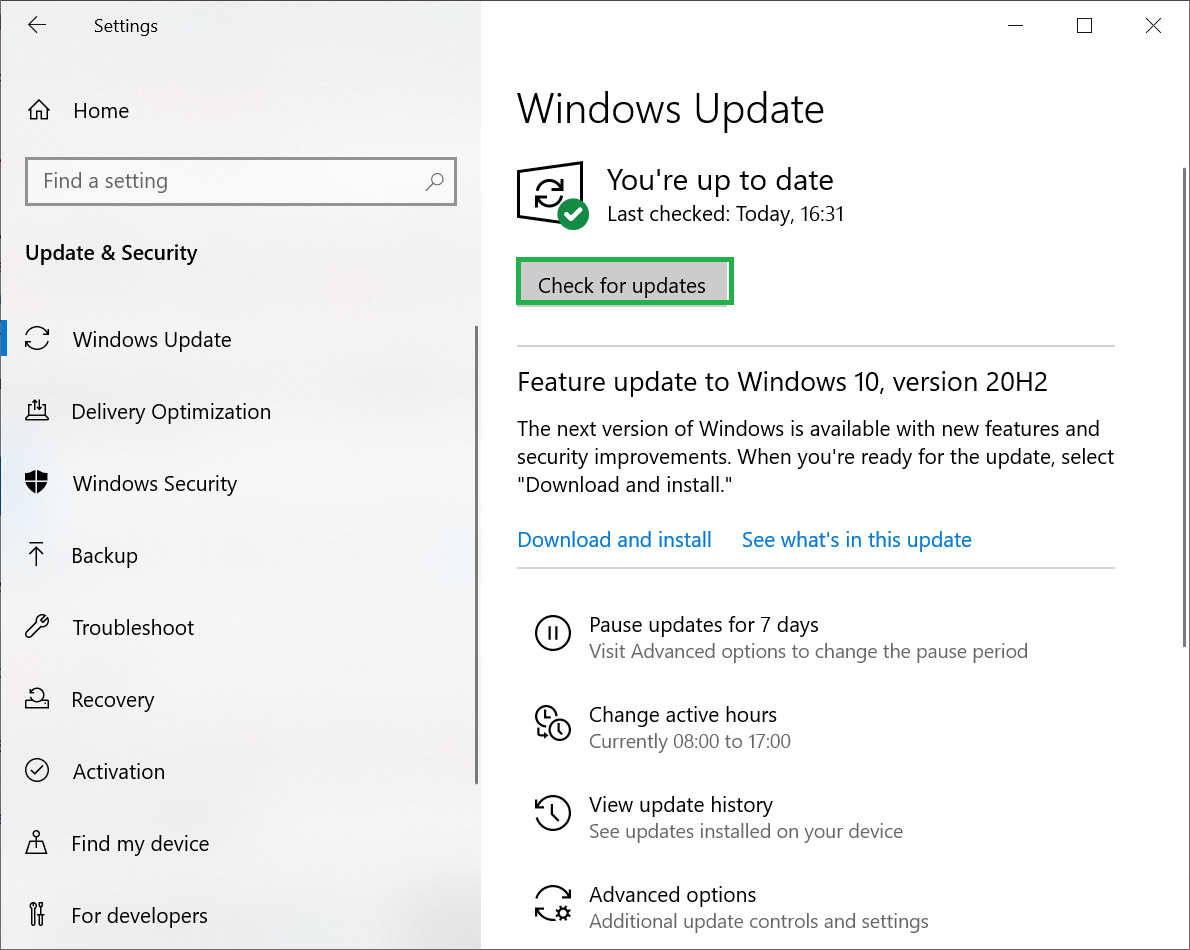
Fix The Connectivity Issue Of Outlook With Office 365 And Exchange Online
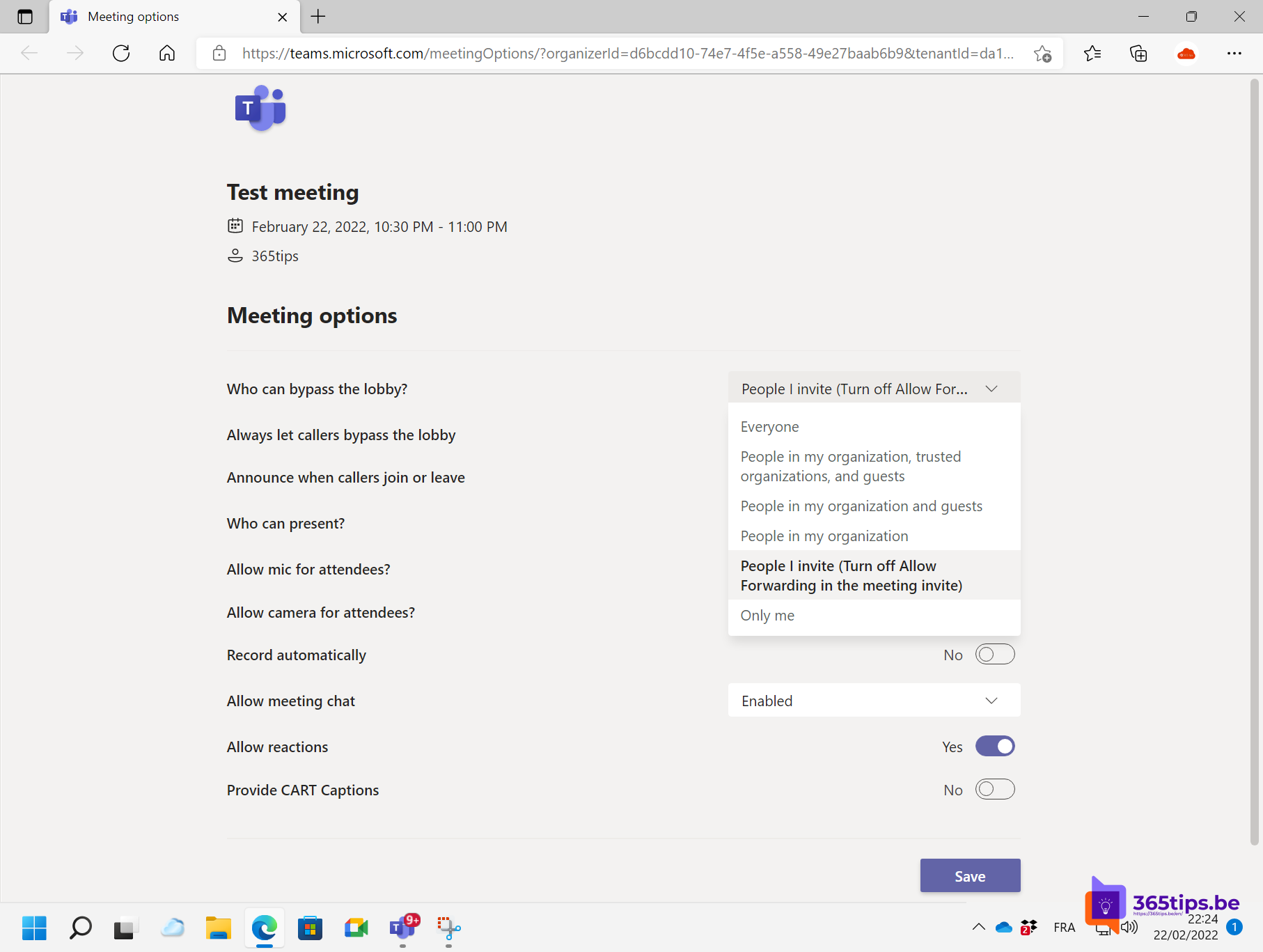
How To Disable Forwarding In Office 365 Printable Forms Free Online

Microsoft 365 User reports indicate no current problems at Microsoft 365
6 contributors Applies to Microsoft 365 Feedback This article will help you troubleshoot network connection issues when activating Microsoft 365 apps When you re having network connection issues you might encounter an error such as the following example We re having trouble activating Office

Do you have a Microsoft 365 account The Microsoft Support and Recovery Assistant can diagnose and fix several Outlook issues for you including fixing your Outlook profile To download and install the Microsoft Support and Recovery Assistant click download the tool Once installed the application will run automatically

A degraded or unhealthy status can be caused by various issues across the entire customer connection path including issues with Microsoft s network and availability the customer s network infrastructure internet service provider availability and third party intermediary devices

2404385 Fix Outlook connection problems after Office 365 upgrade The purpose of this walk through is to assist you in resolving these complex issues by focusing on the scoping and steps used to isolate and resolve problems Therefore the walk through starts by focusing on commonly encountered symptoms related to Outlook connectivity
This test will check the external domain name settings for your verified domain in Office 365 The test will look for issues with mail delivery such as not receiving incoming email from the Internet and Outlook client connectivity issues that involve connecting to Outlook and Exchange Online Teams DNS Connectivity Test Click Run as administrator At the command prompt type netsh int ip reset Hit Enter Exit the prompt then restart Open Start Settings Update security Troubleshoot Scroll down Click Network adapters Click Run the Troubleshooter When complete restart to see if the problem is resolved If that does not work Press Windows key X
Many Office 365 users have reported seeing NO INTERNET CONNECTION error in Office applications like Word Excel Outlook PowerPoint One Note In most cases the Office 365 apps are used Offline and this error will not even be noticed But at times this error can be very annoying say when you have to upload a file to OneDrive