Npm List Installed Node Versions NPM Update All Node js Dependencies To Their Latest Version How To Install Node js On Ubuntu And Update Npm To The Latest Version Node js Npm Can t Install Any Packages Stack Overflow What I Learned From Analysing 1 65M Versions Of Node js Modules In NPM NPM Hand Piece NPM Shop nvm use 10 16 npm install g npm 6 14 5 The following command will get the latest supported npm version on the current node version nvm install latest npm nvm use sets a specific version for the current shell If you start a new shell the newly set node js version will be lost How can we make a specific node version persistent
Node Version Manager is a tool that helps us manage Node versions and is a convenient way to install Node Think of it as npm or Yarn that helps manage Node packages but instead of packages NVM manages Node versions This also means you can install multiple Node versions onto your machine at the same time and switch among them if needed See what version of node you re running node v Updating node on Linux For some Linux distributions Debian Ubuntu and RedHat CentOS the latest node version provided by the distribution may lag behind the stable version Here are instructions from NodeSource on getting the latest node Updating node on Windows Install the latest msi from
NPM Hand Piece NPM Shop Node Slim Beleggen NPM Update All Node js Dependencies To Their Latest Version How To Use Multiple Node Versions With NVM On MacOS Node Version Manager Local Single Node Testnet EOSIO Developer Docs Installing Typescript Codebuns Generate A Universally Unique Identifier uuid With Node js Dev Extent How To Upgrade or Downgrade Node js Using Npm Surreal CMS Node js Find The Version Of An Installed Npm Package Stack Overflow
Npm List Installed Node Versions
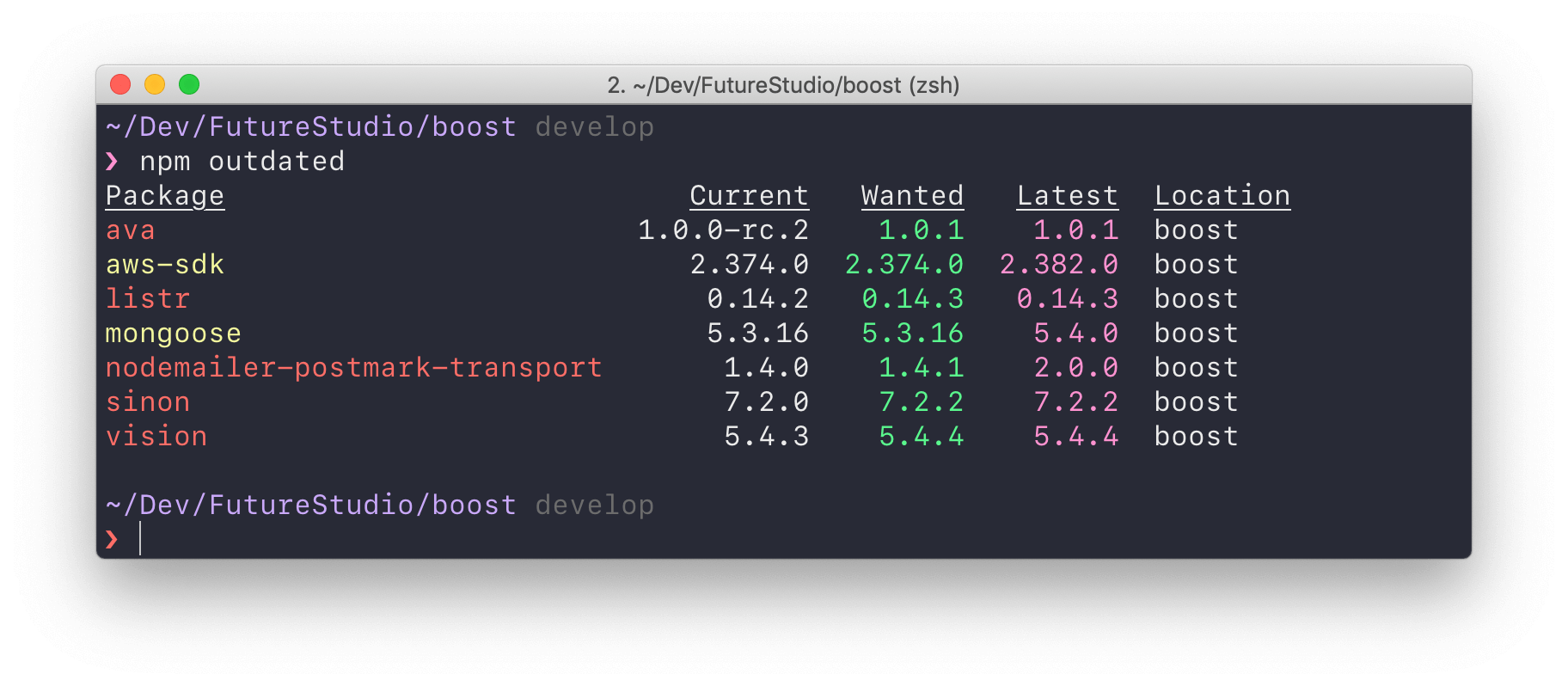 Npm List Installed Node Versions
https://futurestud.io/blog/content/images/2019/01/npm-update-all-dependencies-to-their-latest-version-1.png
1 Use NPM to Update Your Node Version To update Node with NPM you will install the n package which will be used to interactively manage node versions on your device Here are the steps Clear the NPM cache When you install dependencies some modules are cached to improve the speed of installation in subsequent downloads
Pre-crafted templates use a time-saving service for developing a diverse series of files and files. These pre-designed formats and designs can be used for various personal and professional jobs, consisting of resumes, invites, flyers, newsletters, reports, presentations, and more, streamlining the content development procedure.
Npm List Installed Node Versions

Node js NPM Was Installed I Attempt To Update And Find It s No

Node Slim Beleggen
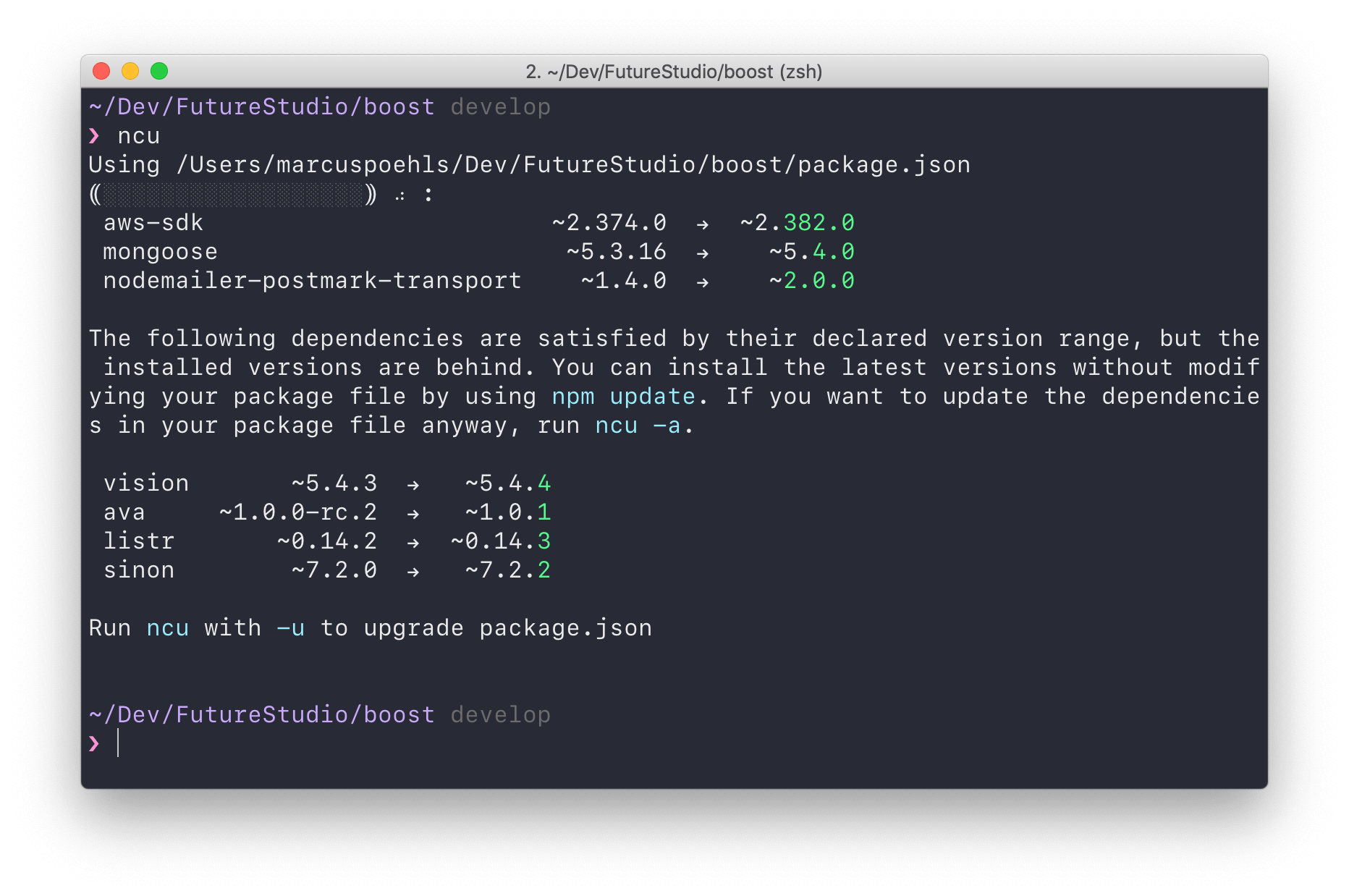
NPM Update All Node js Dependencies To Their Latest Version

How To Use Multiple Node Versions With NVM On MacOS Node Version Manager

Installing Typescript Codebuns
Generate A Universally Unique Identifier uuid With Node js Dev Extent
Node version managers allow you to install and switch between multiple versions of Node js and npm on your system so you can test your applications on multiple versions of npm to ensure they work for users on different versions OSX or Linux Node version managers nvm n Windows Node version managers nodist nvm windows

Select CLI Version Version 7 24 2 Legacy Synopsis npm ls scope pkg aliases list la ll Description This command will print to stdout all the versions of packages that are installed as well as their dependencies when all is specified in a tree structure

To set a global or default version of Node run asdf global name version version asdf global nodejs 14 17 6 asdf global nodejs latest Now you can verify the current version of asdf with asdf current command In my case it s showing the latest Node version of 16 9 0
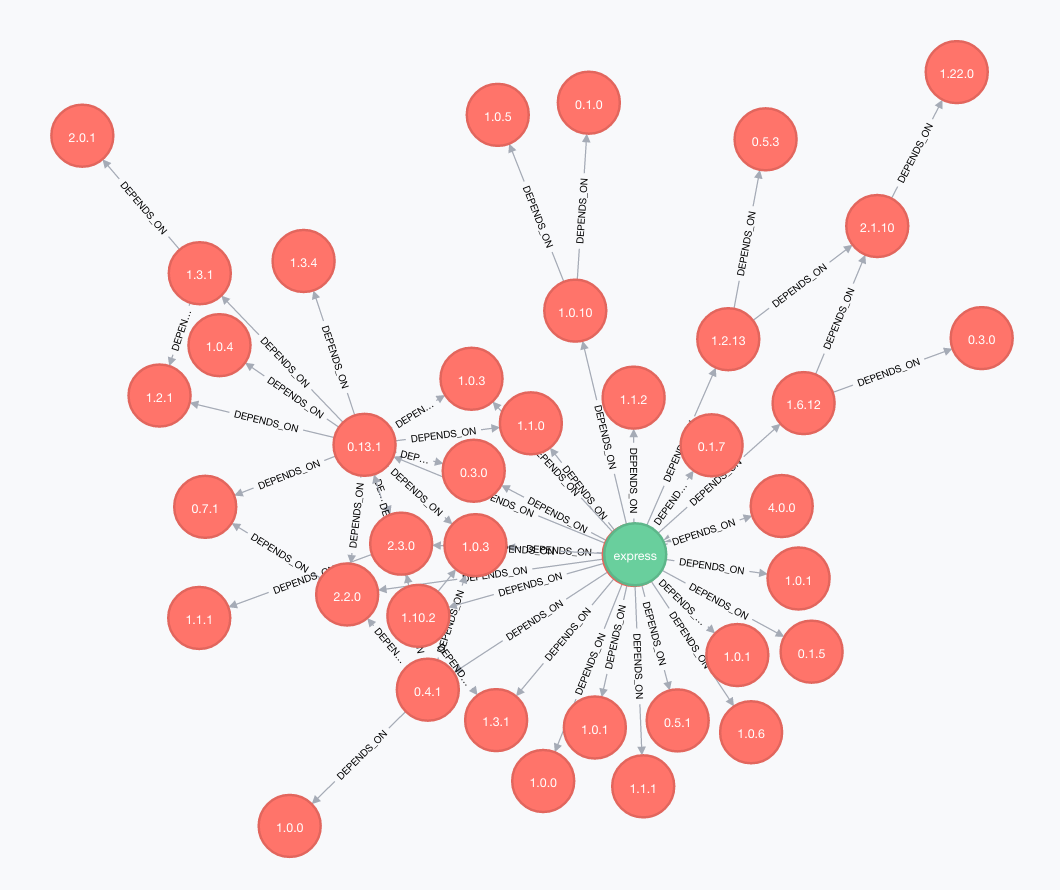
Npm list g npm list depth 0 g npm list package name g npm view package name version g Additional Commands Answer by prosti Documentation Find the installed version of an npm package Install an older version of an npm package Update all the Node js dependencies to their latest version Semantic Versioning using npm Uninstalling

Install npm check node version npm install check node version Command Line Usage SYNOPSIS check node version OPTIONS DESCRIPTION check node version will check if the current node npm npx yarn and pnpm versions match the given semver version ranges
Fix bug x on Application 1 Upgrade Application 2 to Angular 13 You are actually going to need three versions of Node to complete your tasks because the Angular 13 upgrade requires you to upgrade Application 2 to Node 14 15 or greater We ll use 16 18 1 Jump ahead How to change Node versions using nvm Node js is a JavaScript runtime built on Chrome s V8 JavaScript engine Latest LTS Version 20 10 includes npm 10 2 3 Download the Node js source code or a pre built installer for your platform and start developing today
You can use the npm view command to get the latest version of an npm package shell npm view react version same as above npm show react version If you want to install the latest version of a package or update your currently installed package to the latest version use the latest modifier shell npm install react latest