Npm Install Nvm Globally NVM Installation How To Install And Manage Multiple Versions Of Node Turn ANY Website Into An App Open Source Node js How To Set Global Node Version NVM Stack Overflow nvm node Npm Install g vue cli g Installing Node LTS With The Latest NPM Using NVM Chris Wiegman WEB Nov 7 2023 nbsp 0183 32 In this guide and cheat sheet we have covered the installation process of nvm basic commands for managing Node js versions as well as advanced commands
WEB Nov 16 2022 nbsp 0183 32 Node Version Manager NVM is a tool that allows you to have multiple versions of Node js on your device switch them quickly and it is managed from the command line interface CLI WEB May 2 2024 nbsp 0183 32 To globally install an npm package simply use the command npm install g This makes the package accessible from any project on your system Here s a quick
Installing Node LTS With The Latest NPM Using NVM Chris Wiegman Tsc Never Install It Globally Ohmybuck Nvm Install Node Windows Sunnybinger How To Install Nodemon Globally Windows NCF How Do I List All Npm Packages Installed Globally Android Consejos How To Install Npm Globally Amazinggross How To Install And Use NVM On Debian 11
Npm Install Nvm Globally
 Npm Install Nvm Globally
https://i.ytimg.com/vi/1yZ7hThwEe0/maxresdefault.jpg
WEB install Download and install node and npm Select CLI Version Version 9 9 3 Legacy Description To publish and install packages to and from the public npm registry you
Templates are pre-designed documents or files that can be used for different purposes. They can conserve effort and time by supplying a ready-made format and design for producing various sort of content. Templates can be used for individual or expert jobs, such as resumes, invites, flyers, newsletters, reports, presentations, and more.
Npm Install Nvm Globally

How To Install NVM On Mac With Brew Fedingo

Tsc
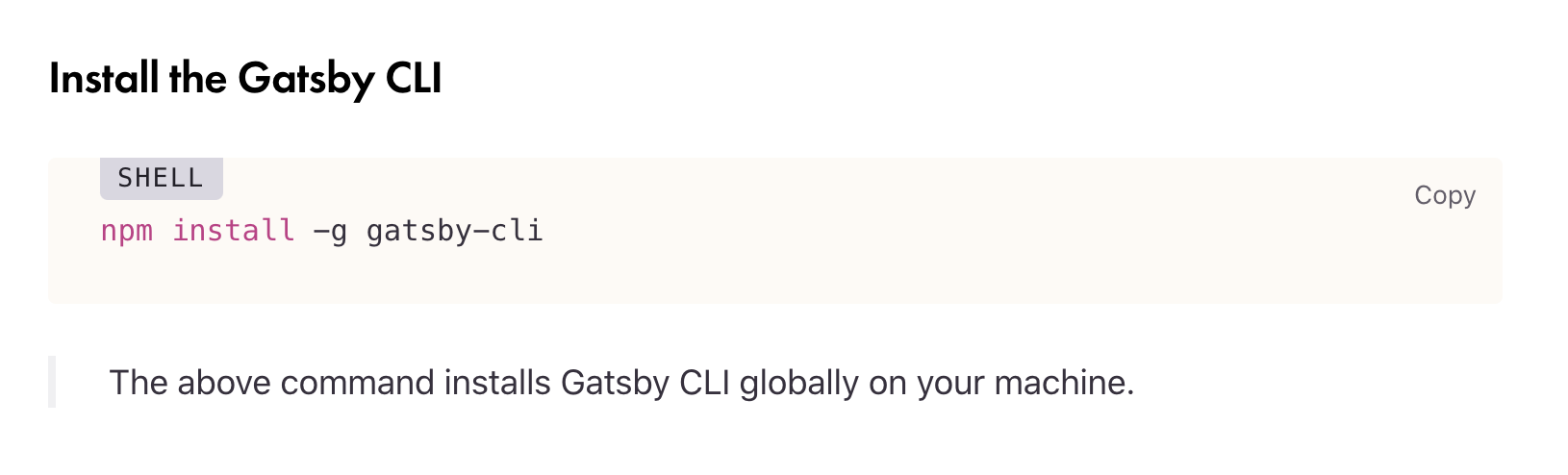
Never Install It Globally Ohmybuck
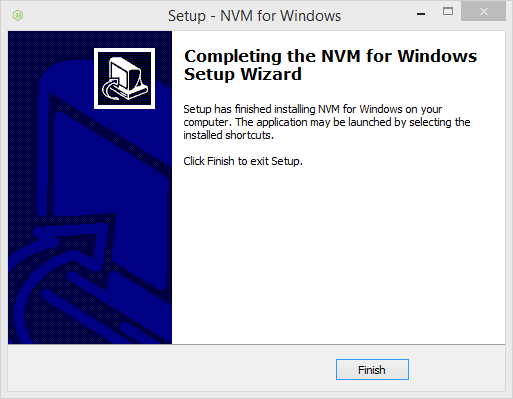
Nvm Install Node Windows Sunnybinger
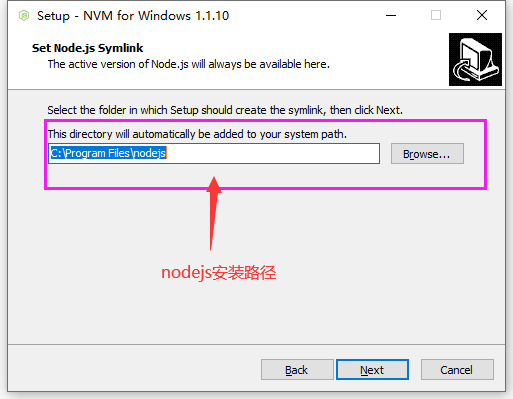
NCF

How Do I List All Npm Packages Installed Globally Android Consejos
WEB Mar 13 2015 nbsp 0183 32 You don t really need any manifest file to manage that just npm install g npm uninstall g I usually just have a bash script that installs all the packages needed

WEB May 28 2022 nbsp 0183 32 To install Node js and npm using NVM on your Ubuntu system perform the following steps 1 Installing NVM Node Version Manager script To download and

WEB Sep 9 2022 nbsp 0183 32 NVM allows you to install different versions of Node and switch between these versions depending on the project that you re working on via the command line In
WEB nvm is a version manager for node js designed to be installed per user and invoked per shell nvm works on any POSIX compliant shell sh dash ksh zsh bash in particular

WEB Jan 28 2024 nbsp 0183 32 Node Version Manager NVM allows you to install and manage multiple versions of Node js without needing root privileges When you install Node js via NVM
WEB Aug 2 2020 nbsp 0183 32 In the official document of npm you can install npm through two way and npm is node package manager so the two way are all related to node WEB To install the latest version of Node js run nvm install latest To install the latest stable version run nvm install lts There are situations where the ability to switch between
WEB Sep 14 2021 nbsp 0183 32 Install a version of Node js First you can get the list of available versions by list remote or ls remote subcommand nvm list remote or nvm ls remote