Notification Pull Down Not Working Android How To Fix IPhone 14 Notification Not Working Issue Camera Not Working On Android Try These Fixes Gotechtor Fix Pull Down The Notification Bar And Tap The Sign in Notification Android Swipe Down Menu Not Working Problem Solve How To Fix Android 14 Notifications Can Use Camera Screen Lights Android Authority Learn which devices get Google prompts You ll get Google prompts on any Android phone signed in to your Google Account How Google prompts help protect your account We recommend
Change global settings Change default notification settings Get notifications on your phone from Google Messages Tap Notifications Turn on Incoming messages Stop sound notifications On your computer go to Gmail In the top right click Settings See all settings At the top choose a settings page such as General Labels or Inbox Make your changes After you re done with
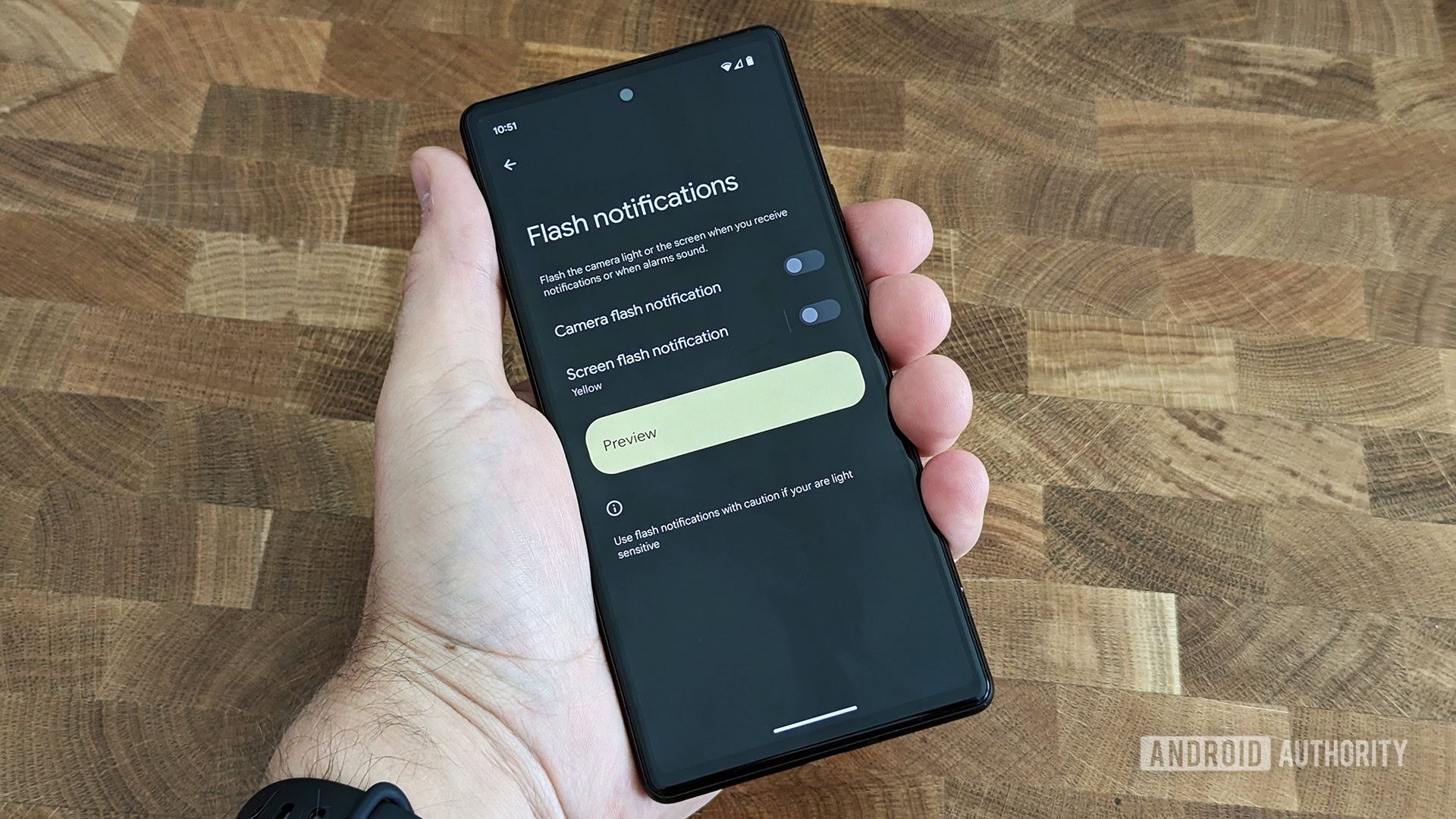
Android 14 Notifications Can Use Camera Screen Lights Android Authority FACEBOOK MESSENGER APP NOT WORKING ANDROID How To Fix Messenger Not Oppo A5S Volume Down Not Working Repair Done100 YouTube How To Open Notification Panel On Samsung By Swiping Down S22 How To Enable Swipe Down For Notification Panel On Samsung Galaxy M21 Voice Not Working Android Phone Quick Fix For Voice Problems In How To Change IOS 16 s Notification Style FIX Messenger Filter Not Working Android Messenger Effects Not Fix Twitter Notification Not Working Problem On Android Lock And Home
Notification Pull Down Not Working Android
 Notification Pull Down Not Working Android
https://www.slashdigit.com/wp-content/uploads/2022/09/fix-iphone-14-notification-not-working-issue-768x512.jpg
I cannot set a notification sound for just google messages Google Messages Community Help Center Community Google Messages Notification
Pre-crafted templates offer a time-saving solution for creating a diverse series of documents and files. These pre-designed formats and designs can be utilized for numerous individual and professional jobs, including resumes, invites, flyers, newsletters, reports, discussions, and more, improving the material development process.
Notification Pull Down Not Working Android

How To Fix Mobile Data Not Working Android Solved YouTube

FACEBOOK MESSENGER APP NOT WORKING ANDROID How To Fix Messenger Not

Oppo A5S Volume Down Not Working Repair Done100 YouTube

How To Open Notification Panel On Samsung By Swiping Down S22

Voice Not Working Android Phone Quick Fix For Voice Problems In
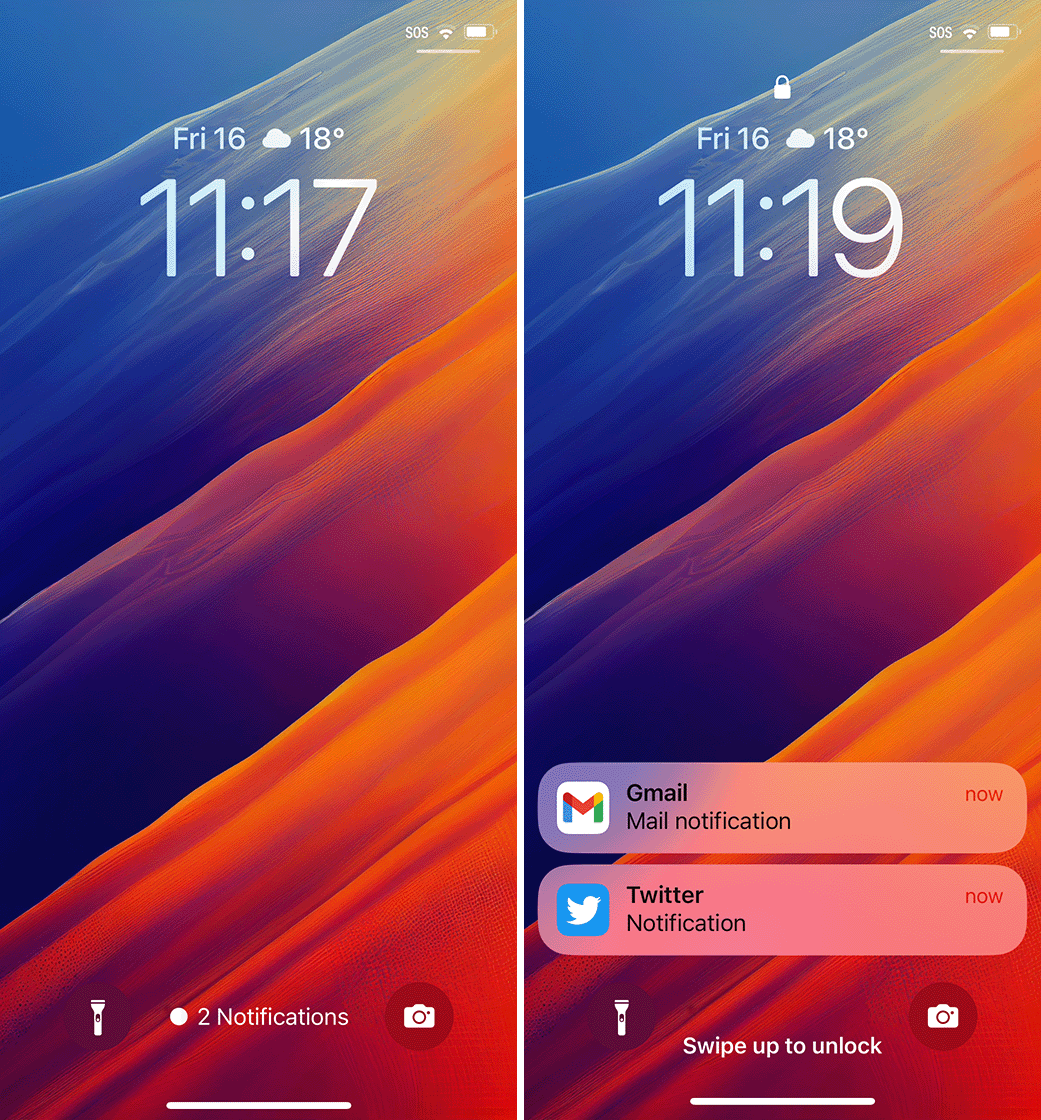
How To Change IOS 16 s Notification Style

How notifications work By default Chrome alerts you whenever a website app or extension wants to send you notifications You can change this setting at any time When you browse

Pour ignorer une notification faites la glisser vers la gauche ou vers la droite Pour supprimer toutes les notifications faites d 233 filer l 233 cran jusqu en bas des notifications puis appuyez sur

You ll receive notifications on the followed topic on your device For more details refer to this article Follow a topic on Search amp Discover You may also receive updates from the Google

Notification Notification and notice can mean the same thing if used as a noun They are something that gives you information or notifies you of something I can receive a notice I
Turn notification sounds on or off On your iPhone or iPad open the Gmail app At the top left tap Menu Settings To change your notification under quot Notifications quot Email Tap Email
[desc-11] [desc-12]
[desc-13]