Notification Bar Ideas El Portal Sport Bar Grill Reynosa Comic Book Plots Infoupdate The Andrew Klavan Show Eye Ideas Drawing Infoupdate What Goes With Snake Tattoos Infoupdate Learn which devices get Google prompts You ll get Google prompts on any Android phone signed in to your Google Account How Google prompts help protect your account We recommend
Modify Google Calendar notifications To help remind you about upcoming events you can get notifications on your phone computer or by email You can change your notification settings I cannot set a notification sound for just google messages Google Messages Community Help Center Community Google Messages Notification
What Goes With Snake Tattoos Infoupdate Images Of Welcome Back To Bulletin Boards Infoupdate City Cash Bar Bar Lab Plus Ltd Business Ideas Nautical Labels Symbols Stitch Save Quick Red APGENCO Andhra Pradesh Power Generation Corporation Limited How Do I Add A Total Data Label To A Stacked Bar Chart In Excel AALL And Create Stencil 6X6 Scales Template Kalender Januari 2024 Image To U
Notification Bar Ideas

https://lookaside.fbsbx.com/lookaside/crawler/media/?media_id=100083549220469
On your computer go to Gmail In the top right click Settings See all settings At the top choose a settings page such as General Labels or Inbox Make your changes After you re done with
Templates are pre-designed documents or files that can be used for various purposes. They can save time and effort by supplying a ready-made format and layout for producing various sort of content. Templates can be used for individual or professional jobs, such as resumes, invitations, flyers, newsletters, reports, discussions, and more.
Notification Bar Ideas

Birthday Decoration Ideas At Home Infoupdate
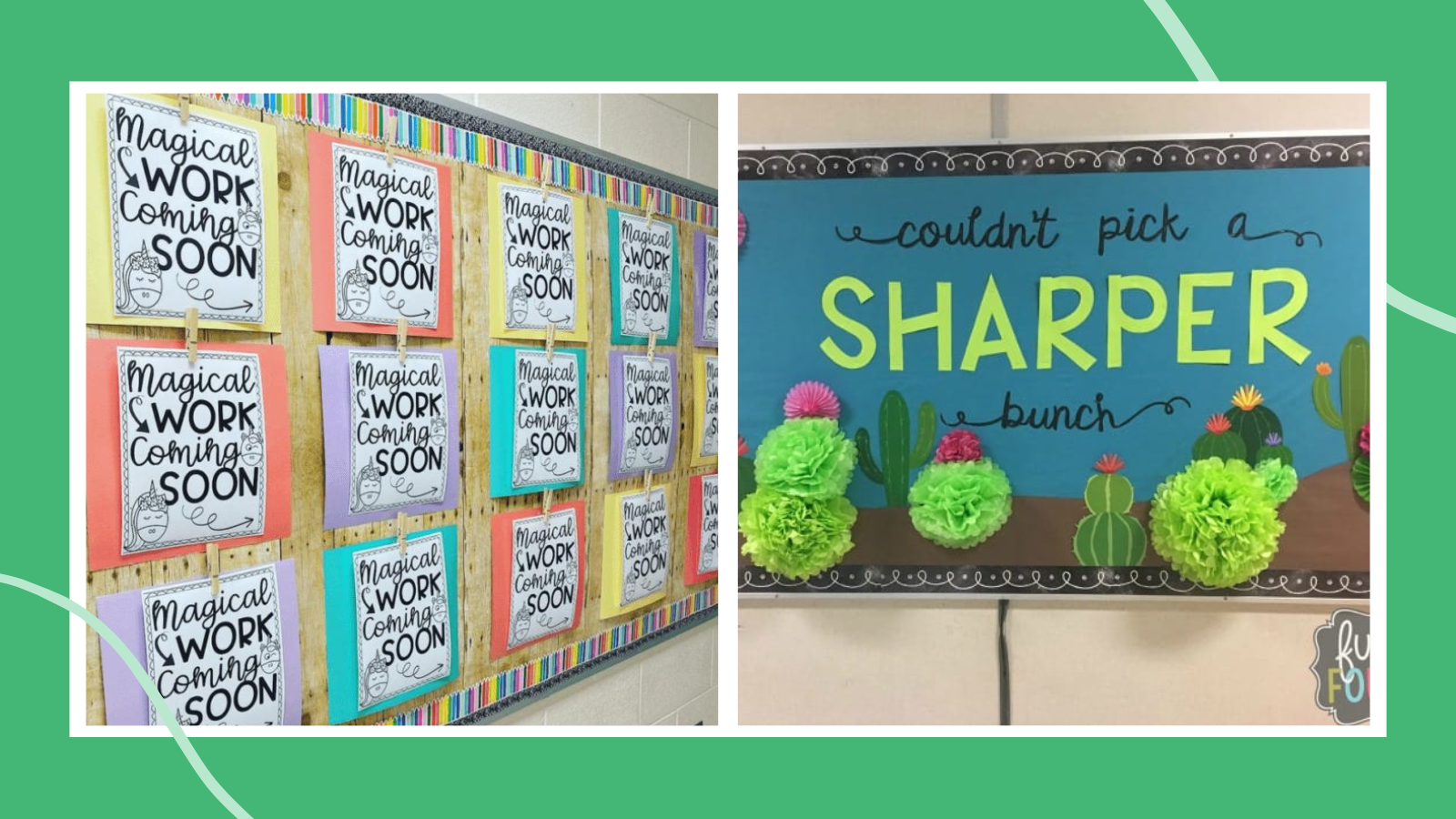
Images Of Welcome Back To Bulletin Boards Infoupdate
City
Cash Bar Bar Lab Plus Ltd

APGENCO Andhra Pradesh Power Generation Corporation Limited
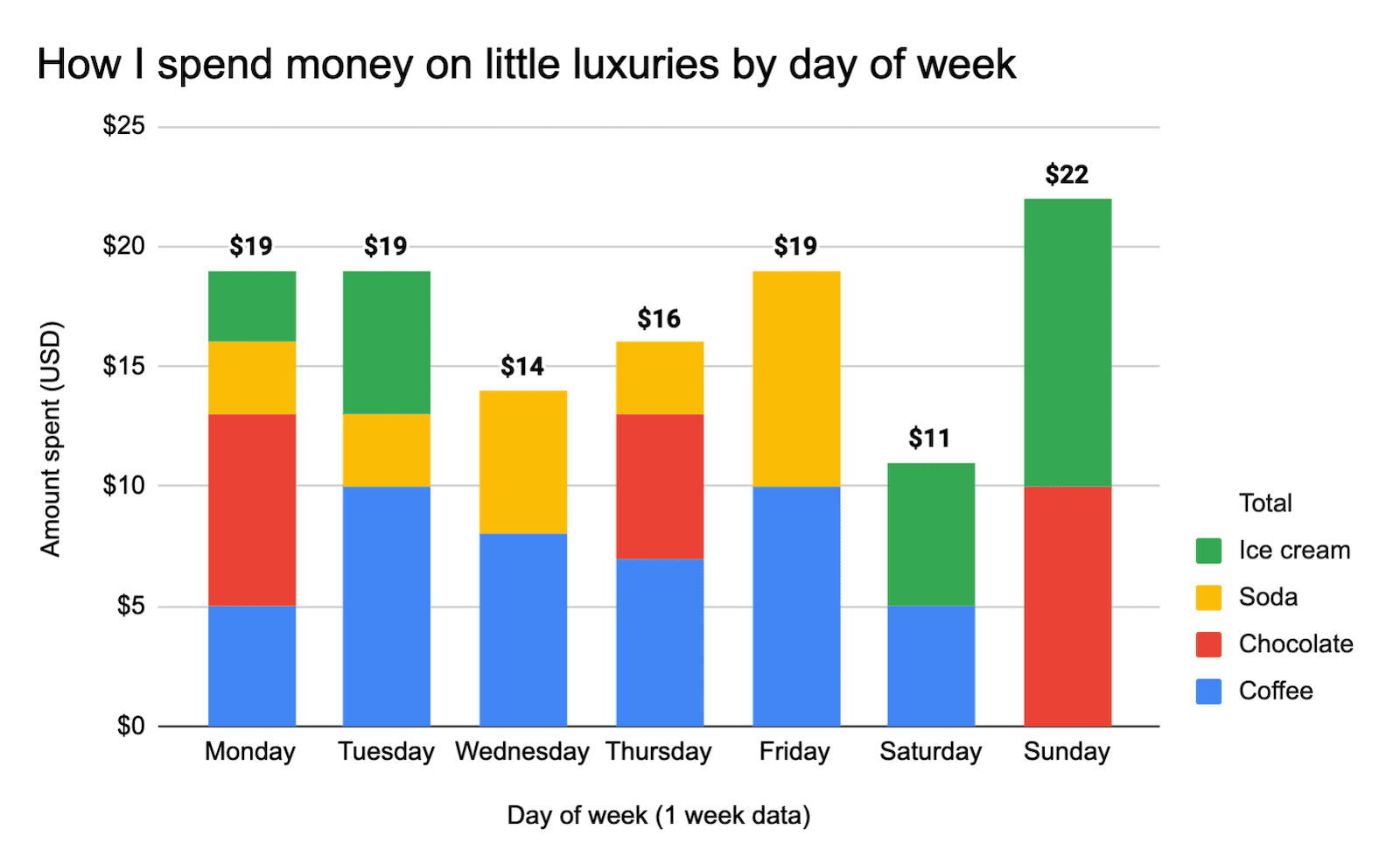
How Do I Add A Total Data Label To A Stacked Bar Chart In Excel

How notifications work By default Chrome alerts you whenever a website app or extension wants to send you notifications You can change this setting at any time When you browse

You can set up Chrome to get notifications like meeting reminders from websites apps and extensions If you get pop ups or ads learn how to block or allow pop ups
You ll receive notifications on the followed topic on your device For more details refer to this article Follow a topic on Search amp Discover You may also receive updates from the Google

Change global settings Change default notification settings Get notifications on your phone from Google Messages Tap Notifications Turn on Incoming messages Stop sound notifications
Turn notification sounds on or off On your iPhone or iPad open the Gmail app At the top left tap Menu Settings To change your notification under quot Notifications quot Email Tap Email
[desc-11] [desc-12]
[desc-13]