Notepad Show Line Endings Endings Prepare Voxel Hub Kemas Kini Baharu Windows 11 Ada Bing Dengan AI Snipping Tools Mampu Line Feed In A Notepad File Notepad Community Verified Mark Certificate Logo How To Properly Format Your Logo How To Get Line Numbers In Notepad On Windows 10 Web Does the Windows 7 Notepad understands the different line endings of Unix Mac and Windows 3 answers Closed 4 years ago As the title says it Notepad doesn t show line breaks specifically n But in Windows Explorer in the preview window it does show line breaks that are just n really Microsoft
Web Aug 13 2014 nbsp 0183 32 1 Answer Sorted by 1 Notepad shows you what line endings are used in the file in the status bar located at the bottom of the window The status bar is toggled in Settings gt Preferences gt General gt Show status bar CR LF Dos Windows LF UNIX CR Macintosh Web if you have Sublime installed you can choose View gt Line endings gt Windows and then save the file to overwrite it In this case unix line endings will turn into Windows format If you open this saved file in Notepad it will show line endings correctly
How To Get Line Numbers In Notepad On Windows 10 Buy Two Tumbleweeds Daily Planner Notepad Time Box Planner Desktop Notepad A5 DuePoint Consistent Line Endings In ASCII Files Chord Happy Endings Pulp Tab Song Lyric Sheet Guitar Ukulele How To Remove New Line In Notepad YouTube Windows Notepad Now Supports Unix Line Endings Hackaday Windows 11 Notepad Auto Save Feature Added Tech Layer x Notepad Pen Mockup Free Mockup World
Notepad Show Line Endings
 Notepad Show Line Endings
https://voxelhub.org/wp-content/uploads/2022/06/202206-Managing-endings-1-1920-×-1280-px.jpg
Web May 9 2018 nbsp 0183 32 New files created within Notepad will use Windows line ending CRLF by default but it will now be possible to view edit and print existing files correctly maintaining the file s current
Pre-crafted templates offer a time-saving solution for creating a varied series of files and files. These pre-designed formats and layouts can be used for various individual and expert tasks, including resumes, invites, leaflets, newsletters, reports, presentations, and more, simplifying the material development process.
Notepad Show Line Endings
Notepad Aakriti 360

Buy Two Tumbleweeds Daily Planner Notepad Time Box Planner Desktop
Notepad A5 DuePoint
Consistent Line Endings In ASCII Files
How To Remove New Line In Notepad YouTube
Windows Notepad Now Supports Unix Line Endings Hackaday
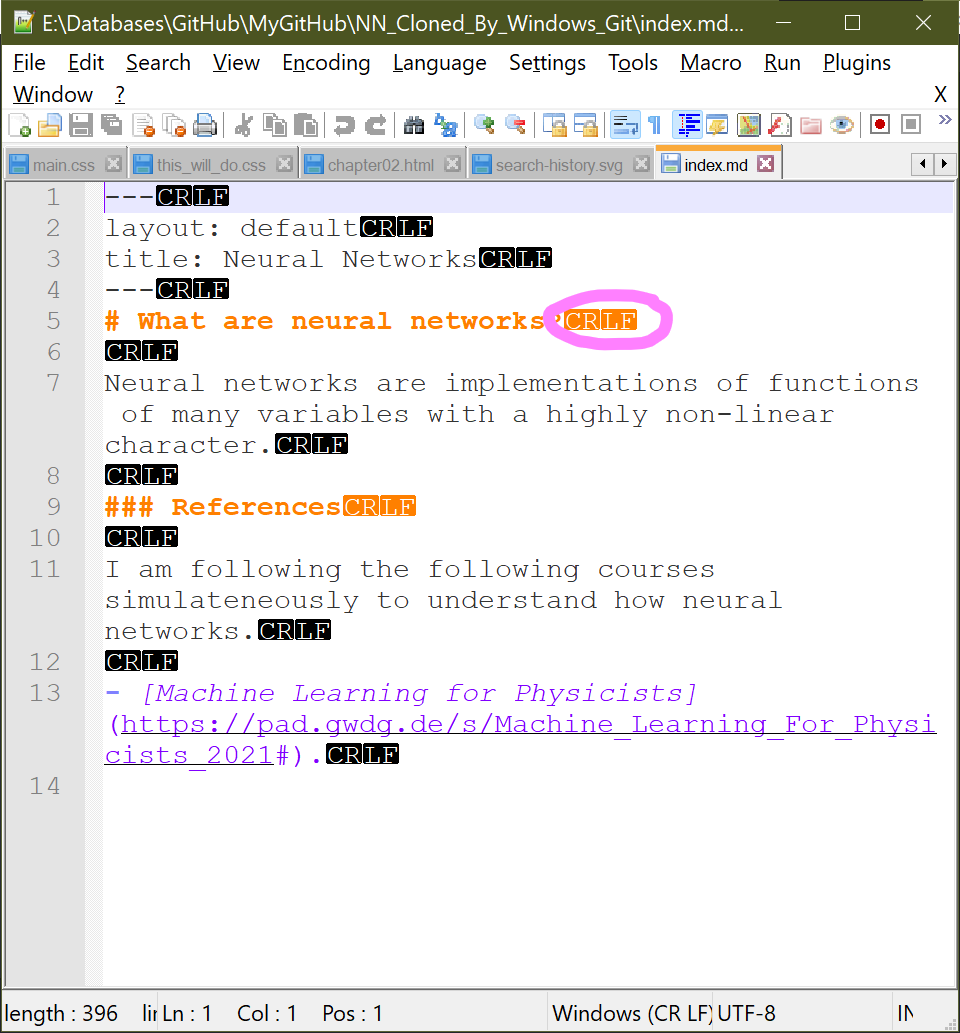
Web With Notepad you can show end of line characters It shows CR and LF instead of quot r quot and quot n quot but it gets the point across However it will still insert the line breaks But you do get to see the line ending characters To use Notepad for this open the View menu open the Show Symbols slide out and select either quot Show all characters

Web Nov 9 2019 nbsp 0183 32 This tutorial will show you how to enable or disable Unix Linux line endings LF and Macintosh line endings CR support in Notepad for your account in Windows 10 Here s How The downloadable reg files below will add and modify the DWORD values in the registry key below
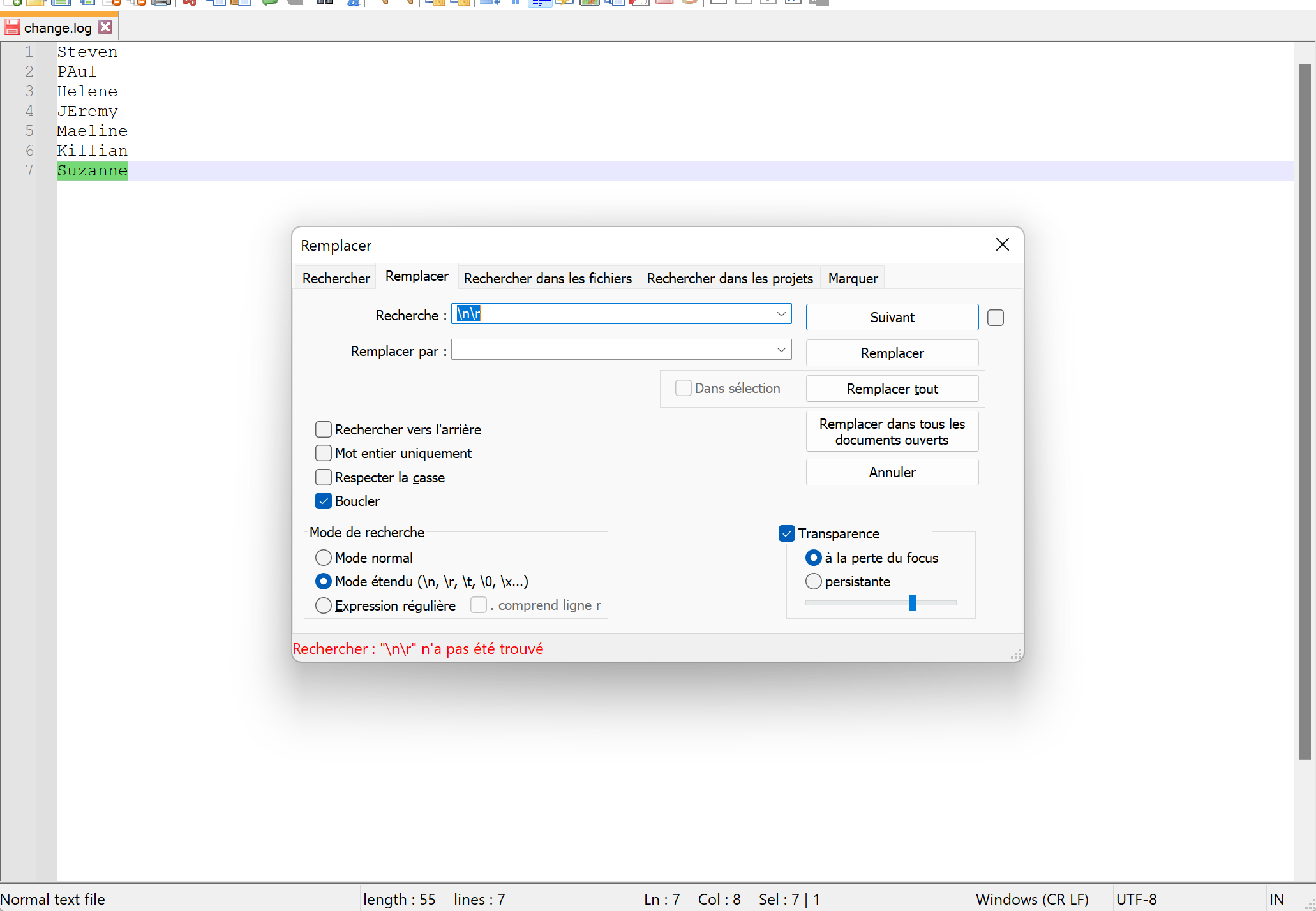
Web Nov 16 2016 nbsp 0183 32 I use Notepad as a text editor Whenever I open any text file Notepad shows two virtual characters CR and LF at the end of each line These characters are annoying in some cases e g when reading application logs How do I remove or configure the display of these characters

Web Sep 9 2022 nbsp 0183 32 For any new document Settings gt Preferences gt New Document left pane gt New Document right pane gt Format Line ending gt Windows CR LF Unix LF Macintosh CR And for an already open document Edit gt EOL Conversion
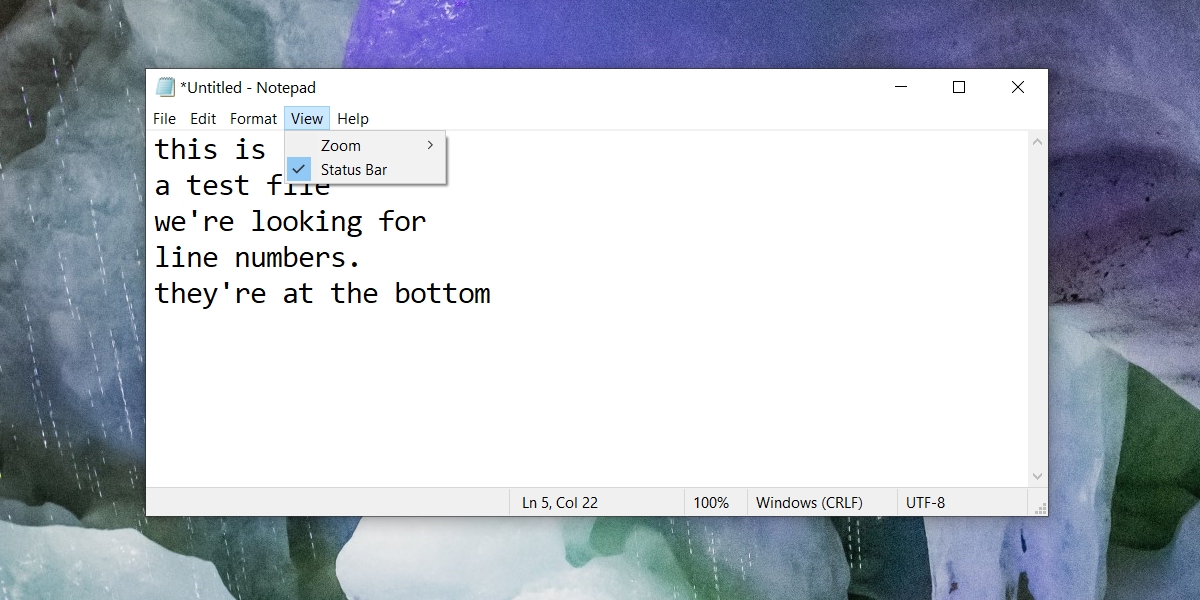
Web May 8 2018 nbsp 0183 32 Starting with the current Windows 10 Insider build Notepad will support Unix Linux line endings LF Macintosh line endings CR and Windows Line endings CRLF as usual New files created within Notepad will use Windows line ending CRLF by default but it will now be possible to view edit and print existing files correctly
Web Mar 7 2020 nbsp 0183 32 There are mainly two kinds of control characters for line endings Carriage Return CR the code is r and Line Feed LF the code is n On different OS different line ending is used OSX Linux LF n Legacy MacOS MacOS 9 and earlier CR r Windows CR LR pair r n Web Jan 6 2012 nbsp 0183 32 May 8 2018 at 20 20 5 Answers Sorted by 24 Windows default is to use r n as end of line marker Notepad only recognises that other text editors may know about other line end styles and render correctly EDIT As VonC answers Notepad had an update in 2018 where it now can recognize non Windows end of line sequences
Web May 9 2018 nbsp 0183 32 1 Force Windows CRLF line endings when Return Enter key is hit Closing Words Notepad will only be updated on Windows 10 to get extended support for end of line characters and the feature will land only in new feature update versions of Windows 10 as it stands right now