Notepad Remove Line Regex regex - notepad++ how to keep all the line start with # and delete the rest of the line - Stack Overflow Remove multiline comments from Notepad++ using regex - Super User Regex to handle leading spaces (notepad++) - Stack Overflow HOW TO REMOVE LINES WITH SPACES: Regular Expression Example in Notepad++ - YouTube How to remove new line in Notepad++ - YouTube In this regular expression example we will learn to remove lines with spaces using REGEX in Notepad We will use the search and replace feature with regu
Viewed 4k times 2 I need to replace all the strings that look like this for a Tab name can be anything from 3 to 15 characters long I ve managed 1 Open your text file in Notepad 2 Click Ctrl H to open the Replace dialog box 3 In the Find what field enter the regex expression r n s 3 4 Leave
How to remove new line in Notepad++ - YouTube regex - notepad++ how to keep all the line start with # and delete the rest of the line - Stack Overflow Notepad++ remove all lines with a specific character - YouTube regex - Remove line breaks between brackets in Notepad++ - Super User notepad++ - Remove all lines containing two times a character - Stack Overflow How to remove text after specific characters from each line? | Notepad++ Community Replacing White Spaces With Single Spaces In Notepad++ - Chipkin Automation Systems registry - Remove characters in specific lines in notepad++ - Stack Overflow How to remove every nth line in a list | News from JURN
Notepad Remove Line Regex
 Notepad Remove Line Regex
https://i.stack.imgur.com/sh1Dz.png
Remove white space using regular expression as follows change pattern t into nothing where t matches either tab or space matches one or more
Templates are pre-designed files or files that can be utilized for numerous functions. They can conserve effort and time by supplying a ready-made format and design for producing different kinds of content. Templates can be used for individual or expert projects, such as resumes, invites, flyers, newsletters, reports, discussions, and more.
Notepad Remove Line Regex

Remove blank (empty) lines | Notepad++ Community

regex - notepad++ how to keep all the line start with # and delete the rest of the line - Stack Overflow
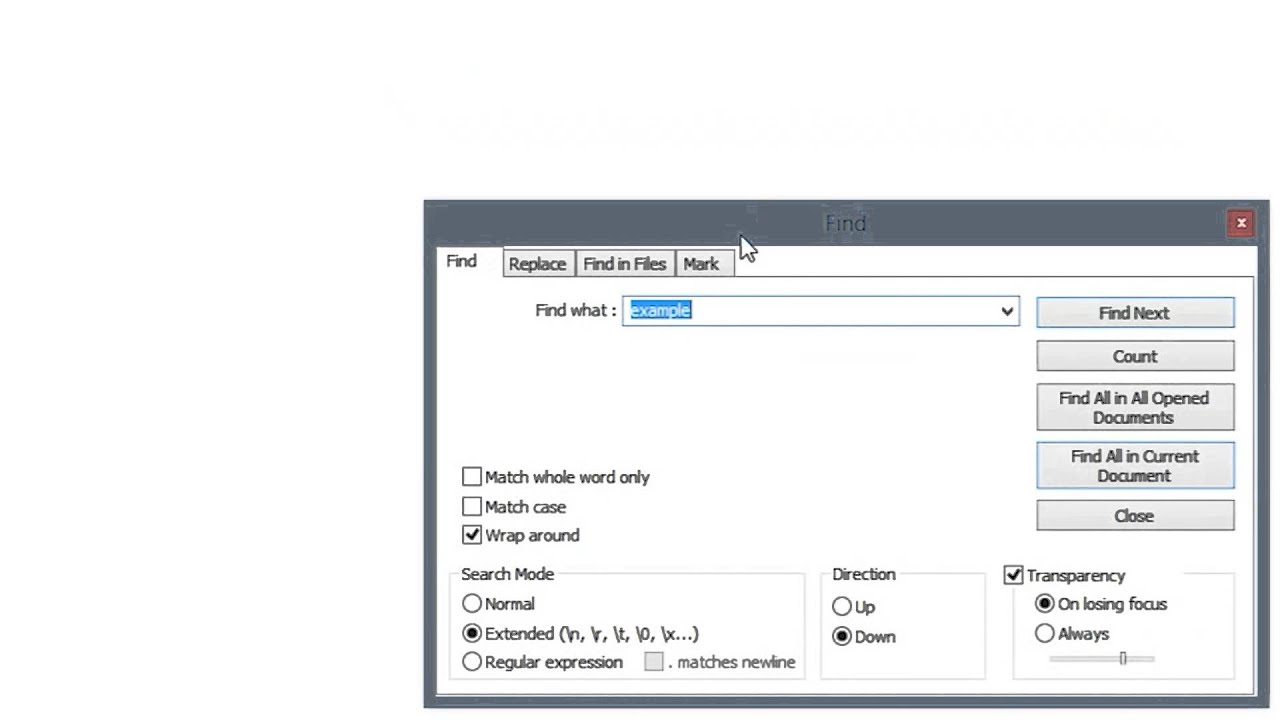
Notepad++ remove all lines with a specific character - YouTube

regex - Remove line breaks between brackets in Notepad++ - Super User
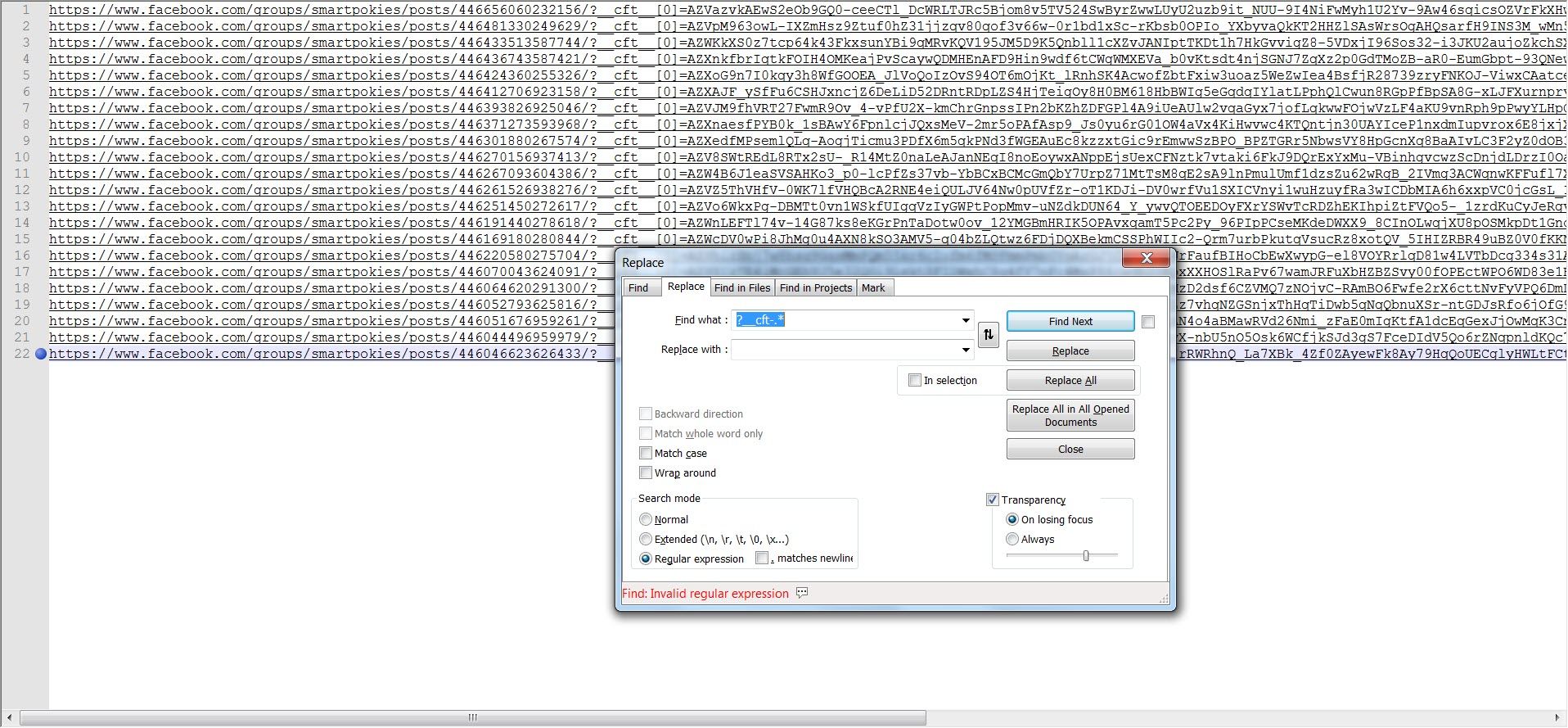
How to remove text after specific characters from each line? | Notepad++ Community
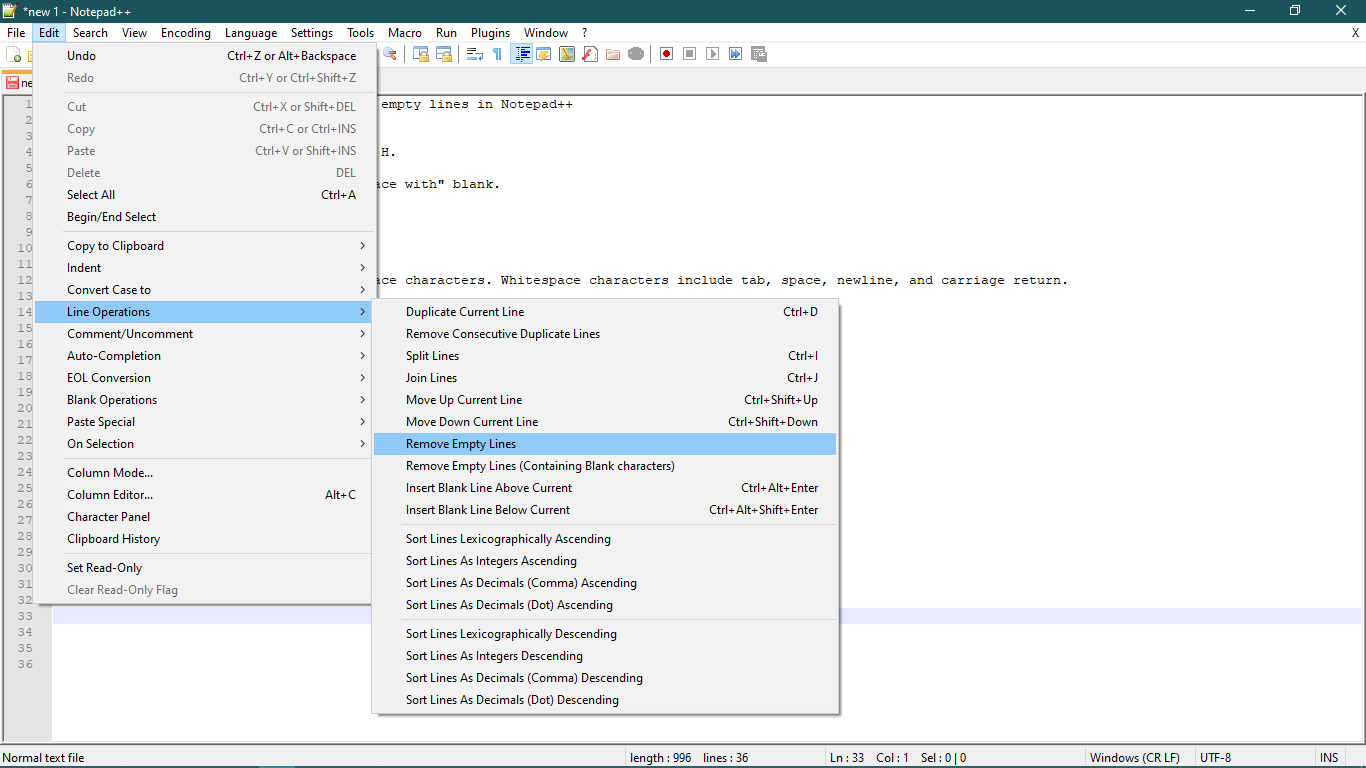
Replacing White Spaces With Single Spaces In Notepad++ - Chipkin Automation Systems

Delete lines using RegEx I have a situation mentioned below I need the keep the sentences lines starting with digits and delete rest of the lines I tried this but

You will need a regular expression between the start of line and r n CRLF that matches only the line s that you want to delete s r n where I use as a

1 Answer In the Find Ctrl F or Search Find dialog on the Mark tab you can Bookmark lines that match Then use the menu item Search Bookmark

To remove the lines entirely use the MARK tab from the search replace dialogue click Control Alt M select Bookmark line enter the seach string and click
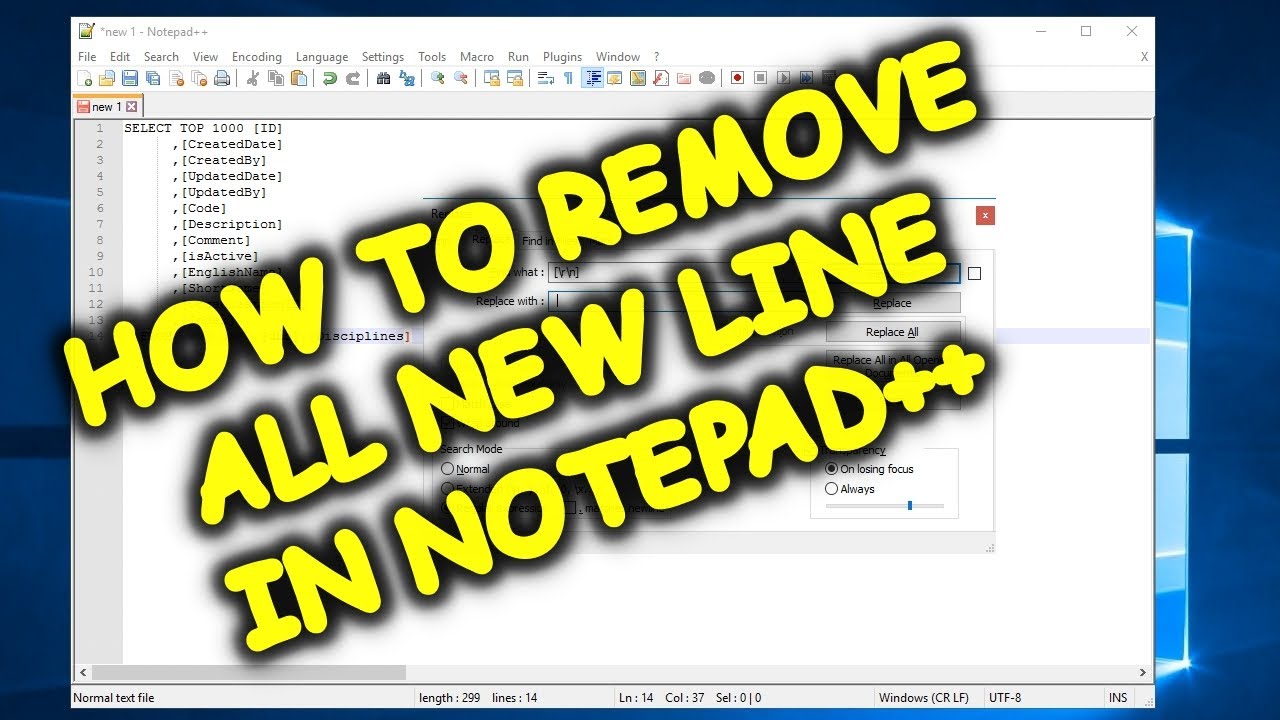
Shortcuts to examples covered in this Notepad regex tutorial are as follows 1 Removing arbitrary whitespaces and tabs 2 Insert a newline for every line of text 3 Removing blank lines 4
Terry R patrickdrd about 5 hours ago patrickdrd I m not on a PC but I think this should work Find So it find ends of lines that have only combinations of Not much complications are required for removing linebreaks using notepad Just select from end of line to the start of next line and press CTRL H
1 Answer Sorted by 1 Here is how to do it using Notepad with the Replace dialog Find what id ABC 12345 project 12345 ABC Replace with id ABC