Notepad New Line Char Magnetic Notepad Notepad Pad Paper Free Photo On Pixabay Windows 11 Notepad Auto Save Feature Added Tech Layer x Notepad Premium A4 Squared Skriptekommission Free Notepad Mockup PSD New Edit with Notepad option in the context menu in File Explorer Character Count Keep track of your document s length with the new character count display in the status bar When text is selected the status bar shows the character count for both the selected text and the entire document
New line character in Notepad Ask Question Asked 6 years 5 months ago Modified 6 years 5 months ago Viewed 1k times 0 How can I take the new line characters in the middle of words below words in Notepad which is on different lines where i should remove the new line character from the address value of cust id 102140 result should be Using Notepad Find and Replace feature I would like to insert a new line at every n th occurrence of a character or string a comma in my case I have tried the regex below using Regular expression mode but no luck Find what 1000 Replace with 1 n regex notepad Share Follow edited Dec 28 2016 at 8 37 Wiktor Stribi ew
Free Notepad Mockup PSD Find And Replace In Notepad Shortcut Printable Templates Free Kemas Kini Baharu Windows 11 Ada Bing Dengan AI Snipping Tools Mampu Notepad Find And Replace In Notepad New Line Printable Templates Free Notepad At Rs 10 piece Note Pad In Delhi ID 20820395073 Microsoft Launches A Redesigned Notepad For Windows 11 TechNadu B Line Auto Notepad Salesmaterials hcd
Notepad New Line Char
 Notepad New Line Char
https://www.dtcworld.com.sg/storage/product-images/1280/wire notebook, memo & post-it pen holder 10_20201210154512.jpg
10 Try replace abc r n with nothing The indicates the start of a line The means wild card The means zero or more wild cards x means x is optional The r n covers both r n generally Windows and n generally Unix but must be optional to cover the last line Share Improve this answer Follow edited Mar 4 2013 at 13 48
Pre-crafted templates offer a time-saving option for producing a varied range of files and files. These pre-designed formats and designs can be made use of for various individual and professional tasks, including resumes, invitations, leaflets, newsletters, reports, presentations, and more, streamlining the content creation procedure.
Notepad New Line Char
Aakriti 360
Find And Replace In Notepad Shortcut Printable Templates Free

Kemas Kini Baharu Windows 11 Ada Bing Dengan AI Snipping Tools Mampu

Notepad

Notepad At Rs 10 piece Note Pad In Delhi ID 20820395073
Microsoft Launches A Redesigned Notepad For Windows 11 TechNadu
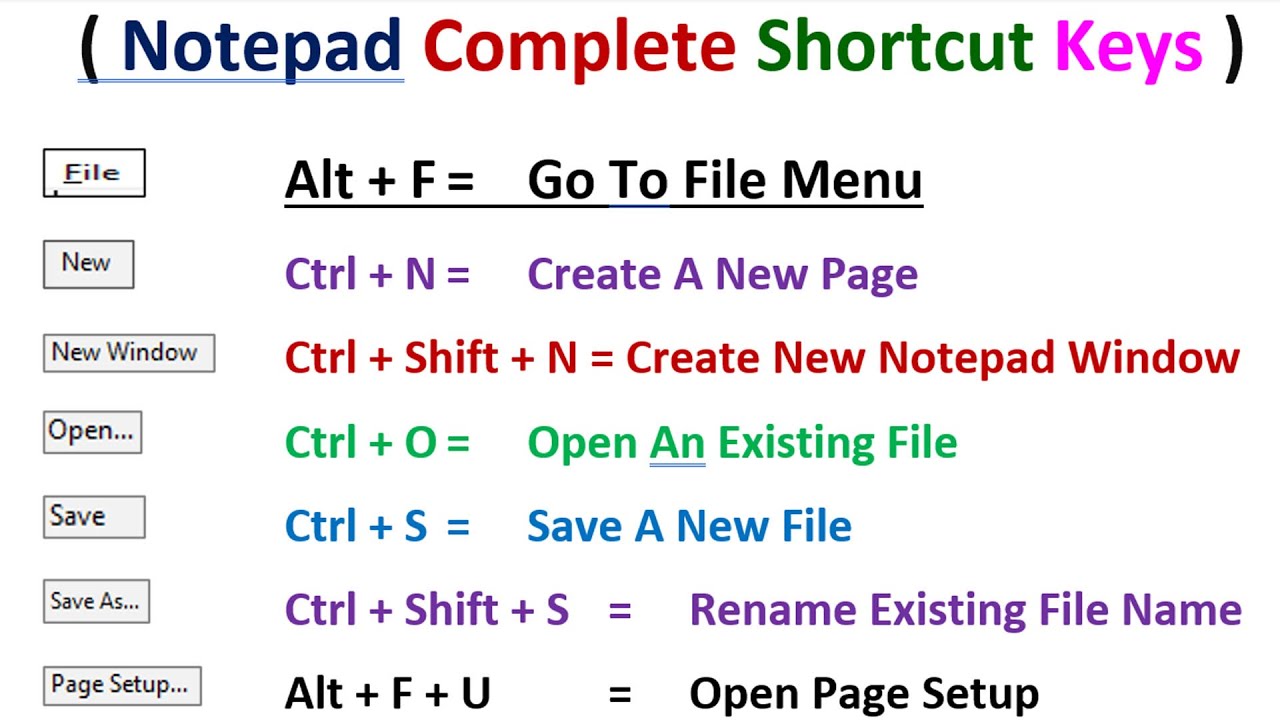
To replace any character with a newline in Notepad navigate to Search Replace Replace Enter the character you want to replace in the Find What box enter n in the Replace With box set the search mode to Extended then click Replace All

9 Normally I d do a search and replace for n but that doesn t seem to work I think it might by something but can t remember what Note this is question is directed at Notepad not Notepad Bad Bing and Google no biscuit windows 7 Share Improve this question Follow asked Nov 26 2015 at 10 34 Mr Mystery Guest 213 2 5 10

5 Answers Sorted by 316 Notepad will do just fine Search string xyz Note the space in front of xyz Replace string r nxyz You will also need to set the Search Mode to Extended lower left group box in the Replace dialog so that Notepad honors escape codes
1 Answer Sorted by 78 Are you sure you enabled search mode extended By the way what kind of new line depends on the system you are working on On Windows you might try and search for r n Share Improve this answer Follow edited Jan 28 2013 at 8 23 lmcanavals 1 021 2 8 23 answered Jan 28 2013 at 6 32 Korenaga

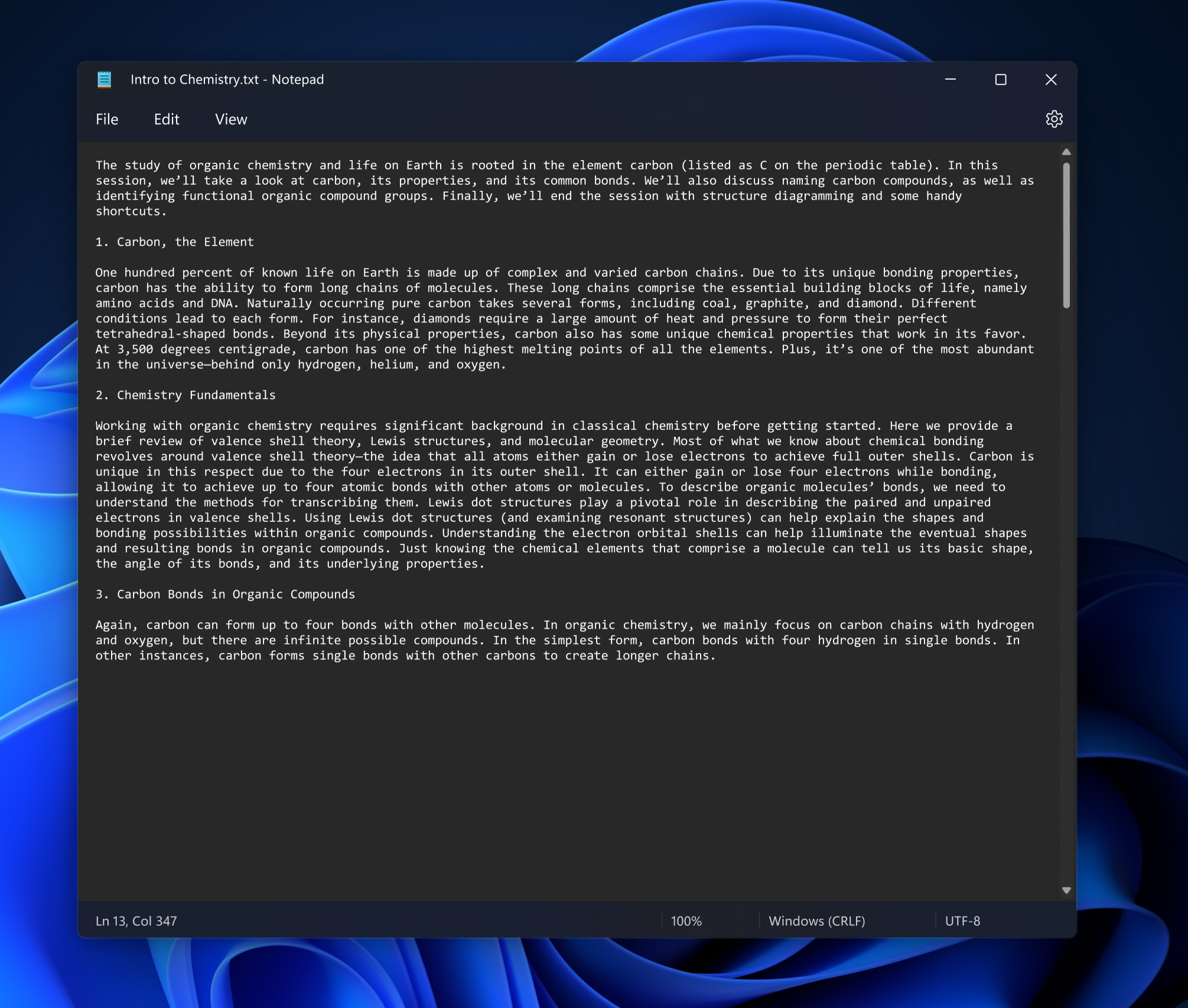
Microsoft is rolling out Notepad version 11 2311 29 to people in the Windows Insiders program running the Canary and Dev channels The main improvement in this release is a new character count indicator which appears next to the existing line and column indicators in the bottom status bar
NotePad How to remove or replace newline characters Ask Question Asked 8 years 11 months ago Modified 8 years 10 months ago Viewed 7k times 2 Within my notepad environment I have the following value on a page test me out li I can search and find the ending li value with n li It shows CR and LF instead of r and n but it gets the point across However it will still insert the line breaks But you do get to see the line ending characters To use Notepad for this open the View menu open the Show Symbols slide out and select either Show all characters or Show end of line characters
In Notepad you can add a new line by pressing the Enter key on your keyboard You can also add a new line by clicking the New Line button on the toolbar If you ve separated a text file with a list of values into individual characters you can convert it to newline automatically