Notepad Hide Line Numbers LINE Notepad YouTube How To Find The Line Number In Notepad Notepad Get The Line Count hide hitomaro W Notepad Nov 26 2015 nbsp 0183 32 In Notepad select from the end of a line clicking SHIFT Right arrow key you can t see it but the newline character is now selected Now go to quot Replace quot and replace with
Sep 18 2013 nbsp 0183 32 My question is pretty straight forward is there a way in Notepad to expand and collapse blocks with keyboard shortcut I already know about the alt 0 and alt shift 0 to Mar 11 2014 nbsp 0183 32 Select to suit Search Replace r n with space using Extended Notepad puts a carriage return and a line feed at the end of each line automatically when Enter is pressed
W Notepad Pull My Hair Notepad A6 Dahlia Creative Magnetic Notepad How To Get Line Numbers In Notepad On Windows 10 Windows 11 Notepad Auto Save Feature Added Tech Layer x Notepad Premium A4 Squared Skriptekommission NOTEPAD HIDE LINES Quick Notepad Tips And Tricks For Beginners Plastic Spiral Binding Wiro Bound Notepad Size Pocket Size At Rs 30 Memo Icon Beside A Notepad
Notepad Hide Line Numbers
 Notepad Hide Line Numbers
http://l-reserve.com/img/ad1.png
Apr 13 2023 nbsp 0183 32 Yes you can convert Notepad data to an Excel file One way to do this is by using Microsoft Excel Here are the steps you can follow Open Microsoft Excel Click the File menu
Pre-crafted templates offer a time-saving option for creating a diverse series of files and files. These pre-designed formats and layouts can be used for various personal and expert tasks, consisting of resumes, invitations, leaflets, newsletters, reports, discussions, and more, simplifying the content development procedure.
Notepad Hide Line Numbers
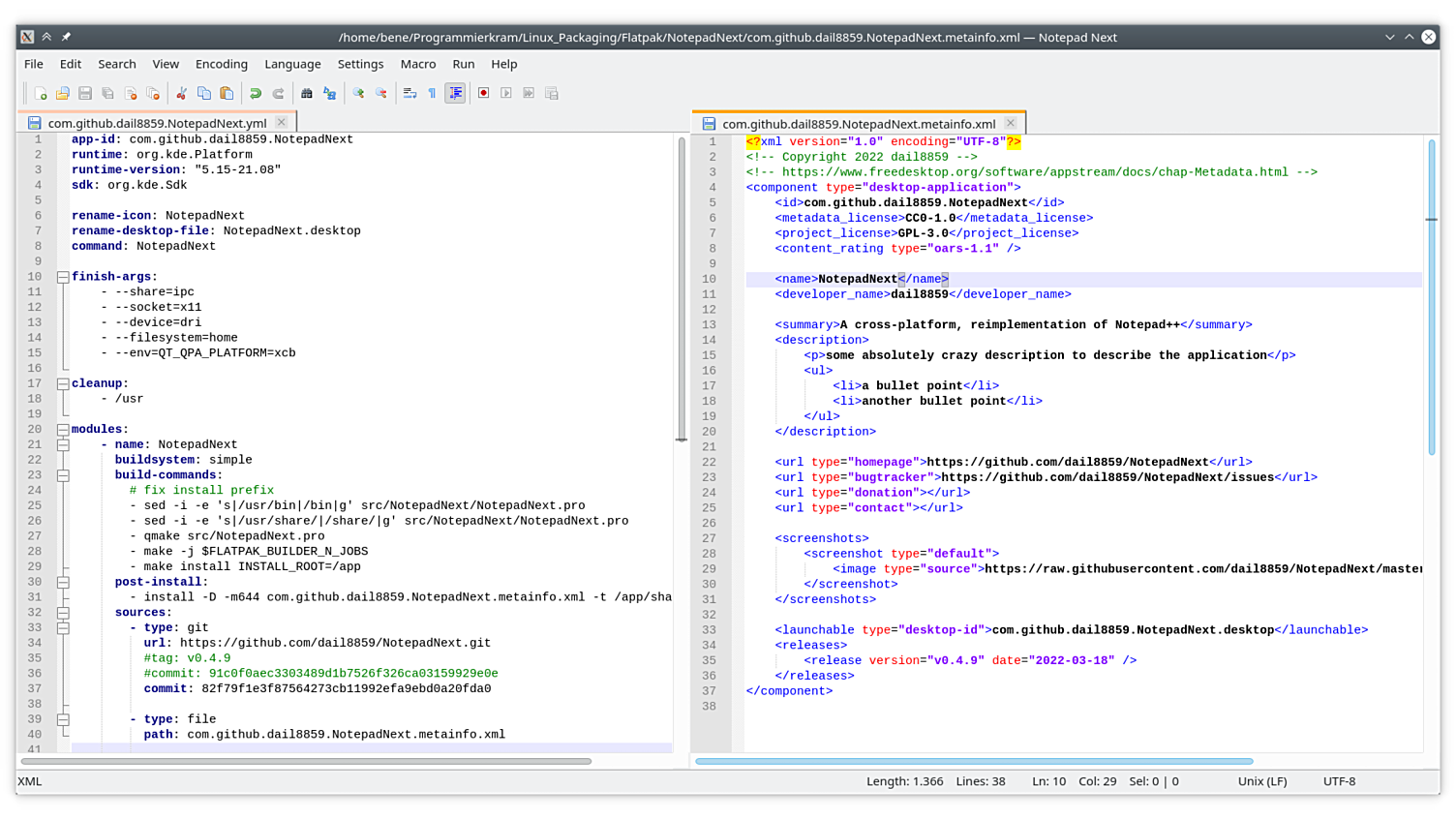
Notepad Next Flathub

Pull My Hair Notepad A6 Dahlia Creative
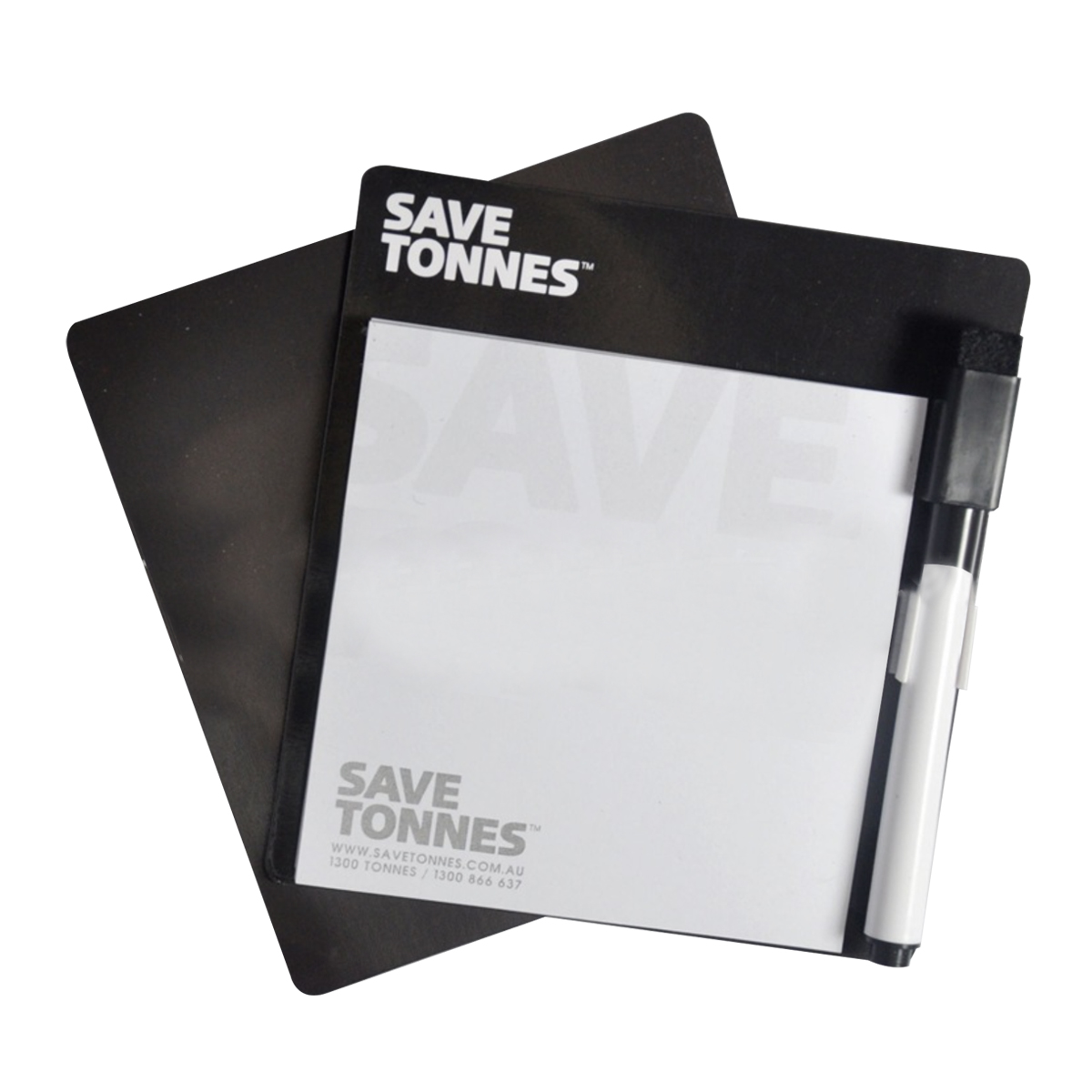
Magnetic Notepad
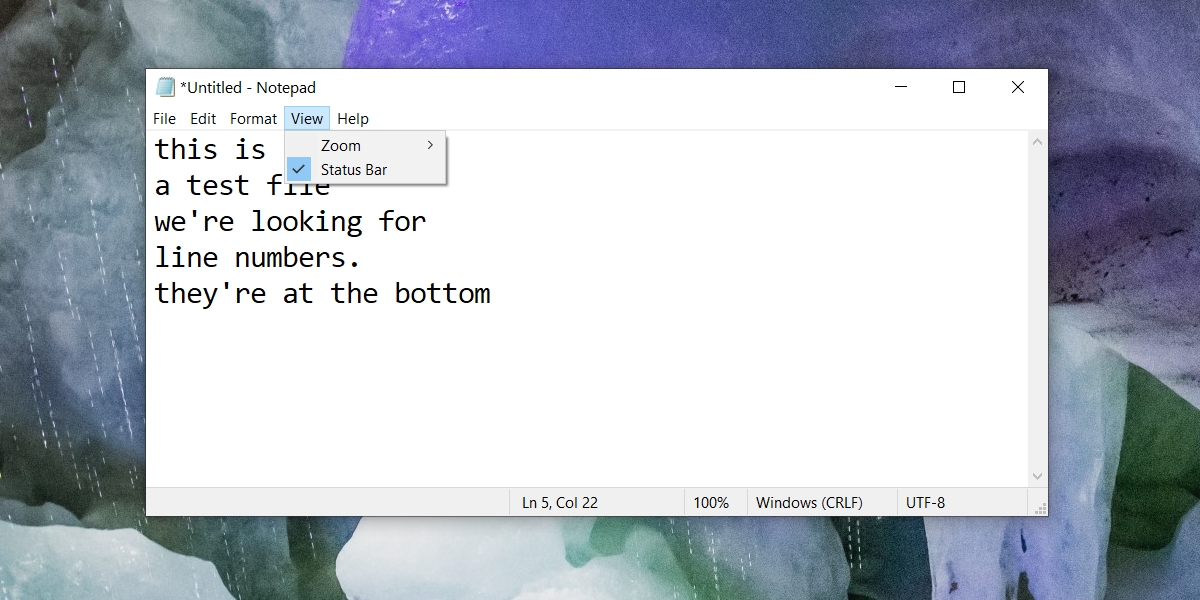
How To Get Line Numbers In Notepad On Windows 10
Notepad Premium A4 Squared Skriptekommission

NOTEPAD HIDE LINES Quick Notepad Tips And Tricks For Beginners

Sep 19 2024 nbsp 0183 32 Since Windows 11 or maybe earlier Windows Notepad internally stores unsaved files so if the application or Windows crashes they will be still there later For example

Apr 29 2020 nbsp 0183 32 I change settings a lot Now I think I ve played with Notepad too much Now how can I reset the settings btw I don t want to uninstall then install again that s not so
Nov 17 2024 nbsp 0183 32 Temporarily stuck with Notepad I d like to know if there is any better or quicker way of selecting from here to the end of the file than moving the mouse to the bottom of the

In Eclipse it is possible to comment out multiple lines at once by selecting them and executing CTRL helloworld Is this possible in Notepad as well instead of typing in front of each

Feb 15 2014 nbsp 0183 32 How do I replace the string quot r n quot with the same characters Example Hello World r nHello World replaced with Hello World Hello World
[desc-11] [desc-12]
[desc-13]