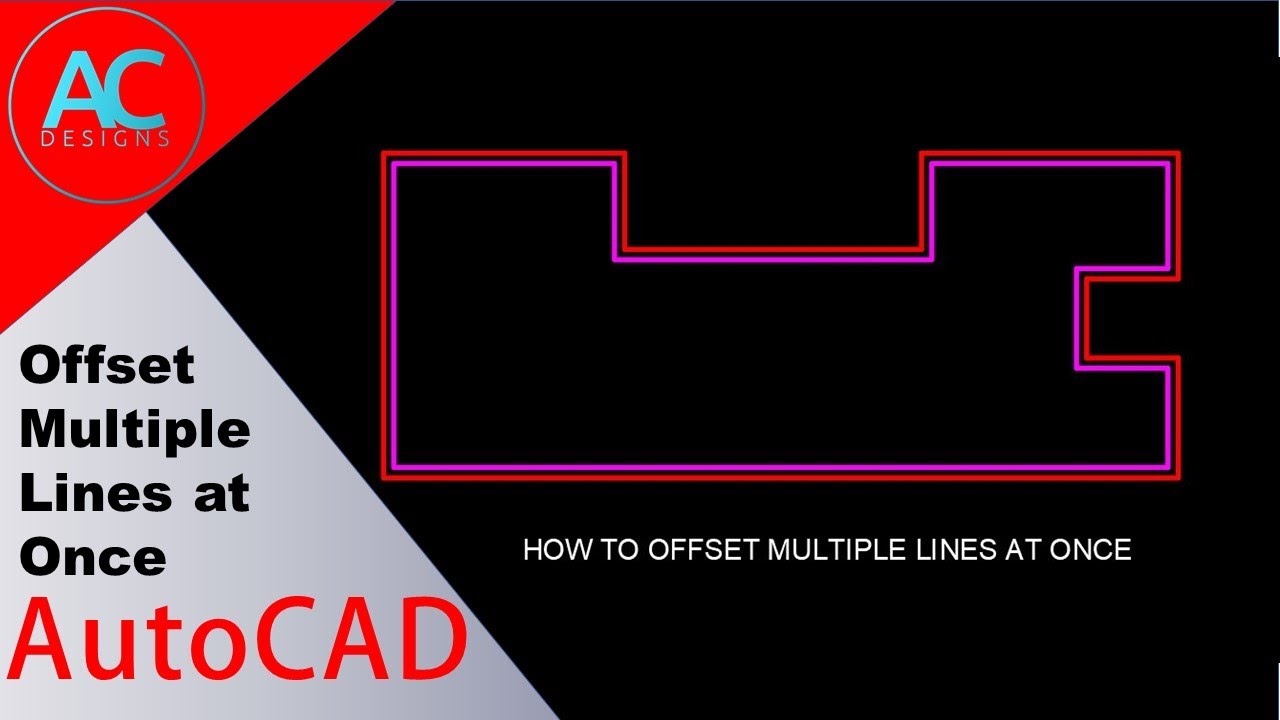
Notepad Edit All Lines At Once How To Offset Multiple Lines At Once In AutoCAD AutoCAD Tutorial Tips And Tricks YouTube How To Clean All Your Keezer Draft Lines At Once Hazy And Hoppy Grkljan Bud et Kontejner Python How To Read From Text File Stanar Inspiracija Faktor How To Comment Out Multiple Lines At Once In Vim Editor Notepad 6 Review Nov 17 2024 nbsp 0183 32 Temporarily stuck with Notepad I d like to know if there is any better or quicker way of selecting from here to the end of the file than moving the mouse to the bottom of the
How do I replace the string quot r n quot with the same characters Example Hello World r nHello World replaced with Hello World Hello World Is there anyway I can have text with strikethrough style in Notepad I use Notepad for my to do lists and being able to assign strikethrough to the highlighted text especially if it could be
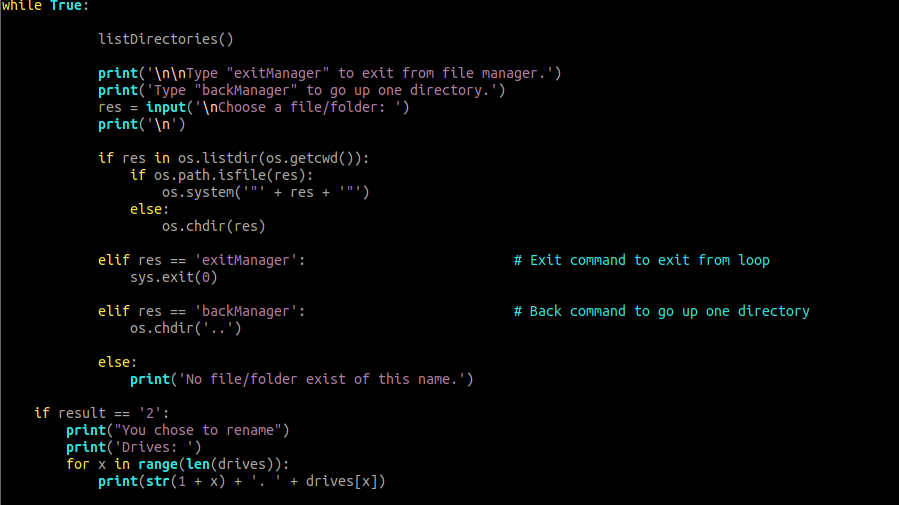
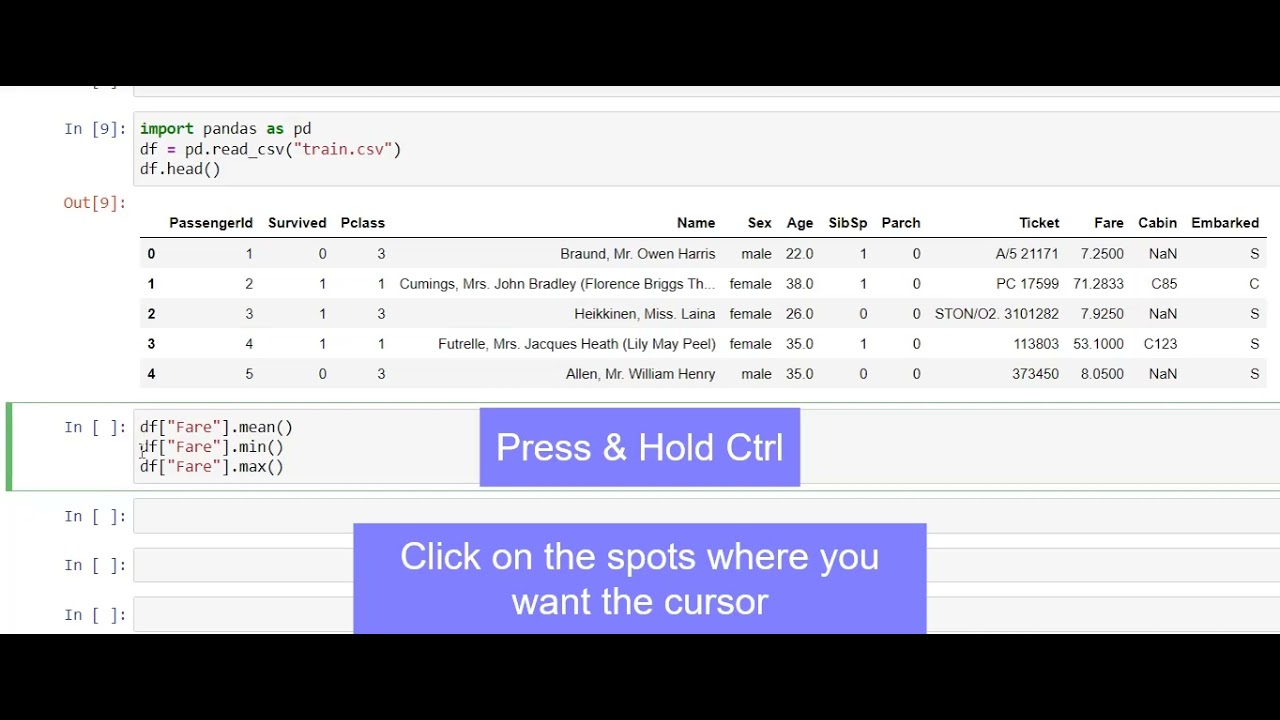
Notepad 6 Review Magnetize Your Marketing Social Media Top Team Notepad Kuan Print Enterprise How To Comment Multiple Lines At Once In Vim Overwhelmed Help Brigid Schulte Jupyter Notebook Comment Multiple Lines Trust The Answer Ar taphoamini Jewish DNA Fingerprint Plus Test DNA Consultants Notepad Edit Menu Format View Notepad Hindi Me Sikhe Part 3 2020 YouTube Microsoft Visual Studio Code Comment Multiple Lines Therealsop
Notepad Edit All Lines At Once
 Notepad Edit All Lines At Once
https://i.ytimg.com/vi/AbKc7N5qf8w/maxresdefault.jpg
I have a text file that contains a massive amount of words that I would like to make into a number of different text files Specifically I need to take every 100 words in this file and make a sepa
Templates are pre-designed files or files that can be used for different functions. They can conserve time and effort by providing a ready-made format and layout for developing various sort of material. Templates can be used for individual or expert projects, such as resumes, invites, leaflets, newsletters, reports, discussions, and more.
Notepad Edit All Lines At Once

How To Comment Out Multiple Lines At Once In Notepad 5 Solutions YouTube

Magnetize Your Marketing Social Media Top Team

Notepad Kuan Print Enterprise
How To Comment Multiple Lines At Once In Vim
Jupyter Notebook Comment Multiple Lines Trust The Answer Ar taphoamini

Jewish DNA Fingerprint Plus Test DNA Consultants

Sep 18 2013 nbsp 0183 32 My question is pretty straight forward is there a way in Notepad to expand and collapse blocks with keyboard shortcut I already know about the alt 0 and alt shift 0 to

Consider the scenario where you have a specific string that you want to find and replace You want to replace it with a new string that contains a newline character or character sequence

Dec 18 2024 nbsp 0183 32 Due to Notepad now being a UWP on all supported versions of Windows it will be difficult to just copy the executable into Sandbox

Apr 29 2020 nbsp 0183 32 I change settings a lot Now I think I ve played with Notepad too much Now how can I reset the settings btw I don t want to uninstall then install again that s not so

Nov 26 2015 nbsp 0183 32 In Notepad select from the end of a line clicking SHIFT Right arrow key you can t see it but the newline character is now selected Now go to quot Replace quot and replace with
[desc-11] [desc-12]
[desc-13]