Notepad App For Html Coding How To Run HTML Code In Notepad Windows 11 Why HTML Is Not Colored Like A Notepad What Is Mark Down HTML File Text Editor How To Open Web Page Code In Windows Notepad Como Iniciar Os Estudos No Front end Alura How To Learn HTML In Notepad design Form Facebook YouTube Apr 29 2020 nbsp 0183 32 I change settings a lot Now I think I ve played with Notepad too much Now how can I reset the settings btw I don t want to uninstall then install again that s not so
Sep 18 2013 nbsp 0183 32 My question is pretty straight forward is there a way in Notepad to expand and collapse blocks with keyboard shortcut I already know about the alt 0 and alt shift 0 to Feb 26 2014 nbsp 0183 32 Suppose I have these lines A B C D E I want remove empty lines and the spaces before the letter too like this A B C D E How can I achieve this in Notepad
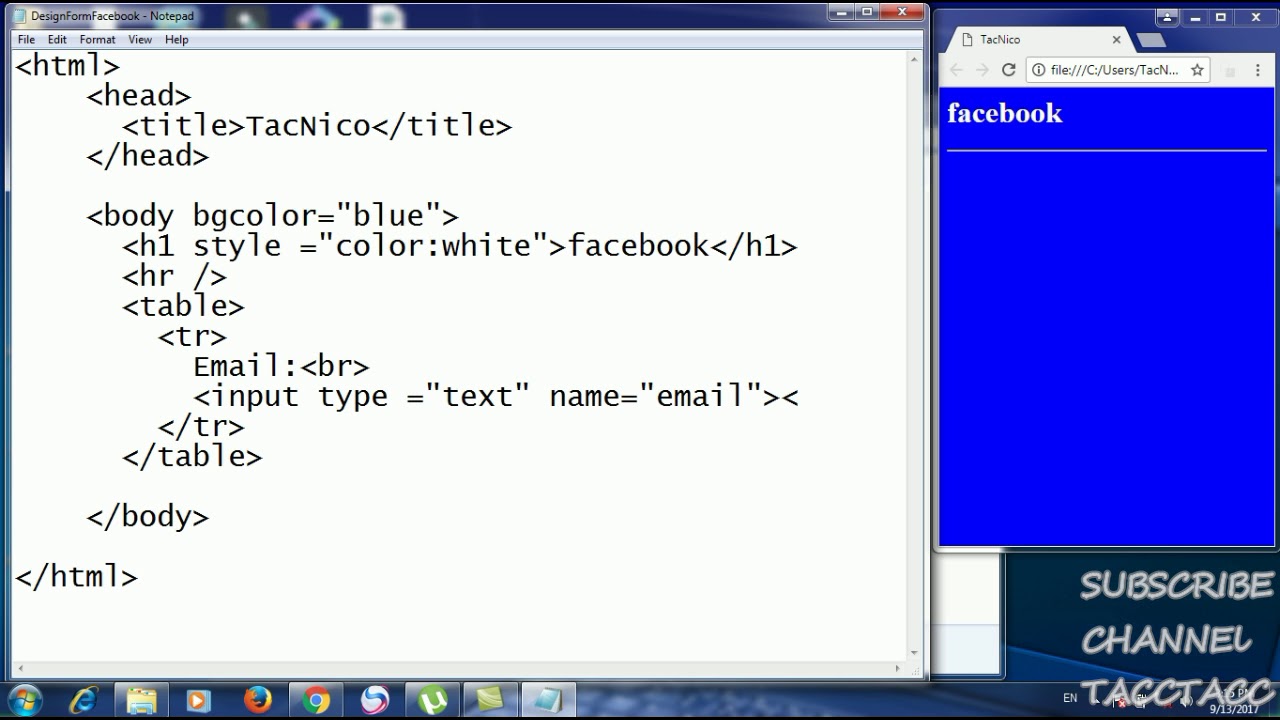
How To Learn HTML In Notepad design Form Facebook YouTube Screenshot Of Writing HTML Code In Notepad Windows 10 Taken On 17 HTML Best HTML Editors For Developers Free QA With Experts Notepad Review Best Text Editor For Coding Accurate Reviews How To Use Notepad For Javascript Vsekings Html Background Color Risurunomori jp The 8 Best Sites For Quality HTML Coding Examples MakeUseOf Coding Monday Intro To HTML With Notepad Zen Coding For Notepad Download Review
Notepad App For Html Coding
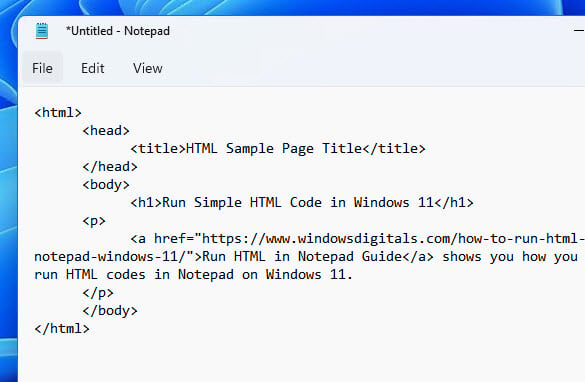 Notepad App For Html Coding
https://www.windowsdigitals.com/wp-content/uploads/How-to-Run-HTML-Code-in-Notepad-Windows-11.jpg
Apr 24 2011 nbsp 0183 32 How can one automatically reload modified files in Notepad The confirmation step is annoying and is completely unnecessary in some situations
Templates are pre-designed documents or files that can be utilized for numerous functions. They can save effort and time by providing a ready-made format and design for producing various sort of content. Templates can be utilized for individual or professional projects, such as resumes, invites, leaflets, newsletters, reports, presentations, and more.
Notepad App For Html Coding

HTML Notepad Html Tutorial Coding Text

Screenshot Of Writing HTML Code In Notepad Windows 10 Taken On 17
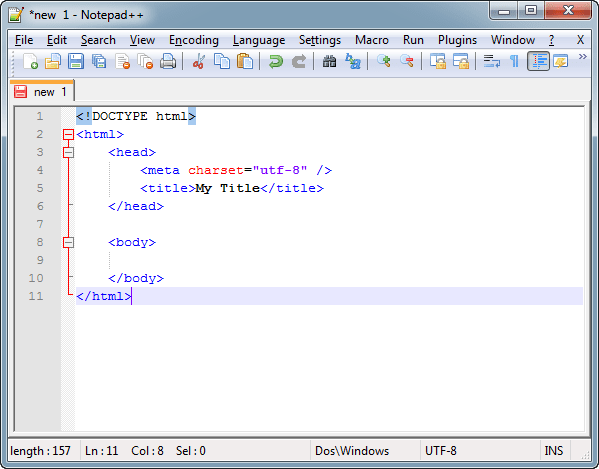
HTML Best HTML Editors For Developers Free QA With Experts
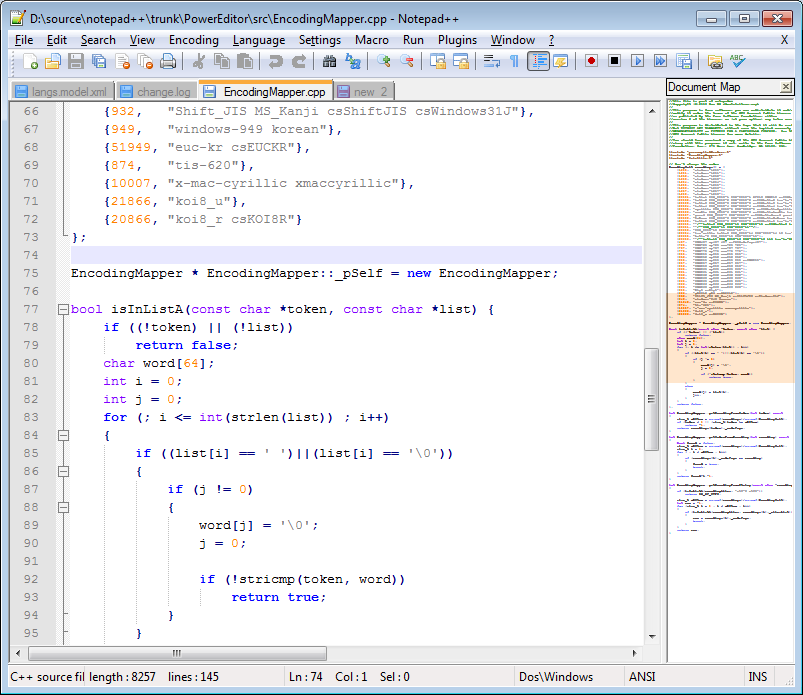
Notepad Review Best Text Editor For Coding Accurate Reviews
Html Background Color Risurunomori jp

The 8 Best Sites For Quality HTML Coding Examples MakeUseOf
Dec 18 2024 nbsp 0183 32 Due to Notepad now being a UWP on all supported versions of Windows it will be difficult to just copy the executable into Sandbox

Consider the scenario where you have a specific string that you want to find and replace You want to replace it with a new string that contains a newline character or character sequence

Nov 26 2015 nbsp 0183 32 In Notepad select from the end of a line clicking SHIFT Right arrow key you can t see it but the newline character is now selected Now go to quot Replace quot and replace with

Nov 17 2024 nbsp 0183 32 Temporarily stuck with Notepad I d like to know if there is any better or quicker way of selecting from here to the end of the file than moving the mouse to the bottom of the
I tried the top voted answer but I couldn t get it to work for my newer version of Notepad I had to reverse what they did So Press CTRL h and the Replace dialog will open Type r n in
[desc-11] [desc-12]
[desc-13]