Node Js Install In Terminal Node.js and npm Tutorial: Installation and Usage | Tania Rascia How to Install NPM and Node.js on Windows and Mac Devices? How to install Node.js on Linux - Linux Tutorials - Learn Linux Configuration Build Node.js Apps with Visual Studio Code Set Up and Run a Simple Node Server Project | by Kris | Level Up Coding Installation Steps Open the Terminal app and type brew update This updates Homebrew with a list of the latest version of Node Type brew install node
Sudo apt update Then install Node js sudo apt install nodejs Check that the install was successful by querying node for its version number Navigate to the directory where you cloned the code In VS Code choose File Open select the IBM Code Node js Course subdirectory within that location and
Set Up and Run a Simple Node Server Project | by Kris | Level Up Coding Build Node.js Apps with Visual Studio Code How to Install Node.js on Ubuntu - YouTube How to install Node.js 8 on Ubuntu 18.04 - YouTube How to Install Nodejs and Npm on Ubuntu Linux - YouTube How to Install Node.js on Ubuntu 20.04 LTS Focal Fossa - Linux Tutorials - Learn Linux Configuration Style Command Line Output with Chalk Package in Node.js - positronX.io Install npm on Linux - Linux Tutorials - Learn Linux Configuration How to Set Up Windows for Node.js Development with NVM
Node Js Install In Terminal
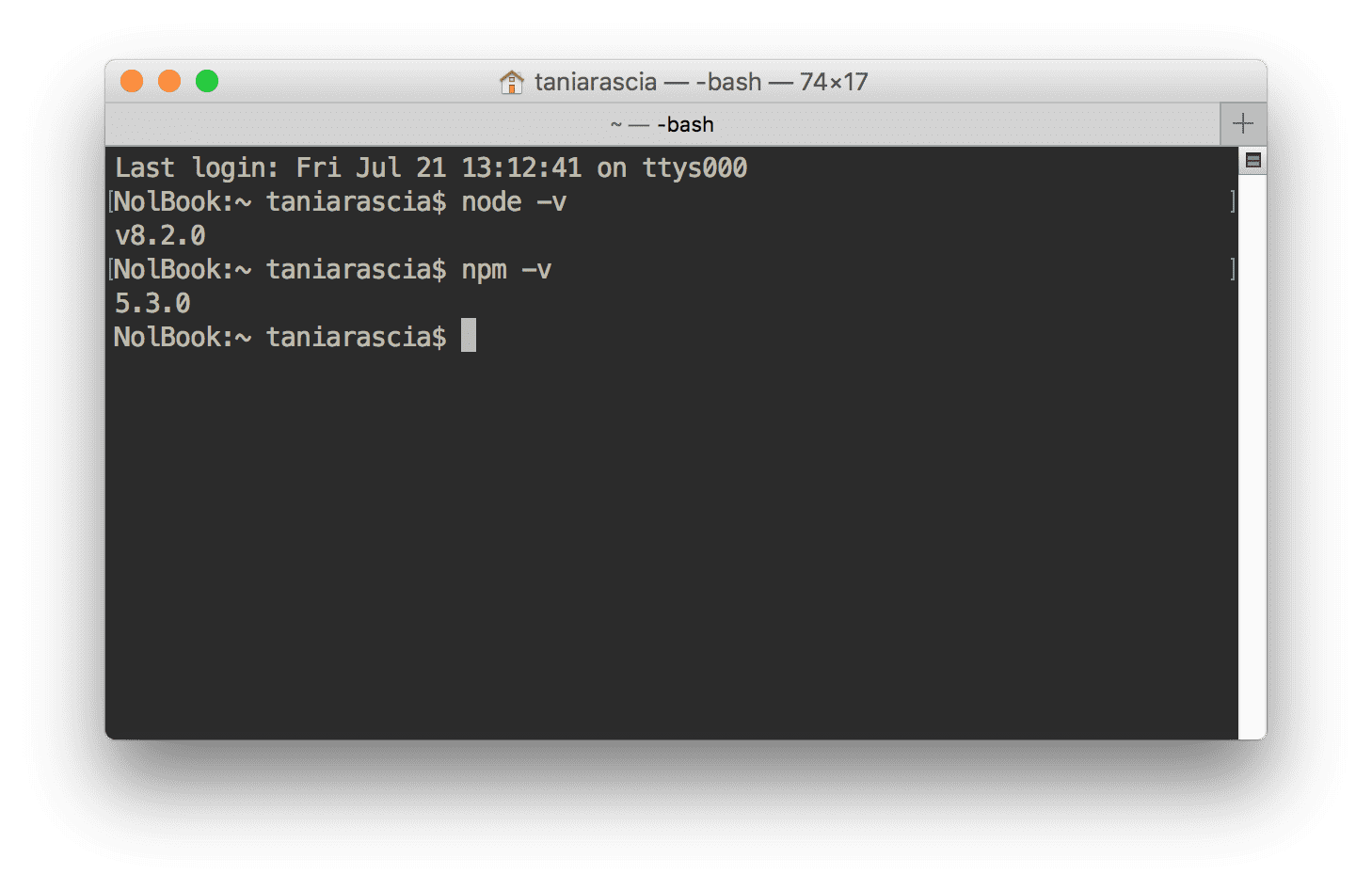 Node Js Install In Terminal
https://www.taniarascia.com/static/42a2e888eaa4e8581605e8a2914be8e4/6b95e/term-1.png
1 Install Nodejs on Linux using NVM Recommended method 1 1 Install specific Node version 1 2 List installed Node versions 1 3 Check
Pre-crafted templates provide a time-saving option for producing a diverse series of documents and files. These pre-designed formats and layouts can be used for numerous individual and professional jobs, including resumes, invites, leaflets, newsletters, reports, discussions, and more, enhancing the content creation process.
Node Js Install In Terminal
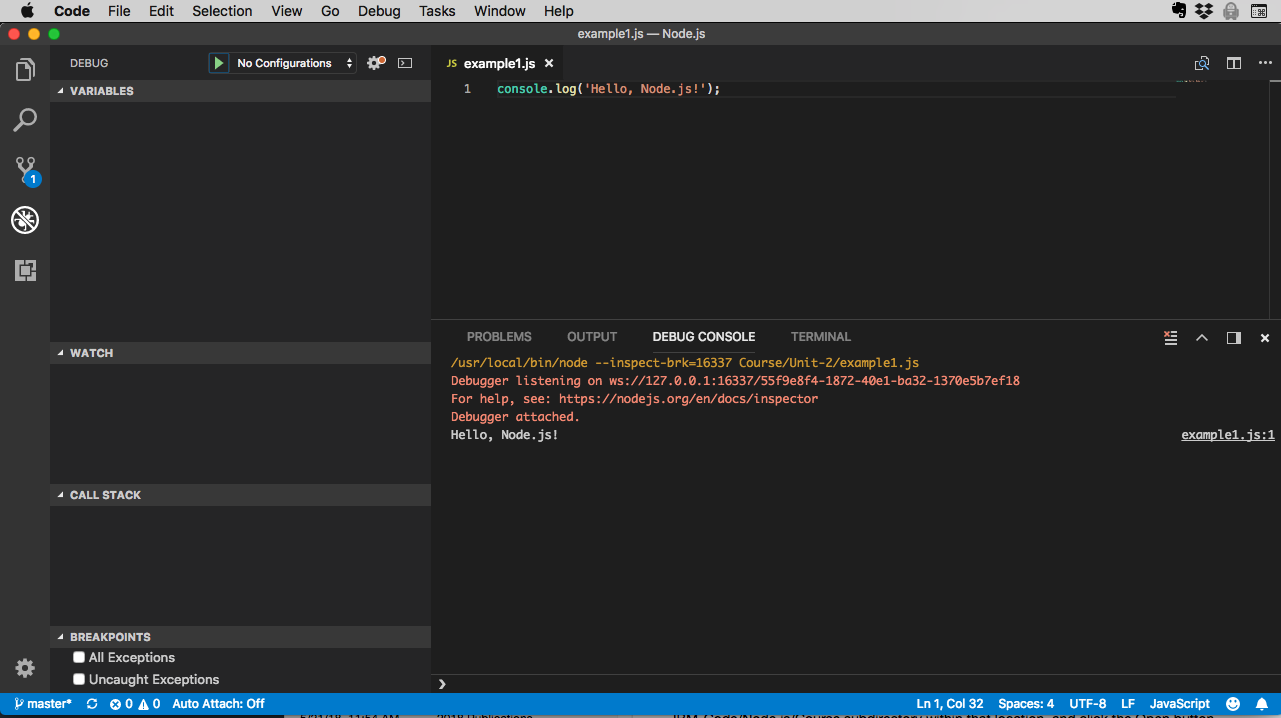
Install Node.js, npm, and VS Code - IBM Developer
Build Node.js Apps with Visual Studio Code
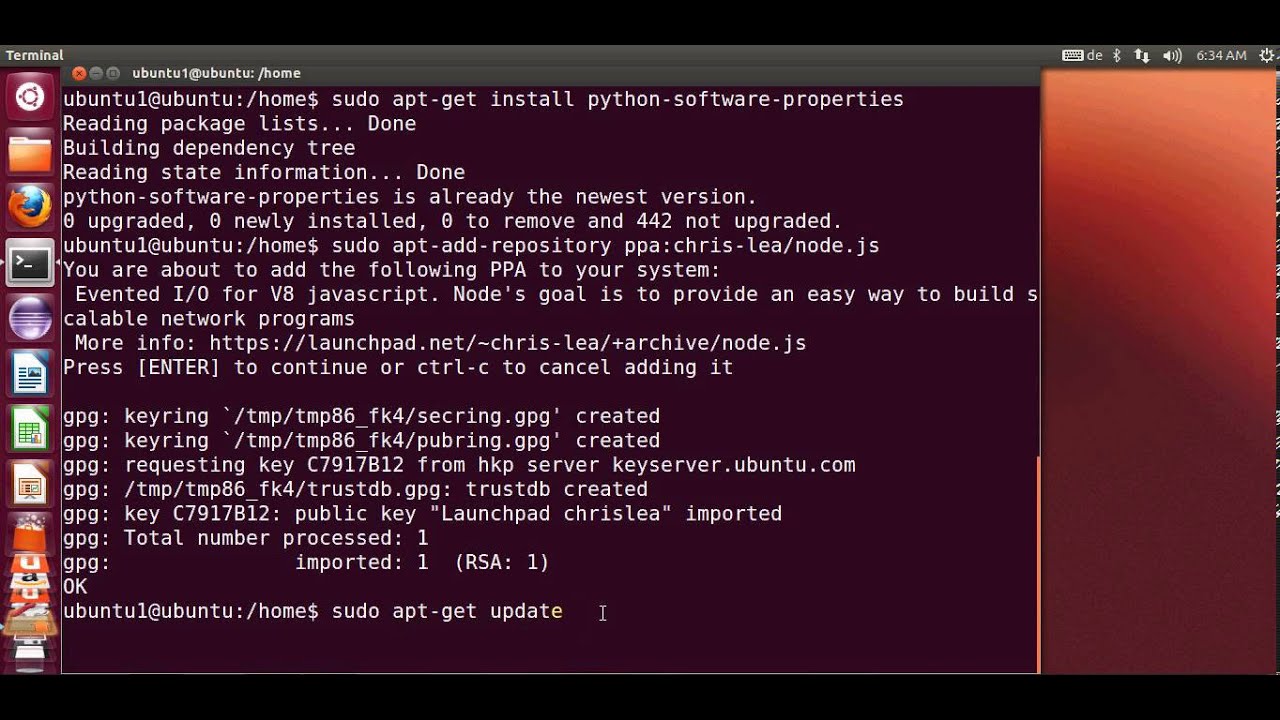
How to Install Node.js on Ubuntu - YouTube
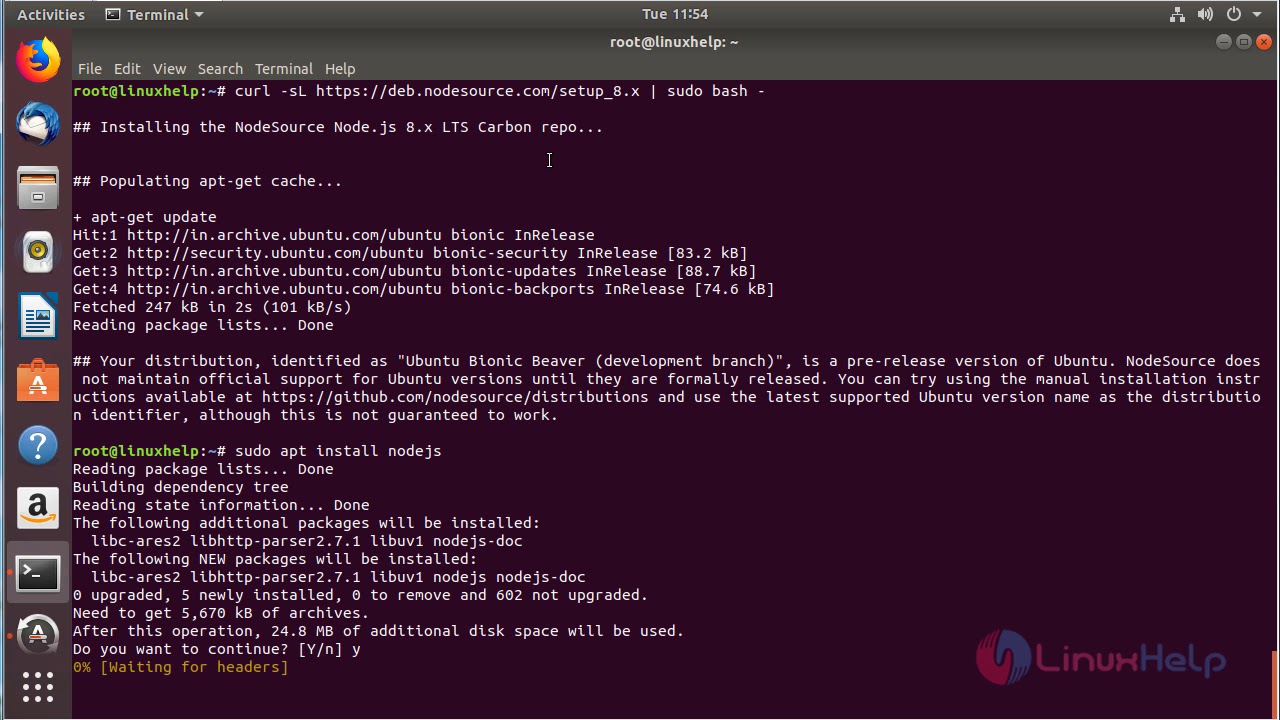
How to install Node.js 8 on Ubuntu 18.04 - YouTube
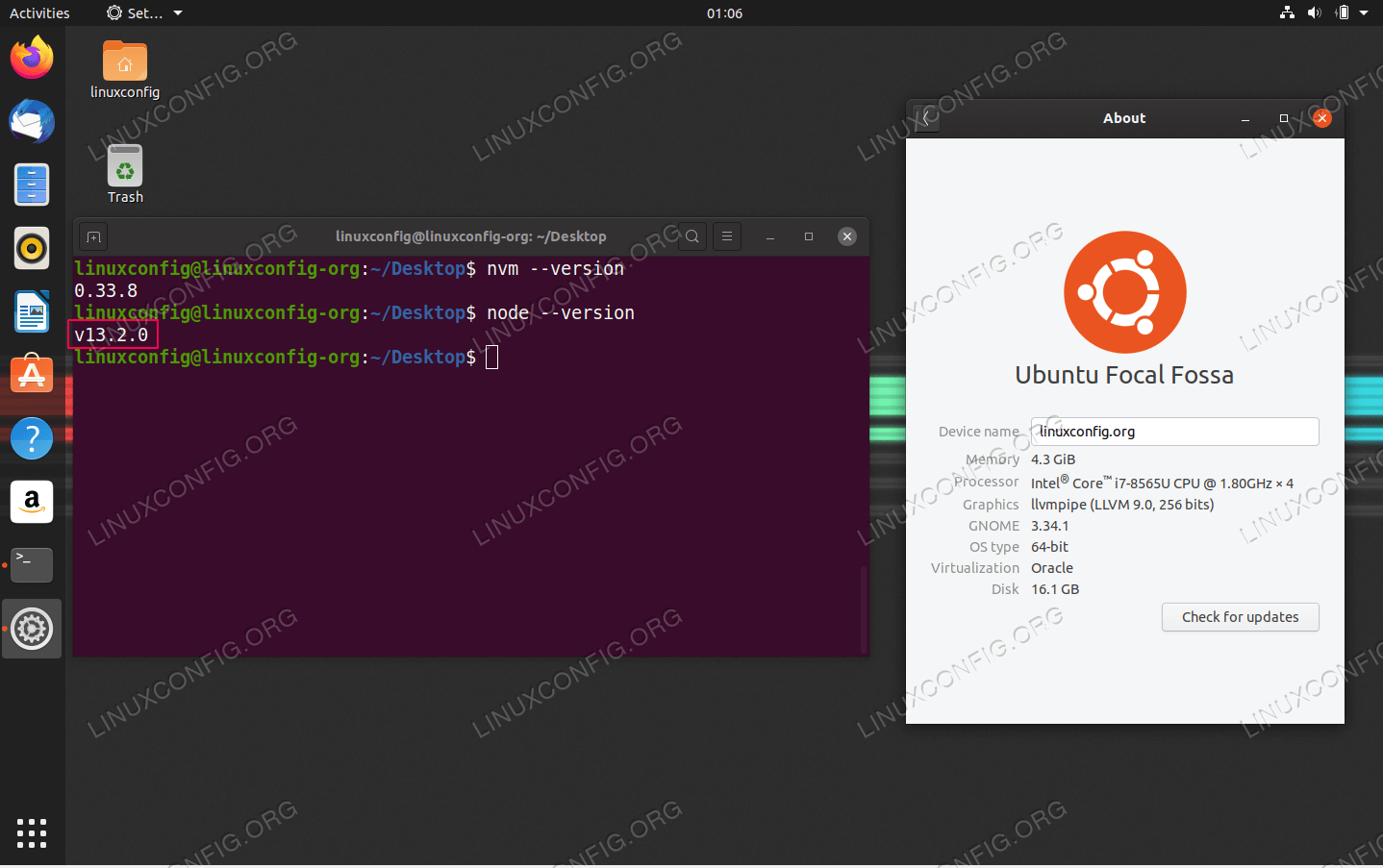
How to Install Node.js on Ubuntu 20.04 LTS Focal Fossa - Linux Tutorials - Learn Linux Configuration
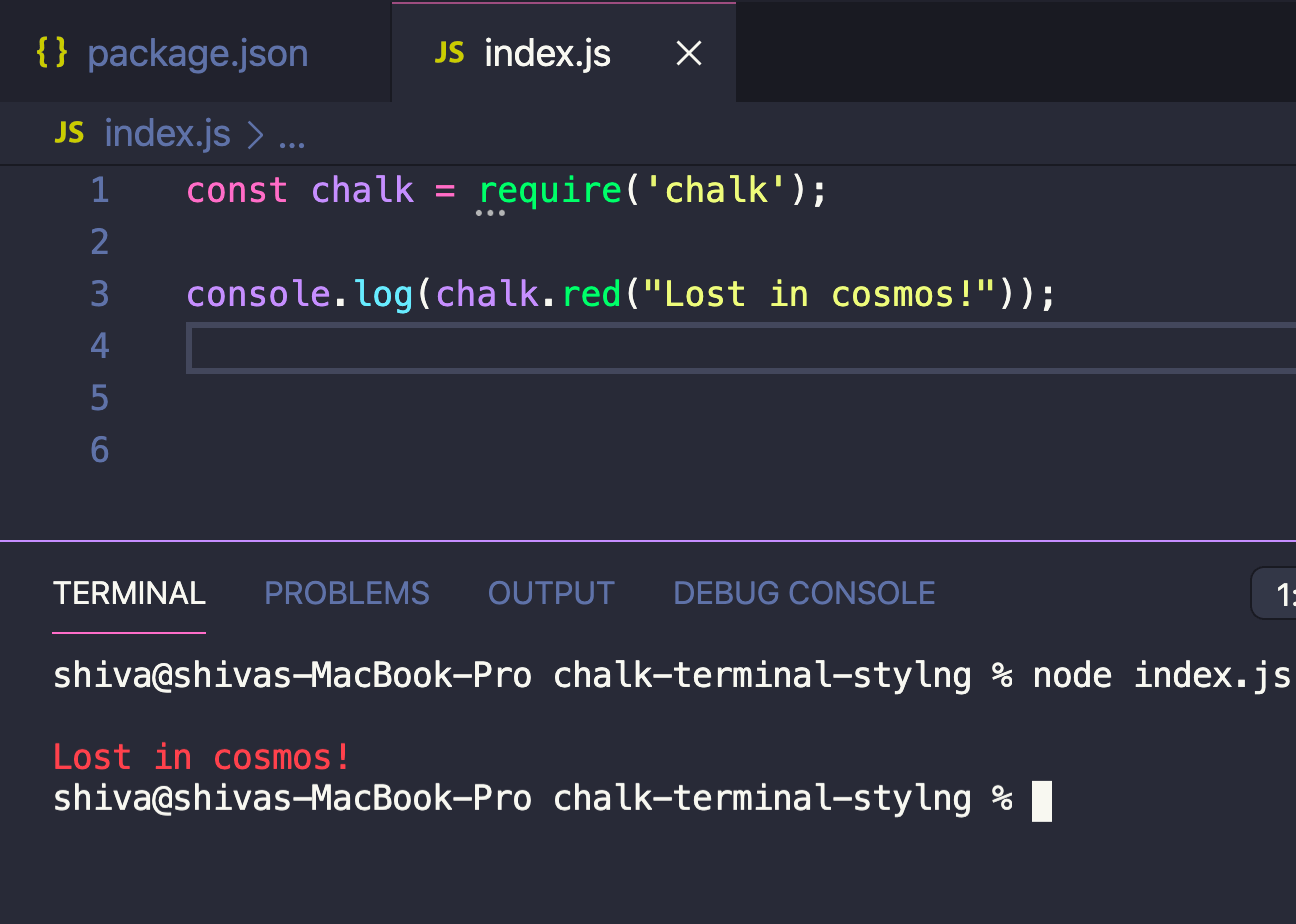
Style Command Line Output with Chalk Package in Node.js - positronX.io
Learn how to install Node js and npm on your Windows macOS and paste the Node js installation command into your terminal in our case

Step 1 Open your terminal or press Ctrl Alt T terminal Step 2 To install node js use the following command sudo apt install nodejs

To publish and install packages to and from the public npm registry or a private npm registry you must install Node js and the npm command line interface

Step 1 Download Node js Installer Step 2 Install Node js and NPM from Browser Step 3 Verify Installation
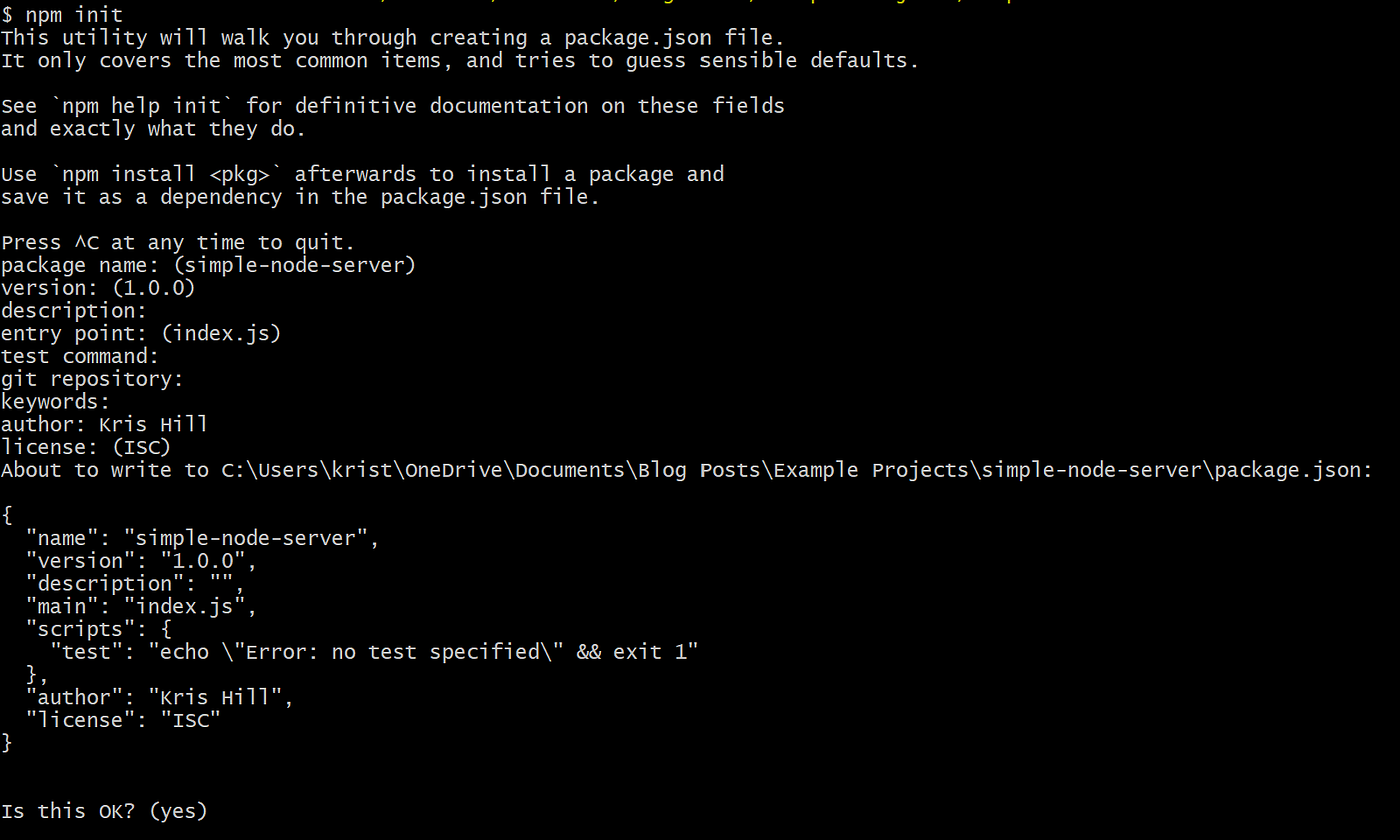
Step 1 Download the pkg Installer Step 2 Run Node js Installer Step 3 Verify Node js Installation Step 4 Update Your NPM Version
How to Install Node js on a Mac Open the Terminal by pressing Command Space to open Spotlight Search and entering Terminal then pressing Enter Enter node Before you can install a stable version of Node js for Ubuntu you must update the terminal first Step 1 You can use the apt package manager
If the correct version number is displayed on the terminal the installation of Node on your system was successful RELATED TAGS install node