Network Restart Command In Centos 7 How To Start A Service During A Server Restart On Linux Systran Box Enable A Repository From The Command Line On CentOS 7 Showing The CentOS GUI With Minimum Installation CentOS How To Download And Install HTOP In Centos 7 Server Install The Htop Top 6 Restart Network Centos 7 In 2022 EU Vietnam Business Network EVBN On a RHEL 7 host doing a network service restart or systemctl restart network service fails after a five minute timeout
Once you are in the Network Manager TUI navigate to Activate a connection and hit Enter Select the active connection name as ens33 then press Enter Repeat the previous systemctl command to restart the network service by typing the command in a separate session Watch the journalctl live view session to see
Top 6 Restart Network Centos 7 In 2022 EU Vietnam Business Network EVBN CentOS7 Installation Anleitung IT WhatsThat Install PHP 7 4 In CentOS 7 Utho CentOS 8 Stream Install Guide TestingDocs CentOS 7 Commands Server Configuration Files SupportPro Centos 7 CLI Commands YouTube How To Reset TCP IP Stack Windows 10 8 1 And 7 Windows 10 Reset PING SALE How To Restart Shutdown Using CMD
Network Restart Command In Centos 7
 Network Restart Command In Centos 7
https://syscdn.systranbox.com/what_is_linux_reboot_command.jpg
Restart the network interface by using the systemctl restart command Validate The Network Settings After making the changes and restarting
Templates are pre-designed documents or files that can be used for different functions. They can save time and effort by offering a ready-made format and design for developing different type of content. Templates can be used for personal or expert tasks, such as resumes, invites, leaflets, newsletters, reports, discussions, and more.
Network Restart Command In Centos 7

Centos7 Sshd config

CentOS7 Installation Anleitung IT WhatsThat

Install PHP 7 4 In CentOS 7 Utho
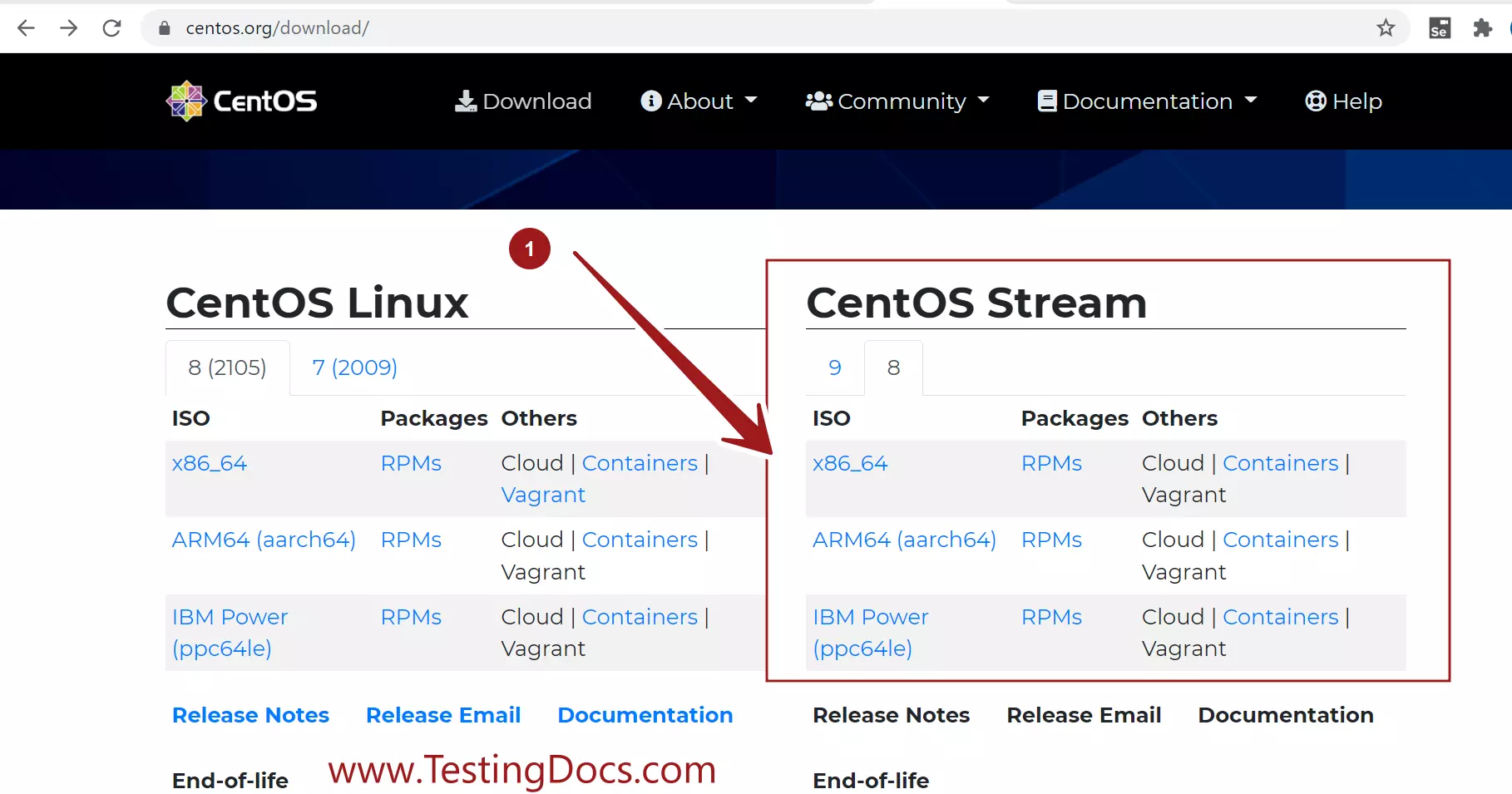
CentOS 8 Stream Install Guide TestingDocs

Centos 7 CLI Commands YouTube

How To Reset TCP IP Stack Windows 10 8 1 And 7 Windows 10 Reset

You can restart the networking service in Linux using various command Use the following commands as per your Linux distribution to restart the
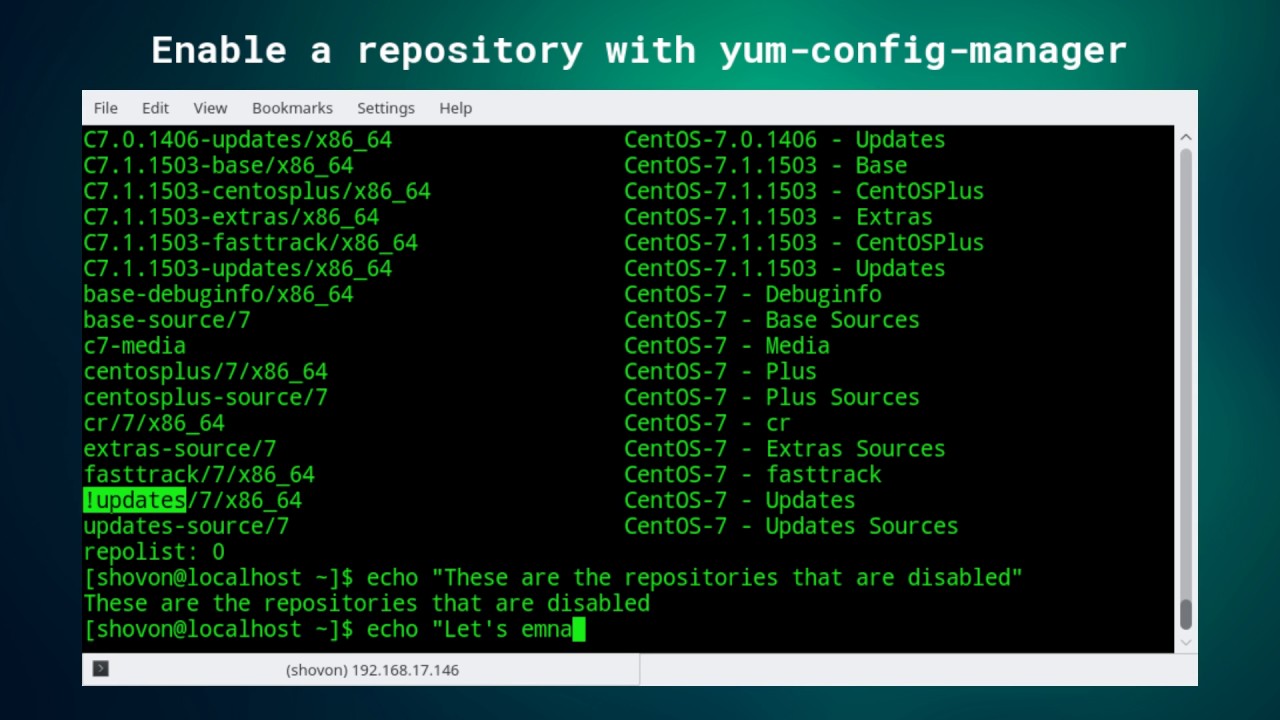
Some Background and Changes with RHEL CentOS 8 How to check if interface is configured with NetworkManager Method 1 Using systemctl restart NetworkManager

In order to restart network on CentOS 7 and RHEL 7 you will need to use the systemd service called network service or just network for the

CentOS 7 restart network service Outputs root devops systemctl status network service network service LSB Bring up down networking

Commands and Their Functions sudo systemctl restart networking Restarts the network service on Debian based systems using systemd sudo systemctl restart
Configure CentOS network settings via command line or the Network Manager TUI Master the CentOS 7 network config and set up a static IP or Linux provides fine grained control over system services through systemd using the systemctl command Services can be turned on turned off
2 RHEL based OS centos Fedora etc To restart a network interface in RHEL based operating systems you can use systemctl or the nmcli