Network Adapter Not Being Detected Fix Third Monitor Is Not Detected In Windows 11 Third Monitor Not Being Detected Techsupport What Is An Ethernet Network Adapter with Pictures How To Fix Your Monitor Not Being Detected By Your PC Dexerto Por Traktor Nyaralni Wifi Adapter Win 10 nbecs l s Id s Ember Tal lm ny Right click on the network adapter Uninstall device Then you need to remove the Ethernet cable from your computer and re plug in Once done you may need to install the driver again If none of
1 Restart the Computer Starting with the most basic and often overlooked troubleshooting step simply the computer Allow the computer to completely Shut Down Wait for and Restart the computer This simple troubleshooting step can help if the problem is being 1 Restart and Check Your Internet Connections Try a few quick fixes such as restarting your PC or laptop and checking if you can now find the network adapter Also if you have connected an Ethernet cable you should unplug it and plug it in again 2 Show the Hidden Drivers in Windows 10
Por Traktor Nyaralni Wifi Adapter Win 10 nbecs l s Id s Ember Tal lm ny Windows SATA To USB Hard Drive Not Being Detected Super User Headphones Not Being Detected Windows 10 Pasedollars Rj45 Splitter Adapter 1 To 2 Port Female To Female Internet Extender Second Network Card Not Being Detected Computer How To Uxcell RJ45 Coupler Inline Connector Cat7 Cat6 Cat5e Ethernet Extender How To Fix USB Device Not Recognized USB Not Working Windows 10 8 1 Bluetooth USB Adapter Not Being Detected Bluetooth Icon In UBUNTU 19 10 How To Fix Broadcom BCM43142 WiFi Adapter Not Being
Network Adapter Not Being Detected
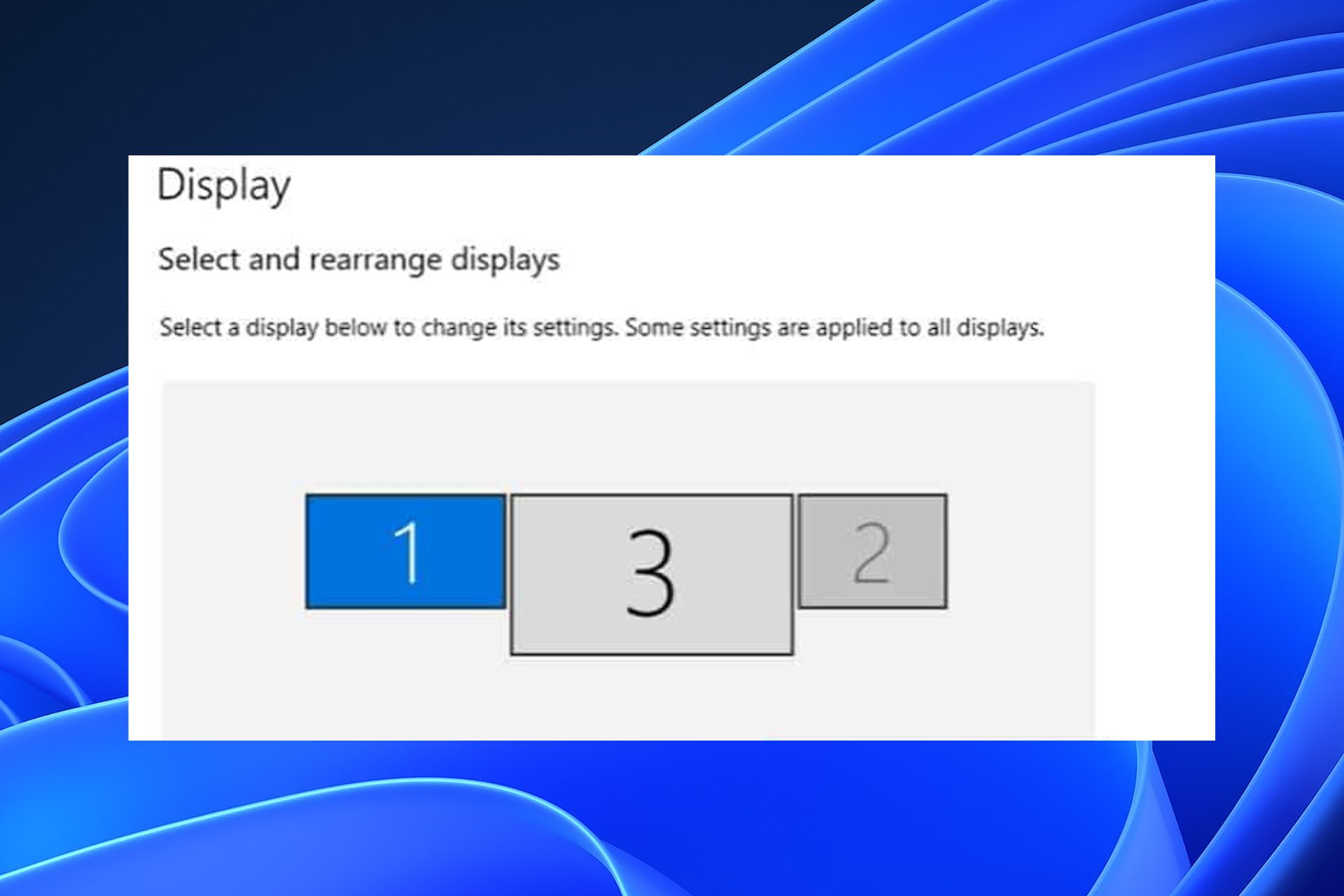 Network Adapter Not Being Detected
https://cdn.windowsreport.com/wp-content/uploads/2022/11/Untitled-design-81.jpg
Select Start Settings Network internet then turn on Wi Fi Next select More options next to Wi Fi then select Show available networks If a network you expect to see appears in the list select it then select Connect Open Wi Fi settings See if you can use the Wi Fi network to get to websites from a different device
Templates are pre-designed files or files that can be used for numerous purposes. They can conserve effort and time by providing a ready-made format and layout for creating different kinds of content. Templates can be used for individual or professional jobs, such as resumes, invites, leaflets, newsletters, reports, presentations, and more.
Network Adapter Not Being Detected

WiFi Adapter Not Detected Fedora
(https://i.stack.imgur.com/z2TI8.jpg "Windows SATA To USB Hard Drive Not Being Detected Super User")
Windows SATA To USB Hard Drive Not Being Detected Super User

Headphones Not Being Detected Windows 10 Pasedollars
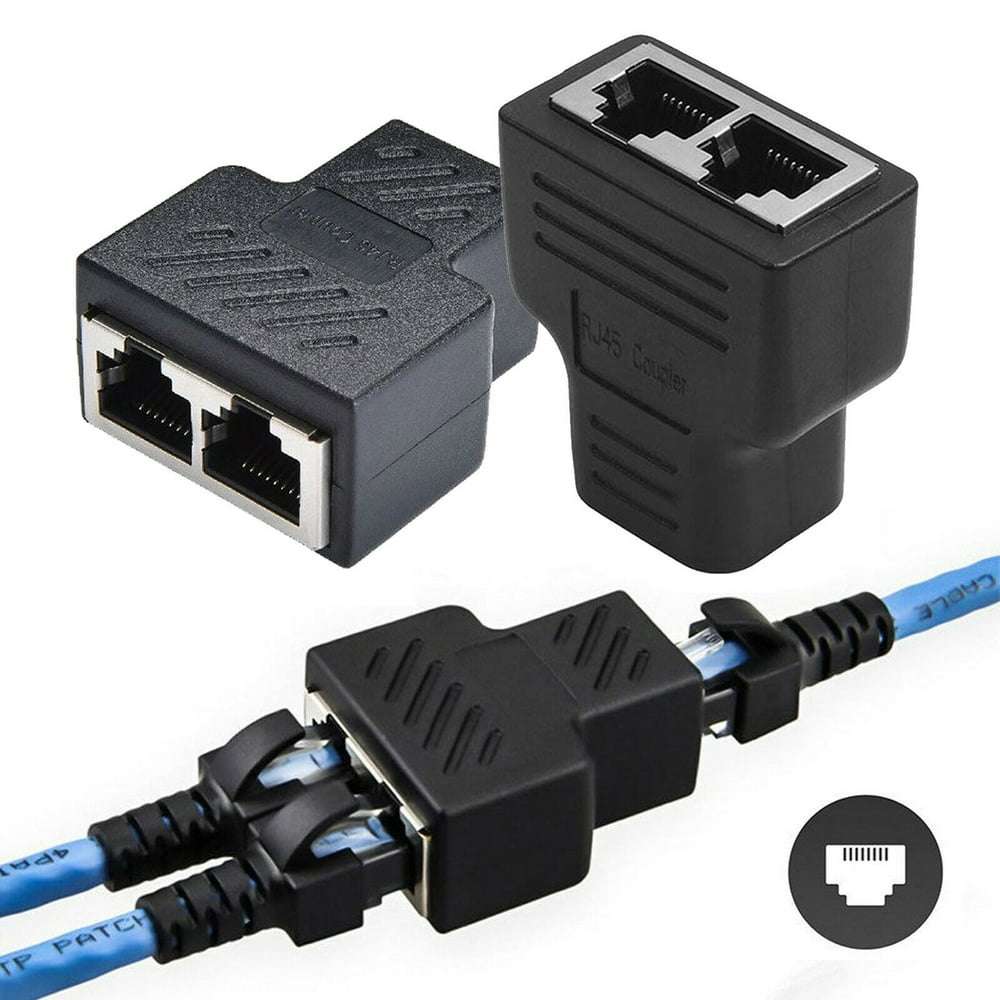
Rj45 Splitter Adapter 1 To 2 Port Female To Female Internet Extender
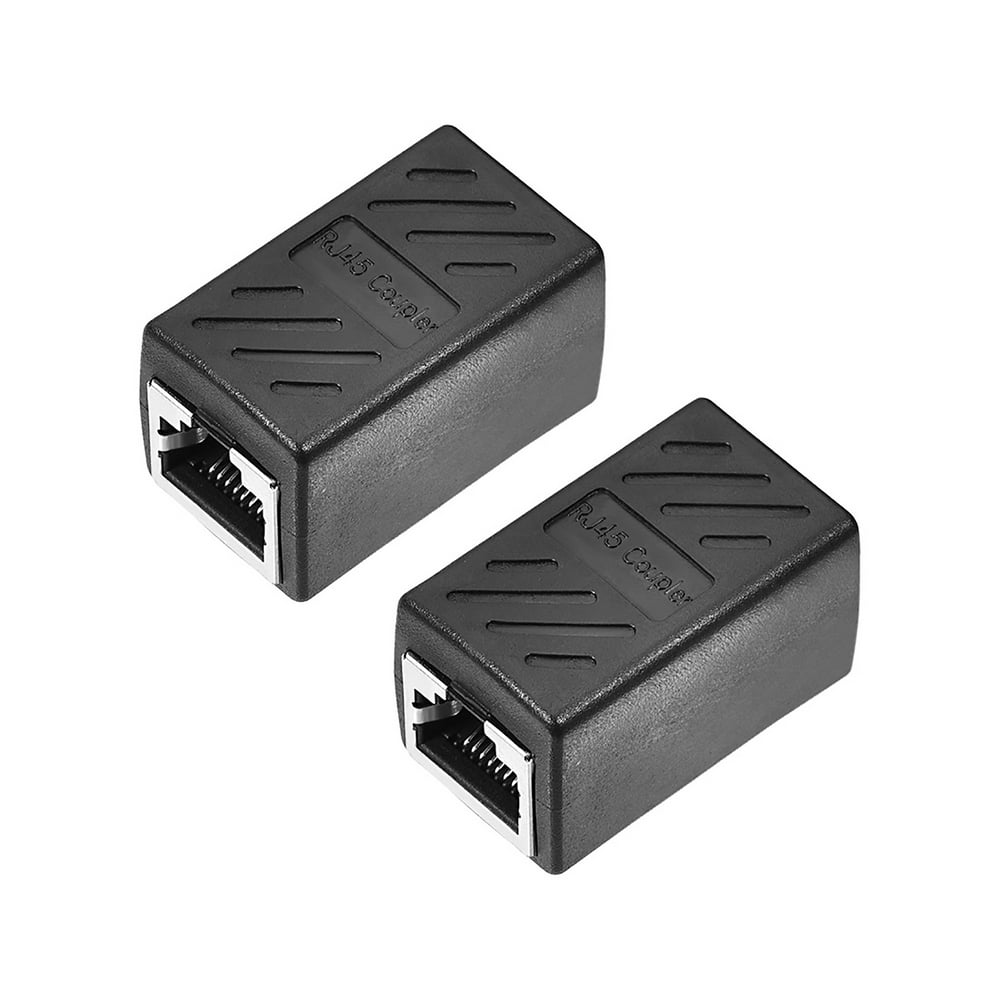
Uxcell RJ45 Coupler Inline Connector Cat7 Cat6 Cat5e Ethernet Extender
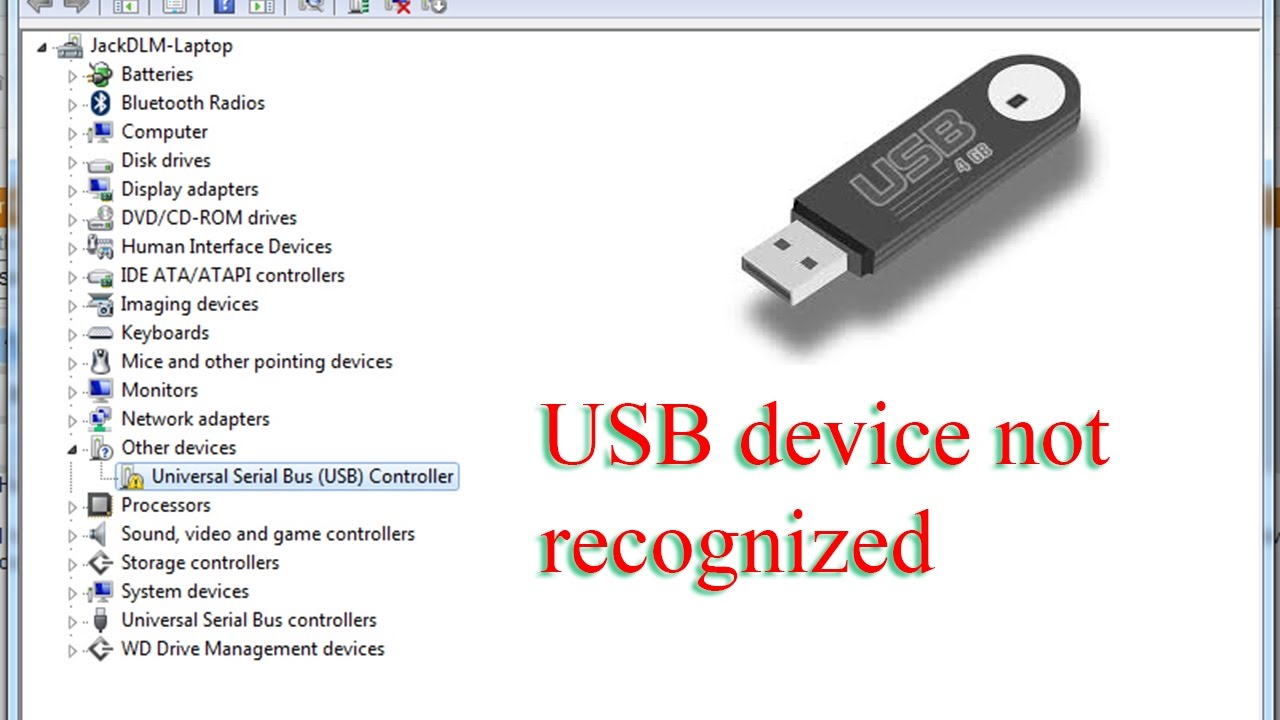
How To Fix USB Device Not Recognized USB Not Working Windows 10 8 1

Ethernet not being detected Microsoft Community RO Root Ping Created on February 20 2022 Ethernet not being detected Since upgrading my operating system from windows 10 to windows 11 my ethernet cable is not being detected by windows unless I restart the driver every time I boot the computer

After uninstalling the network adapter I ve actually downloaded a driver for the installation but it doesn t help at all My adapter isn t showing in the Device Manager and I had to use the Startup Repairs from my BIOS menu to actually reinstall my wifi network adapter My laptop is ASUS TUF A15 running on AMD Ryzen 7 4800H

Right click the network icon in the right side of the taskbar and select Diagnose network problems or open Get Help for Network Internet Make sure Wi Fi is turned on Select the No internet icon on the right side of the taskbar and make sure Wi Fi is turned on If it isn t select it to turn it on Also make sure Airplane mode is turned off

Open Settings Network internet Check your Ethernet connection status at the top of the screen Make sure it says Connected underneath the network connection name If there s an error such as one that says Action needed select Ethernet to view your Ethernet connection settings

Fix 1 Reveal hidden hardware Fix 2 Update your network adapter driver Fix 3 Perform a power reset on your computer Fix 4 Run the Network troubleshooter Fix 5 Install the latest Windows updates Fix 6 Do a physical inspection of your network adapter
Right click on the Start button and select Device Manager Click on View and select the Show hidden devices option Allow for a few seconds and then check again Read Windows did not detect a If you are not seeing your network adapter on your computer one of the reasons for this may be because you have an older network card driver installed on your computer But you don t have to worry fixes are available to solve this problem
Select Network and Internet Select Network and Sharing Center Select Change adapter settings on the sidebar Locate the network device adapter whose driver Windows couldn t detect If the device icon is greyed out the network adapter is disabled Right click the adapter and select Enable to turn it back on