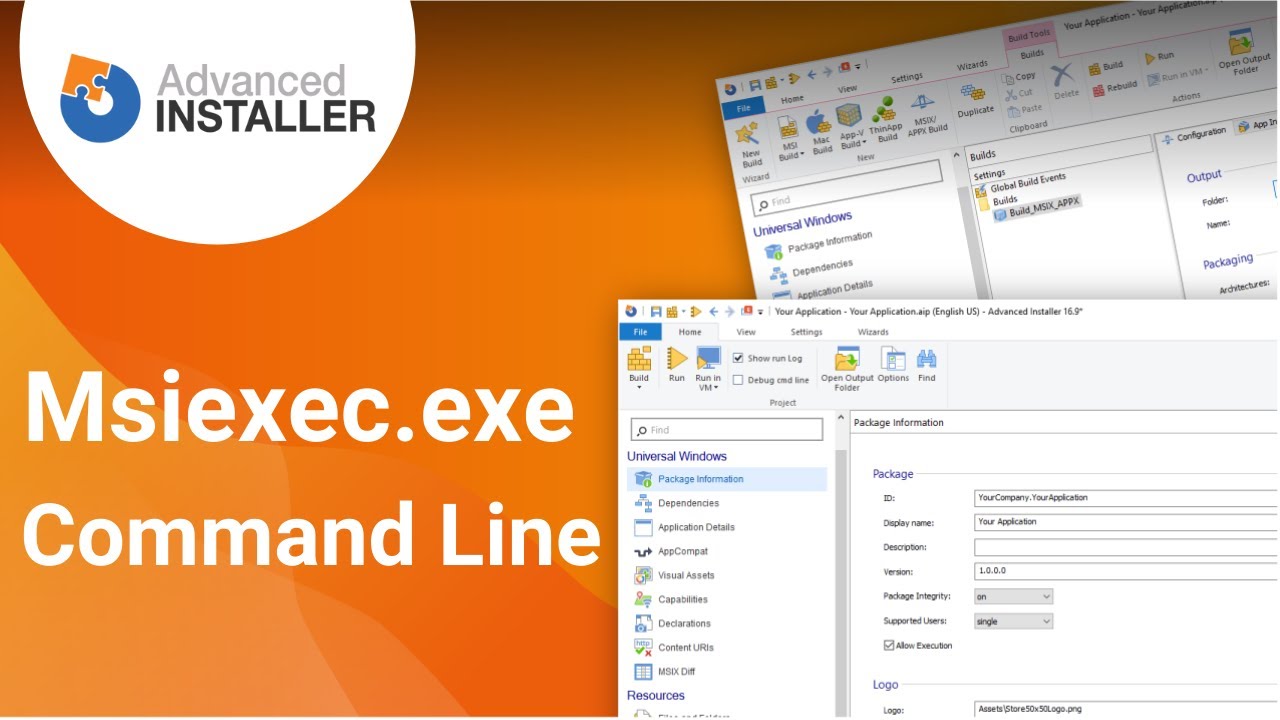
Msiexec Example Command Line MySQL FOREIGN KEYS Are Easy kind Of YouTube Msiexec exe Command Line YouTube Windows Command Line Tutorial 1 Introduction To The Command Prompt How To Create An MSI Package Installation Log Through Msiexec Commands How To Install Applications Using Msiexec YouTube With BAT CMD script I can simply use quot msiexec i lt whatever msi gt quiet norestart quot and then check errorlevel for the result With VBScript using the Wscript Shell object Run method
Msiexec command line to install a software for all users in registry instead of only admin Asked 6 years 1 month ago Modified 6 years 1 month ago Viewed 49k times Apr 29 2015 nbsp 0183 32 I need to find the product GUID for an installed MSI file in order to perform maintenance such as patching uninstall how to uninstall and also for auditing purposes
How To Install Applications Using Msiexec YouTube Command Task 4 Command Task Practice Sessions issb Lectures By Command Line Arguments In C And C With Example Command Line How To Fix Windows Installer Package Problem msi Issue In Windows Peak Gallery Colmap Windows 11 69 Manage Microsoft Devices Like A Pro Ppt Download Uipath Command Line
Msiexec Example Command Line
 Msiexec Example Command Line
https://i.ytimg.com/vi/rFssfx37UJw/maxresdefault.jpg
Dec 1 2022 nbsp 0183 32 Use Start Process to install the msi package from PowerShell using msiexec with the i and qn parameters You can optionally test using the wait parameter of Start Process in
Pre-crafted templates provide a time-saving option for producing a varied series of documents and files. These pre-designed formats and designs can be made use of for different individual and professional jobs, consisting of resumes, invites, leaflets, newsletters, reports, presentations, and more, simplifying the content development process.
Msiexec Example Command Line

Trellix Drive Encryption Client Task Configuration And Agent

Command Task 4 Command Task Practice Sessions issb Lectures By

Command Line Arguments In C And C With Example Command Line

How To Fix Windows Installer Package Problem msi Issue In Windows
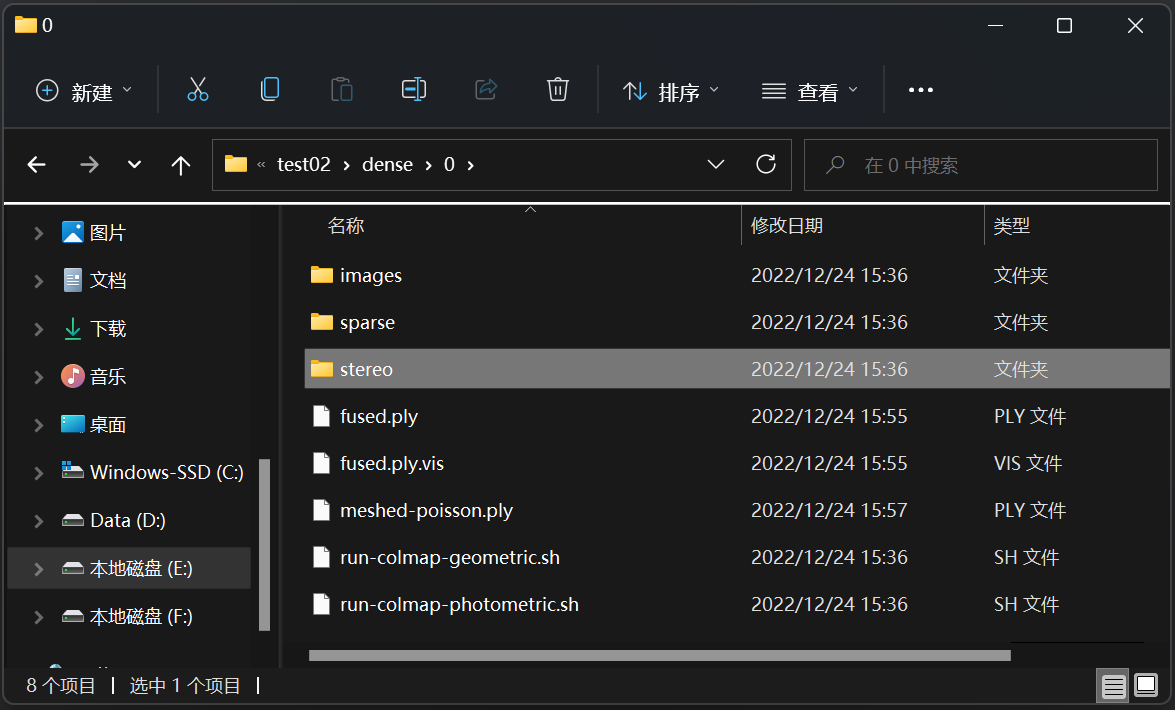
Colmap
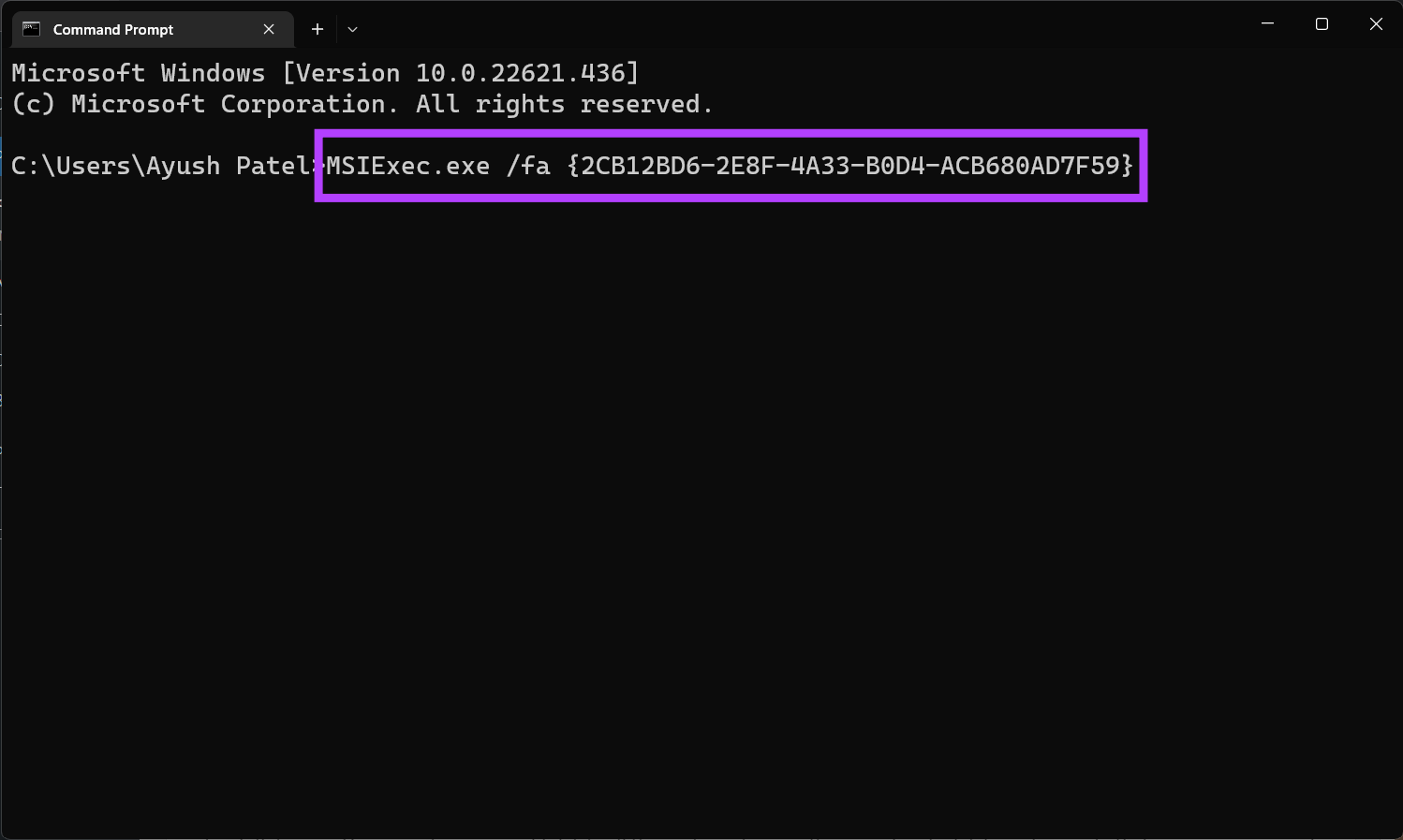
Windows 11 69

Feb 13 2020 nbsp 0183 32 60 I want to install an MSI file with msiexec into a specific directory I am using msiexec i quot msi path quot INSTALLDIR quot C myfolder quot qb Using quot INSTALLDIR quot is not working
Jan 18 2016 nbsp 0183 32 Running msiexec i first followed by a reinstall might work but I d like to avoid that if possible EDIT The reason famus is needed is that these are developer machines and

Jul 20 2016 nbsp 0183 32 msiexec exe a quot C Users tempuser Desktop AppInstall msi quot passive wait So I want the installation to be completed before moving on the rest of the commands in order to prevent

Feb 1 2014 nbsp 0183 32 Also check this reference style answer describing different ways to uninstall an MSI package and ways to determine what product version you have installed Uninstalling an MSI

Note msiexec seemed to be pretty picky about specifying the FULL file path to the MSI package Don t try any of this mypackage msi business Took me a little bit to figure that out
[desc-11] [desc-12]
[desc-13]