Ms Forms Date Range Forms MS Forms Office 365 Educacyl Microsoft Forms Offiziell Ugek nnegt ffentlech Virschau F nkt Haut Un Date Lady Date Paste 17 6 Oz 500 G MS FORM To List Date Time Name Submission Date And Time How Overview For answers to broad FAQs about Microsoft Forms choose any of the topics below Are Dynamics 365 Customer Voice and Forms Pro the same thing Who can use Microsoft Forms Can someone without a Microsoft account take my survey or quiz Which platforms work with Microsoft Forms Which web browsers work with Microsoft Forms Is
An important feature of the Windows Forms MonthCalendar control is that the user can select a range of dates This feature is an improvement over the date selection feature of the DateTimePicker control which only enables the user to select a single date time value Replied to praelicious Aug 26 2022 01 17 AM praelicious Forms gets it date format from the browser so make sure that your browser laguage settings are set to English United Kingdom Then when you view the form in the web version or in Preview as in the image below it will display the date in dd MM yyyy format But if you embed the form in
MS FORM To List Date Time Name Submission Date And Time How File The Great Dividing Range jpg Wikipedia Forms Free Creative Commons Images From Picserver How To Allow Date Range Or Multiple Dates In Date Picker Properly Create Surveys With Microsoft Forms Export To Excel Frank Google Sheets QUERY Date Range Using SQL Format Dates Tutorial Part 4 Choice Ms Forms High range iq test Quality Time With Kids Easy Kid Date Ideas Intentional Parenting
Ms Forms Date Range
 Ms Forms Date Range
https://cumberland-dental.com/images/Untitled-11.png
Hi All I have created a form and used the date control but when i click on the date to select a date it is always defaulting to America date format 04 28 2022 I now have dates in MS Forms showing as DD MM YYYY Hope this works for you too 1 Like Reply nagaseet replied to andrewhuang Aug 16 2023 04 45 AM Mark as New Bookmark
Templates are pre-designed documents or files that can be used for numerous functions. They can save time and effort by offering a ready-made format and layout for creating different kinds of content. Templates can be used for individual or professional tasks, such as resumes, invites, leaflets, newsletters, reports, discussions, and more.
Ms Forms Date Range

Due Date Calendar Free Stock Photo Public Domain Pictures

File The Great Dividing Range jpg Wikipedia
Forms Free Creative Commons Images From Picserver
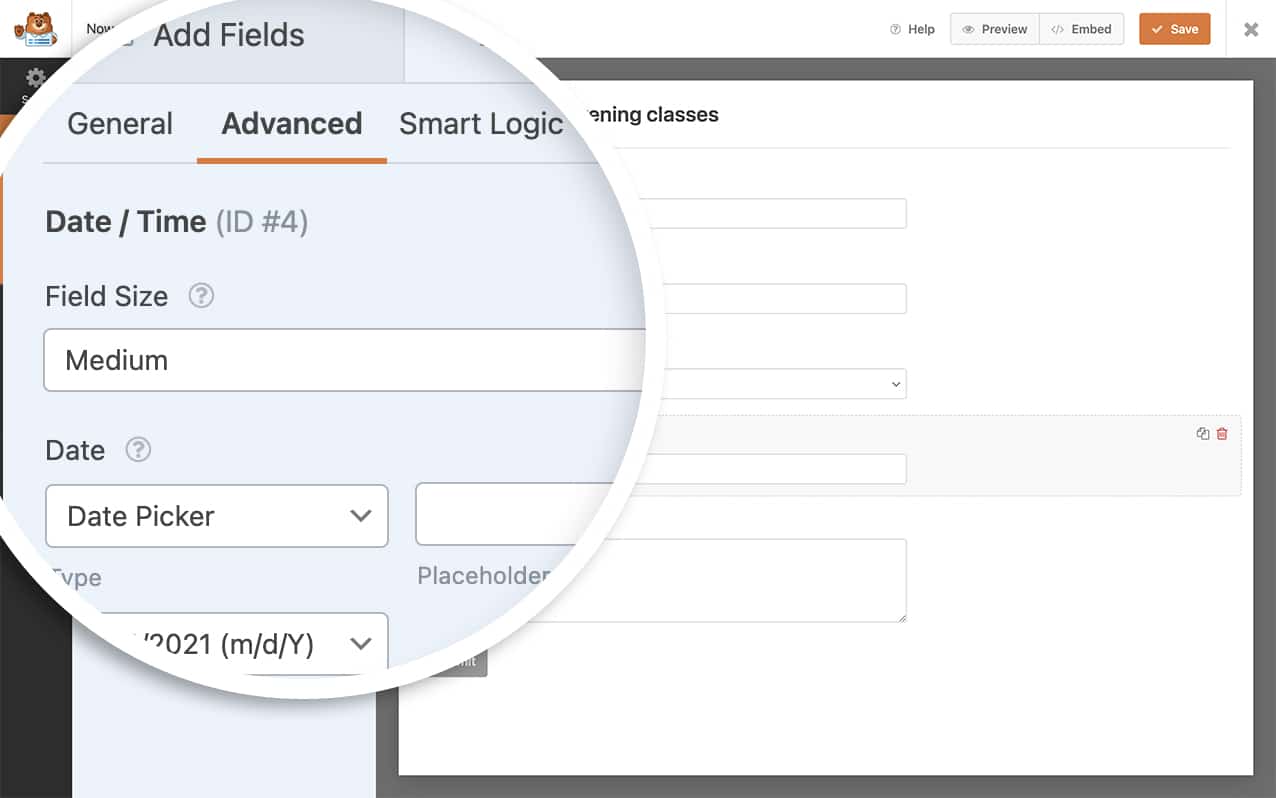
How To Allow Date Range Or Multiple Dates In Date Picker

Google Sheets QUERY Date Range Using SQL Format Dates Tutorial Part 4

Choice Ms Forms

11 10 2022 11 38 AM I want to add a question to my form where the responder can add a date range So a from to date Is this possible in forms And preferrably I want the responder to have the option to enter multiple date ranges

Dear Gail I m afraid that there may be no way doing that in Microsoft Forms now You may select the following ways as an alternative 1 Use Regex Expressions in Microsoft Forms Pro which may not be applied to your environments For your reference Ten Regex Expressions To Use With Forms Pro 2 Use Power Apps like what I mentioned in the thread

In Microsoft Forms open the form for which you want to edit settings and then select More form settings Settings Setting options for forms and quizzes In the Settings pane you can select or clear options Note Option for quiz setting is only available for quizzes Option for quiz

Go to Microsoft Forms and log in to your account Click on New Form Click on more settings and go to Settings Tick the checkboxes near the Start date and End date Click on each calendar field to select the dates for the start and the end of the form Now add the time next to the calendar field Now go back to the forms and add your questions

Create a select query and then open the query in Design view In the Criteria row of a field for which you want a parameter applied type the text that you want the parameter dialog box to display enclosed in square brackets for example Start Date
Joaosantos489 you would need to do this with a flow in Power Automate but it could only evaluate if the dates have already been booked out after the form has been submitted There is no way for the form to check the dates In your get items action if the date has been booked out then an email would go back to the responder telling them that Learn how to set start date and deadlines in Microsoft Forms Apply this to a survey or quiz Useful for classroom tests or assessments Become a Patron with
The reason is that MS Forms is sending the dates to Power Automate as a string not as a date Therefore if you want to use them as a date you need to convert them into date first by using the formatDateTime expression In the following format formatDateTime date field In the end it ll look like this formatDateTime outputs Get