Ms Excel Count Unique Values In Column Count Unique Values With Criteria Excel Formula Exceljet Excel Trick How To Count Unique Values In A Range With COUNTIF In How To Count Unique Values In Excel Www vrogue co How To Count Unique Values In Excel Free Excel Tutorial Www vrogue co Learn How To How To Count Unique Values In Microsoft Excel How to count unique values in Excel an easy way by Svetlana Cheusheva updated on March 14 2023 The tutorial looks at how to leverage the new dynamic array functions to count unique values in Excel formula to count unique entries in a column with multiple criteria ignoring blanks and more
The formula in D5 is UNIQUE B5 B16 which returns the seven values seen in D5 D11 To count these values with a dynamic reference you can use a formula like this COUNTA D5 The hash character tells Excel to refer to the spill range created by UNIQUE Like the all in one formula above this formula is dynamic and will adapt when Figure F Return the number of unique values in a column As you can see the function SUMPRODUCT B B COUNTIF B B B B returns 4 and there are 3 unique values The problem
Learn How To How To Count Unique Values In Microsoft Excel Excel VBA Count Unique Values In A Column 3 Methods ExcelDemy How To Count Unique Values In Excel With Criteria Www vrogue co How To Count Unique Values In Pivot Table Printable Worksheets Free Excel Count How To Count In Excel With Examples 7650 Home Interior Design How To Count Unique Values With Blanks In An Excel Column Www vrogue co How To Count Unique Values In Pivot Table Printable Worksheets Free How To Count Unique Values With Blanks In An Excel Column Www vrogue co How To Count Unique Values In A Filtered Column In Excel
Ms Excel Count Unique Values In Column
 Ms Excel Count Unique Values In Column
https://exceljet.net/sites/default/files/styles/original_with_watermark/public/images/formulas/count unique values with criteria.png
To count unique text values in a range you can use a formula that uses several functions FREQUENCY MATCH ROW and SUMPRODUCT In the example shown the formula in F5 is SUMPRODUCT FREQUENCY MATCH B5 B14 B5 B14 0 ROW B5 B14 ROW B5 1 0 which returns 4 since there are 4 unique names in B5 B14
Pre-crafted templates provide a time-saving option for developing a diverse range of files and files. These pre-designed formats and designs can be made use of for various personal and professional tasks, including resumes, invites, flyers, newsletters, reports, discussions, and more, simplifying the material production procedure.
Ms Excel Count Unique Values In Column
Make A Distinct Count Of Unique Values In Excel How To
Excel VBA Count Unique Values In A Column 3 Methods ExcelDemy
How To Count Unique Values In Excel With Criteria Www vrogue co
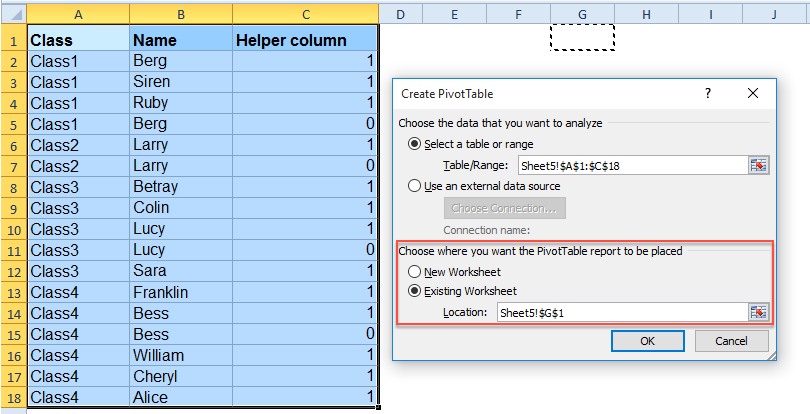
How To Count Unique Values In Pivot Table Printable Worksheets Free
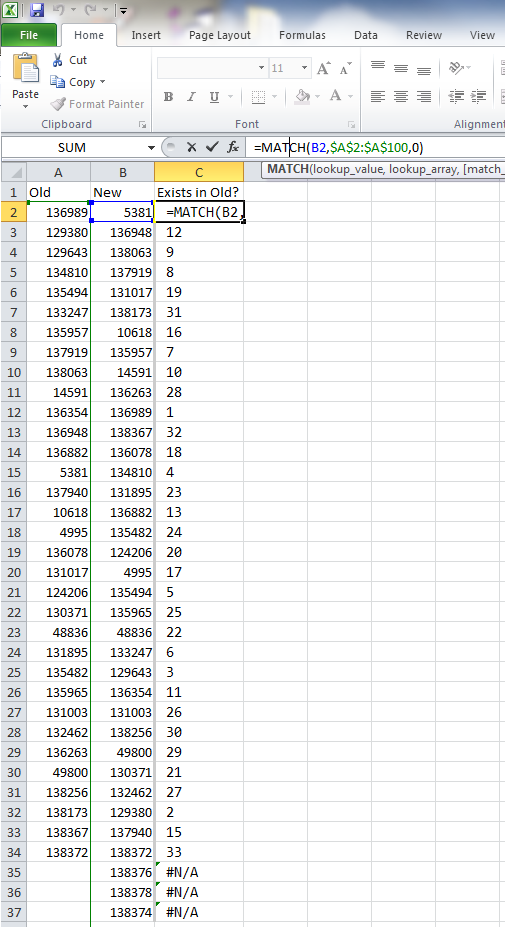
How To Count Unique Values With Blanks In An Excel Column Www vrogue co

How To Count Unique Values In Pivot Table Printable Worksheets Free

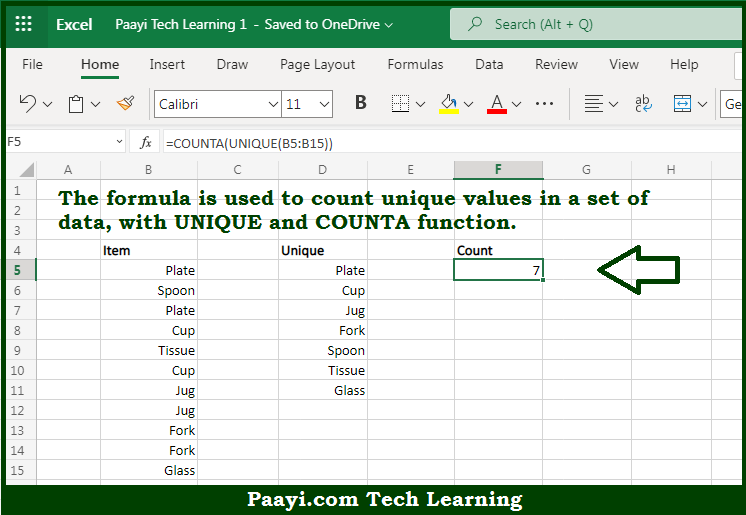
To list the unique values in the cell range A2 through A5 you would use this formula UNIQUE A2 A5 You can see here we have three distinct values listed To count those unique values instead of listing them you add the COUNTA function to the beginning of the formula COUNTA UNIQUE A2 A5
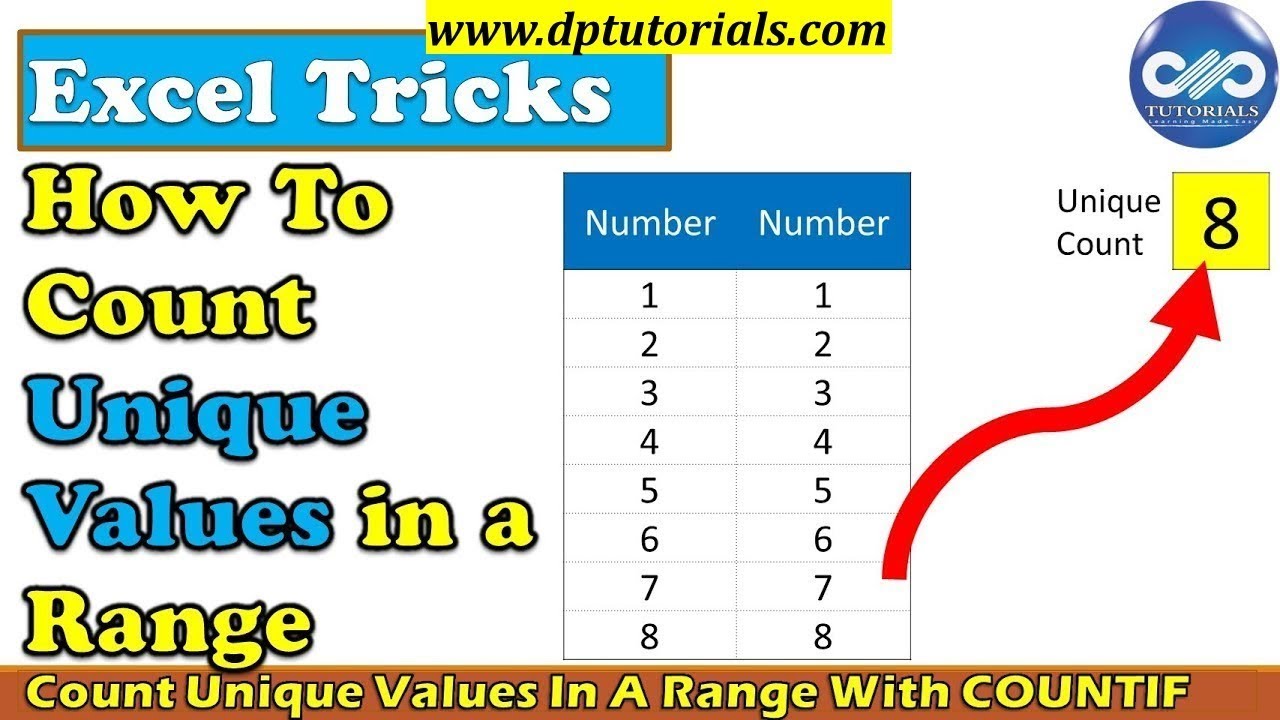
The first way to count the unique values in a range is with the COUNTIFS function The COUNTIFS function allows you to count values based on one or more criteria SUM 1 COUNTIFS B5 B14 B5 B14 The above formula will count the number of distinct items from the list of values in the range B5 B14

The UNIQUE function is specifically designed to get the list of distinct or unique values from a list This can be combined with the COUNTA function to count the number of unique values COUNTA UNIQUE B5 B14 FALSE TRUE The above formula will count the unique items in the range B5 B14
Count the number of unique values in a list column by using Advanced Filter Count the number of unique values in a range that meet one or more conditions by using IF SUM FREQUENCY MATCH and LEN functions Special cases count all cells count words Count the total number of cells in a range by using ROWS and COLUMNS functions
To count the number of unique values in a range of cells you can use a formula based on the COUNTIF and SUMPRODUCT functions In the example shown the formula in F6 is SUMPRODUCT 1 COUNTIF B5 B14 B5 B14 In Dynamic Excel you can use a simpler and faster formula based on UNIQUE Generic formula SUMPRODUCT 1 COUNTIF data data
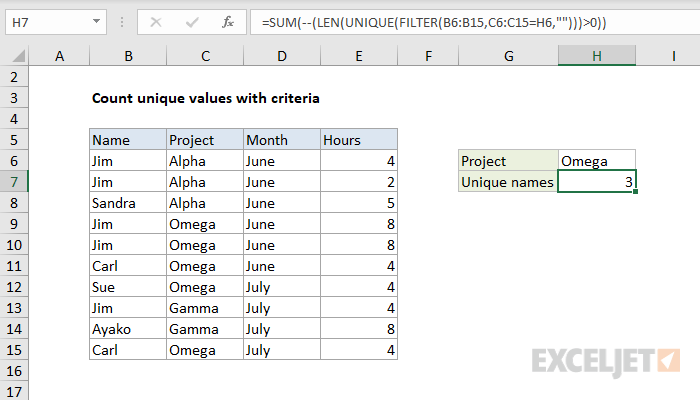
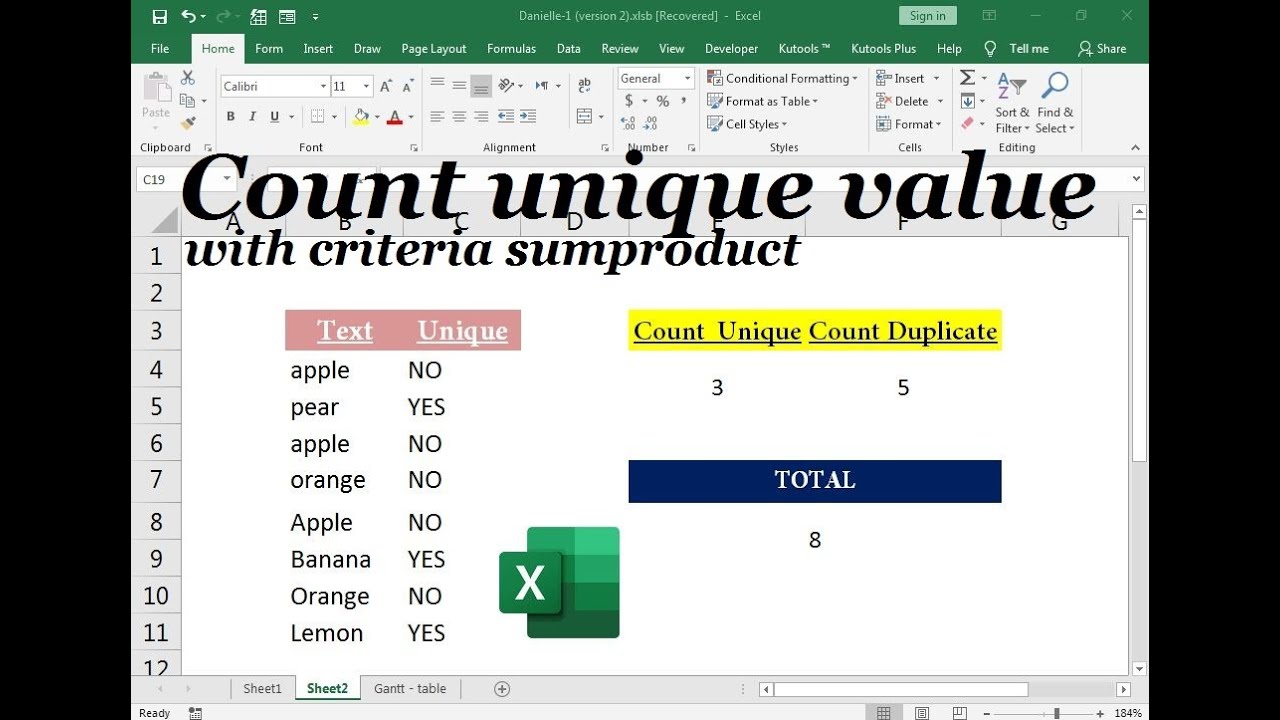
A quick and dirty way to count the unique values in Excel is to remove the duplicates and see how many entries are left This is a good option if you need an answer quickly and don t need to track the result Copy the data into a new sheet so you don t accidentally delete any data you need Select the values or column that you want to remove To count unique values with one or more conditions you can use a formula based on UNIQUE LEN and FILTER In the example shown the formula in H7 is SUM LEN UNIQUE FILTER B6 B15 C6 C15 H6 0 which returns 3 since there are three unique names in B6 B15 associated with Omega Note this formula requires Dynamic Array Formulas available only in Excel 365
The UNIQUE function in Excel can either count the number of distinct values in an array or it can count the number of values appearing exactly once UNIQUE accepts up to three arguments and the syntax is as follows UNIQUE array by col exactly once Array is the range or array to be evaluated