Ms Access Macro Openform Where Condition DoCmd OpenForm Where IT LIFE Cara Mengatasi Masalah Tidak Terdapat Access Database Engine Kursus MS Access Macro Edit In Bangla How To Export Data Using Ms Access Macro Series3 YouTube AutoExec In MS Access Bangla Start Up Macro In MS Access MS Access 1 In my report in MS Access I m trying to have a form open and go to a specific record upon opening I want to to the record where the orthForm in the query is equal to the orthForm textbox being clicked I have DoCmd OpenForm FwordFullQuery orthForm Me orthForm
Access Open form with where clause Ask Question Asked 6 years 4 months ago Modified 5 years 7 months ago Viewed 2k times 0 I need to open a specific form by a click on a subform record name The name in the subform is showed as a combobox with ID and Name as columns I did like this Macro with two where conditions glat 62 32bit I have a form with the where condition to open another form being PropertyID PropertyID which works well in opening up only the pertaining records I would however like it to only open the pertaining current records
AutoExec In MS Access Bangla Start Up Macro In MS Access MS Access Pin On Access Databases MS ACCESS PowerPoint Slides MS Access What Is Microsoft Access In Hindi Computer Access 2016 Create A Macro Computer Science Programming ENTRANCE MODEL QUESTIONS 2078 Access 2007 2007 Automatico Modo A Compatta E Ripara Il Database Di Microsoft Access Su Access Web App Data Macro Where Condition For New Record
Ms Access Macro Openform Where Condition
 Ms Access Macro Openform Where Condition
https://masalife-nandemo-it.com/wp-content/uploads/2021/12/capture1-1.png
The form opens in Print Preview FilterName Input SQL String or existing Query name to use its Where Clause but not Record Source WhereCondition Input Where Clause in String without Where keyword DataMode Optional How you want the input mode to be in Form view or Datasheet view Name
Pre-crafted templates offer a time-saving solution for creating a varied range of documents and files. These pre-designed formats and designs can be utilized for different individual and professional projects, consisting of resumes, invites, leaflets, newsletters, reports, presentations, and more, improving the material production procedure.
Ms Access Macro Openform Where Condition

C And Ms Access Database Tutorial 5 How To Insert Data And Images

Pin On Access Databases

MS ACCESS PowerPoint Slides

MS Access What Is Microsoft Access In Hindi Computer

Computer Science Programming ENTRANCE MODEL QUESTIONS 2078

Access 2007 2007
Not working macro error EDIT I have decided to use VBA to do this OnClick of the unbound nav I open the target form AcNormal but I cant get me InvoiceID from the form recordset query to open to the matching value

The following macro opens the Add Products form from a button on the Suppliers form It shows the use of the Echo CloseWindow OpenForm SetValue and GoToControl actions The SetValue action sets the Supplier ID control on the Products form to the current supplier on the Suppliers form

The wherecondition argument of the OpenForm or OpenReport method or action is the simplest way to get criteria in situations where a user is providing only one value For example you could display a form that prompts users to select an order ID for the invoice they want to print

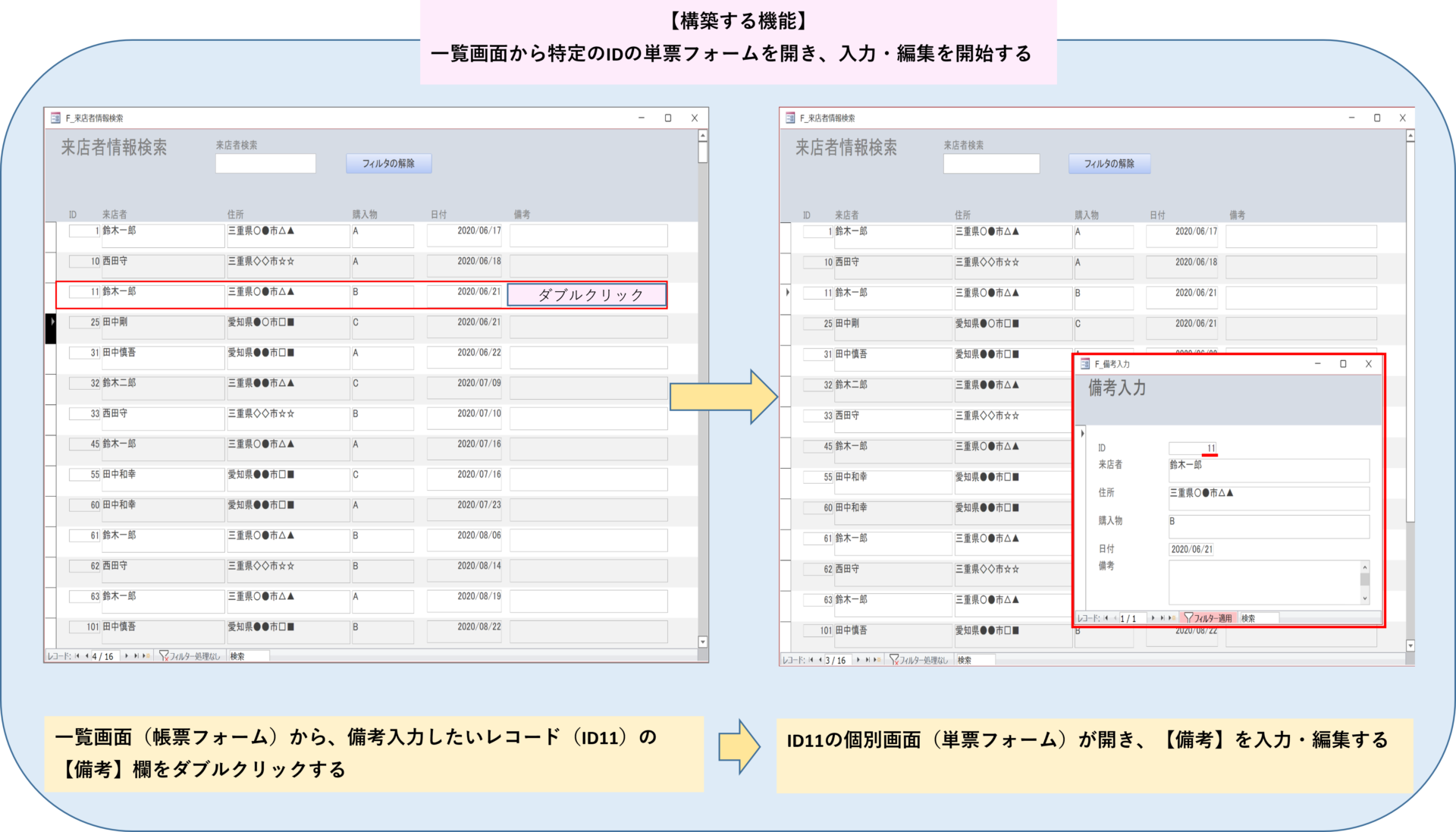
Access 2016 training video on the Where Condition in use with a macro Learn how to click on a form button to open up another form where the current record

1 Hi all I m trying to set up a button to open a form example Form 1 Person ID that filter the results of the opened form based on the contents of a field People ID on the form the button exists on example Form 2 I have the following code Code Copy to clipboard Person ID Forms Form 2 People ID
Dec 1 2012 1 The following line of code is triggered in a click event on a subform I know the syntax is correct but it prompts me for a parameter value the value I pass in the WHERE clause i e Crefid Code Copy to clipboard DoCmd OpenForm tblReferrals Referral ID Crefid When I type this in it opens as expected Two where conditions to open a form Microsoft Access VBA Forums on Bytes 472 988 that the pk form Form A is enter I click a button to open Form B BUT if the pk from Form A Microsoft Access VBA 3 I find myself stuck trying to find the VBA way to get Access to create a PDF of the currently selected and open object Form or
[desc-13]