Mouse Drag Event React Drag And Drop Example Using Plain React Vijay Thirugnanam Today I Learned How Mouse Events Really Bubble In React Morten Barklund How To Handle The Mouse Hover Event In React JavaScript In Plain English Drag And Drop In Pure TypeScript And React React Drag To Select Open Source Agenda Web Sep 6 2021 nbsp 0183 32 Navigate to the project and run the following command in the terminal npm install react draggable Now we ll import the lt Draggable gt component from the library To add movement to an element or a component we can simply wrap the lt Draggable gt component around it Add the following code to App js
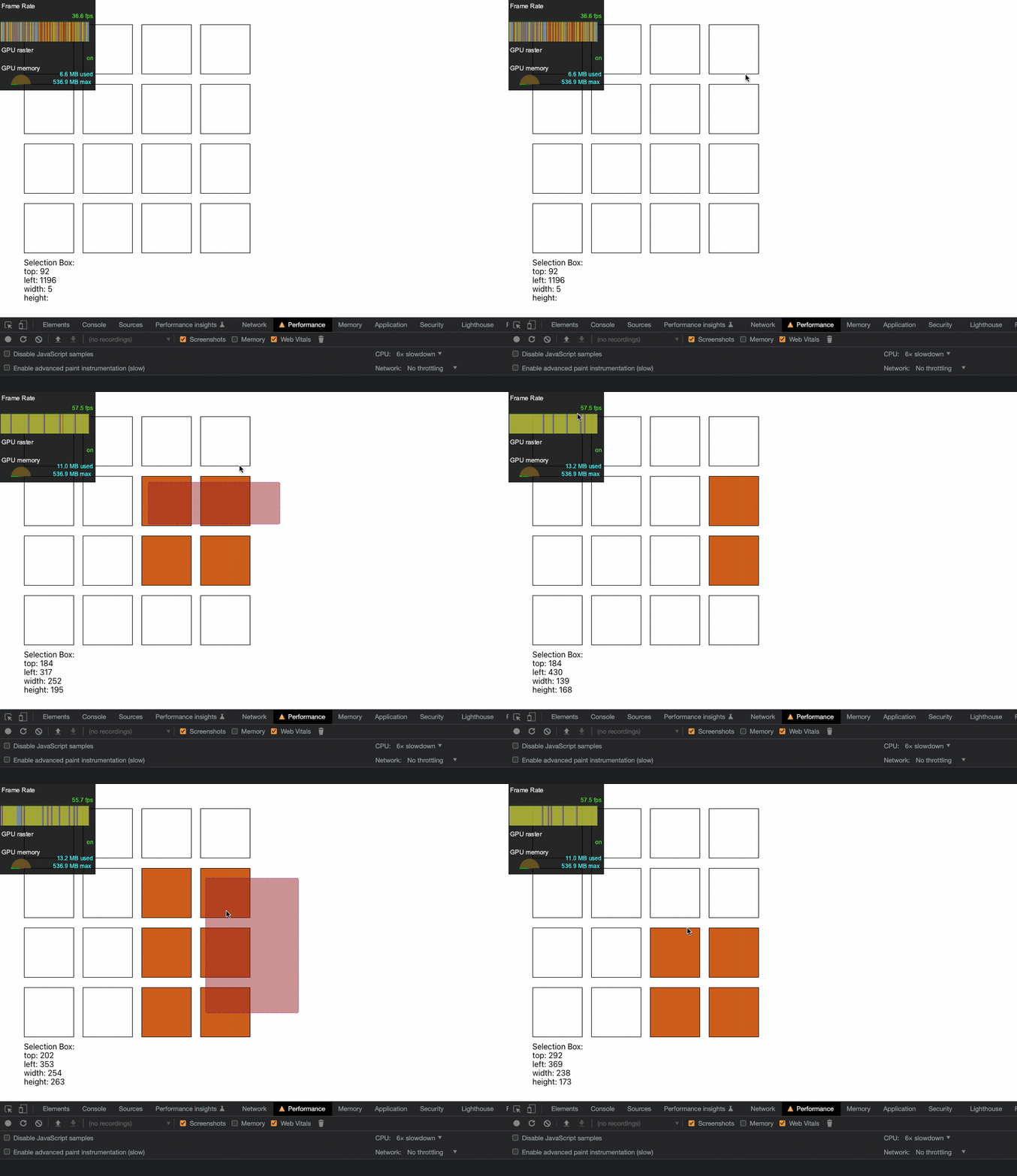
Web Jun 27 2023 nbsp 0183 32 When the onMouseDown event fires create a div at the mouse location position fixed When the onMouseMove event fires change the width height of the div to create the quot selecting quot effect Also here you check for quot collision quot with your divs to decide whether or not they should be marked as selected Web Nov 14 2019 nbsp 0183 32 We define three event handlers move add and remove The first one move is for moving around the element It uses offsetX and offsetY to calculate the position to move offsetX is the distance from where the mouse is positioned to the border left of the element offsetY is the same with the Y coordinate
React Drag To Select Open Source Agenda How To Choose The Best React Drag And Drop Top 15 Free Libraries To Set Up How To Implement Drag And Drop In React With React DnD LogRocket Blog Use Arrastrar Y Soltar El Cuadro De Desplazamiento Y Desplazamiento Create A Drag and Drop Zone In React With React dropzone React Draggable Components A Complete Guide CopyCat Blog React Big Calendar Recurring Events Shopperji How To Add Drag And Drop In React With React Beautiful DnD Create A Drag and drop With React dropzone LogRocket Blog
Mouse Drag Event React
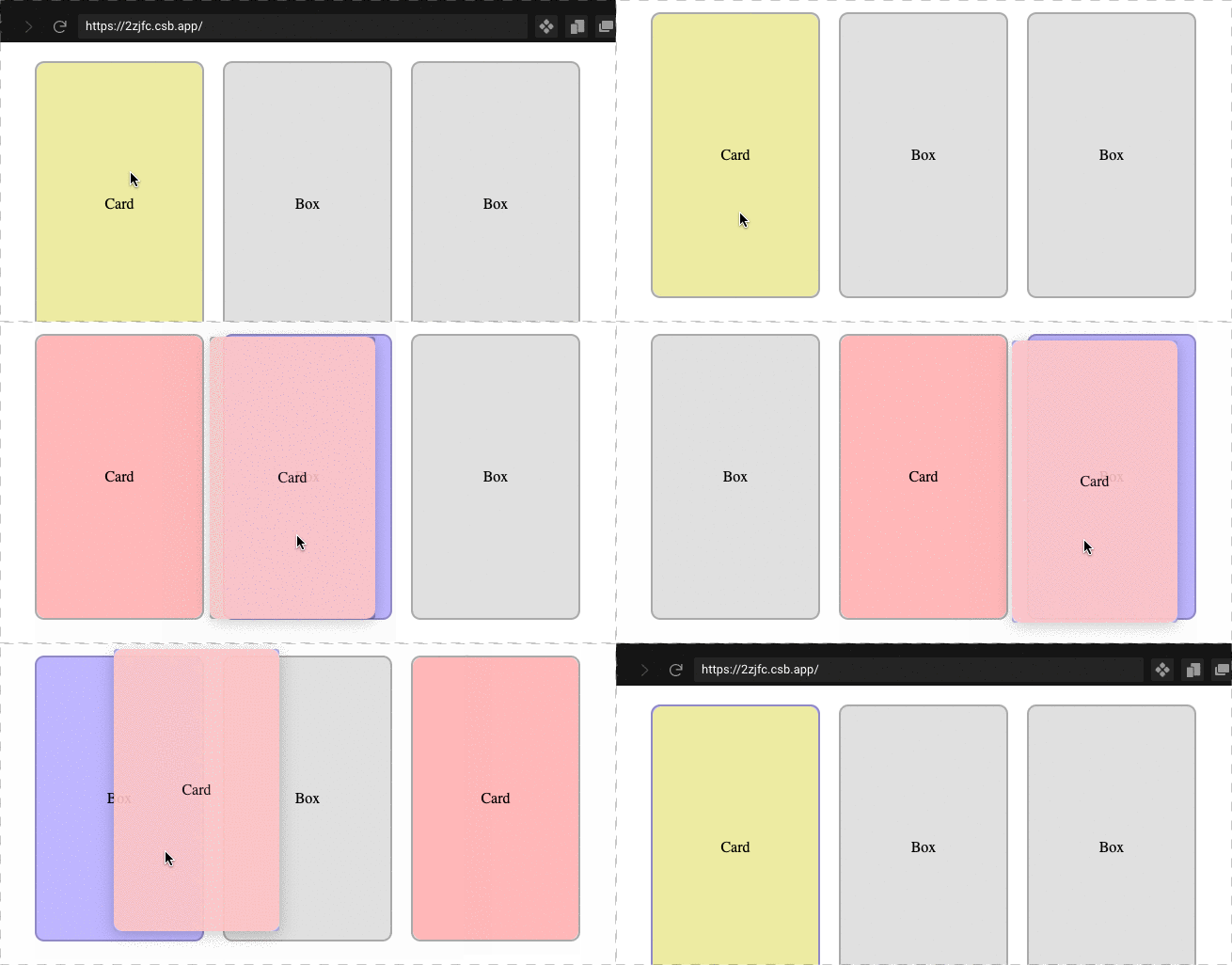 Mouse Drag Event React
http://vijayt.com/wp-content/uploads/2021/08/drag-and-drop.gif
Web Feb 24 2023 nbsp 0183 32 Here we will distinguish between 2 mouse events that are used when a mouse hovers over an HTML element or React component 1 onMouseOut Event This event will trigger when a mouse cursor is no longer within the element or one of its children It will also trigger when the cursor enters any of the child element because the child
Templates are pre-designed documents or files that can be used for various functions. They can conserve time and effort by offering a ready-made format and design for developing different type of material. Templates can be utilized for personal or expert projects, such as resumes, invitations, flyers, newsletters, reports, presentations, and more.
Mouse Drag Event React

Javafx Mouse Drag Event freecodecamp YouTube
How To Choose The Best React Drag And Drop Top 15 Free Libraries To Set Up

How To Implement Drag And Drop In React With React DnD LogRocket Blog

Use Arrastrar Y Soltar El Cuadro De Desplazamiento Y Desplazamiento
React Draggable Components A Complete Guide CopyCat Blog
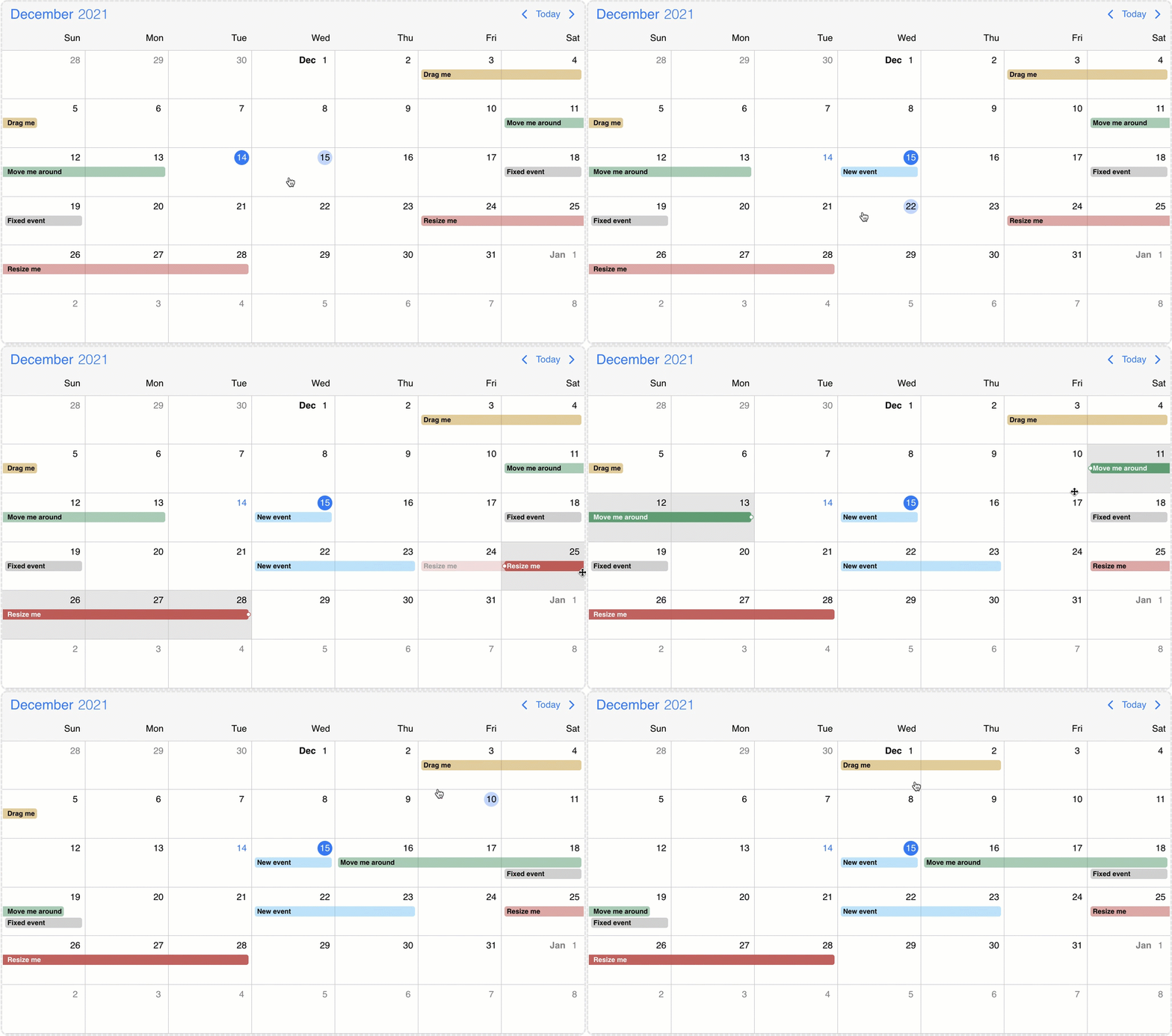
React Big Calendar Recurring Events Shopperji

Web The synthetic events are different from and do not map directly to the browser s native events For example in onMouseLeave event nativeEvent will point to a mouseout event The specific mapping is not part of the public API and may change at any time

Web You can make it show a message when a user clicks by following these three steps Declare a function called handleClick inside your Button component Implement the logic inside that function use alert to show the message Add onClick
Web Jan 4 2014 nbsp 0183 32 import React Component from react import ReactDOM from react dom import Draggable from react draggable var App React createClass render return lt div gt lt h1 gt Testing Draggable Windows lt h1 gt lt Draggable handle quot strong quot gt lt div className quot box no cursor quot gt lt strong className quot cursor quot gt Drag Here lt strong gt

Web Here is a simple working example for testing draggable elements for passers by looking to test mouse down move and up events on draggable elements file draggable widget tsx import from jquery import as React from react type WidgetProps
Web Feb 20 2023 nbsp 0183 32 The DragEvent interface is a DOM event that represents a drag and drop interaction The user initiates a drag by placing a pointer device such as a mouse on the touch surface and then dragging the pointer to a new location such as
Web Nov 3 2022 nbsp 0183 32 In React you can use the onDrag event to track when the user is dragging an element and the onDrop event to track when they drop it You can also use the onDragStart and onDragEnd events to track when the dragging starts and stops To make an element draggable you can set the draggable attribute to true For example import React Web Jan 18 2021 nbsp 0183 32 Mouse handlers These are pretty self explanatory and generally fire with mouse interactions We can use these to implement drag behavior where we keep track of the pixels moved and assign the element new coordinates thereby actually moving or translating the element to a new place onMouseDown called when mouse is pressed
Web Jun 28 2023 nbsp 0183 32 The mouseenter and mouseleave events are triggered when the mouse pointer enters or leaves an element respectively These events are commonly used to implement hover effects or interactive elements that respond to mouse interactions Example Code import React useState from react const MyComponent gt